



My pipeline once looked healthy and was quietly dead. Ten deals, tidy stages, a few "hot" labels, and a revenue number that made me feel like a serious business for about 12 seconds. Then I opened each deal and found the same note — "following up" — from last month. That was not a pipeline. That was a waiting room. I am sharing what fixed it for me, not preaching a system I have mastered.
For everyday sales pipeline management, I ended up caring about two fields more than almost anything else:
- Next Step
- Next Action Date
Not lead score, not forecast category, not a color-coded confidence emoji. Those can help later. But for a founder selling directly, a small service team, or a sales team of one to five, these two fields decide whether the pipeline is alive or quietly rotting.
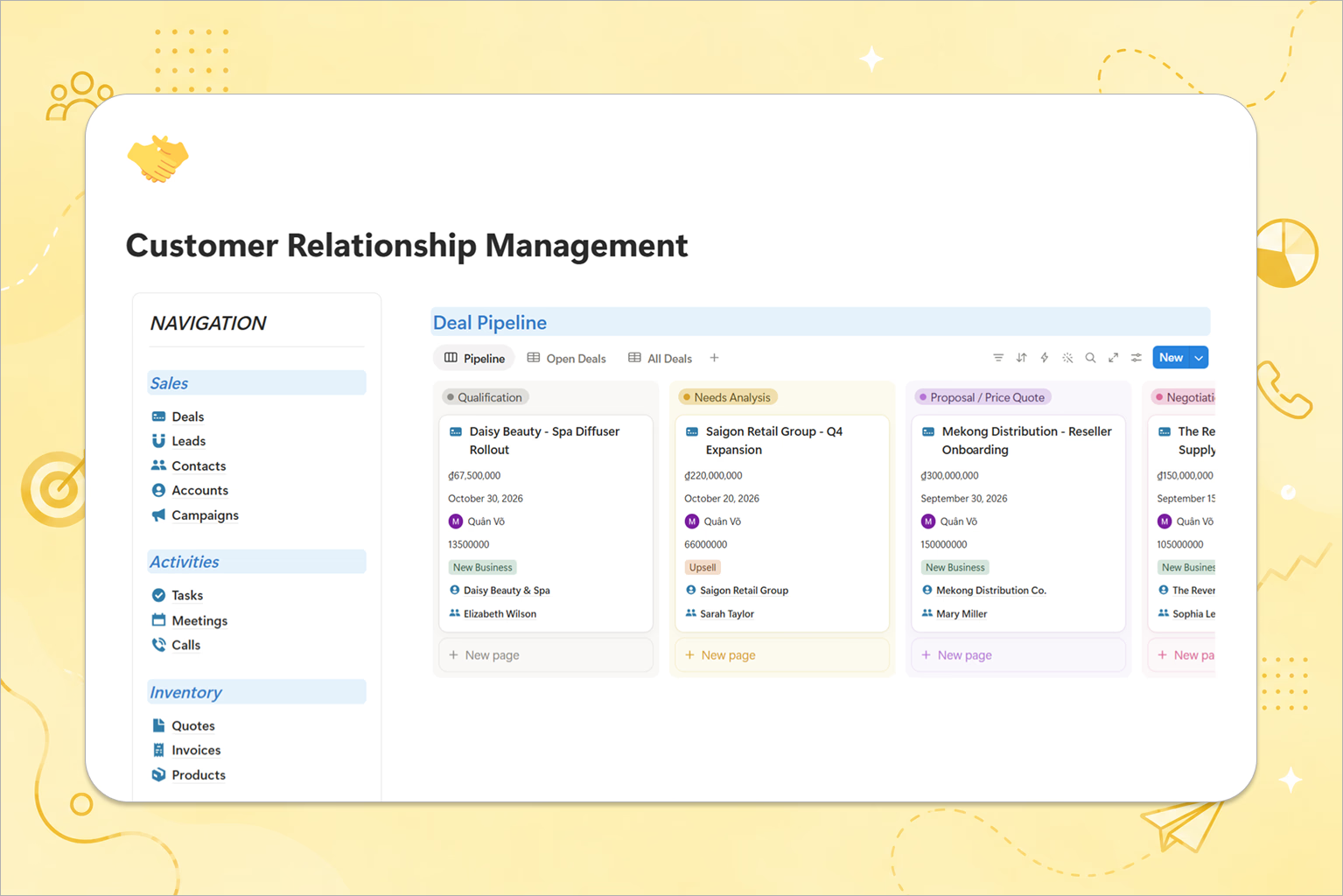
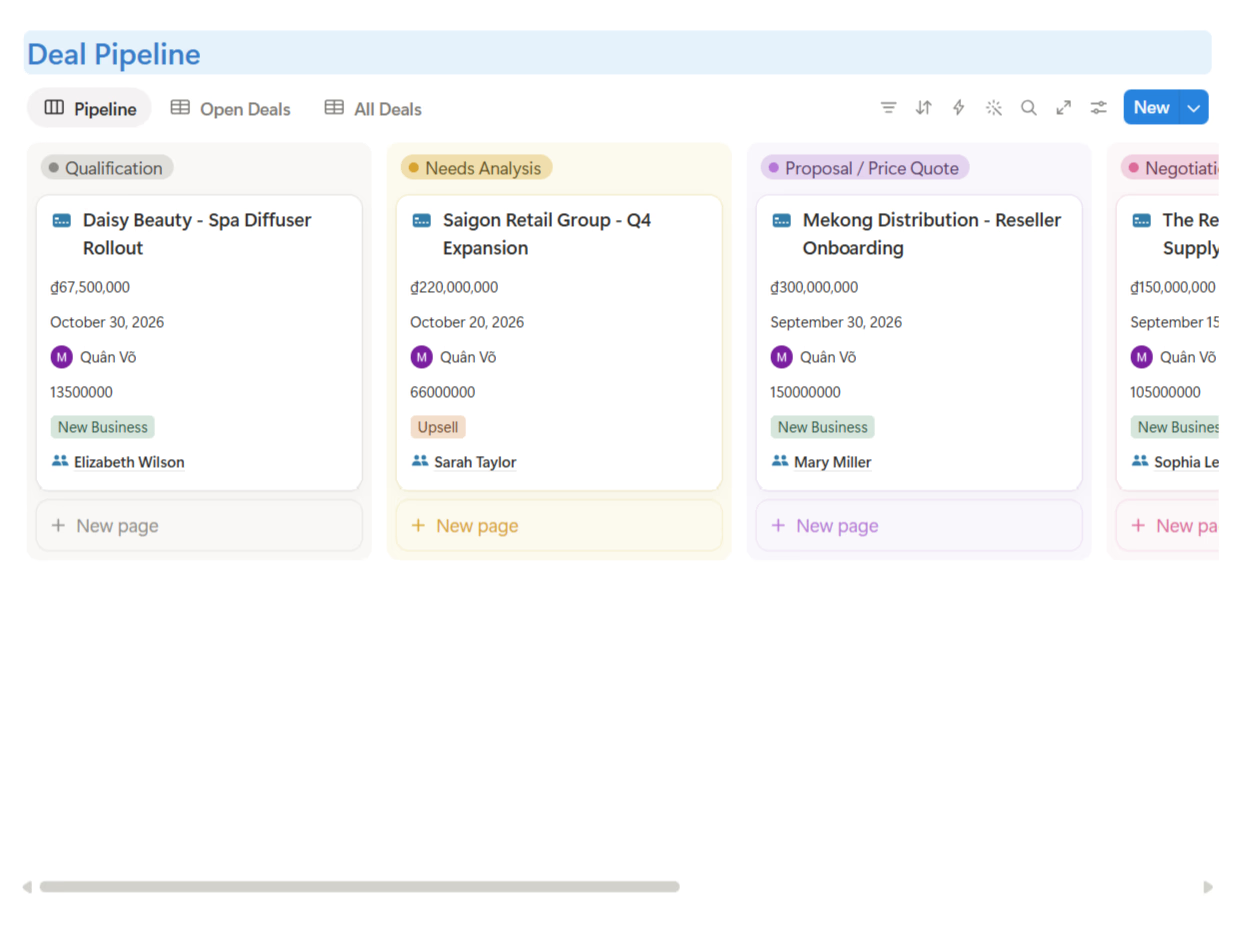
Pipeline stages show position; Next Step shows motion
A pipeline stage tells you where a deal is. A next step tells you whether it is moving. That distinction took me a while to feel. This is the same visibility big CRM platforms promise — a clear path from first inquiry to closed sale — just reduced to the smallest version that actually works for a tiny team.
A deal in "Proposal Sent" can mean the proposal went out two hours ago, or eight days ago with no reply, or 31 days ago while everyone pretends patience is a strategy. Same stage, completely different health. That is why stage alone is never enough.
Every deal needs a clear next action written in plain language:
- Send proposal by Friday
- Ask for budget confirmation
- Book technical review call
- Share case study for a similar client
- Follow up on decision with procurement
If the Next Step field is blank, the deal is not being managed — it is being observed.
Next Action Date creates follow-up discipline
A next step without a date is a wish, and "follow up later" is not a process — it is a small prayer. The Next Action Date turns intention into an appointment with yourself: it tells you exactly when to act if the client has not moved.
This is the cheapest pipeline improvement I know. You do not need automation first; you need the discipline to never let a deal sit without a dated next action. My rule:
Every active deal must have a Next Step and a Next Action Date. If it has neither, it is not active.
That sounds strict because it is. Sales rewards clarity.
The 48-hour follow-up rule
The follow-up rule I settled on for small B2B sales: after any meaningful interaction, set the next action within 48 hours. A meaningful interaction is a discovery call, a proposal sent, a pricing discussion, a demo, an objection, or a client saying they will "review internally."
Why 48 hours? Because momentum decays fast. You do not need to harass people — you need to protect the conversation from becoming archaeology. A simple check-in works:
"Quick check-in — after our call, the next step was to confirm whether the package fits your internal timeline. Should I send over the implementation plan, or is there a blocker we should adjust for?"
That is not pushy; it is useful. The client does not need another "just following up." They need the thread to move forward.
Example: one deal through 4 pipeline stages
Let me follow one fictional deal: Blue Oak Studio, a small agency interested in a Notion operations setup.
| Pipeline stage | What happened | Next Step | Next Action Date |
|---|---|---|---|
| New Lead | Founder sends a message asking about CRM setup | Reply with 3 qualifying questions | Today |
| Qualified | They confirm team size, pain point, and budget range | Book discovery call | Tomorrow |
| Call Completed | Call reveals lead tracking is split between chat and spreadsheet | Send proposal with CRM workflow example | Within 24 hours |
| Proposal Sent | Proposal sent; client says they need internal review | Follow up with implementation timeline and ask for decision date | 48 hours later |
Notice what changes at each stage. The deal does not just move from column to column — the action changes. A live pipeline is a chain of commitments; a dead pipeline is a collection of labels.
How to write a useful Next Step
Bad next steps are vague: "follow up," "check in," "wait for reply," "discuss." They do not tell you what to do. Good next steps are specific and physical — you can perform them:
- Send pricing proposal with 2 package options
- Ask whether legal review is required
- Book a 30-minute technical call with their ops lead
- Share a case study from a similar agency
- Confirm decision timeline before Friday
- Close as lost if no reply after final follow-up
Use a verb. If the next step does not start with a verb, it is probably not an action.
Signs your deal has gone silent
Not every slow deal is dead, but silent deals share patterns.
| Signal | What it usually means | What to do next |
|---|---|---|
| No Next Step | The team does not know how to move it forward | Define one action or close the deal |
| Next Action Date is overdue | The team missed its own commitment | Follow up today or reset the date with a reason |
| Same stage for 14+ days | The deal may be stuck behind an unspoken objection | Ask directly what is blocking progress |
| Notes say "checking internally" with no date | You accepted vagueness as a plan | Ask for the decision process and timeline |
| Multiple follow-ups with no response | Interest may be gone | Send a polite close-the-loop email |
This is not meant to shame anyone — it stopped my own fake optimism. A stale deal is not a moral failure; it is data.
The close-the-loop follow-up
When a deal has gone quiet after several follow-ups, I stop poking forever and send a close-the-loop message:
"Looks like this may not be the right timing, so I will close the loop for now. If improving your pipeline becomes a priority again, happy to revisit and suggest the simplest setup."
This does two useful things: it gives the client an easy way to reopen the conversation, and it gives you permission to clean the pipeline. A clean pipeline is more valuable than a big one full of ghosts.
How I run this in a Notion CRM
A CRM is really just one organized place for every customer interaction, so a spreadsheet stops keeping up once deals multiply. In your CRM database, create these properties:
- Stage — Select or Status
- Next Step — Text
- Next Action Date — Date
- Last Contacted — Date
- Deal Value — Number
- Owner — Person
- Notes — page content or text
Then build three views:
1. Today's follow-ups
Filter: Next Action Date is today or earlier, and Stage is not Won or Lost. This becomes your daily sales cockpit.
2. Stale deals
Filter: Stage unchanged recently or Last Contacted older than your limit, Stage still active. Review this every Friday.
3. No next action
Filter: Next Step empty or Next Action Date empty, Stage active. This view is uncomfortable — good. It shows deals only pretending to be managed.
The bottom line
Your pipeline does not need to be fancy — it needs to move. What I keep reminding myself:
- Stage tells you where the deal is; Next Step tells you how it moves.
- Next Action Date protects follow-up from memory.
- Every meaningful interaction should create a dated next action within 48 hours.
If a deal has no next step and no next action date, it is not in your pipeline — it is in your hopes-and-dreams department.
👉 If you want this workflow ready inside Notion, explore CRM Package - Smart.
Want the broader CRM setup first? Read What Is a CRM? A Beginner-Friendly Guide for Small Teams and Founders.