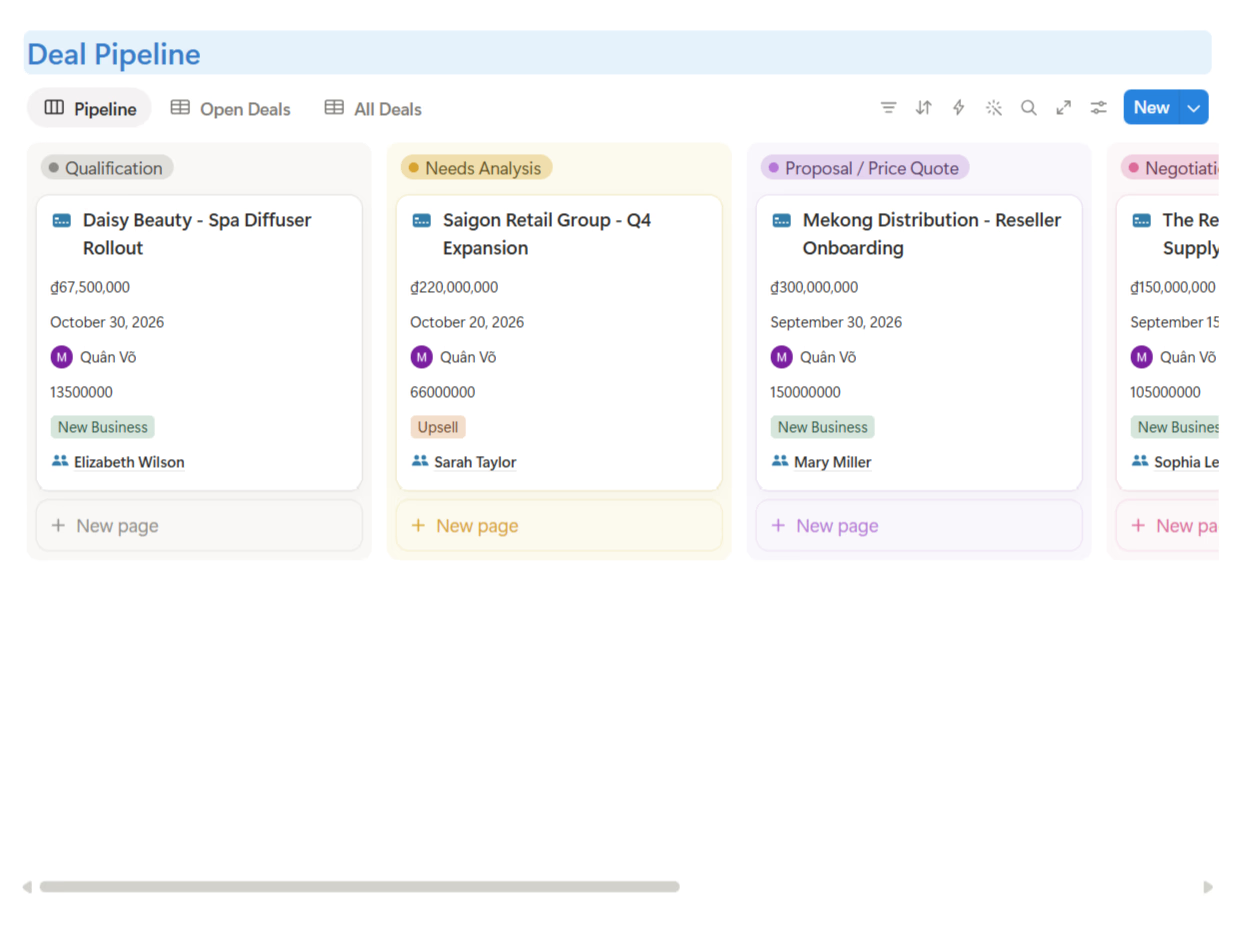




Most Notion CRM templates are a contacts table wearing a pipeline view as a costume. That's fine for tracking a handful of leads — but real sales work produces activities, quotes, invoices, and campaigns, and most templates have nowhere to put them.
I went through the most popular options from the biggest creators — Easlo, heyismail, and Notion4Management — to save you the trouble. Here's what's worth your time.
Short answer: for a free lightweight pipeline, heyismail's Business CRM or Easlo's $9 CRM will do. If you want a complete sales system — leads, contacts, accounts, deals, campaigns, activities, quotes, invoices, products, and a specialized AI Sales Prompt Library — the TailorFlow CRM Package is the only Notion template here that covers the full cycle.
Quick comparison
| Template | Price | Pipeline | Activities log | Campaigns | Quotes & invoices | Products catalog | AI Sales Prompt Vault |
|---|---|---|---|---|---|---|---|
| Notion's Official CRM | Free | Basic | No | No | No | No | No |
| Easlo CRM Template | $9 | Yes | Partial | No | No | No | No |
| heyismail Business CRM | Free | Yes | Partial | No | No | No | No |
| Notion4Management CRM Client Portal | $19 | Yes | Partial | No | No | No | No |
| TailorFlow CRM Package | $49 one-time | Yes | Yes | Yes | Yes | Yes | Included (50+ Pro Prompts) |
| HubSpot free CRM (non-Notion) | Free | Yes | Yes | Yes | Paid tiers | Paid tiers | Paid add-ons |
1. Notion's official CRM template
Free | Available in Notion's template gallery
The obvious starting point. Companies, contacts, and a simple deal pipeline. Clean, fast to set up, easy to understand.
That said, it's a skeleton. No activity logging structure, no campaigns, nothing after the deal closes — no quotes, no invoices. It's a place to see your pipeline, not a system to run your sales.
2. Easlo CRM Template
$9 one-time
Easlo's CRM is nine dollars of clean design: contacts, companies, a pipeline view, and a minimal dashboard that looks good immediately. At this price it's honestly a fair deal for a freelancer tracking a dozen clients.
The limits match the price: no campaign tracking, no quotes or invoices, shallow activity history. It's a pipeline viewer, not a sales system — and there's no documentation on how to run a sales process with it.
3. heyismail Business CRM
Free
From one of the most prolific Notion creators (300+ templates, 100,000+ users), the free Business CRM covers contacts, deals, and staying organized. For zero dollars, it's a reasonable starting point.
The tradeoff: it's deliberately simple — no campaigns, no quotes or invoices, shallow activity history. It also exists partly as an on-ramp to their paid bundles and Business OS ($129), so expect the upsell path along the way.
4. Notion4Management CRM Client Portal
$19 one-time
Built by a Notion Certified Expert with 10,000+ customers, the CRM Client Portal is the most interesting mid-price option: CRM plus project tracking plus a client-facing portal structure in one template, with tutorials included.
It suits service businesses that deliver client work. The gap is the commercial layer: no campaigns, no quotes, no invoices, no product catalog — so the "closing and billing" half of sales still lives in your spreadsheets.
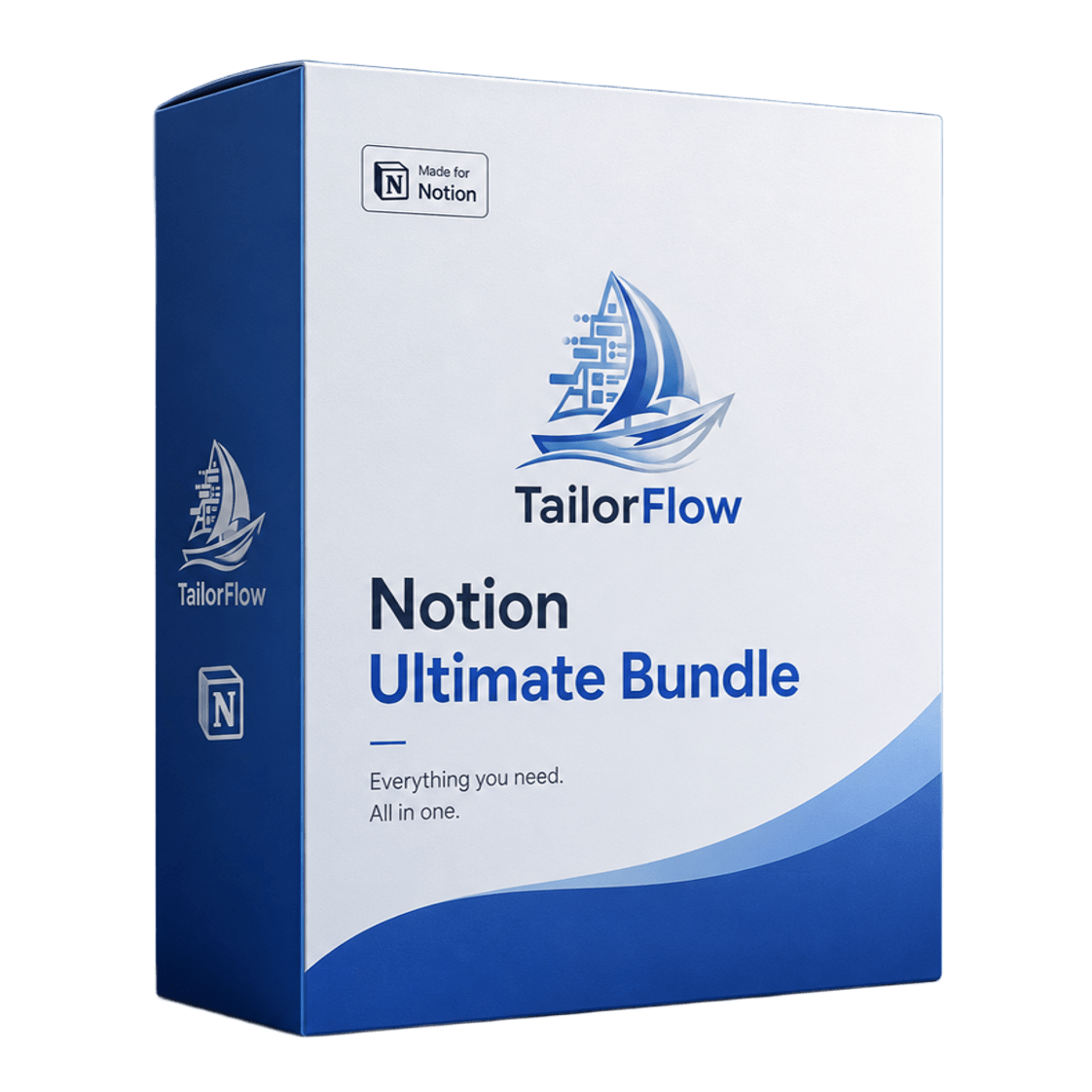
5. TailorFlow CRM Package
$49 one-time
Full disclosure: this is our product. I'm including it because it's genuinely built differently, but take my review with appropriate skepticism.
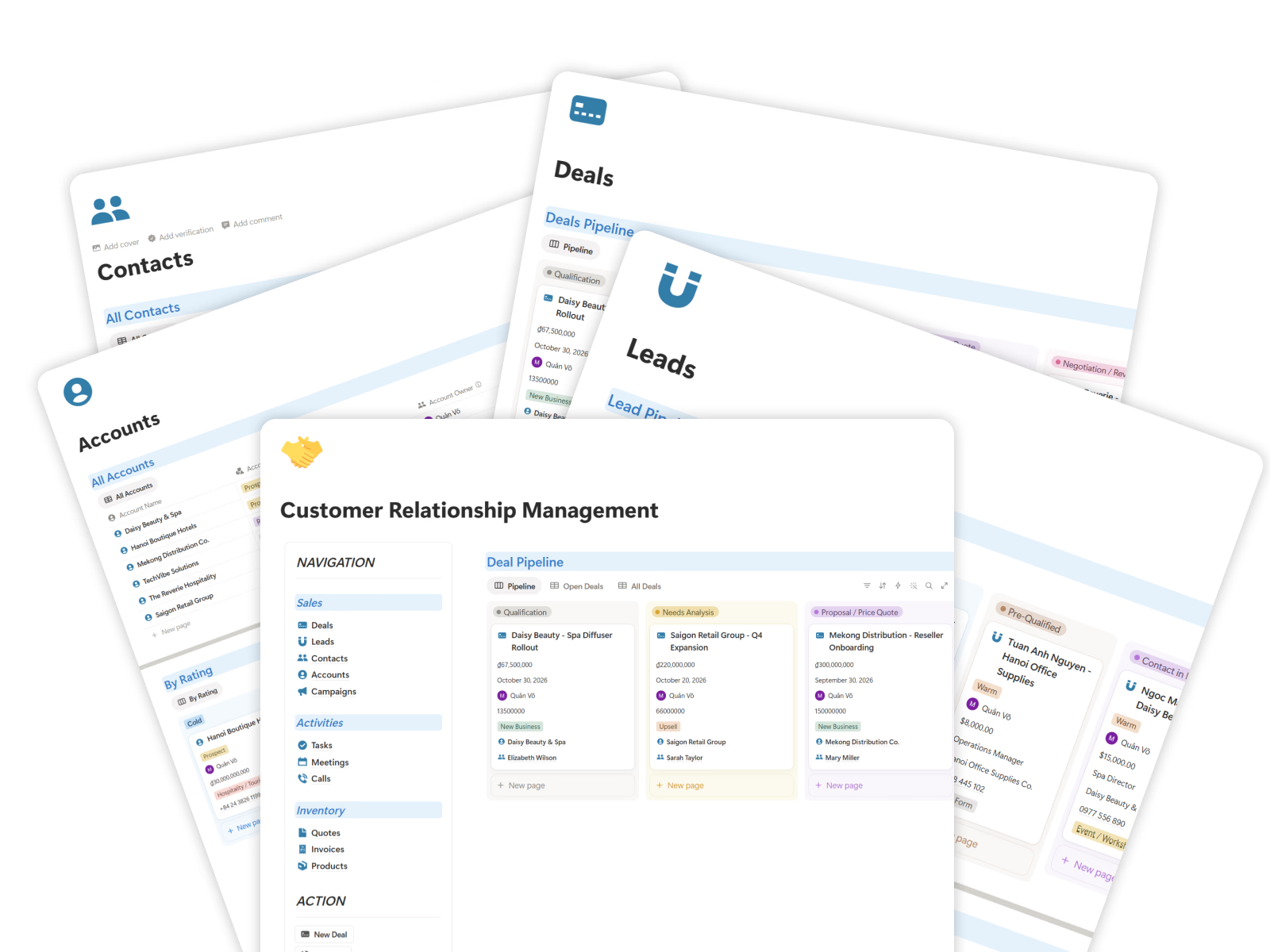
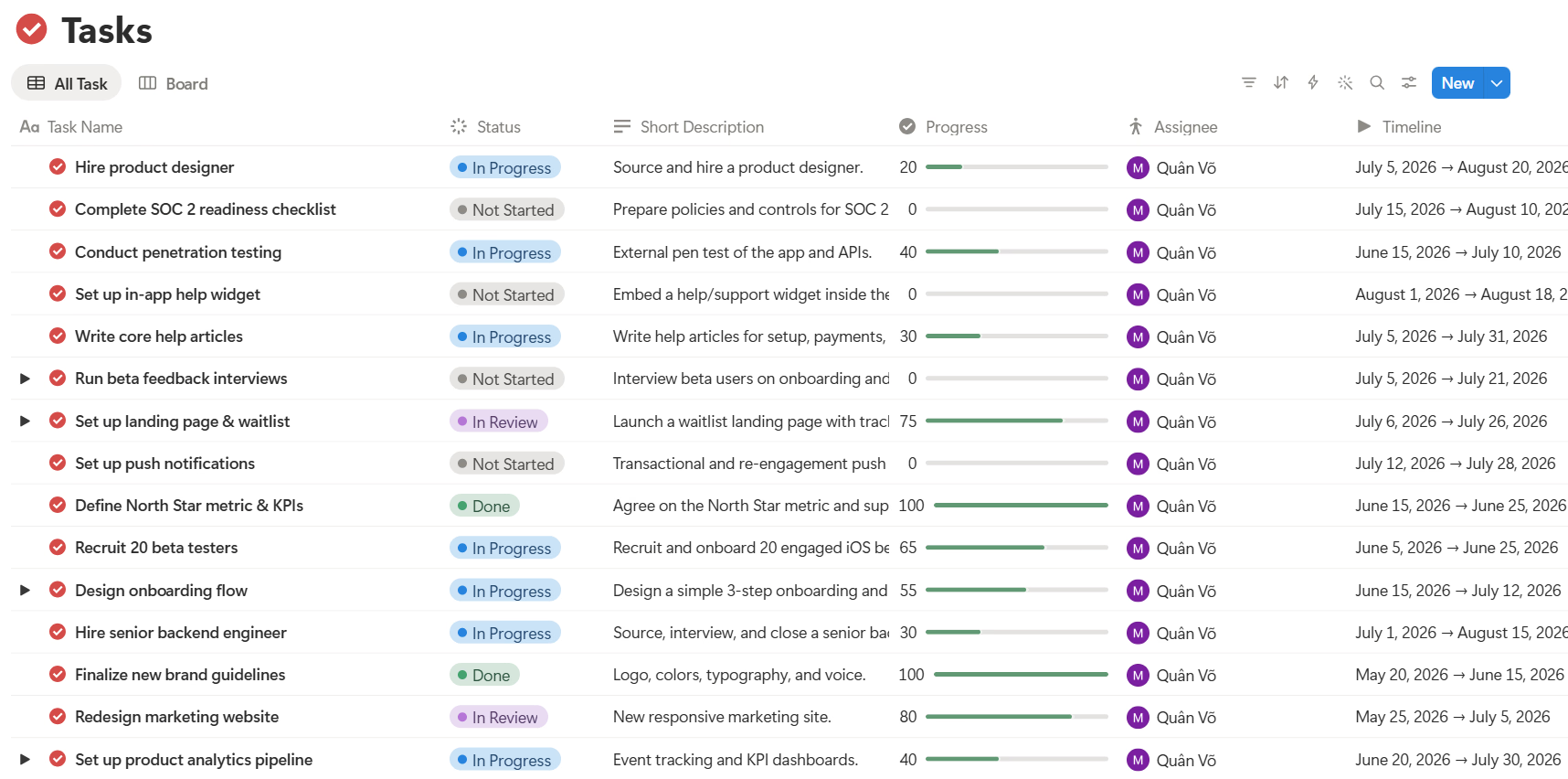
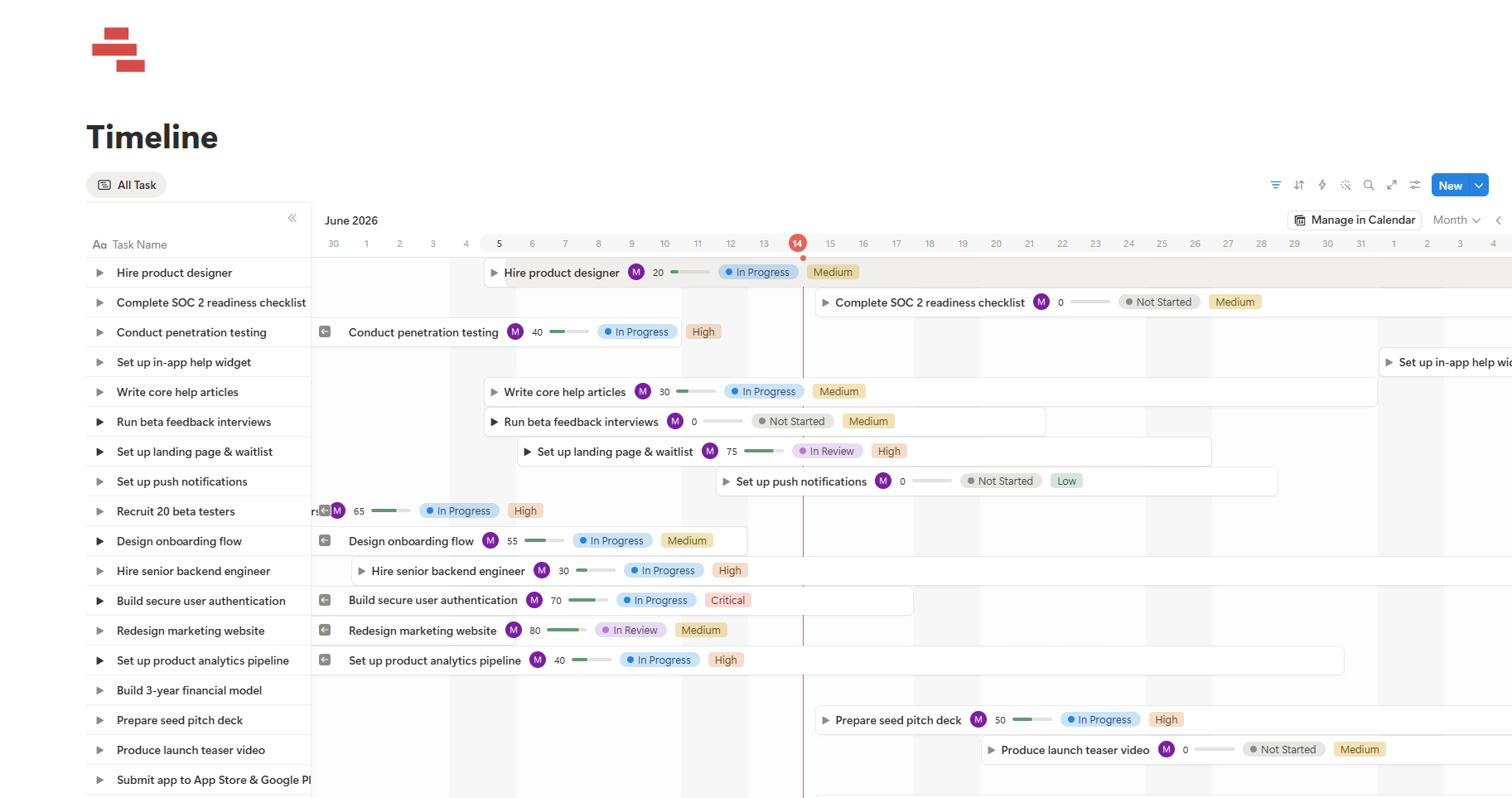
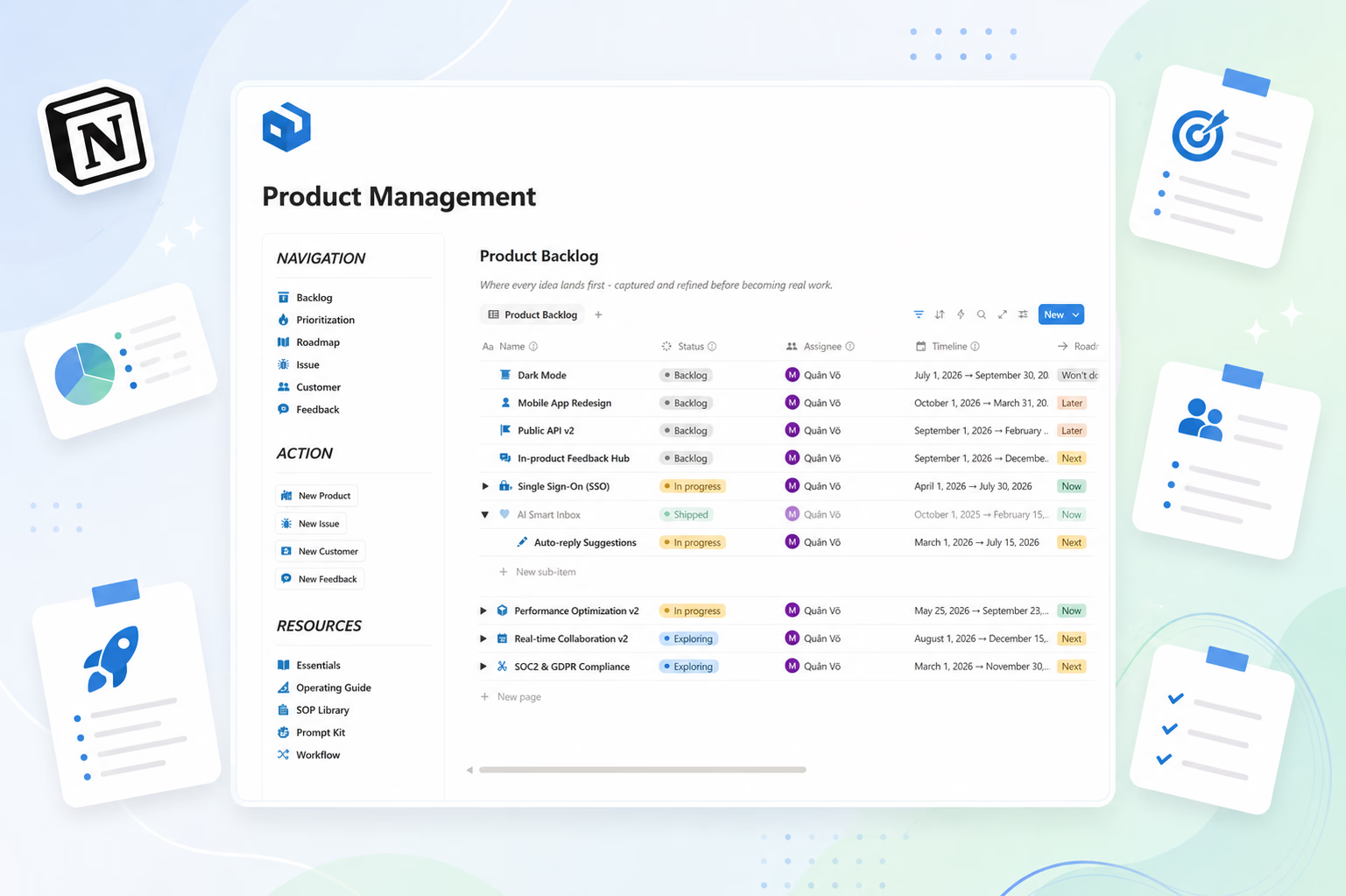
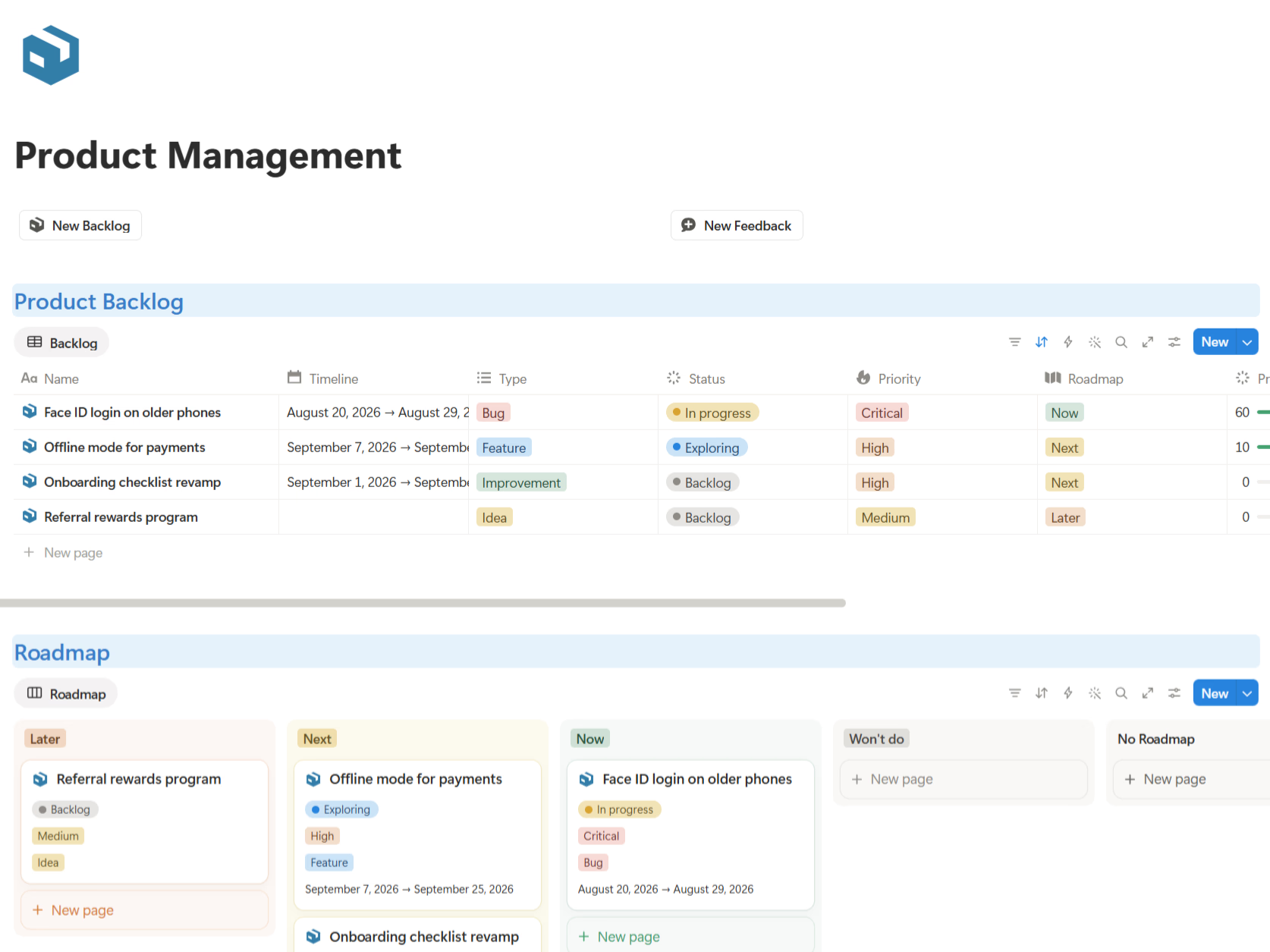
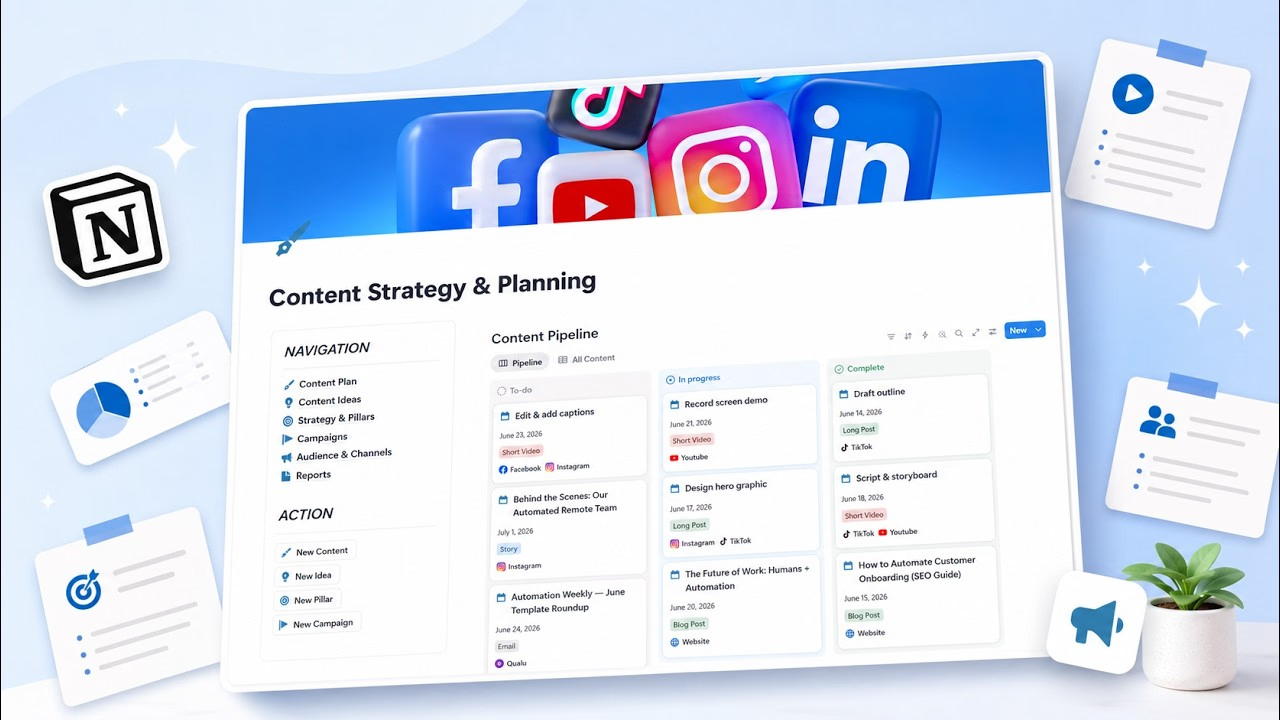
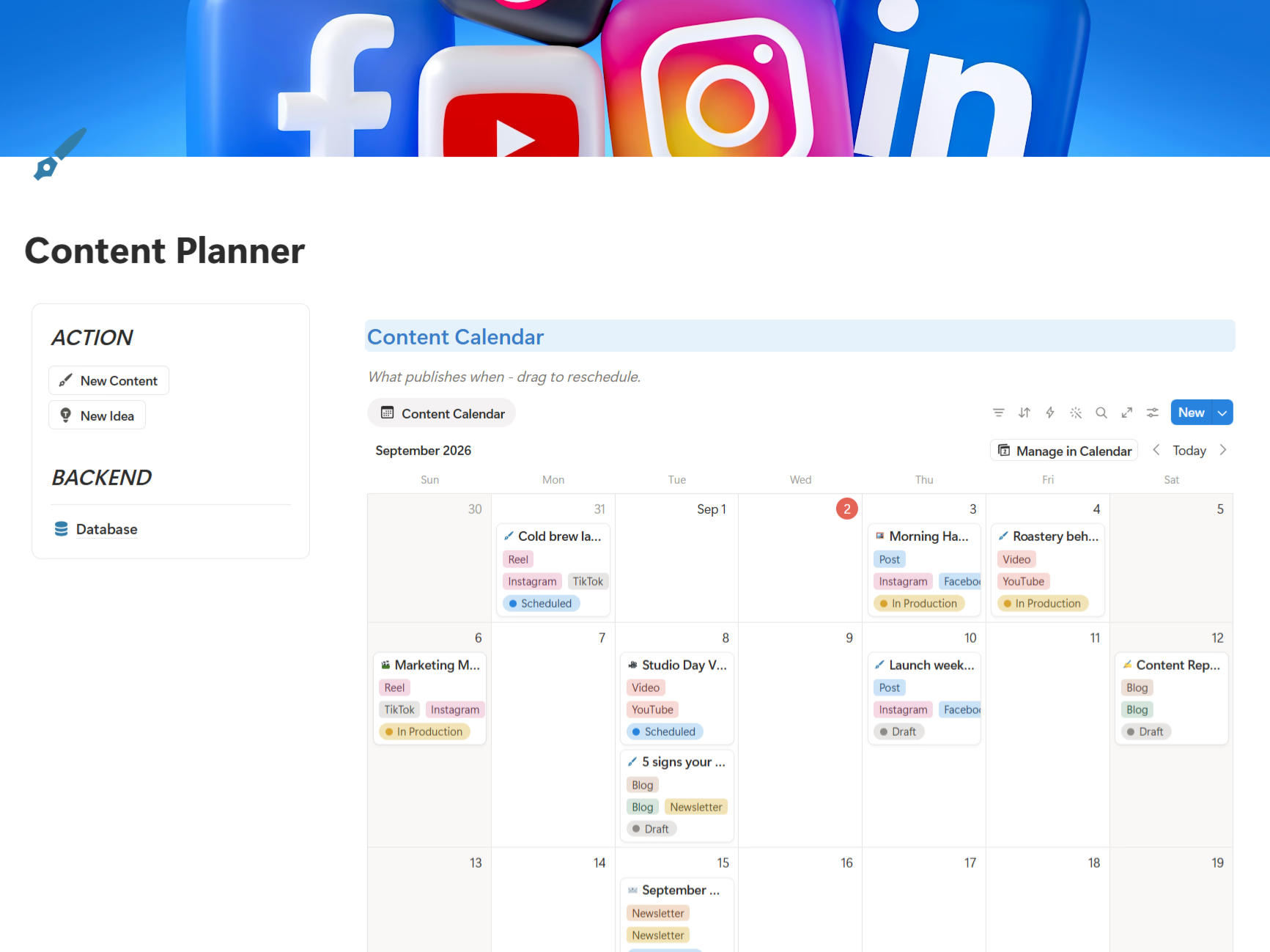
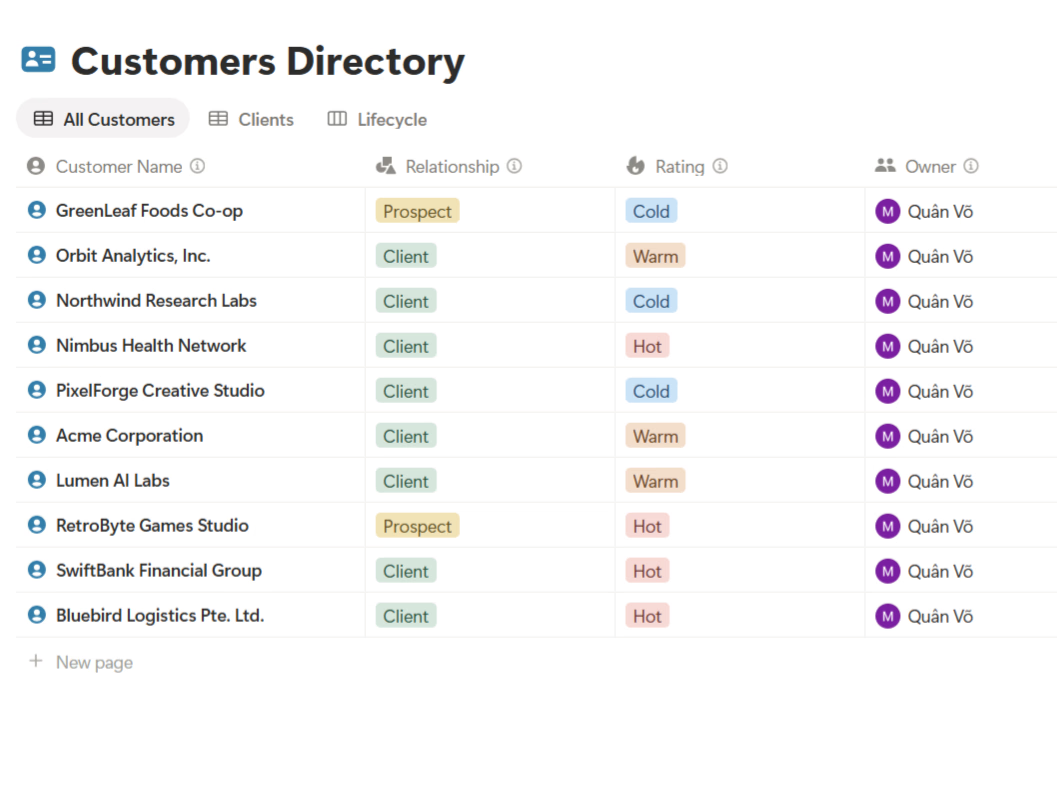
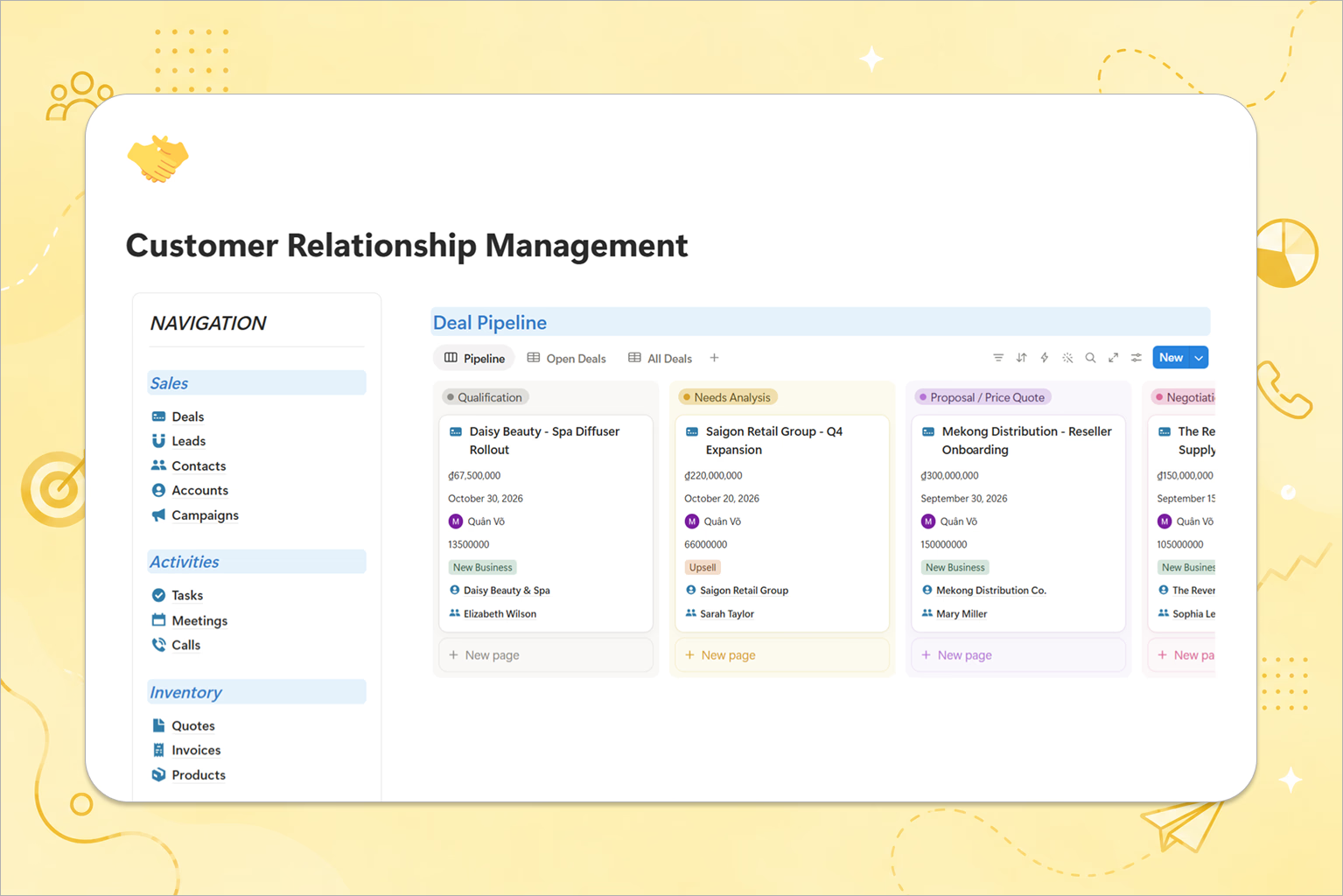
The short version: it covers the full sales cycle, not just the pipeline. Leads, contacts, accounts, deals, campaigns, activities, quotes, invoices, and products all live in one connected dashboard — so when a deal closes, the quote and invoice are already linked to the same record, and your next follow-up is always obvious.
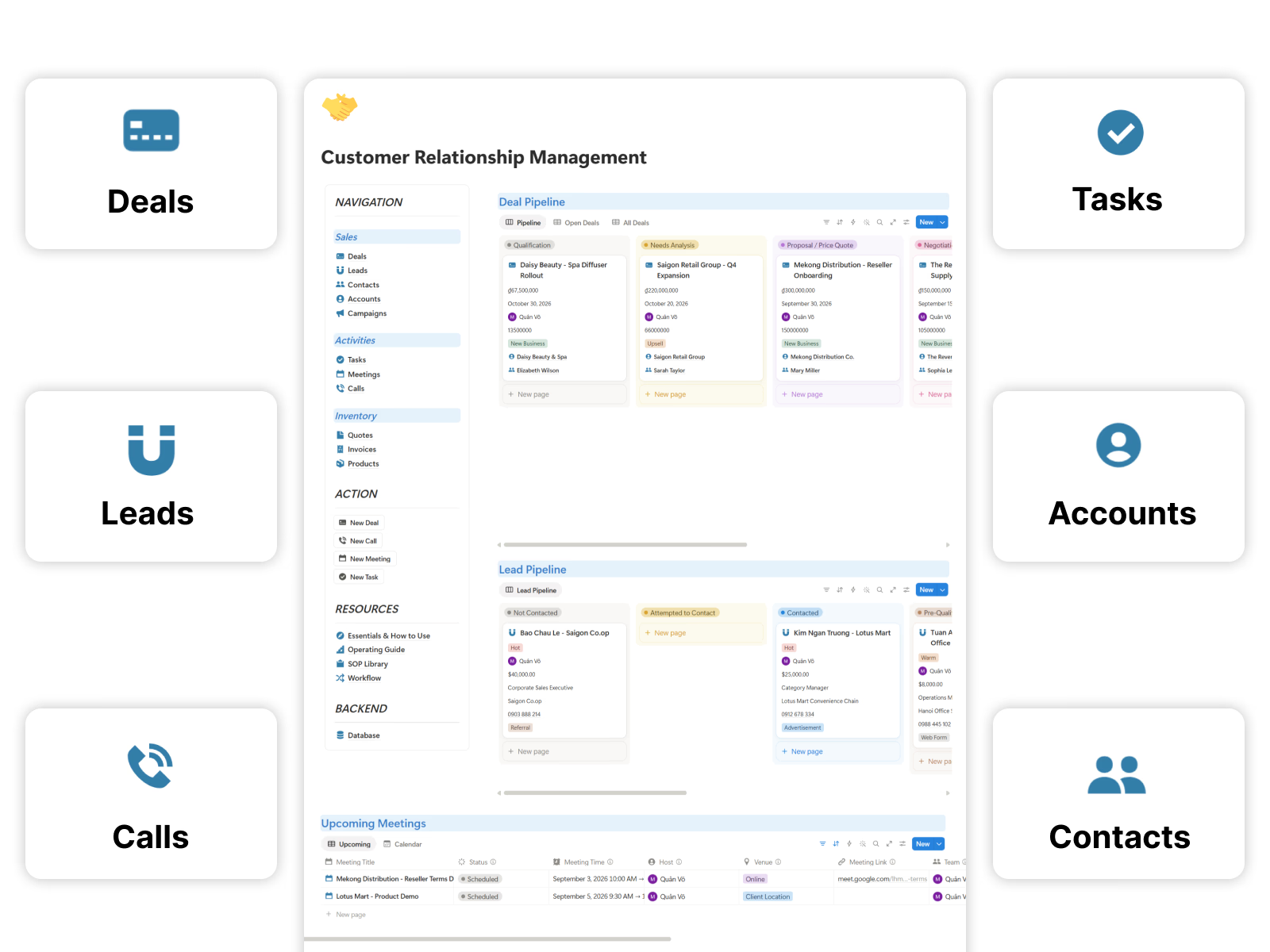
What makes it different:
- Setup Checklist — import your contacts and configure the pipeline step by step
- Study Case — a worked example of a small sales team running it end to end
- Built for small sales teams — no enterprise bloat, no forty-field contact forms
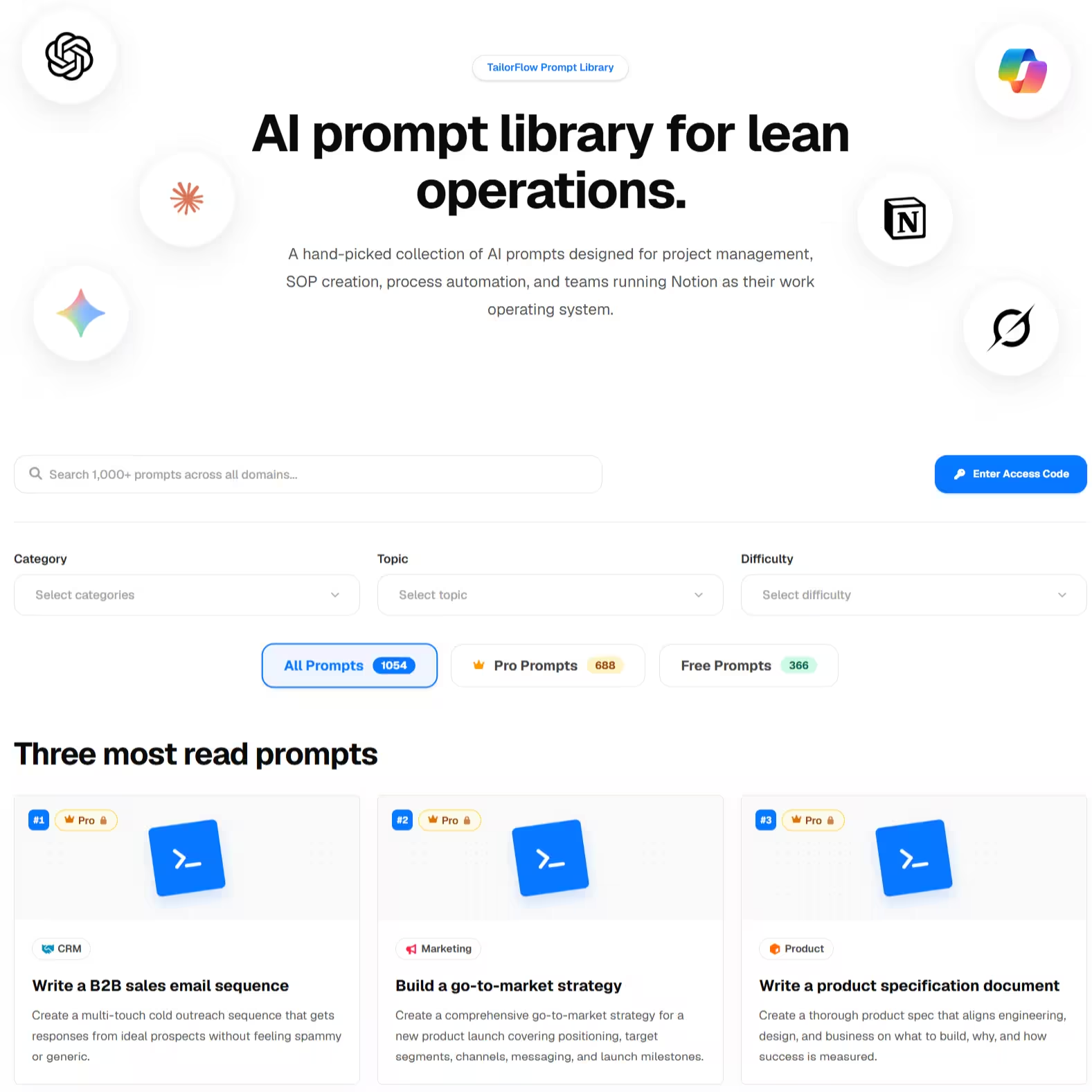
- Bundled Pro AI Prompt Library — includes 50+ pre-engineered prompts tailored for sales outreach, lead qualification, objection handling, and proposal drafting across ChatGPT, Claude, Gemini & Notion AI
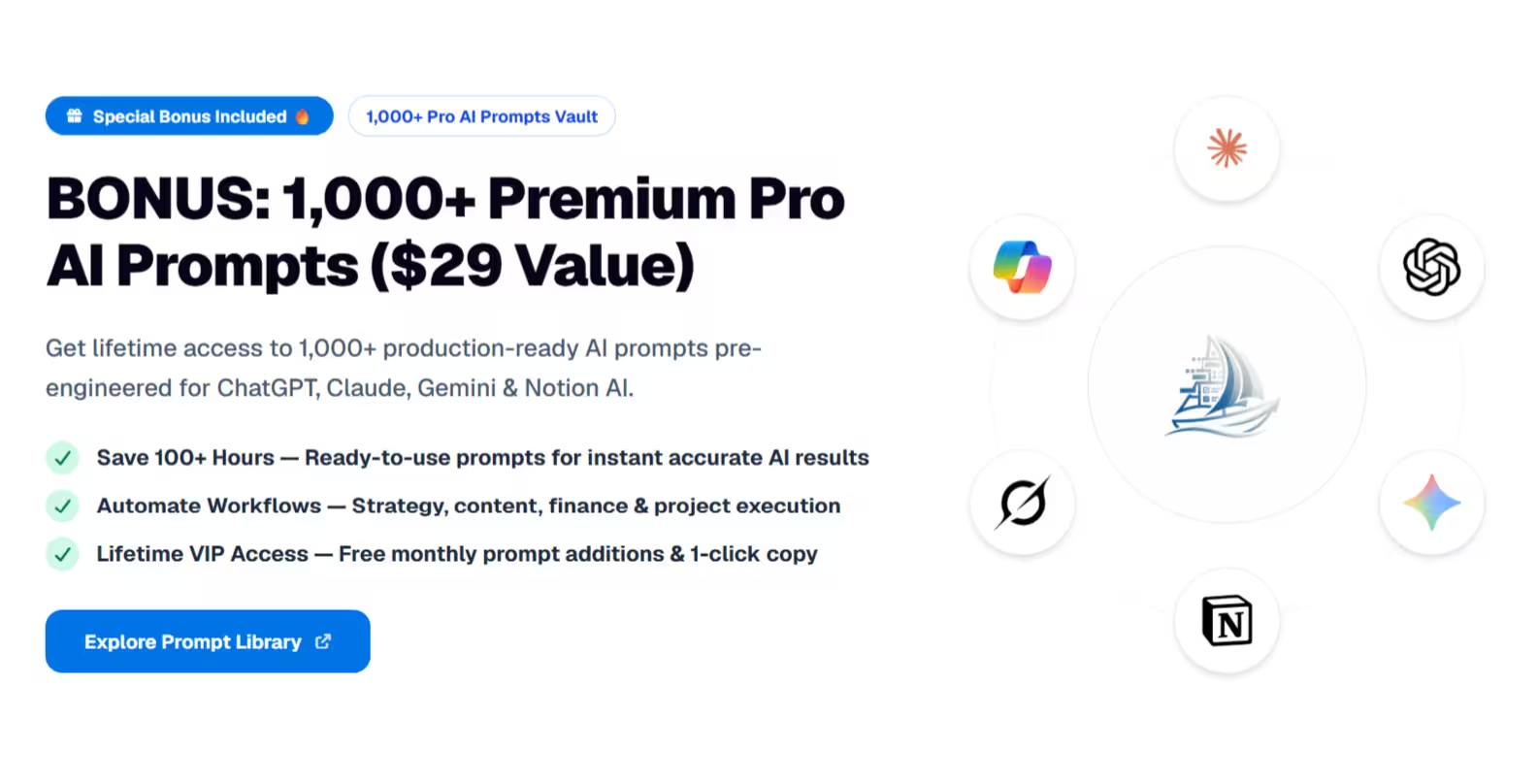
Why the included AI Prompt Library changes the game for CRM:
- Instant Sales Copywriting: Never stare at a blank screen when writing follow-up emails, cold outreach messages, or sales proposals.
- AI-Powered Lead Scoring & Analysis: Copy-paste customer call notes to get instant summary key takeaways, deal risks, and recommended next steps.
- Objection Handling Scripts: Turn tough prospect pushbacks (pricing, timing, competitors) into persuasive, high-converting responses in seconds.
- Multi-LLM Compatible: Optimized out of the box for ChatGPT Plus, Claude 3.5 Sonnet, Google Gemini Pro, and Notion AI.
The main downside:
No email syncing or automation. Notion doesn't connect to your inbox natively, so activities are logged manually. If you need automatic email capture and sequences, a dedicated CRM is the honest answer.
6. What about HubSpot's free CRM?
Free (real CRM, not Notion)
Worth mentioning because it's the elephant in the room. HubSpot's free tier gives you a genuine CRM: email sync, activity tracking, deal pipeline, even basic automation.
So why would anyone use Notion instead? Three reasons: you already run your business in Notion and want one workspace, you want full control over structure (HubSpot's free tier is famously limited in customization), and you don't want your data as the on-ramp to a $100+/month upgrade path. If none of those apply, HubSpot free is genuinely hard to beat.
How to choose
If you're not sure, start with heyismail's free Business CRM or Easlo's $9 template. Run twenty leads through it. If a pipeline view is all you need, you're done.
If you found yourself losing follow-ups in chat, quoting from a separate doc, invoicing from a separate spreadsheet, and wondering which campaign brought a deal in — that's the gap the TailorFlow CRM Package fills.
Plus, having the integrated AI Sales Prompt Library means you get both the structural workflow in Notion AND the intelligence to write high-converting sales outreach without paying extra AI subscriptions.
And if you need email automation, sequences, and inbox sync, skip Notion for CRM and use a dedicated tool. Pair it with Notion for everything else.
Before you pick a template: is Notion the right tool?
Notion works well as a CRM for small teams who already live in Notion, sell a considered product (not high-volume transactional), and value flexibility. One-time pricing beats per-seat CRM subscriptions that grow with your team.
But if your sales motion depends on email sequences, call logging, or automated lead scoring, a dedicated CRM will serve you better. Right tool for the job.
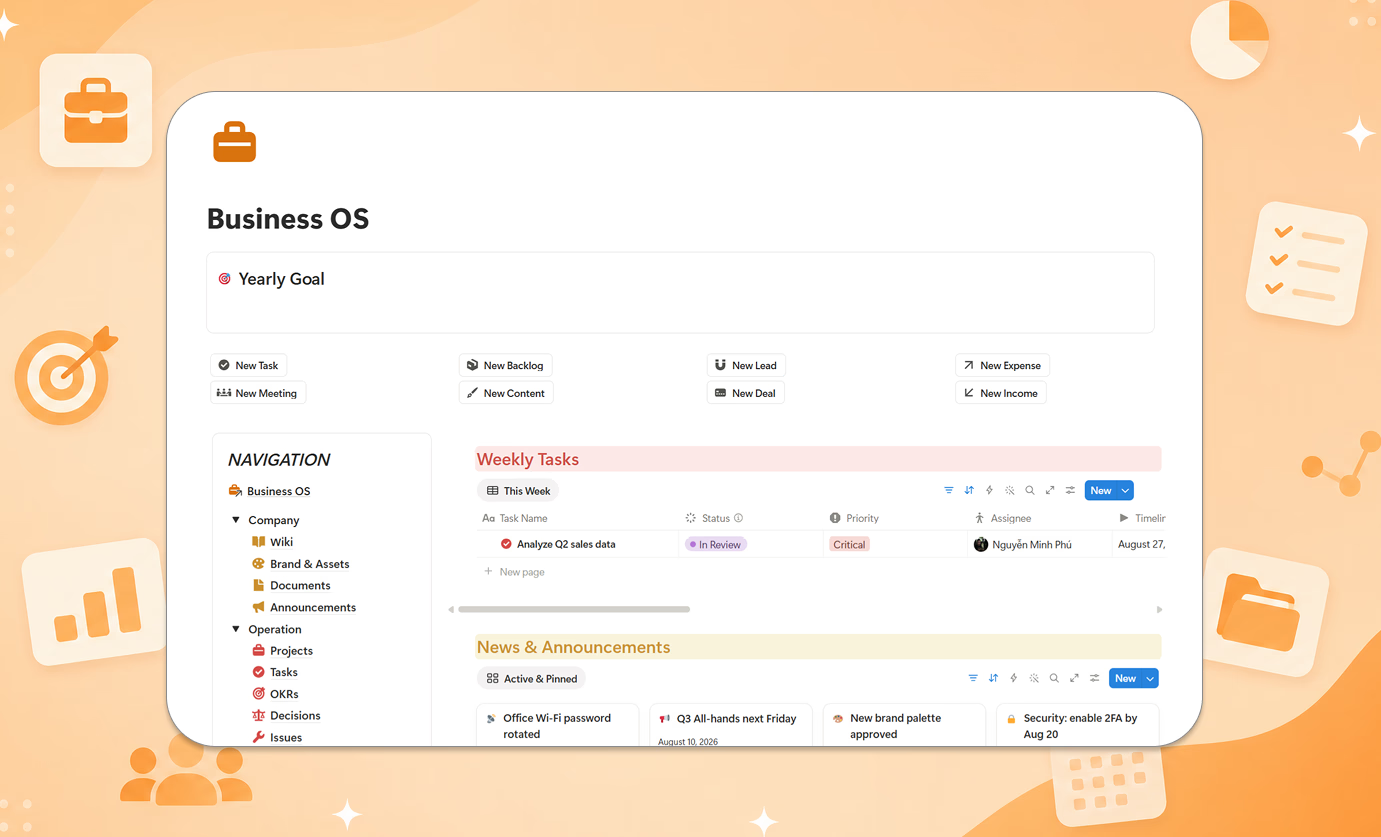
Want leads, deals, campaigns, quotes, invoices, and a built-in AI Prompt Vault in one connected system? Check out the TailorFlow CRM Package — one-time purchase, lifetime access.