


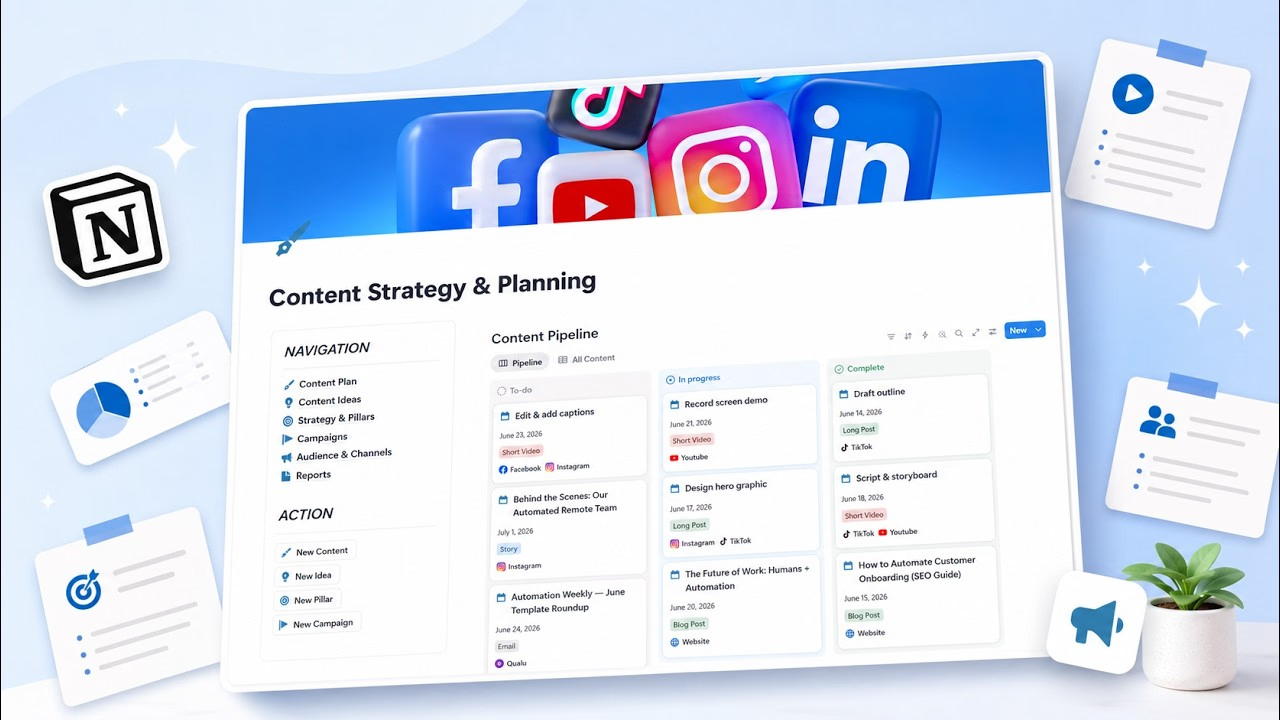
Most Notion content planners are one of two things: a calendar view over a single database (a posting schedule, not a strategy) or an aesthetic dashboard that looks great in screenshots and falls apart when you try to plan an actual campaign.
I went through the most popular ones from the biggest creators — Easlo, heyismail, and Thomas Frank — to save you the trouble. Here's what's worth your time.
Short answer: if you just need a publishing calendar, Easlo's Content Calendar is free and genuinely good. If you want strategy, pillars, campaigns, audience research, and performance reporting in one connected system — with AI prompts that help you actually produce the content — the TailorFlow Content Planner Package is the only one here that does it.
Quick comparison
| Template | Price | Content calendar | Strategy & pillars | Campaigns | Performance tracking | AI Prompts Kit |
|---|---|---|---|---|---|---|
| Notion's Official Content Calendar | Free | Yes | No | No | No | No |
| Easlo Content Calendar / Content OS | Free / $79 | Yes | Partial (OS only) | Partial | No | No |
| heyismail Content OS / Creator OS | $39-59 | Yes | Partial | Yes | Partial | No |
| Thomas Frank Creator's Companion | $149-199 | Yes | Yes | Yes | Yes | No |
| TailorFlow Content Planner Package | $49 one-time | Yes | Yes | Yes | Yes | Included (Prompt Kit) |
| DIY (build your own) | Free | Manual setup | Manual | Manual | Manual | None |
1. Notion's official Content Calendar
Free | Available in Notion's template gallery
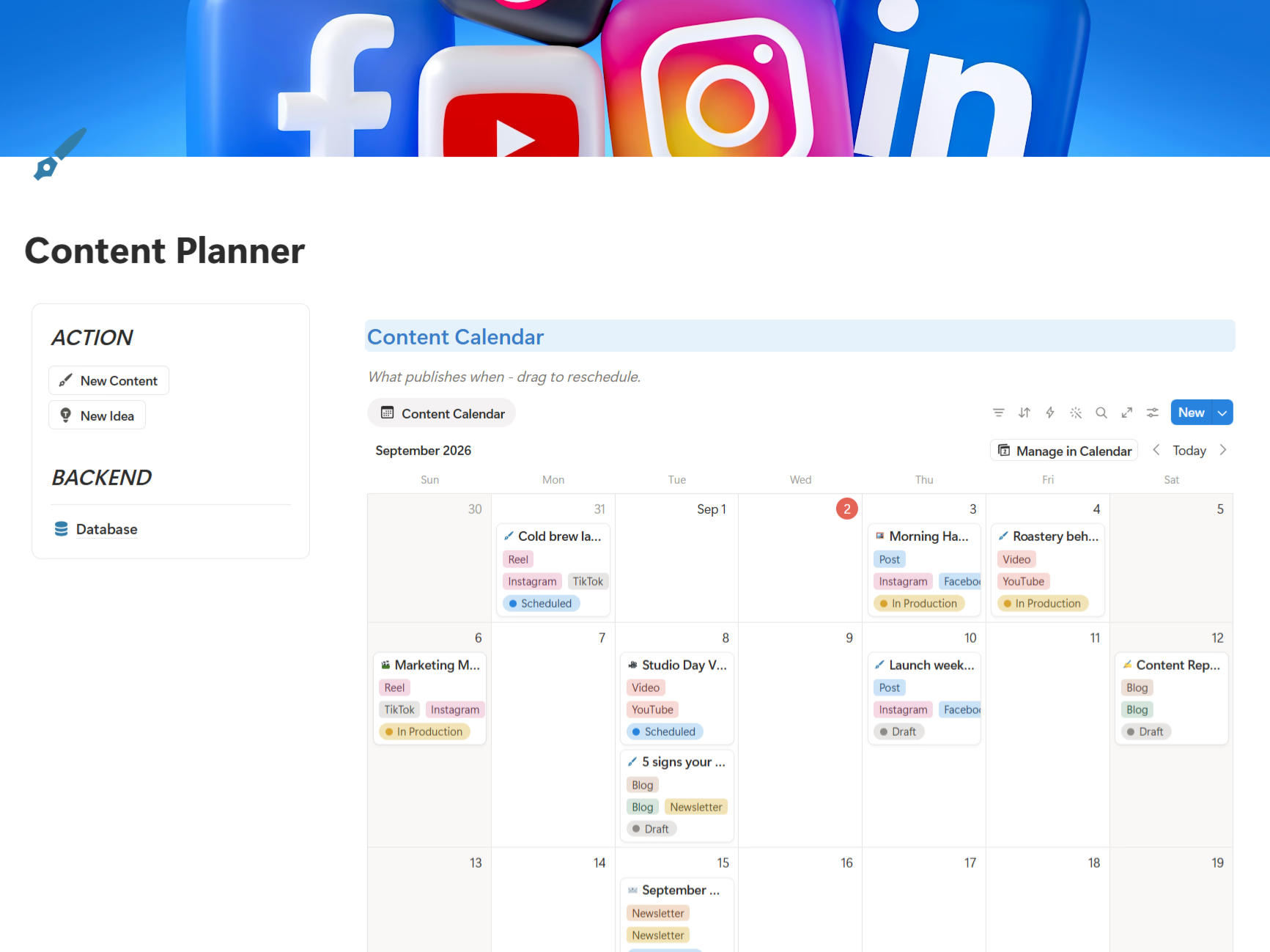
The obvious starting point. A posts database with a calendar view, status tracking, and channel tags. Running in two minutes.
That said, it's a schedule, not a planner. There's no place for your content strategy, no pillars, no campaign grouping, no audience notes, no performance tracking. You'll know what to post on Tuesday — you just won't know why.
2. Easlo Content Calendar & Content OS
Free calendar | $79 for Content OS
Easlo's Content Calendar is one of the best free starting points — minimal setup, multi-platform views, a clean pipeline from idea to published, with Easlo's trademark design quality (4.7 stars across 65+ marketplace ratings).
If you outgrow it, their Content OS ($79) adds more structure for serious creators. The gap at both levels: it's built around production, not strategy. Pillars, audience research, and performance reporting aren't the focus — you'll know what you published, but not whether it worked or why it was the right thing to make.
3. heyismail Content OS / Creator OS
$39-59 one-time
heyismail is one of the most prolific Notion creators (300+ templates, 100,000+ users). Content OS ($39) covers the creation workflow; Creator OS ($59) adds the broader creator business on top. Both come with a step-by-step text guide and lifetime updates.
Solid value for full-time creators. Two caveats: the strategy layer is thin — pillars and audience research take a back seat to production pipelines — and with hundreds of templates in their catalog, the guidance stays generic rather than teaching a content method.
4. Thomas Frank's Creator's Companion
$149-199 one-time
The premium heavyweight. Creator's Companion is a genuinely deep content-planning system — channel pages, idea capture and validation, sponsor tracking, production pipelines — backed by Thomas Frank's excellent video tutorials. If you run a serious YouTube or multi-channel creator business, it's the most complete option money can buy.
The price is the catch: $149 for the base edition, $199 for the version with task management, $278 bundled with Ultimate Brain. For small teams and founders doing content alongside everything else, that's a lot of money and a lot of system.
5. TailorFlow Content Planner Package
$49 one-time
Full disclosure: this is our product. I'm including it because it's genuinely built differently, but take my review with appropriate skepticism.
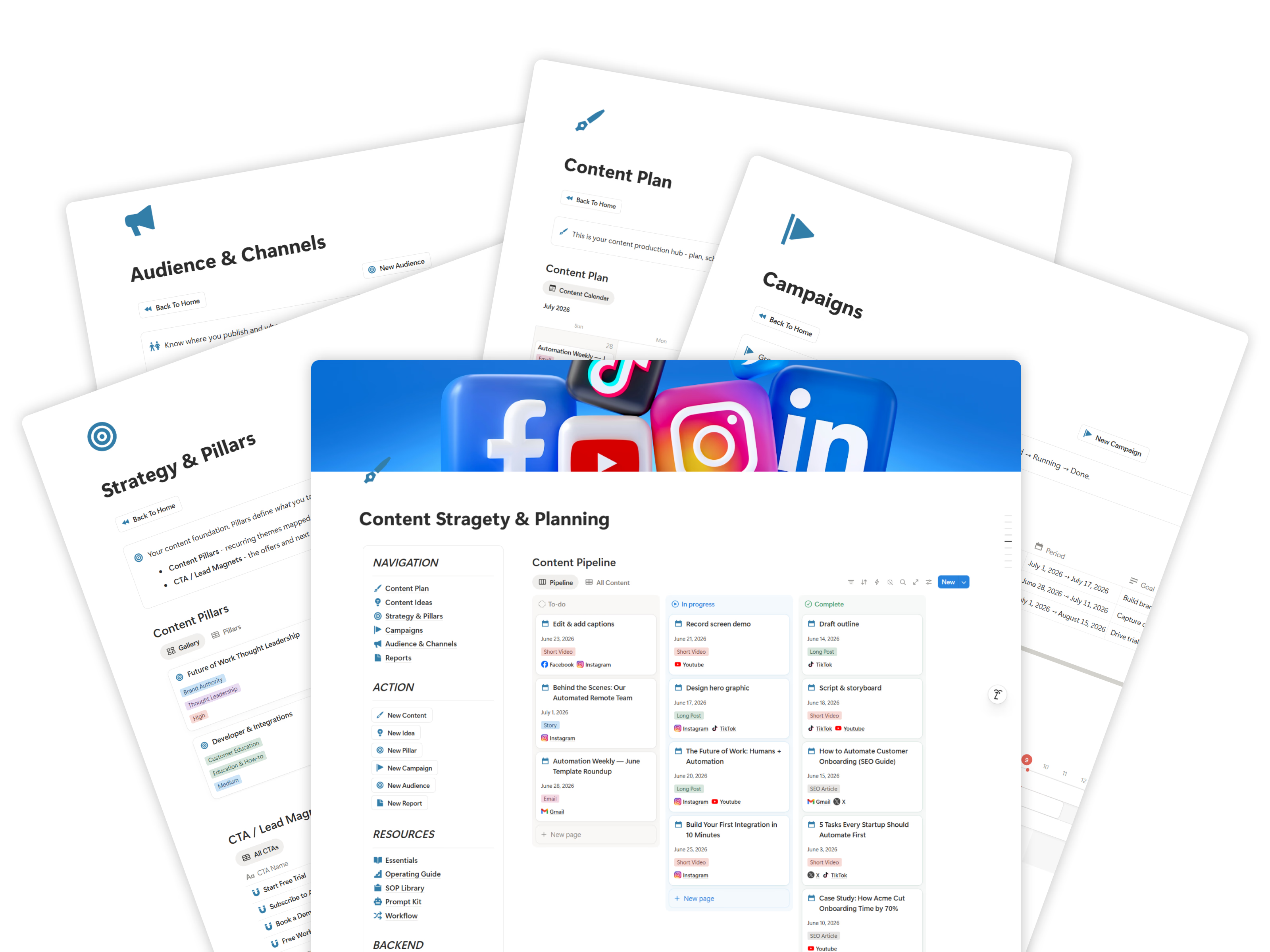
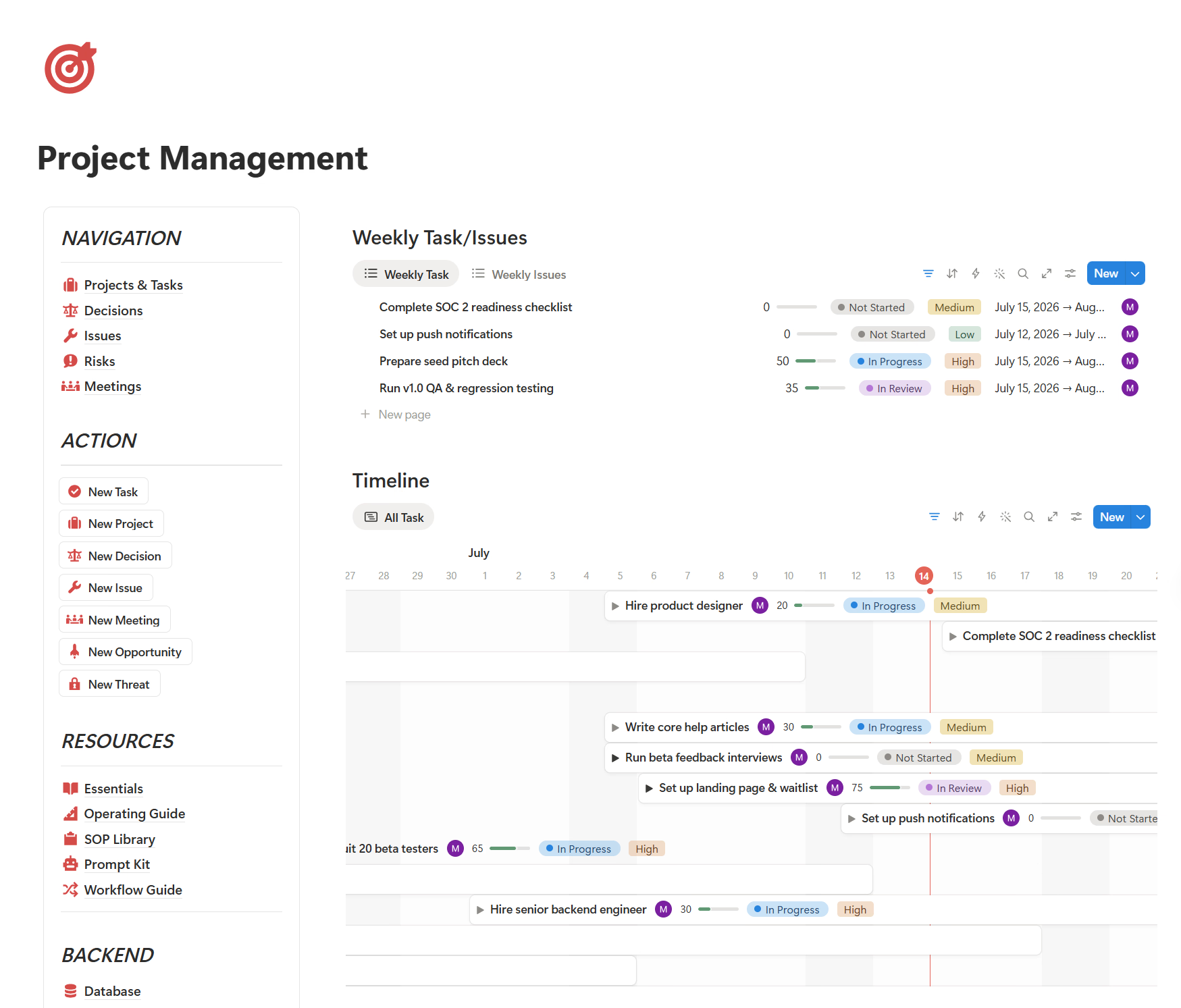
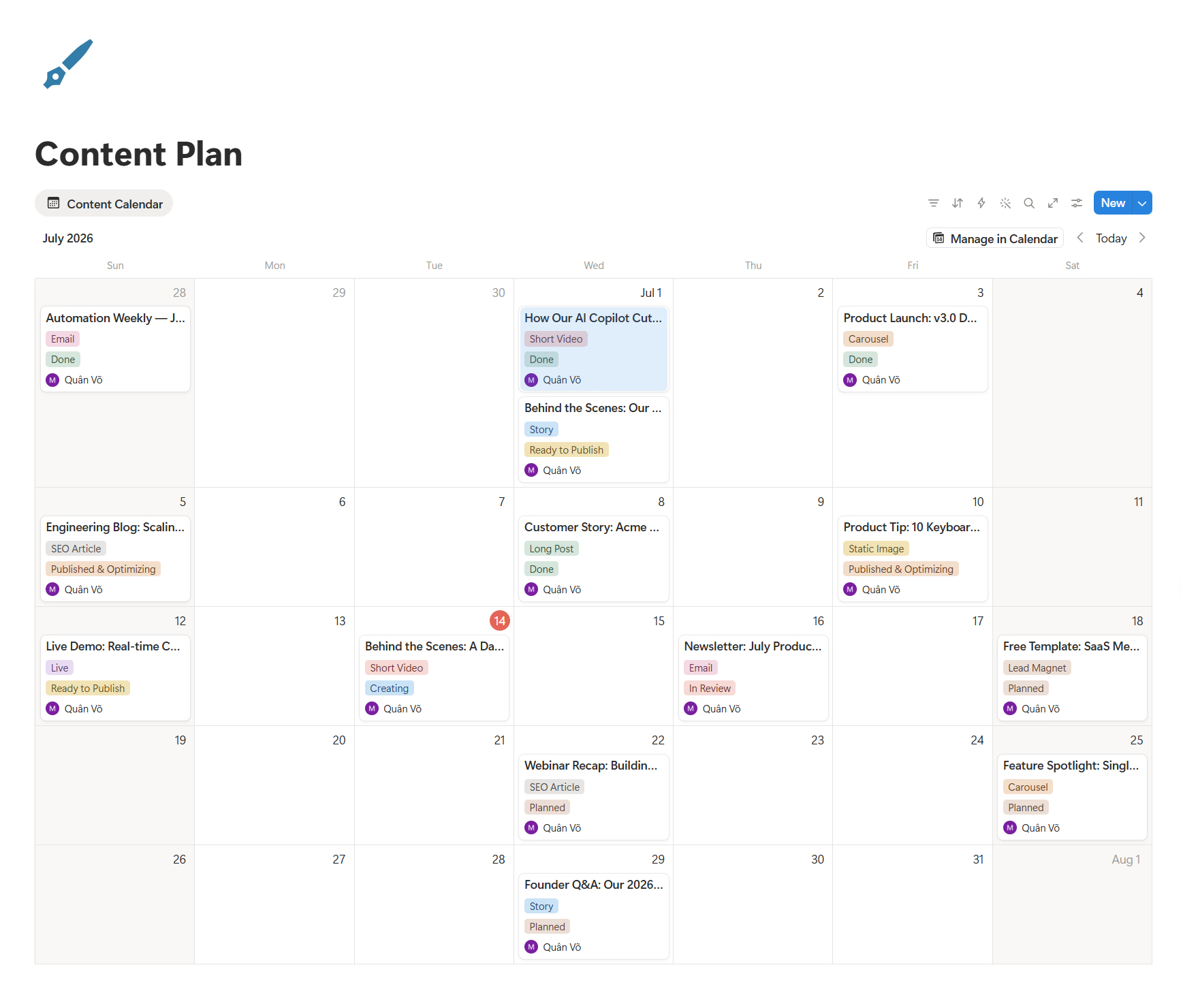
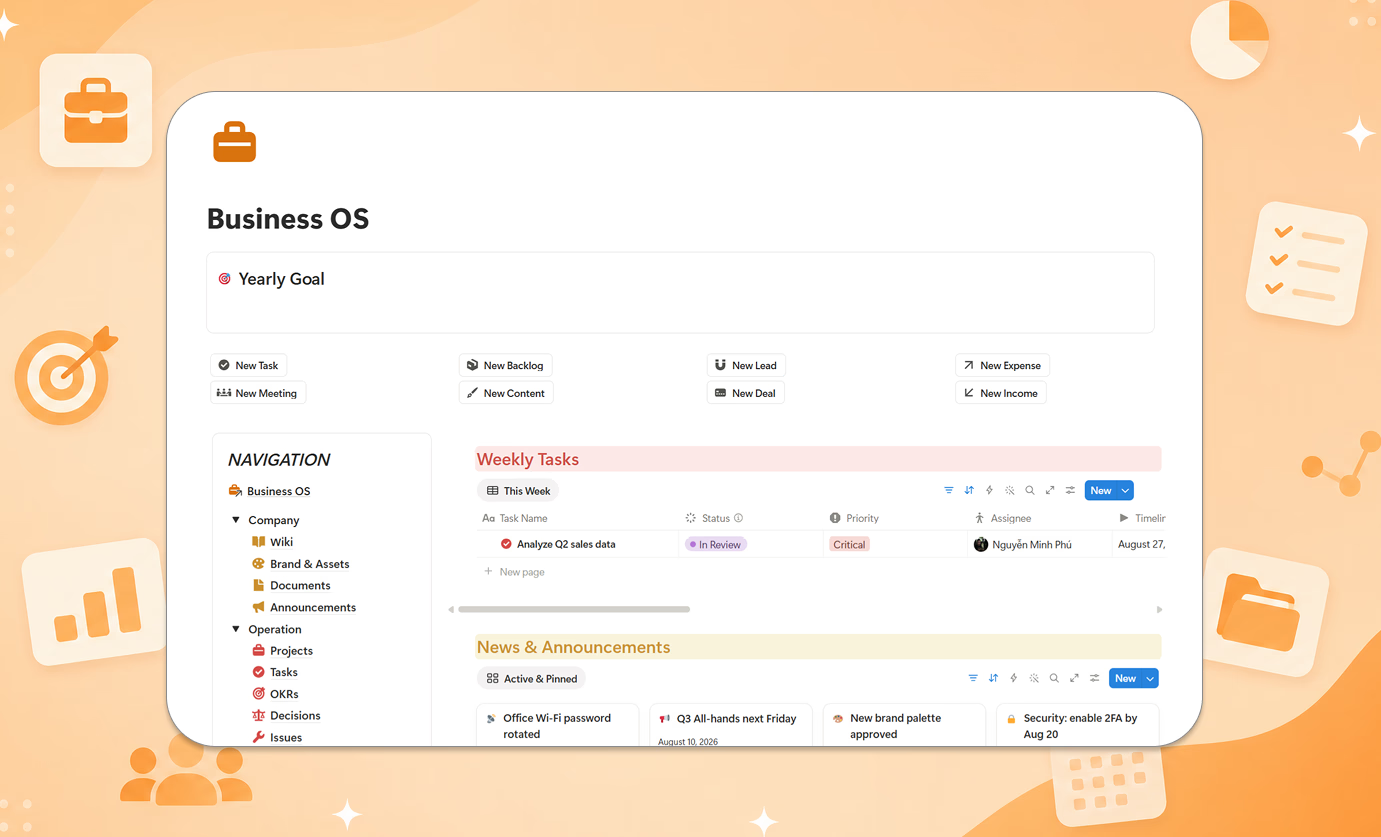
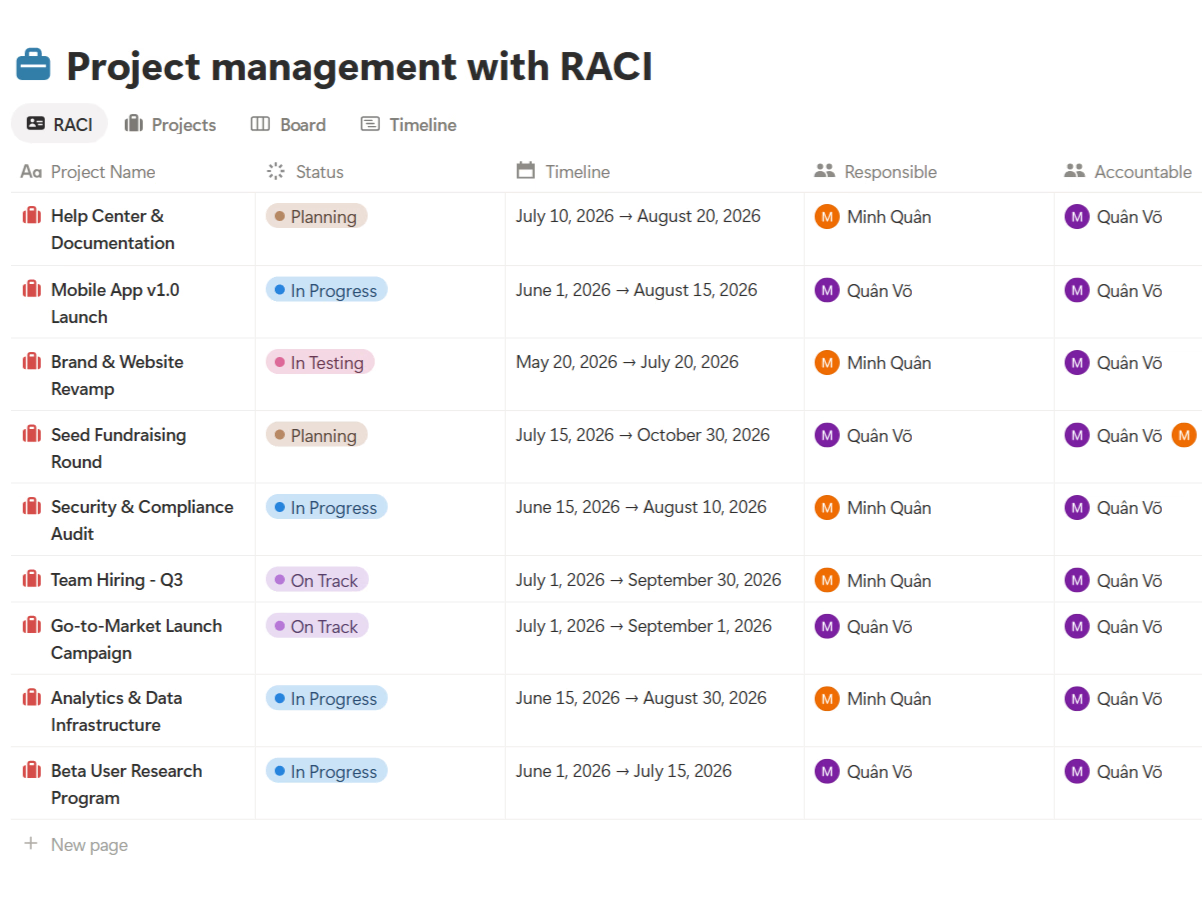
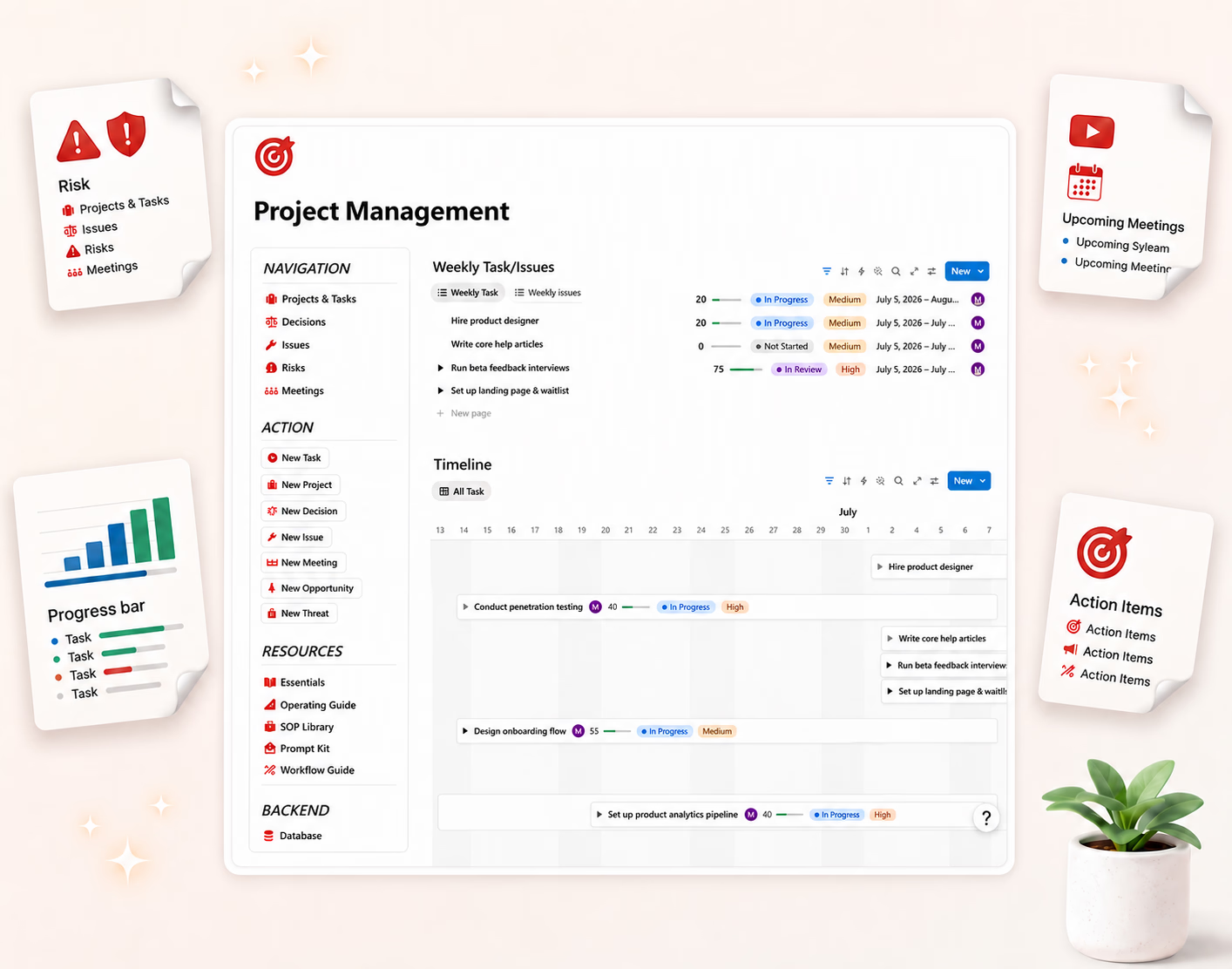
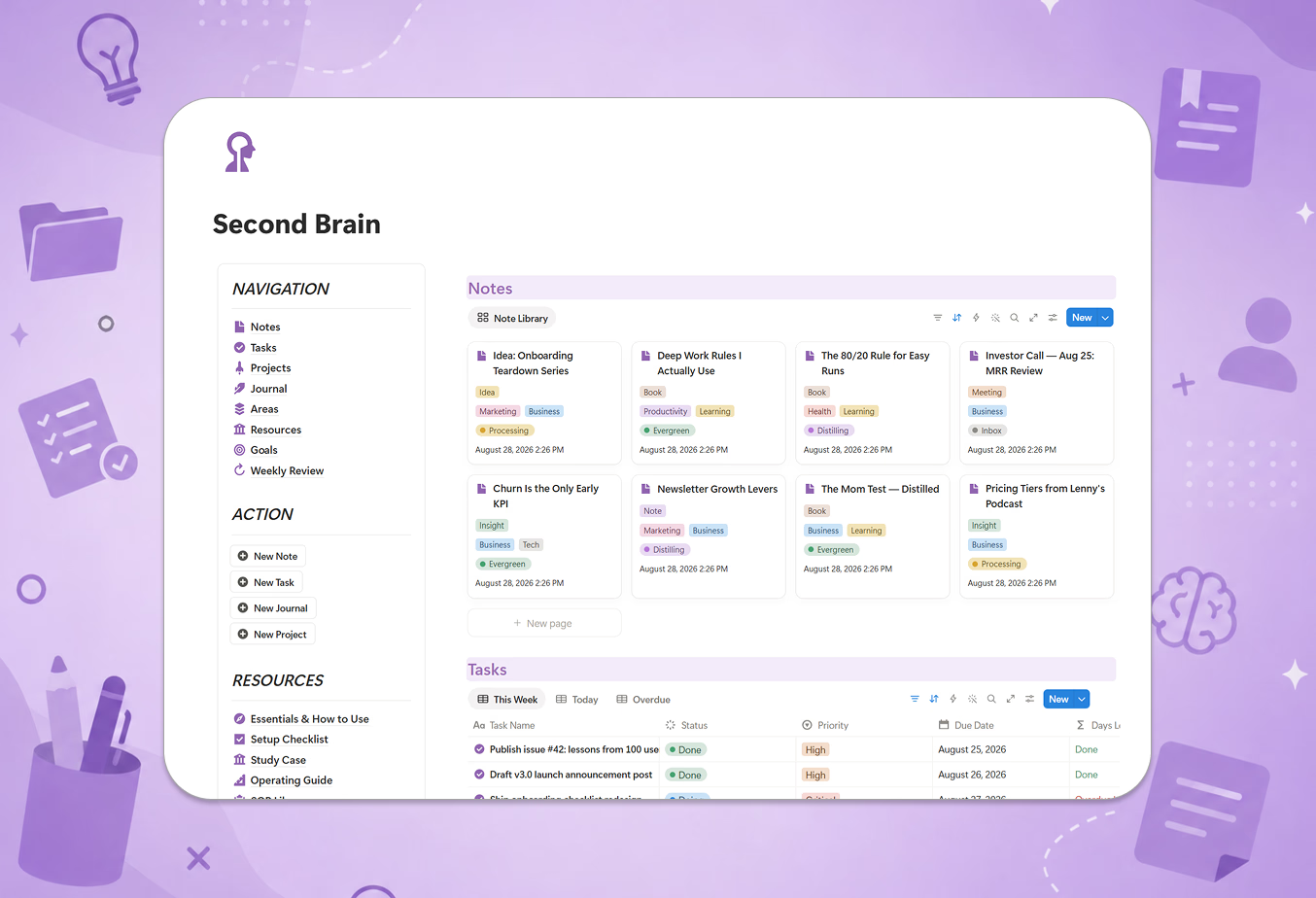
The short version: it's a content strategy and planning system, not a posting calendar. Content ideas, strategy & pillars, campaigns, calendar & timeline, audience & channels, and performance reports all live in one connected dashboard — so the calendar is the output of your strategy, not a substitute for it.
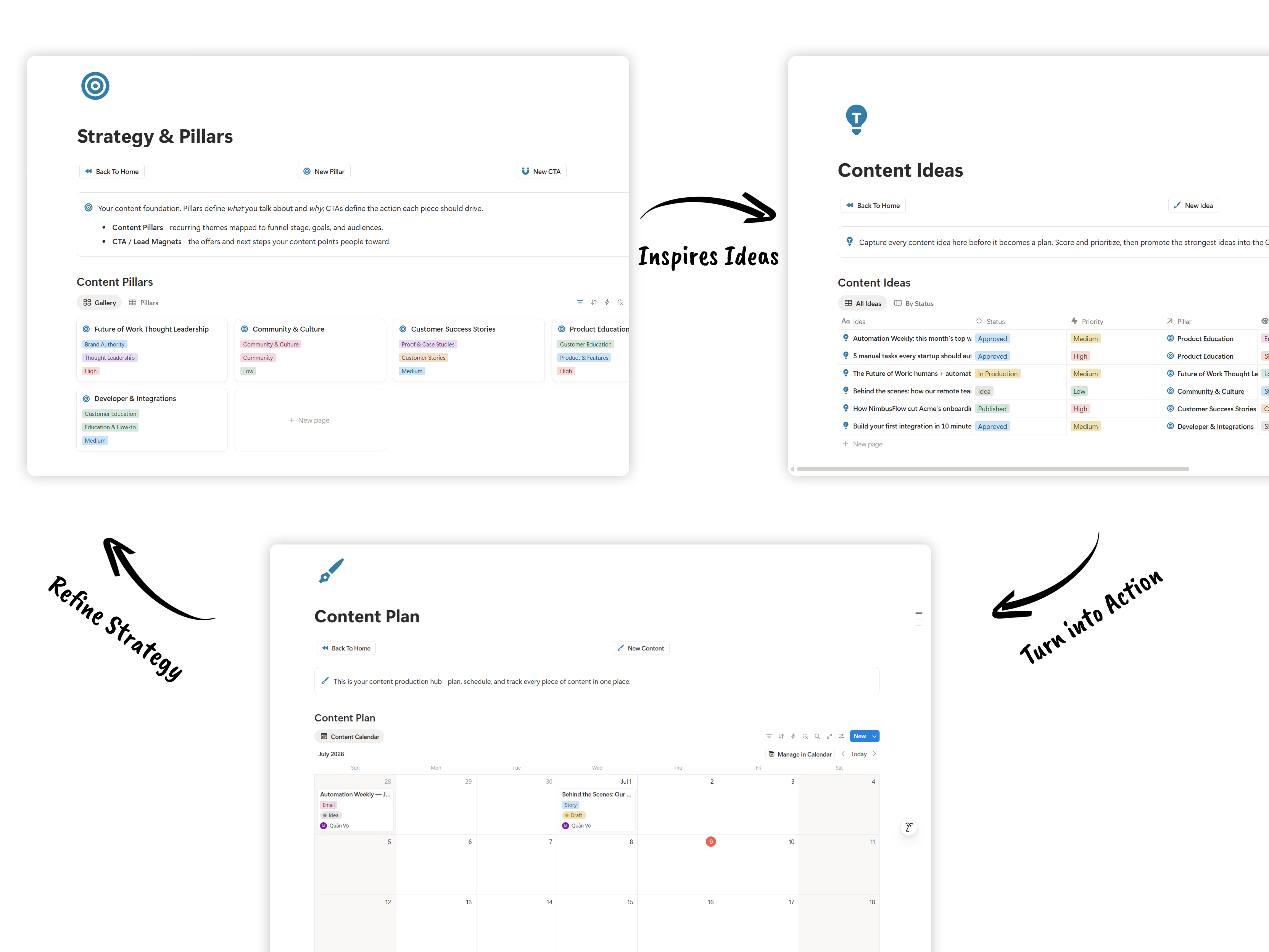
What makes it different from everything else on this list:
- Essentials & How to Use guide — the methodology behind the system
- Setup Checklist — running in under an hour
- Study Case — a worked example of a real content operation
- SOP Library — procedures for the whole content workflow
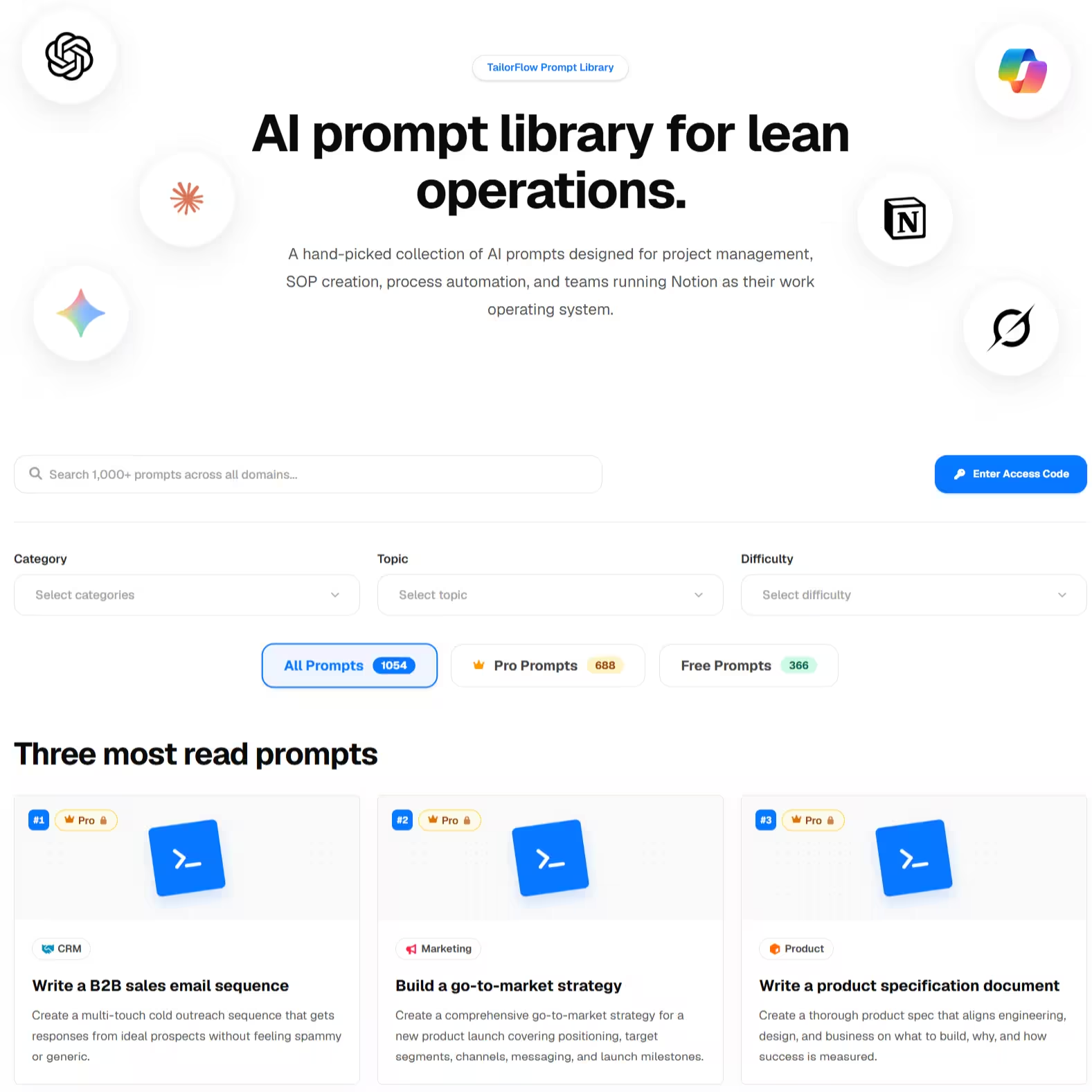
- Prompt Kit — ready-made AI prompts for ideation, drafting briefs, repurposing, competitor content analysis, and performance reviews
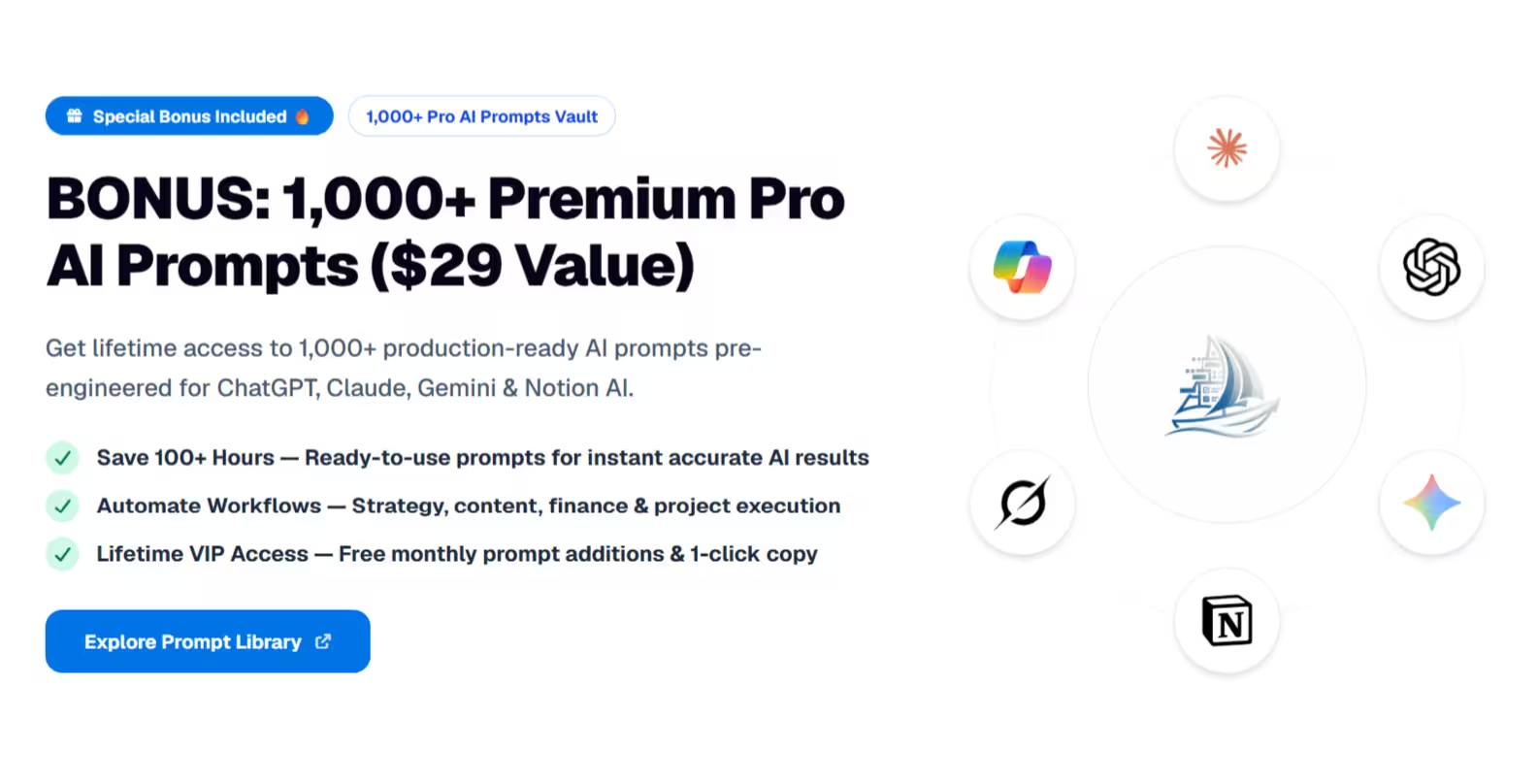
How the included AI Prompt Kit supercharges your content creation:
- Endless Content Ideation: Generate high-performing angles based on your specific content pillars and audience pains.
- Instant Brief & Outline Generation: Turn raw ideas into structured content briefs with hooks, key points, and call-to-actions.
- 1-to-N Content Repurposing: Convert 1 long-form article or video into 5 social posts, 2 newsletter issues, and a thread in seconds.
- Competitor & Trend Analysis: Analyze successful content in your niche to extract underlying viral frameworks.
The main downside:
It doesn't auto-publish or pull analytics from social platforms. No Notion template can do that natively — you'd pair it with a scheduling tool like Buffer or Metricool for the last mile.
6. DIY: build your own
Free (just your time)
A basic content calendar is genuinely one of the easier things to build in Notion — one database, a calendar view, a status property. If that's all you need, build it in an afternoon.
The trouble starts when you want strategy connected to campaigns connected to calendar connected to results. That's four or five related databases with rollups, and maintaining it becomes its own job.
How to choose
If you're not sure, start with Easlo's free Content Calendar. Use it for a month of publishing. If a posting schedule is all you need, you're done.
If you found yourself with a calendar full of posts but no clear pillars, campaigns scattered across docs, and no idea which content actually performed — that's the gap the TailorFlow Content Planner Package fills.
If you're a full-time professional creator with sponsors and a team, Thomas Frank's Creator's Companion justifies its premium. And if you need auto-publishing or native social analytics, pair any of these with a dedicated tool like Buffer or Metricool.
Before you pick a template: is Notion the right tool?
Notion works well for content planning if you want strategy, briefs, and calendar in one place, and you already draft in Notion. It's genuinely great as the thinking layer of a content operation.
But Notion doesn't publish anything. If you want one tool for plan → publish → analytics, a dedicated platform like Buffer, Hootsuite, or Metricool will serve you better — many people pair both.
Want a content system that connects strategy to calendar to results? Check out the TailorFlow Content Planner Package — one-time purchase, lifetime access.