



There are a lot of Notion finance templates out there. Most are either a single expense table with categories (not very useful after the first week) or a maze of connected databases that takes longer to set up than to actually use.
I went through the most popular options from the biggest creators — Easlo, Notion Finance Tracker, and Thomas Frank — to save you the trouble. Here's what's worth your time.
Short answer: for a free start, Easlo's Budget Tracker ($5) or their free Expense Tracker covers the basics. If you want accounts, budgets, subscriptions, savings goals, investments, and debts connected in one guided system, the TailorFlow Finance Package is the most complete option here — and the only one with setup guidance and AI prompts for spending analysis built in.
Quick comparison
| Template | Price | Budgets | Accounts & transfers | Subscriptions | Savings & goals | Investments & debts | AI Prompts Kit |
|---|---|---|---|---|---|---|---|
| Notion's Official Budget | Free | Basic | No | No | No | No | No |
| Easlo Finance Tracker | $39 ($5 Budget) | Yes | Yes | Yes | Yes | Partial | No |
| Notion Finance Tracker | $29 one-time | Yes | Yes | Yes | Partial | Yes (API prices) | No |
| Thomas Frank Ultimate Budget | $39/year | Yes | Partial | No | Partial | No | No |
| TailorFlow Finance Package | $49 one-time | Yes | Yes | Yes | Yes | Yes | Included (Prompt Kit) |
| DIY (build your own) | Free | Manual | Manual | Manual | Manual | Manual | None |
1. Notion's official budget template
Free | Available in Notion's template gallery
The obvious starting point. Categories, a spending log, basic sums. Running in about two minutes.
That said, it's bare-bones. No account tracking, no auto-calculating progress, no subscriptions or savings goals. Fine for getting a feel for Notion finances; most people outgrow it within a month.
2. Easlo Budget Tracker & Finance Tracker
$5 / $39 one-time
Easlo's budget tracker is a $5 entry point with their trademark polish — monthly overview, income and expense categories, visual breakdowns. Their full Finance Tracker ($39) adds accounts, subscriptions, and savings in one dashboard, and it's one of the most duplicated finance templates around.
The gaps: investment and debt tracking are shallow, and there's no guidance layer — no setup walkthrough, no worked example, no documented method for actually running your money week to week. You're paying for design and saved setup time.
3. Notion Finance Tracker
$29 one-time
A specialist shop that does one thing and does it well: a full finance system where budgeting connects to accounts, investments, and net worth. The standout feature is a custom API backend that pulls real-time stock, crypto, and ETF prices from 100+ exchanges — something no Notion formula can do on its own.
Two things to consider. It's built for individuals tracking wealth, so the budgeting workflow plays second fiddle to the investment features. And there's no bank syncing — every transaction is manual entry. (They argue that's a feature; your call.)
4. Thomas Frank's Ultimate Budget
$39/year (subscription)
Thorough expense categorization, multiple views, and detailed video tutorials from one of the biggest Notion educators. The tutorials are genuinely good.
Two things to consider: it's a subscription, so it adds up ($39 every year — $195 over five years for a template), and it's opinionated about structure — you use it Thomas Frank's way. No investment tracking, no debt payoff planning.
5. TailorFlow Finance Package
$49 one-time
Full disclosure: this is our product. I'm including it because it's genuinely built differently, but take my review with appropriate skepticism.
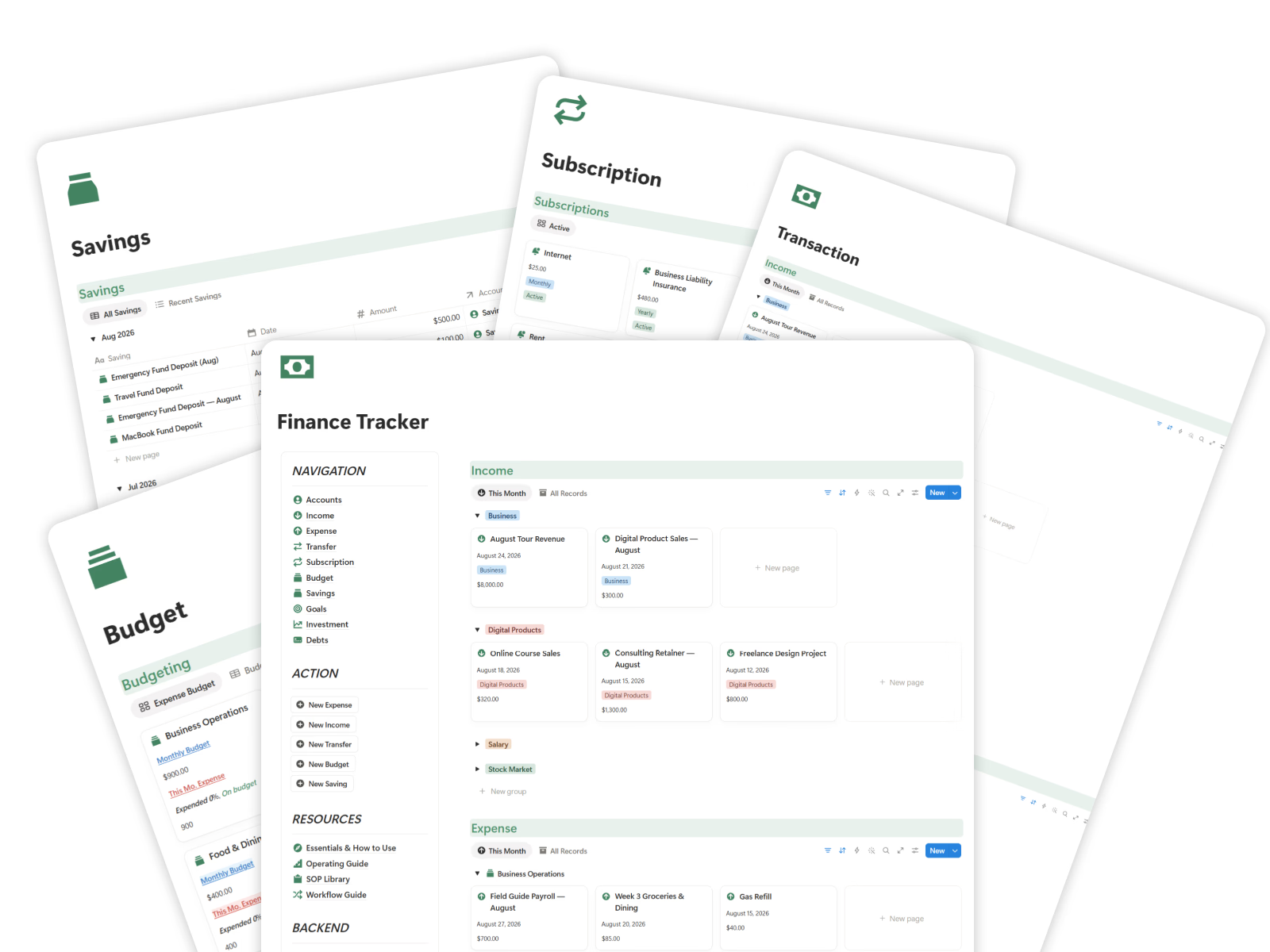
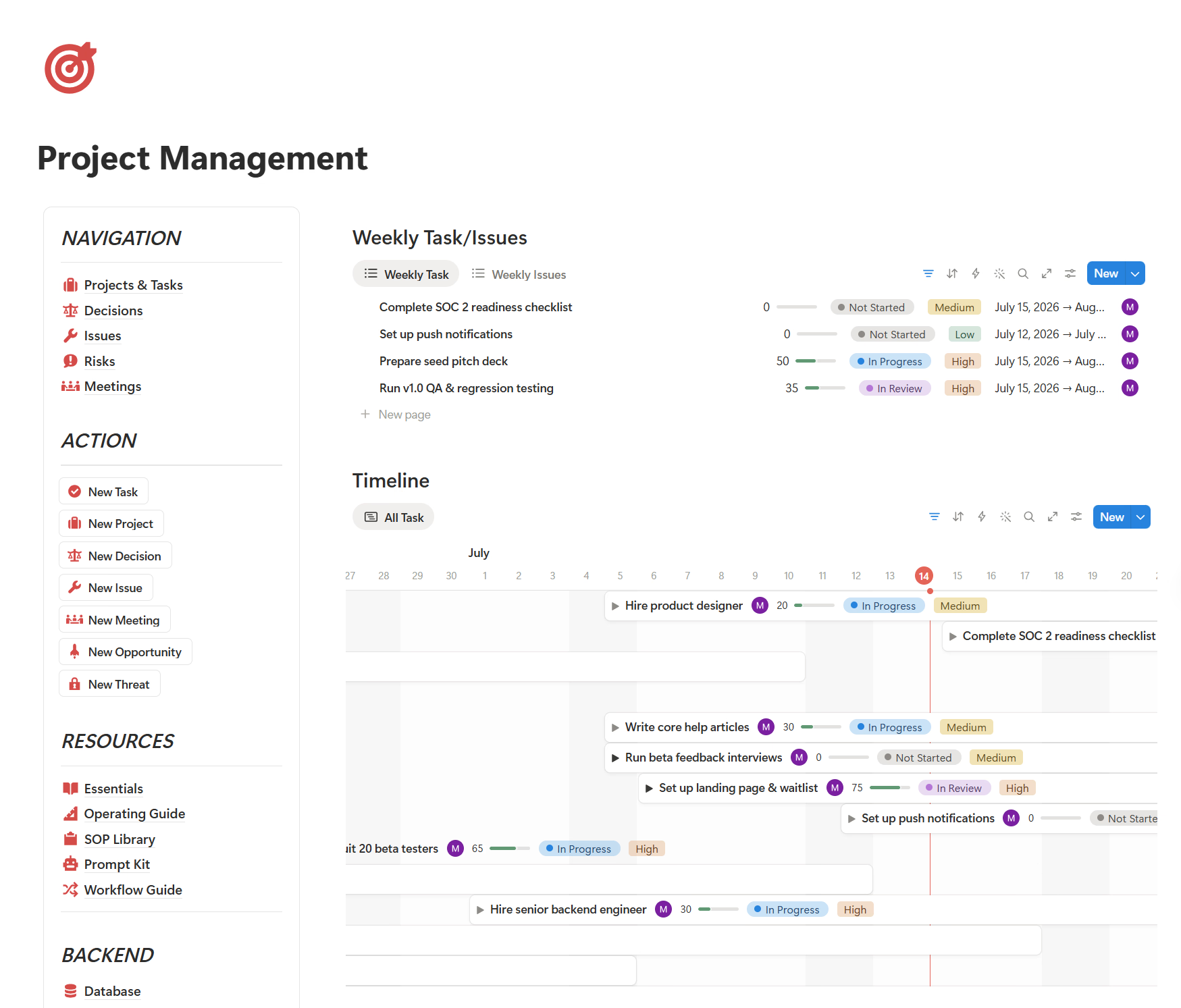
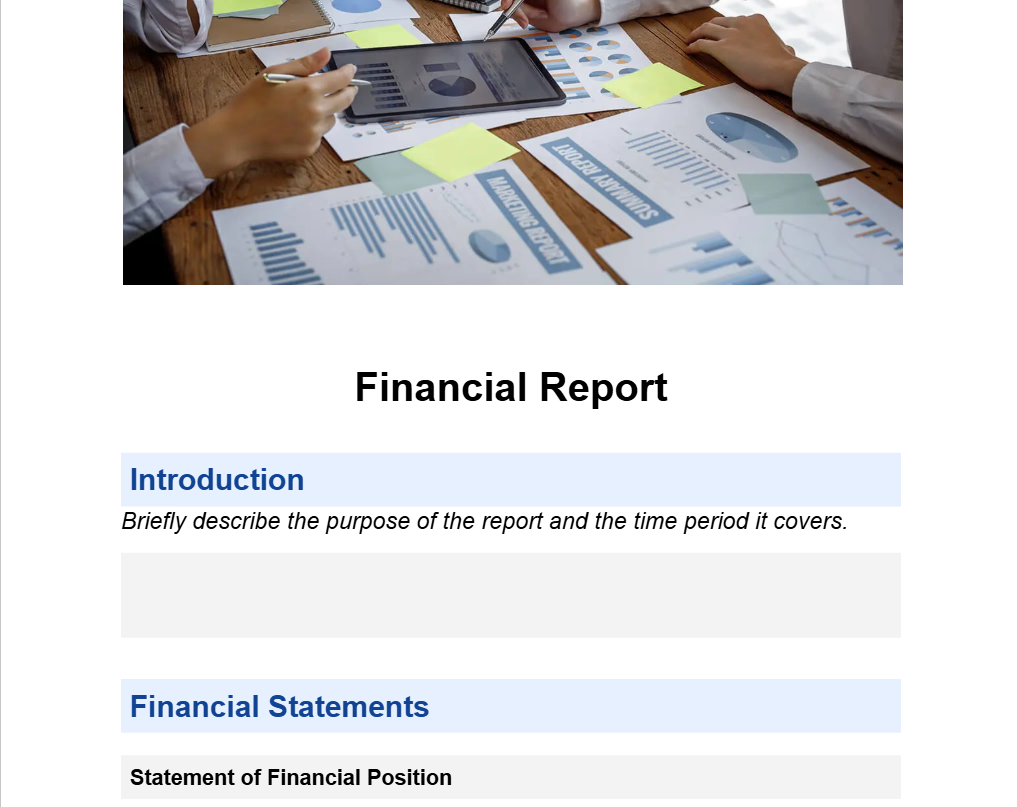
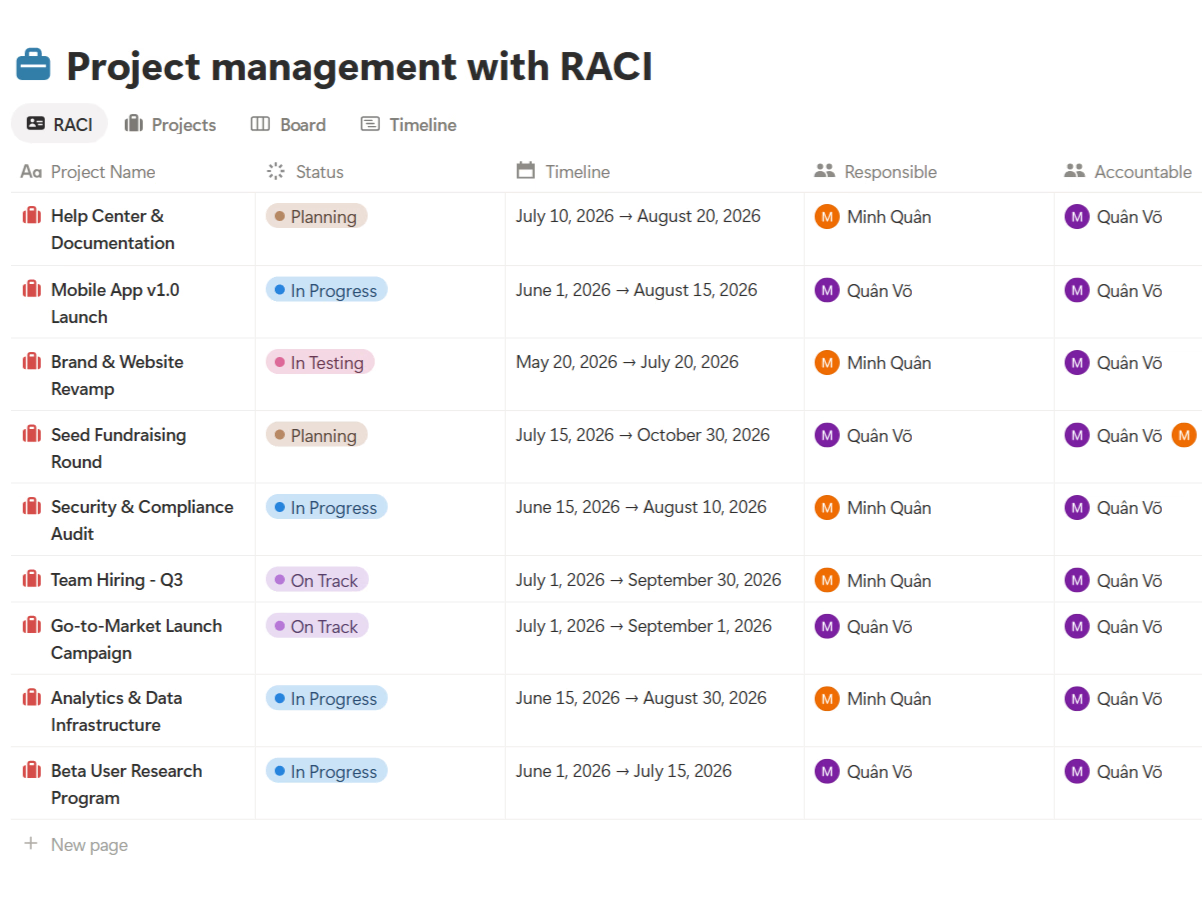
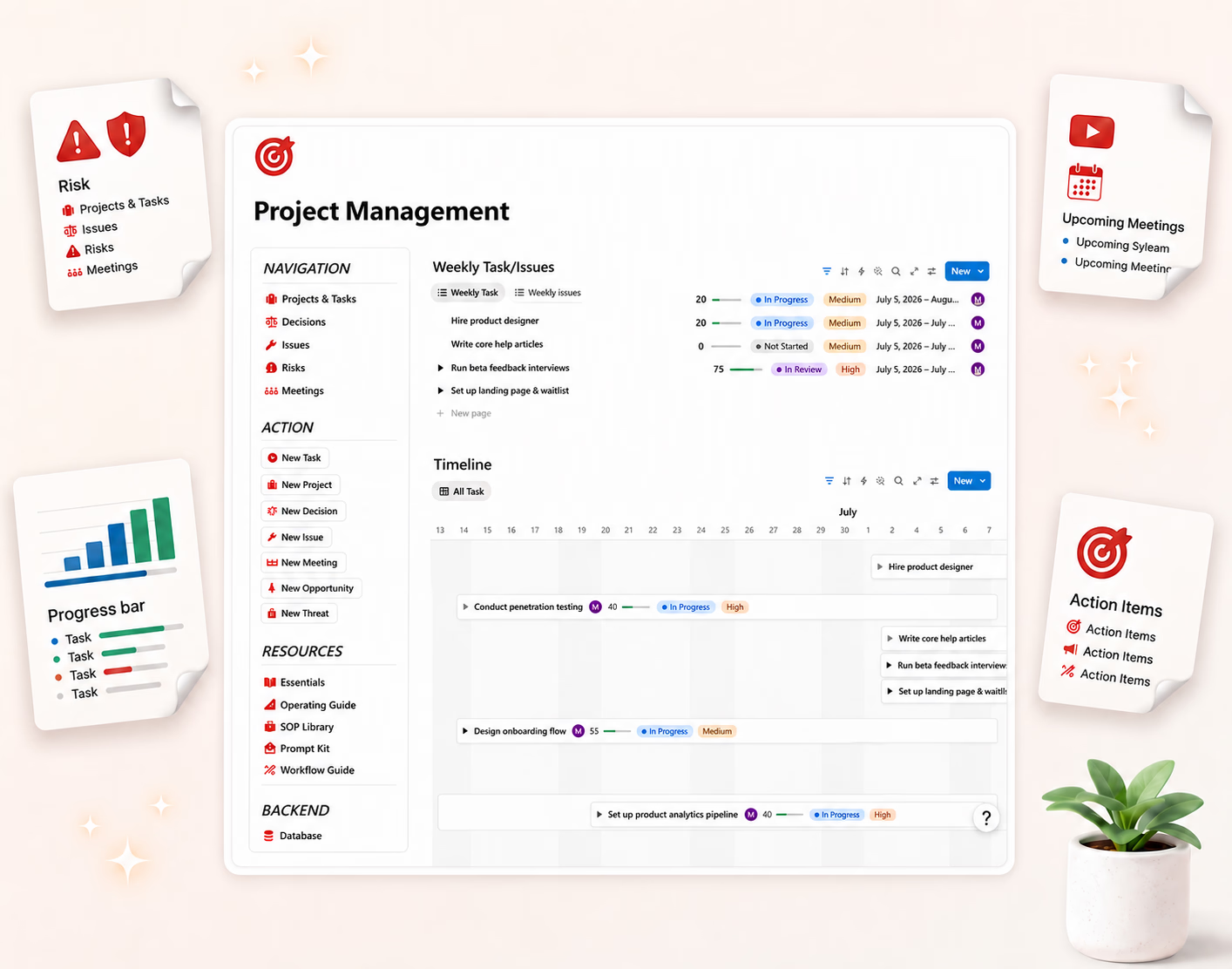
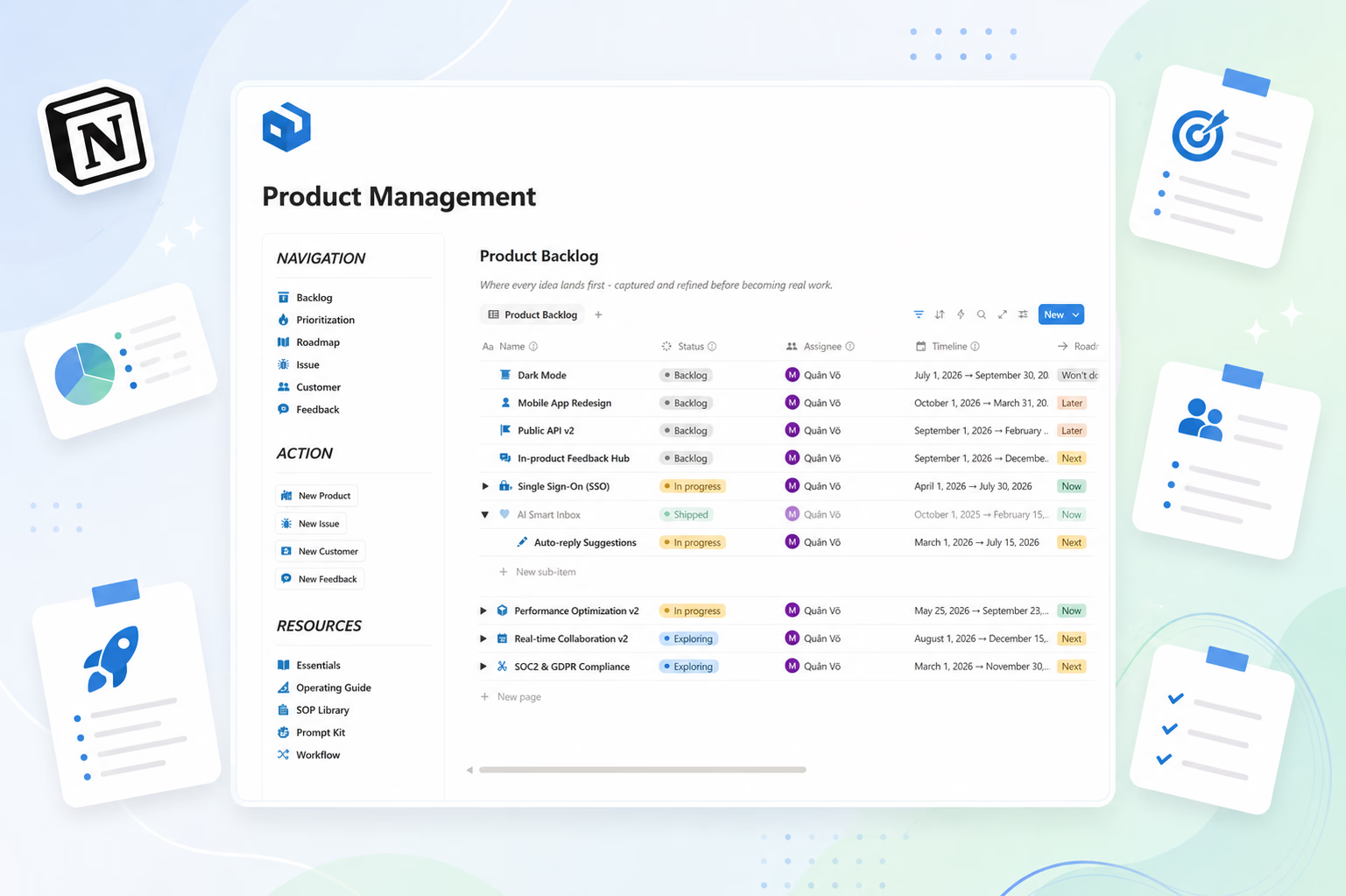
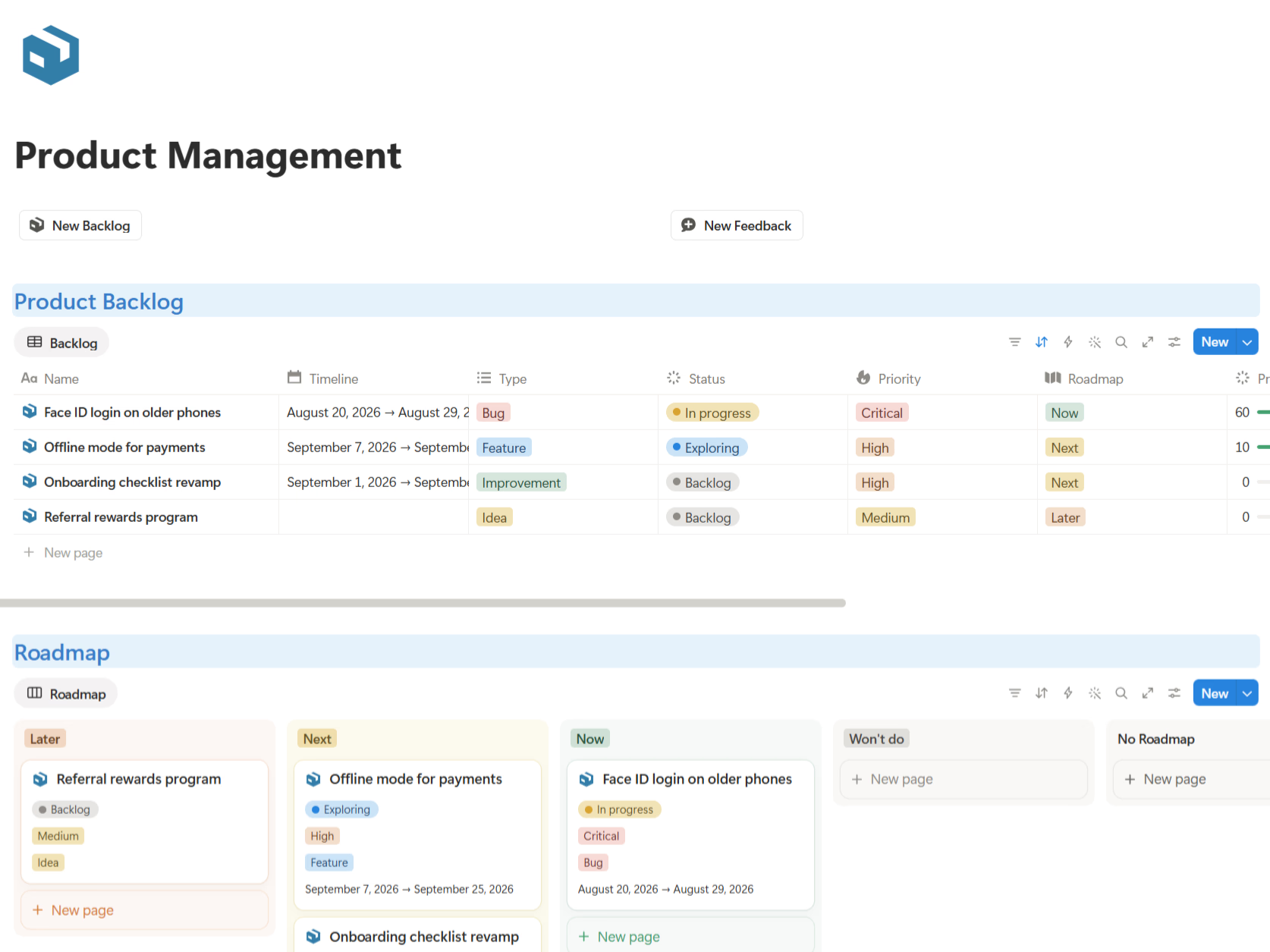
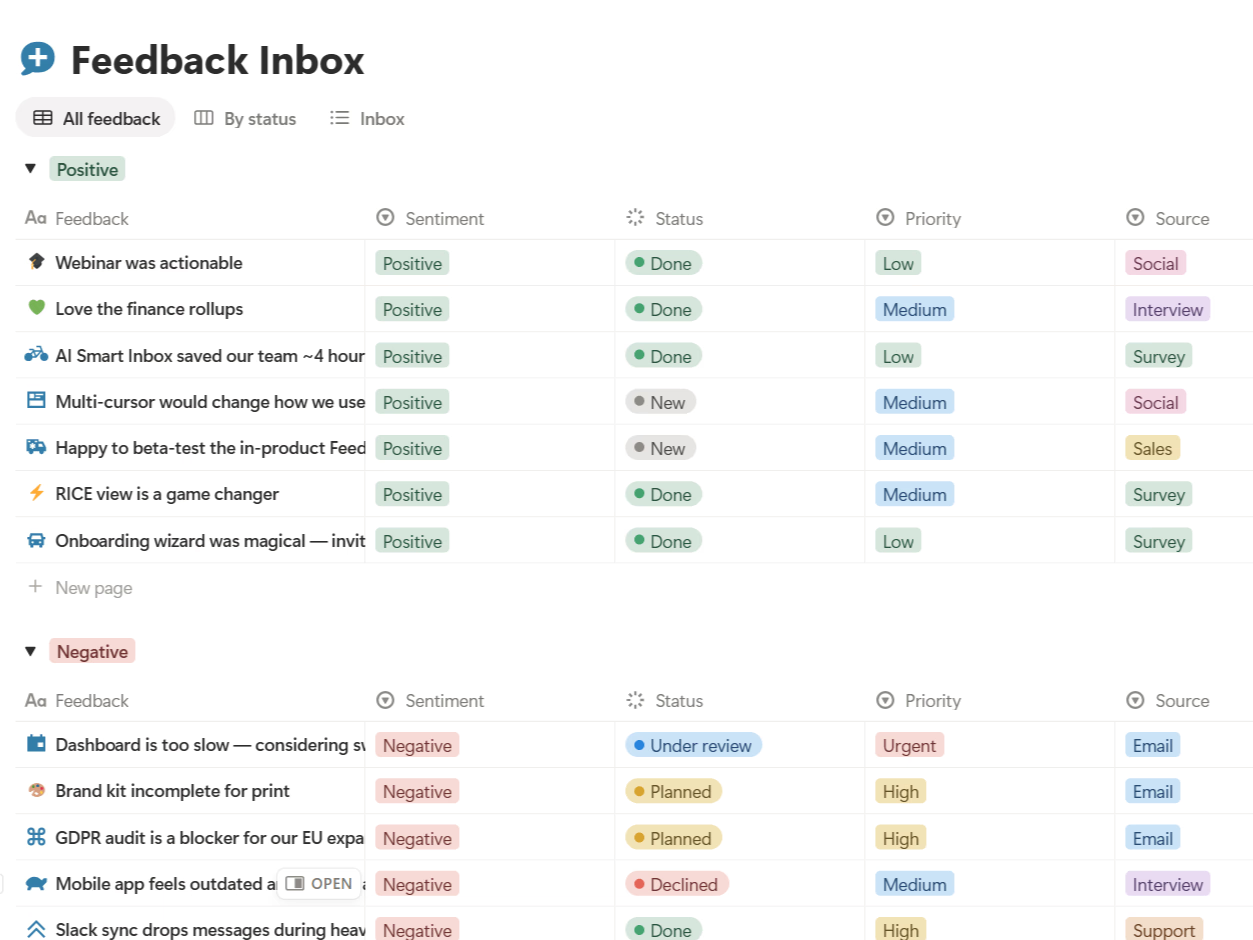
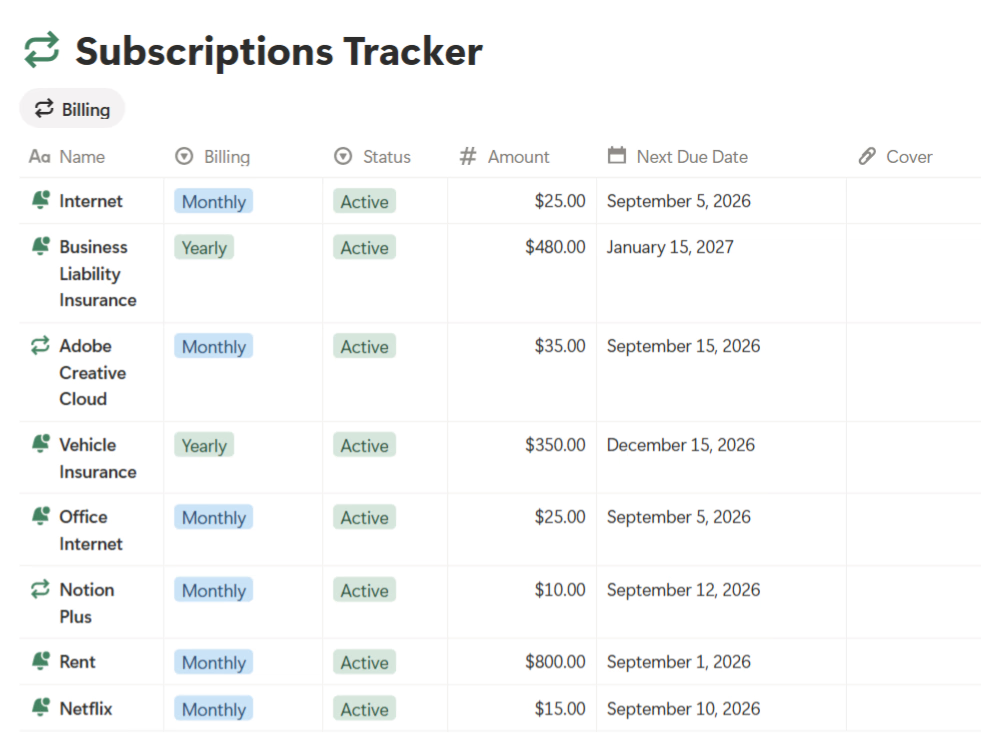
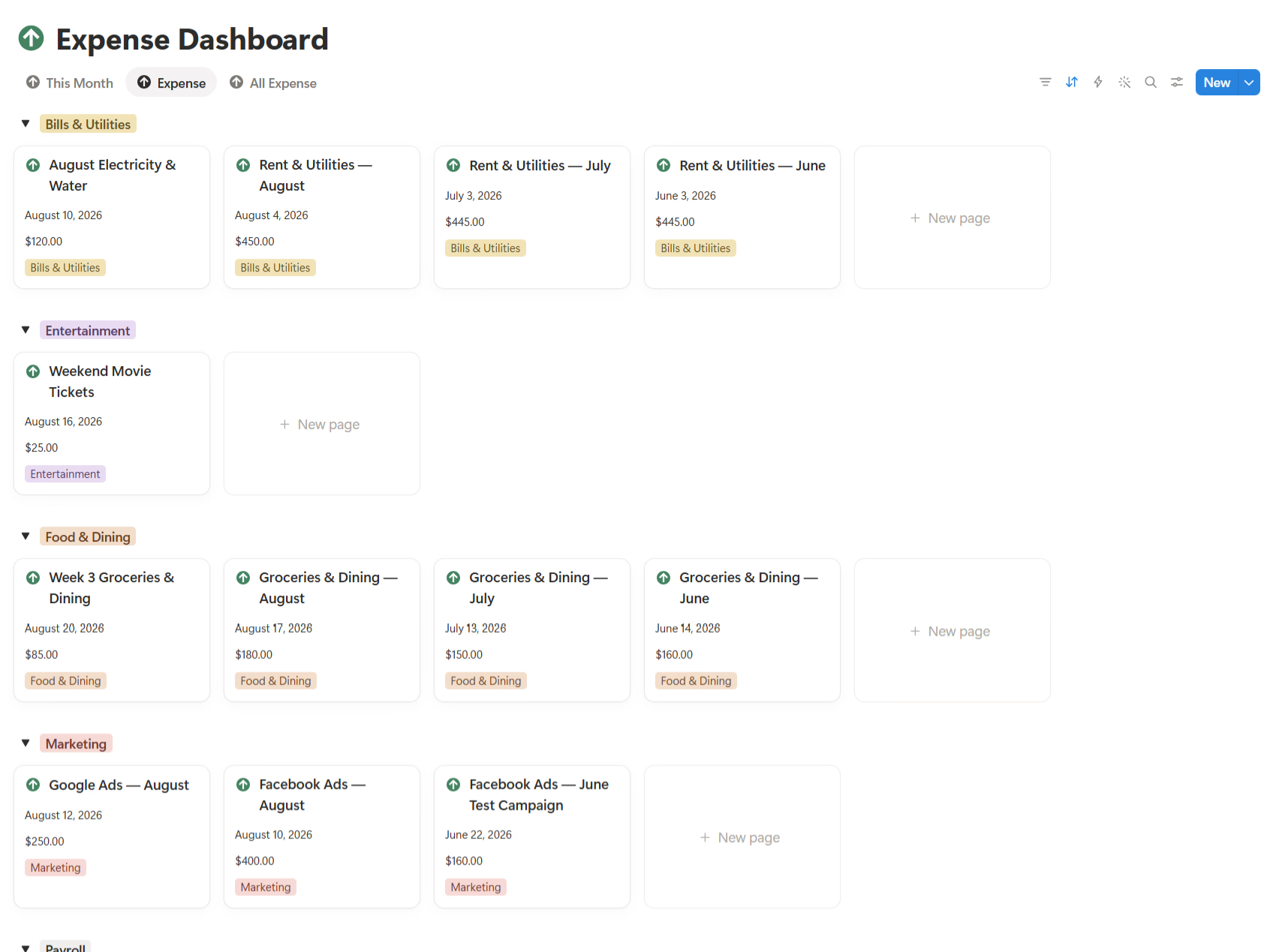
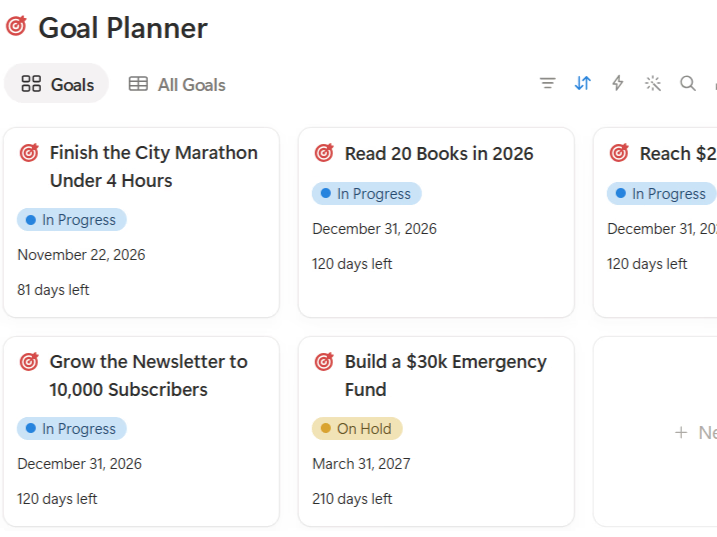
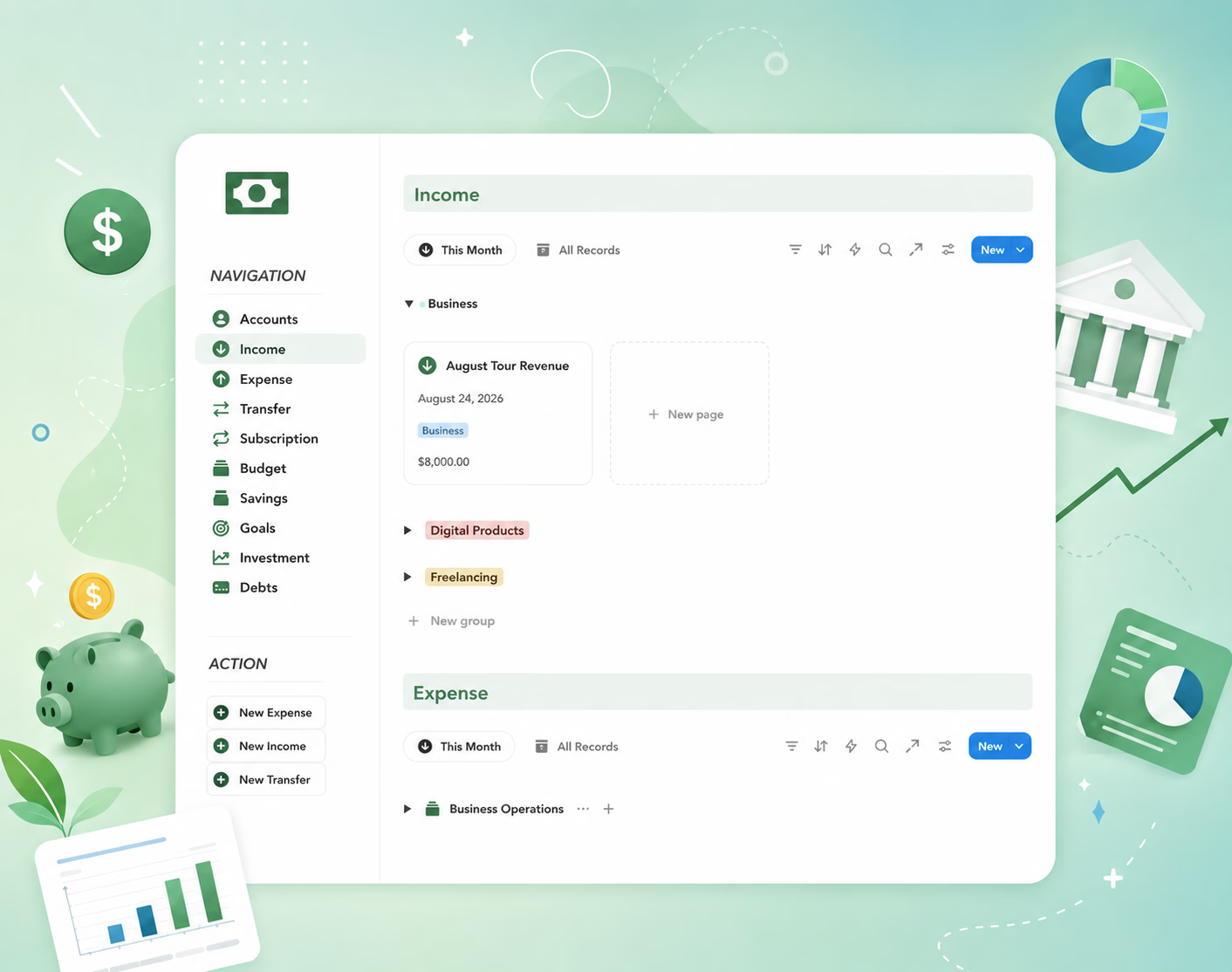
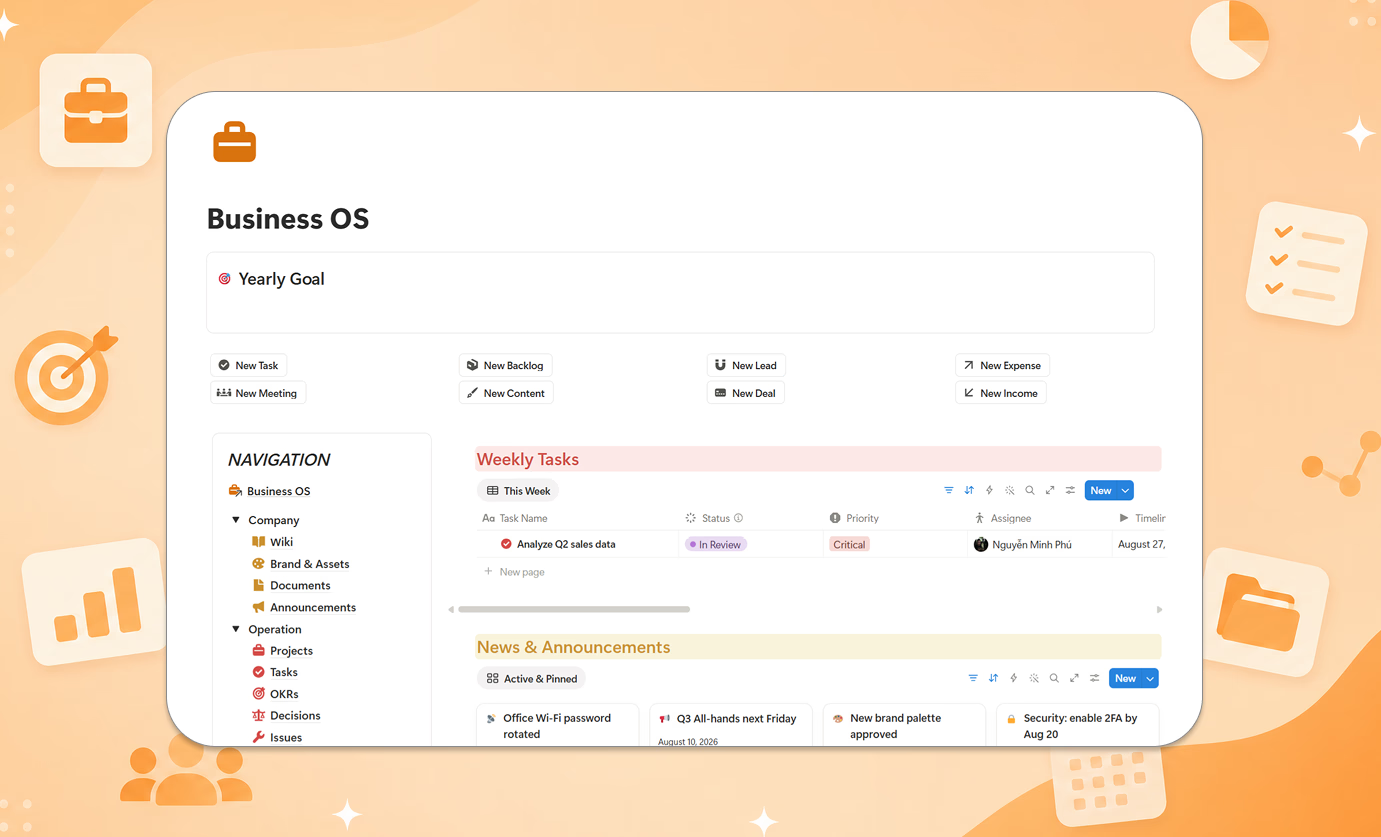
The short version: it's a full personal finance system, not a budget table. Accounts, income & expenses, transfers, subscriptions, budgets, savings, goals, investments, and debts all connect in one dashboard — so your budget reflects your accounts, and your goals reflect your actual savings rate.
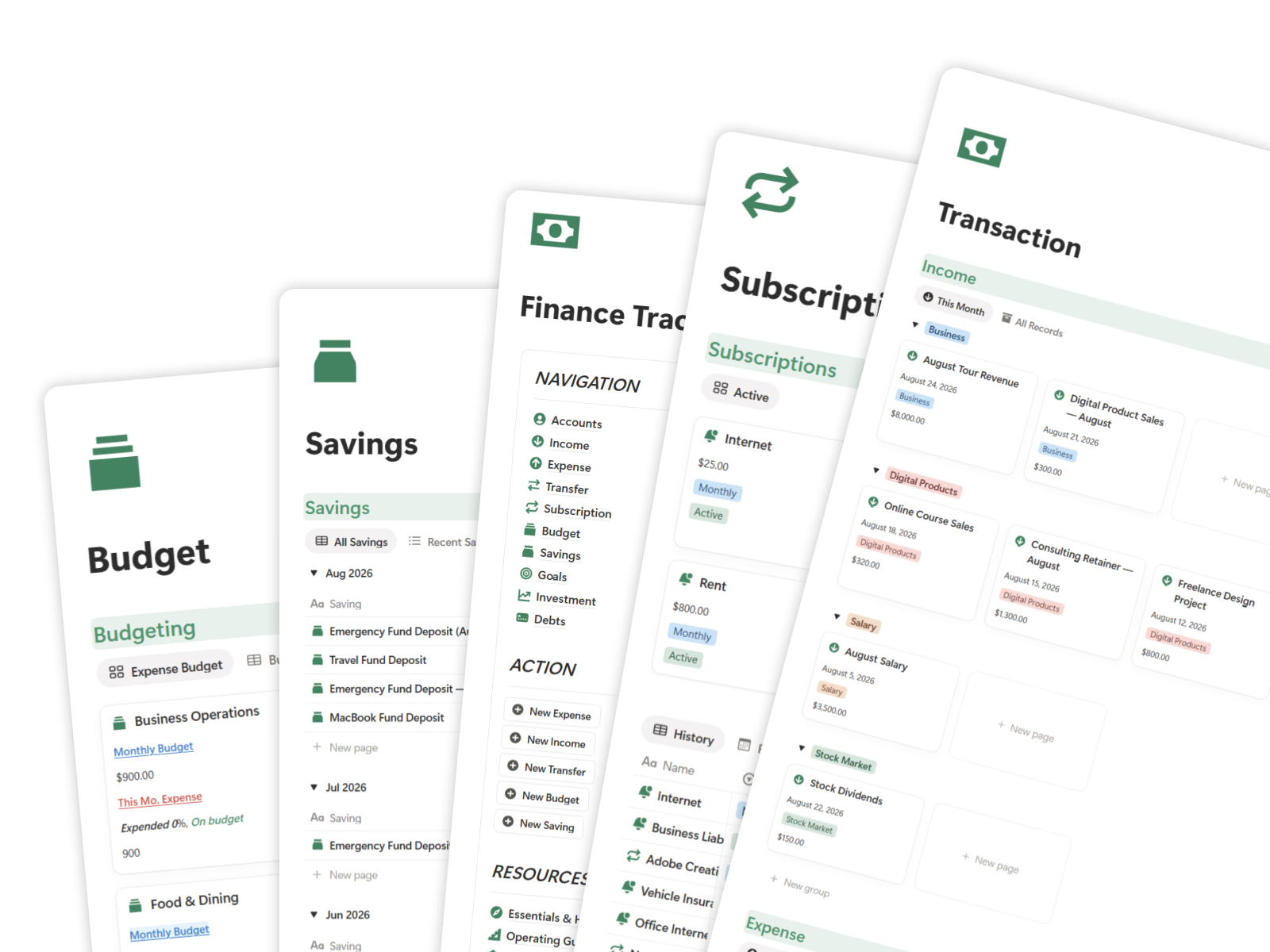
What makes it different:
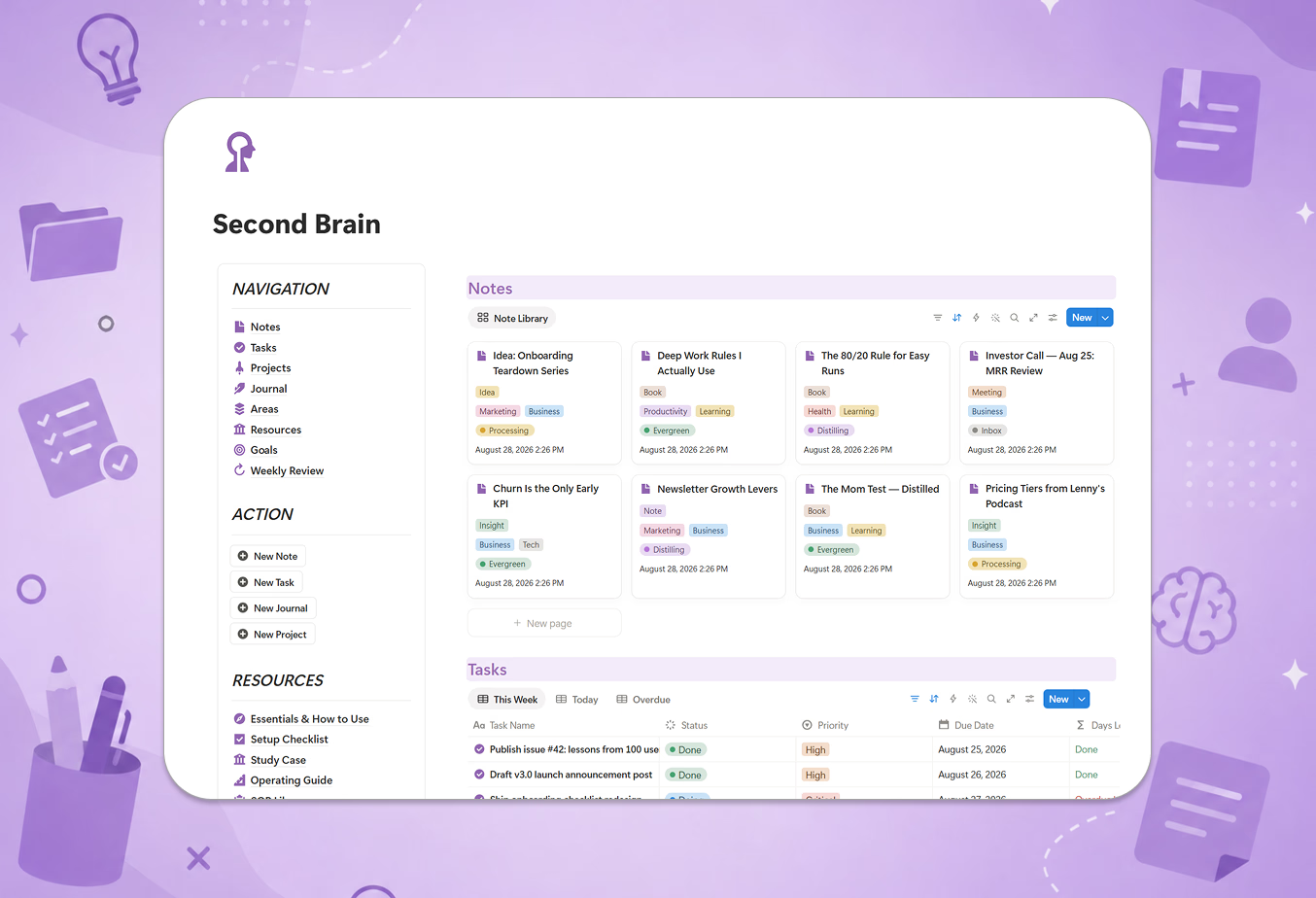
- Setup Checklist — get every account and budget configured step by step
- Study Case — a worked example of a real person's finances run end to end
- Prompt Kit — ready-made AI prompts for spending analysis, budget planning, savings strategies, and subscription cleanup
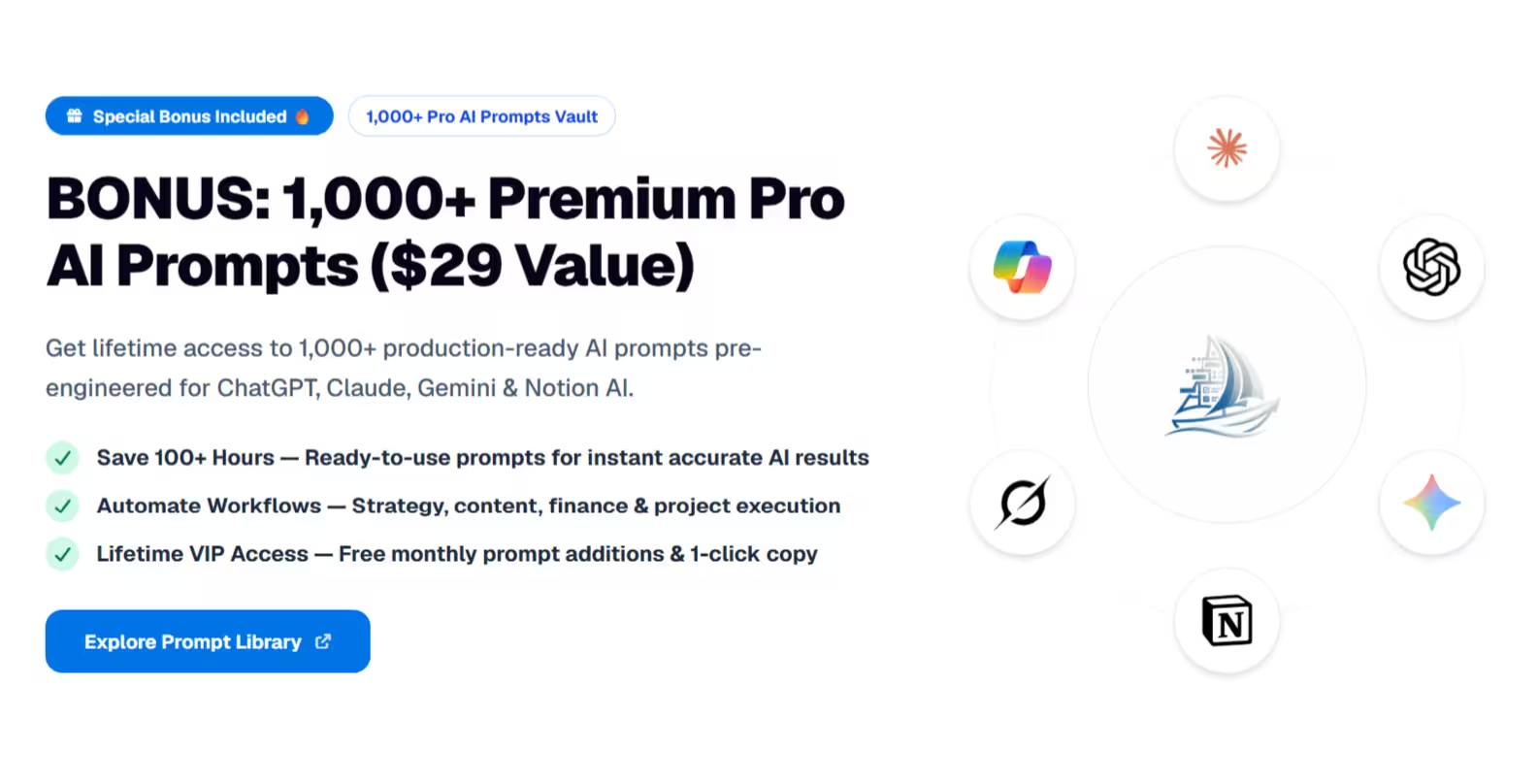
How the included AI Prompt Kit supercharges financial control:
- AI-Powered Spending Audit: Copy-paste monthly spending logs to automatically detect impulse buying patterns, hidden fees, and cost-saving opportunities.
- Personalized Debt & Savings Planning: Generate step-by-step Debt Avalanche/Snowball strategy roadmaps customized to your current cash flow.
- Subscription Audit & Cancellation Scripts: Identify recurring subscriptions that aren't providing ROI and get auto-generated cancellation email templates.
- Multi-LLM Compatible: Pre-engineered for ChatGPT Plus, Claude 3.5 Sonnet, Google Gemini Pro, and Notion AI.
The main downside:
No bank syncing, and no live market prices like Notion Finance Tracker's API. Every transaction is manual entry. Some people actually prefer this (it forces you to pay attention), but if you want automatic imports, you need a dedicated app like YNAB or Monarch.
6. DIY: build your own
Free (just your time)
Building a budget from scratch is a great Notion exercise — relations, rollups, and formulas all in one project.
The tradeoff: once you add accounts, transfers between them, subscriptions with renewal dates, and savings goals, the formula web gets messy fast. Budget for a weekend, not an evening.
How to choose
If you're not sure, start with Easlo's $5 Budget Tracker or a free expense tracker. Use it for a month. If tracking spending is all you need, you're done.
If you want your full financial picture — what's in each account, which subscriptions renew this month, whether you're on track for your savings goal, what you owe and own — with guidance that actually teaches you the system, that's the gap the TailorFlow Finance Package fills.
Plus, having the integrated AI Finance Prompt Kit means you get both the structural finance tracker AND an AI financial advisor to audit spending and optimize savings.
If live investment prices are your priority, Notion Finance Tracker's API is the only option here that does it. And if bank syncing is non-negotiable, no Notion template can do that — look at YNAB, Monarch, or Copilot instead.
Before you pick a template: is Notion the right tool?
Notion works well for finances if you already live in Notion, you want to customize how things work, and you don't mind manual entry. One-time pricing beats $100+/year for dedicated apps — and beats $39/year for a template subscription.
But if you want automatic transaction imports, a mobile-first logging experience, or a guided methodology like YNAB's envelope system, a dedicated app will serve you better.
Want budgets, accounts, subscriptions, savings, investments, and debts in one guided system? Check out the TailorFlow Finance Package — one-time purchase, lifetime access.