



"Business OS" is the boldest promise in the Notion template world: your entire company — projects, money, customers, team — in one workspace. Most templates that claim it are a few databases stapled together with a nice dashboard on top. A few are genuinely impressive. The hard part is telling them apart before you pay.
I went through the most popular options from the biggest creators — heyismail, Notion4Management, and Landmark Labs — to save you the trouble. Here's what's worth your time.
Short answer: if you want to test the concept for free, Notion's official Business OS is a decent demo. On a budget, Notion4Management's Ultimate Business OS at $39 is honest value. If you want a connected system where projects, OKRs, finance, marketing, CRM, and team management actually talk to each other — with AI prompts and setup guidance built in — the TailorFlow Business OS Package is the best value here.
Quick comparison
| Template | Price | Modules included | Connected data | Setup guidance | AI Prompts Kit |
|---|---|---|---|---|---|
| Notion's Official Business OS | Free | Basic (projects, docs) | Partial | Basic docs | No |
| Notion4Management Ultimate Business OS | $39 | Teams, projects, ops | Partial | Tutorials & docs | No |
| heyismail Business OS | $99-129 | Projects, CRM, finance, HR | Yes | Text guide + examples | No |
| Landmark Labs Business OS | $149/year | Projects, OKRs, Finance | Yes | Course + Loom support | No |
| TailorFlow Business OS Package | $49 one-time | Projects, Tasks, OKRs, Roadmap, Finance, Marketing, CRM, Team | Yes | Setup checklist + Study Case + SOP Library | Included (Prompt Kit) |
| DIY (piecemeal templates) | Free | However many you stitch | Usually no | None | None |
1. Notion's official Business OS
Free | Available in Notion's template gallery
The obvious starting point, and a decent way to see what an "OS" structure feels like: projects, docs, and basic company pages in one place.
That said, it's more of a demo than an operating system. No real finance module, no CRM, no OKRs. Most businesses outgrow it before they've finished setting it up — but it costs nothing to find out whether the all-in-one concept suits you.
2. Notion4Management Ultimate Business OS
$39 one-time
Built by a Notion Certified Expert with 10,000+ customers, Ultimate Business OS is a centralized dashboard for teams, projects, processes, and operations, with tutorials and lifetime updates included. At $39 it's the honest budget pick in this category.
What's missing at this price: no real finance or CRM depth, no OKR layer, and no worked example — you see the structure, but never a real business running on it. Their $97 all-template bundle is tempting, but more templates isn't the same as a more connected system.
3. heyismail Business OS
$99-129 one-time
heyismail is one of the biggest names in Notion templates (300+ templates, 100,000+ users, 4.9 stars across 800+ Business OS ratings). The Business OS covers a lot: projects, CRM, finance overview, HR & team management, OKRs, company wiki, operations. Entrepreneur OS ($99) trims the team features for solo operators.
It's genuinely comprehensive, and the included guide and examples help. The caveats: the guide is text-only and stays generic (with 300+ templates, it has to), and depth per module is uneven — the CRM and finance pieces are lighter than dedicated templates. Good breadth; verify the depth matches your needs.
4. Landmark Labs Notion Business OS
$149/year (all-access subscription) or $400+ bundle
The premium option, and priced like it. Landmark Labs bundles its Business OS with a components library, a "Notion for Business" course, and Loom support from the founder. Over 20,000 businesses have used their systems, and the depth shows.
Two things to consider. First, the pricing model: the sensible entry point is a $149/year subscription, which means you're renting your operating system. Second, the depth cuts both ways — it's a lot of system, and smaller teams can drown in it. If you want the most comprehensive option and budget isn't a concern, this is it.
5. TailorFlow Business OS Package
$49 one-time
Full disclosure: this is our product. I'm including it because it's genuinely built differently, but take my review with appropriate skepticism.
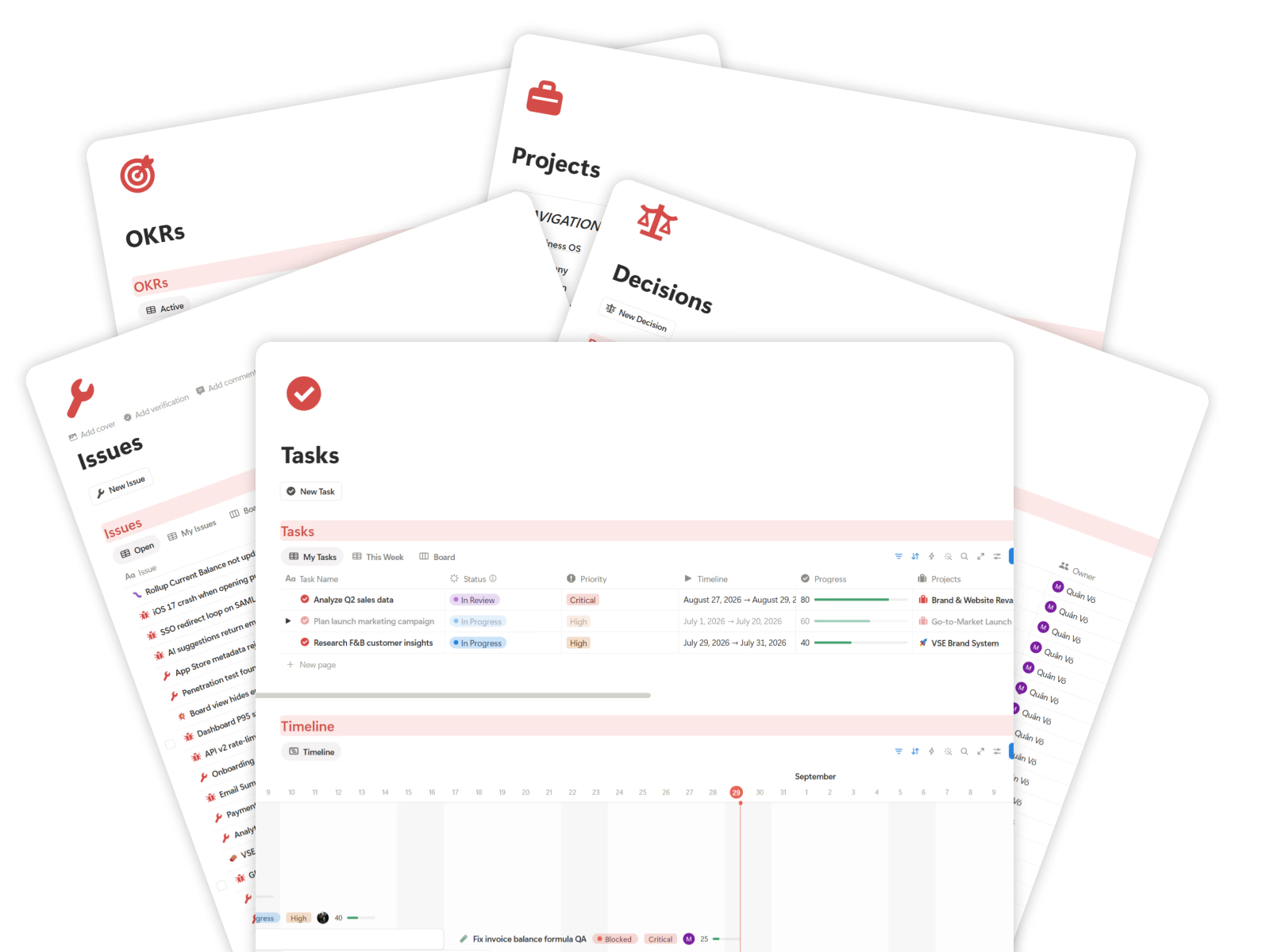
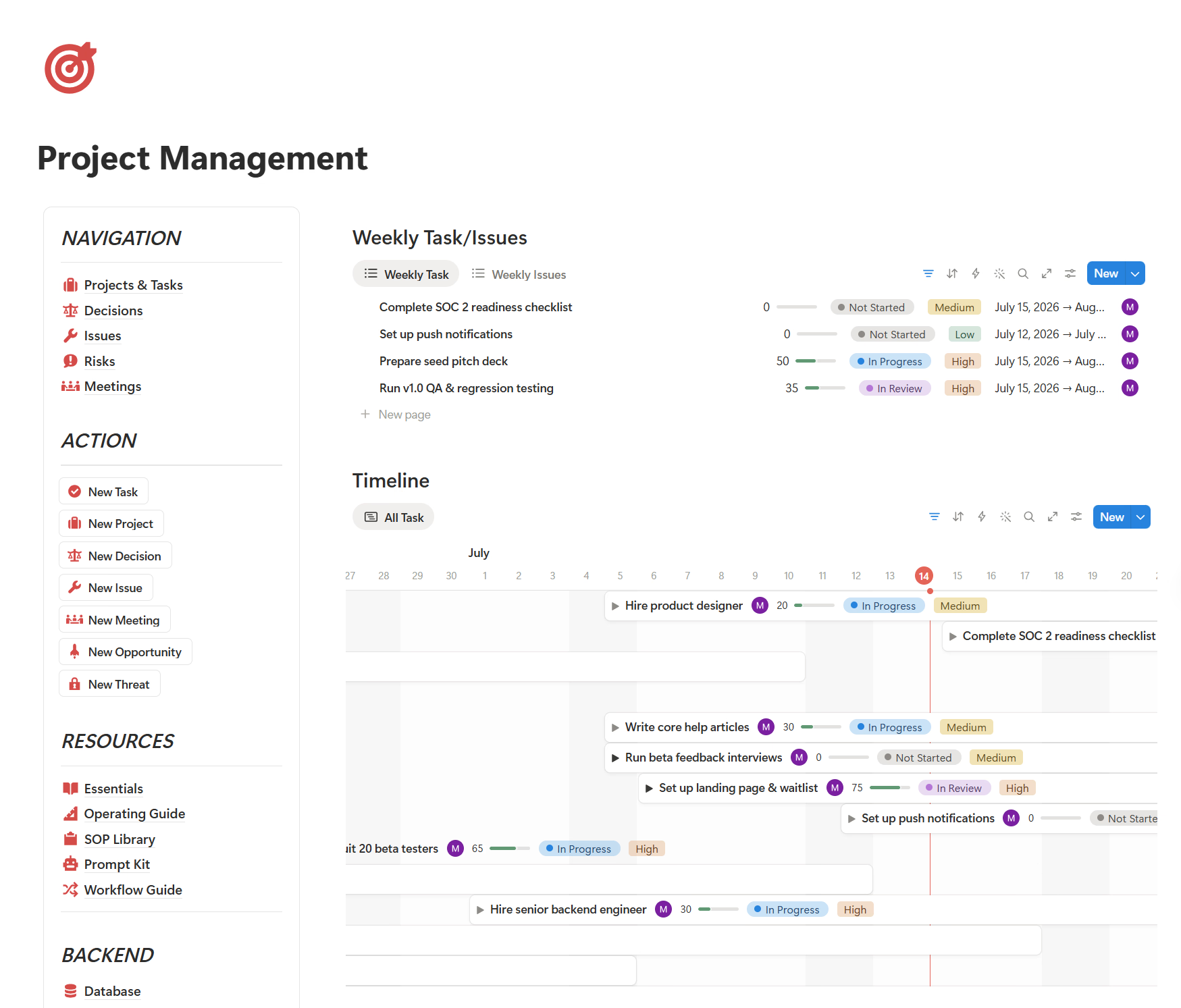
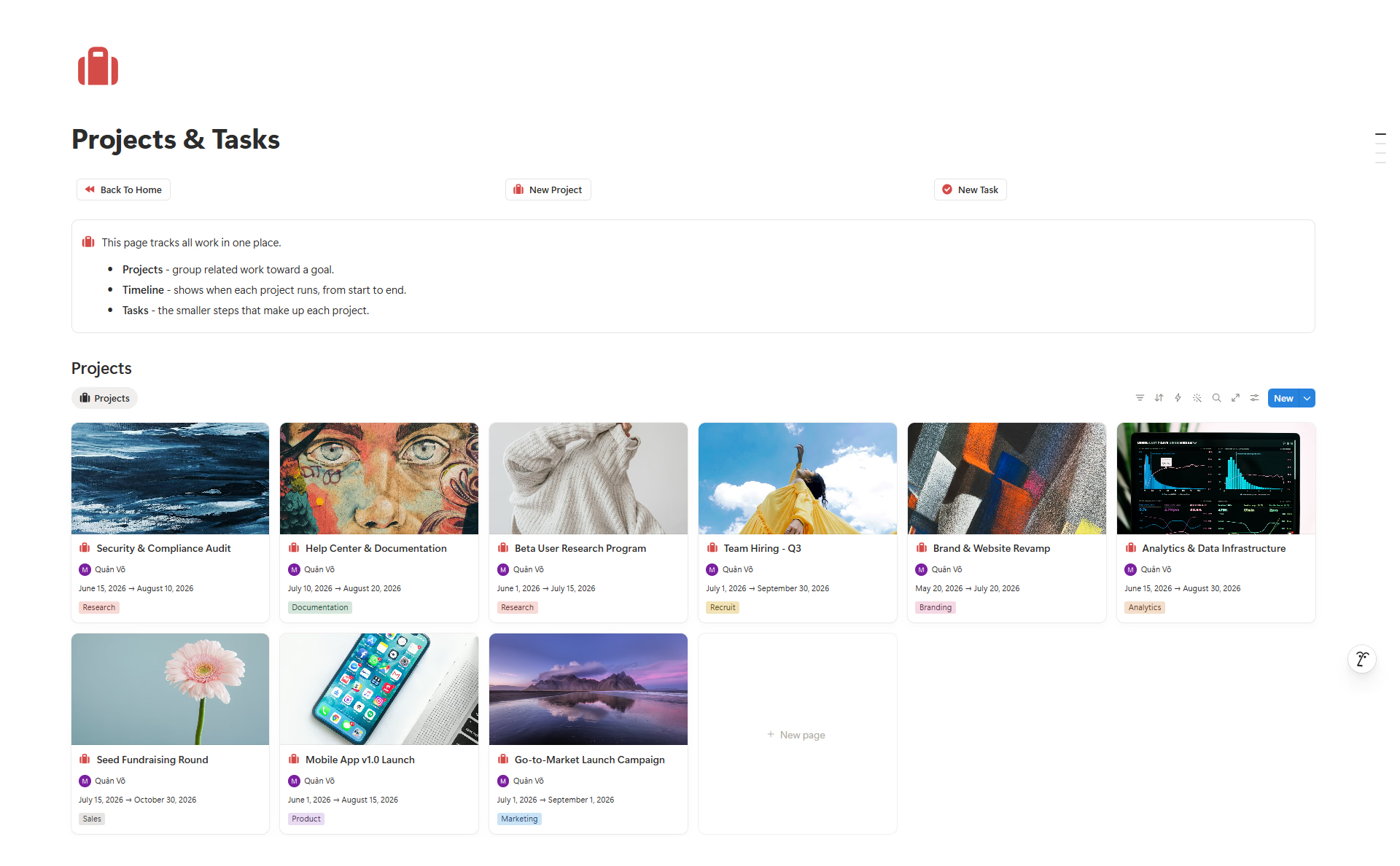
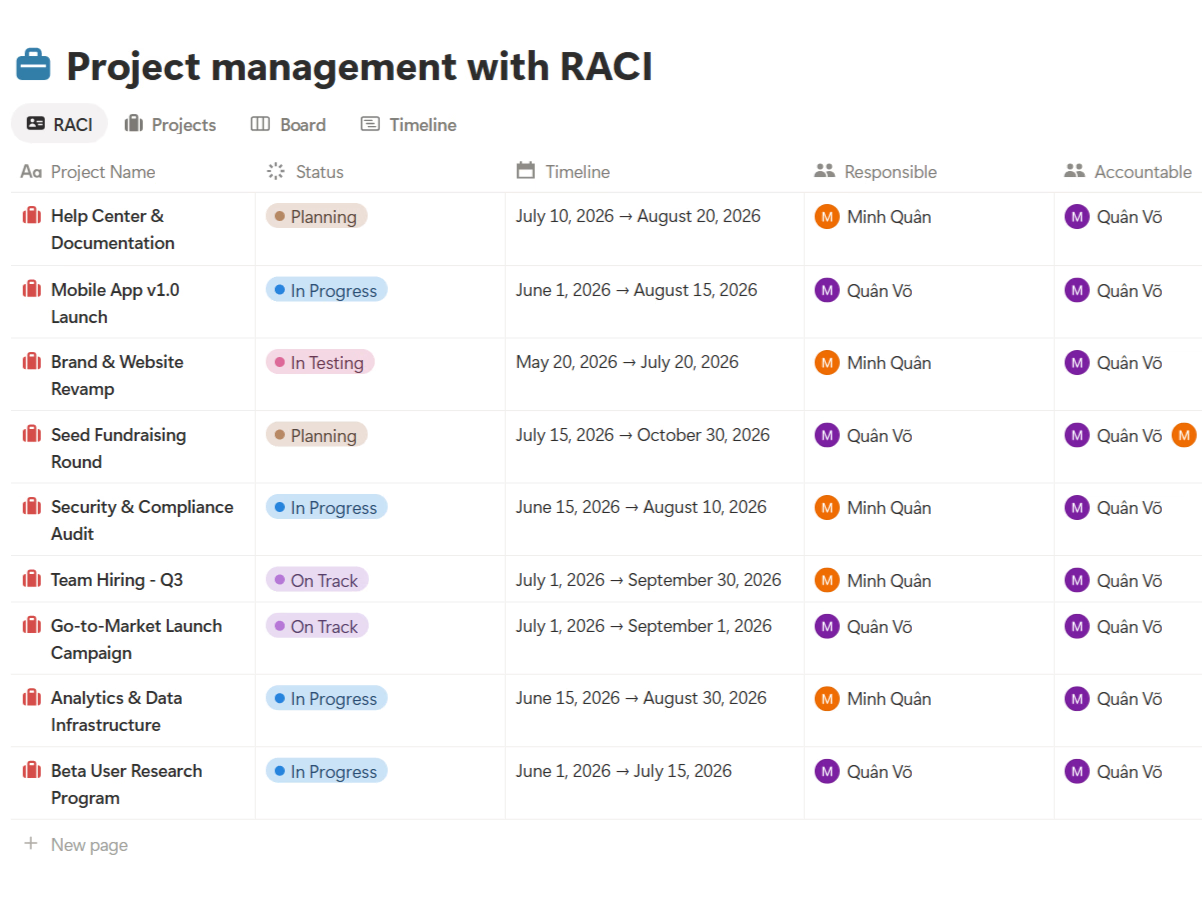
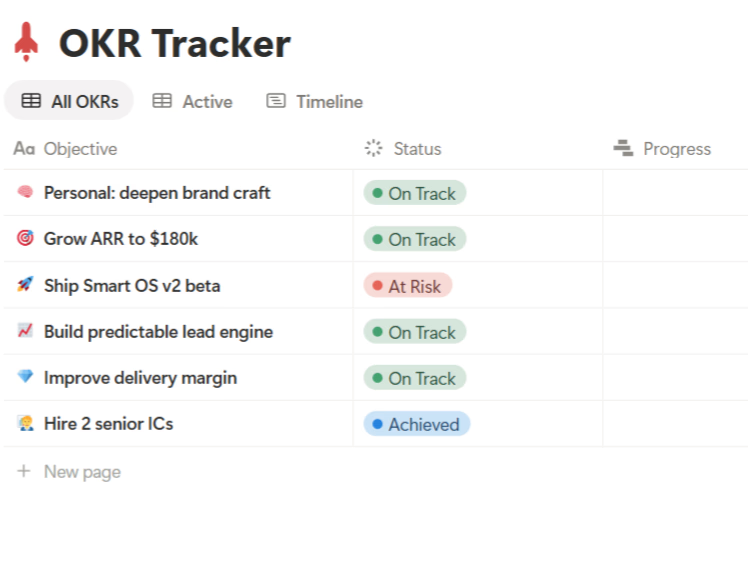
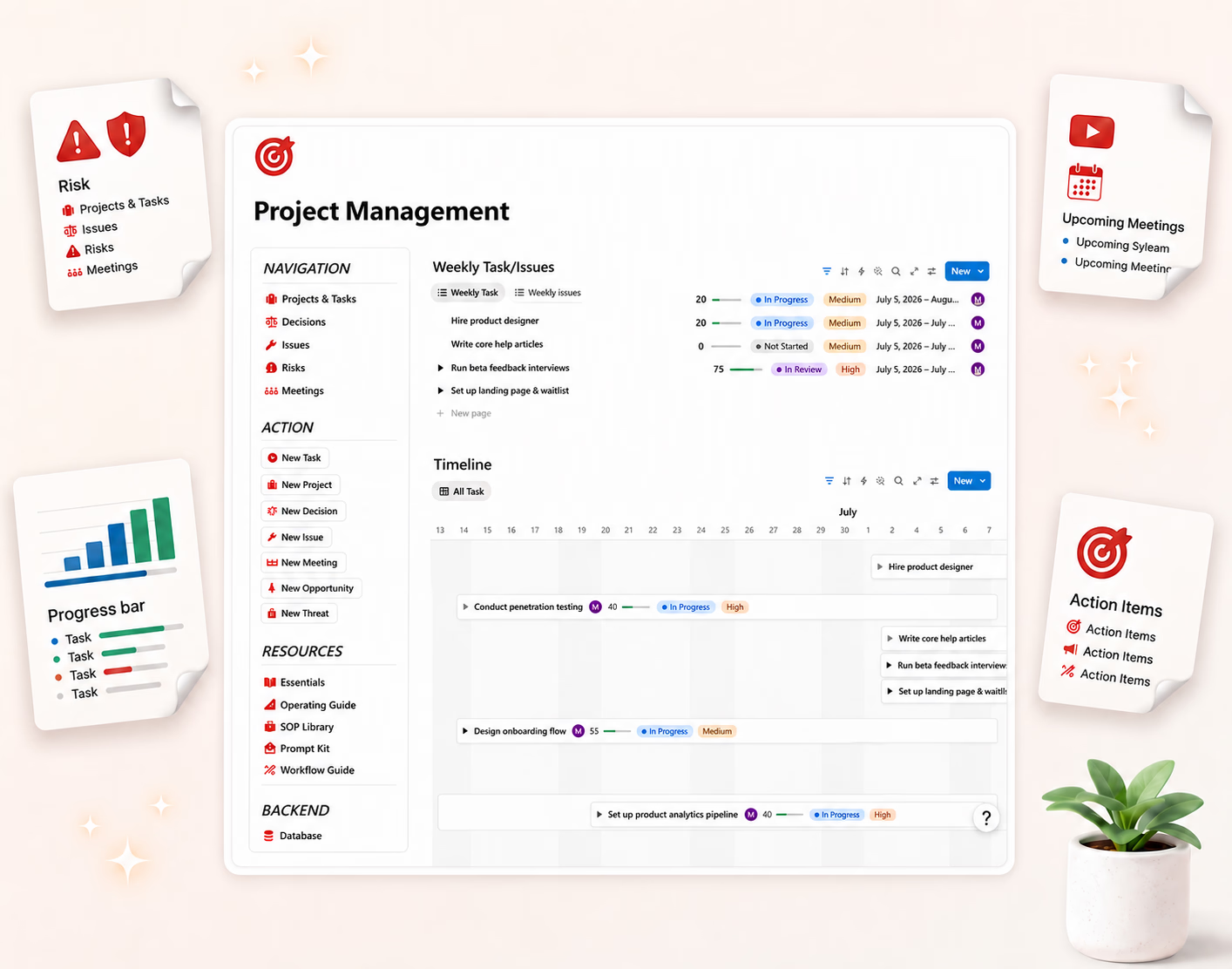
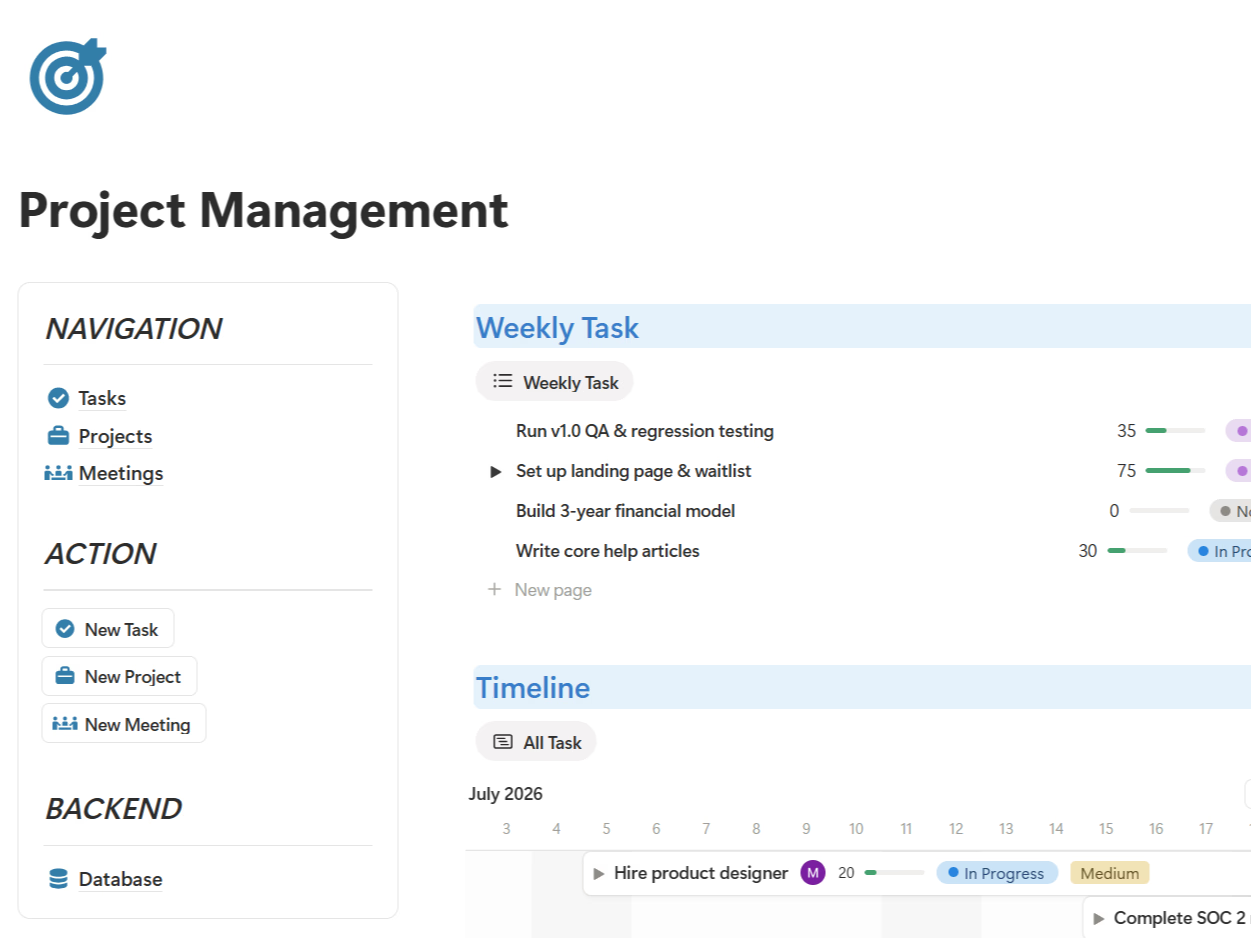
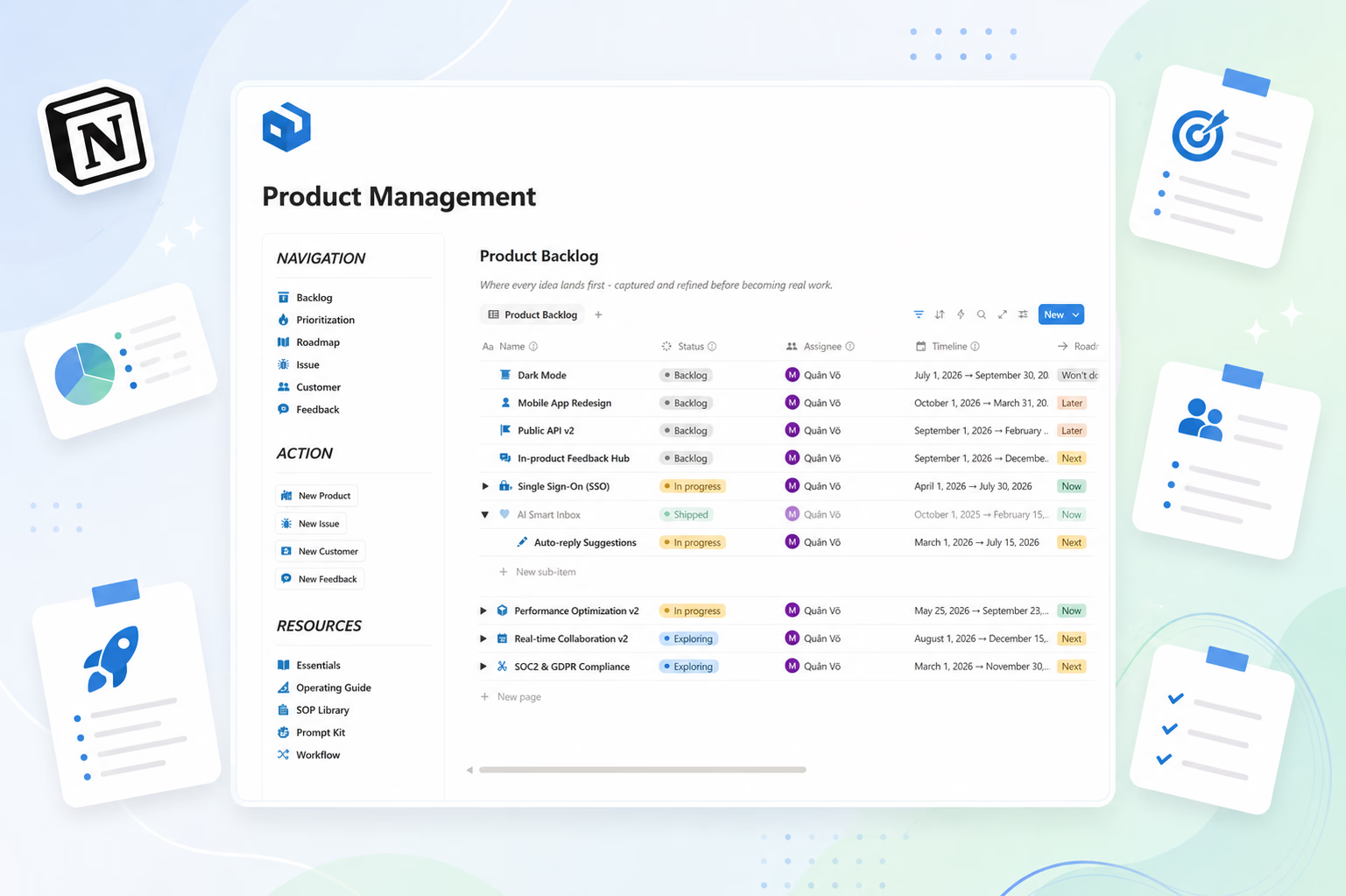
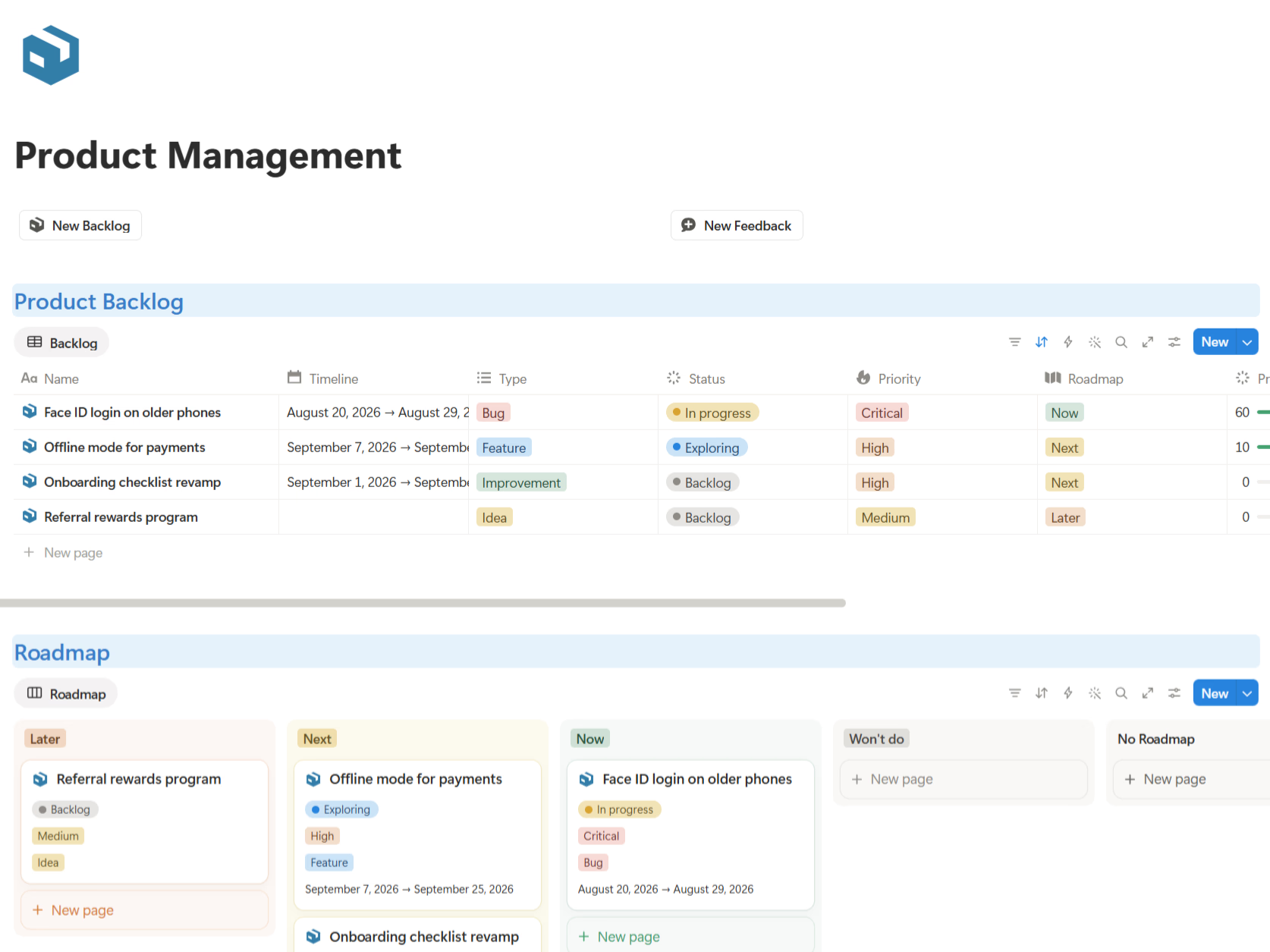
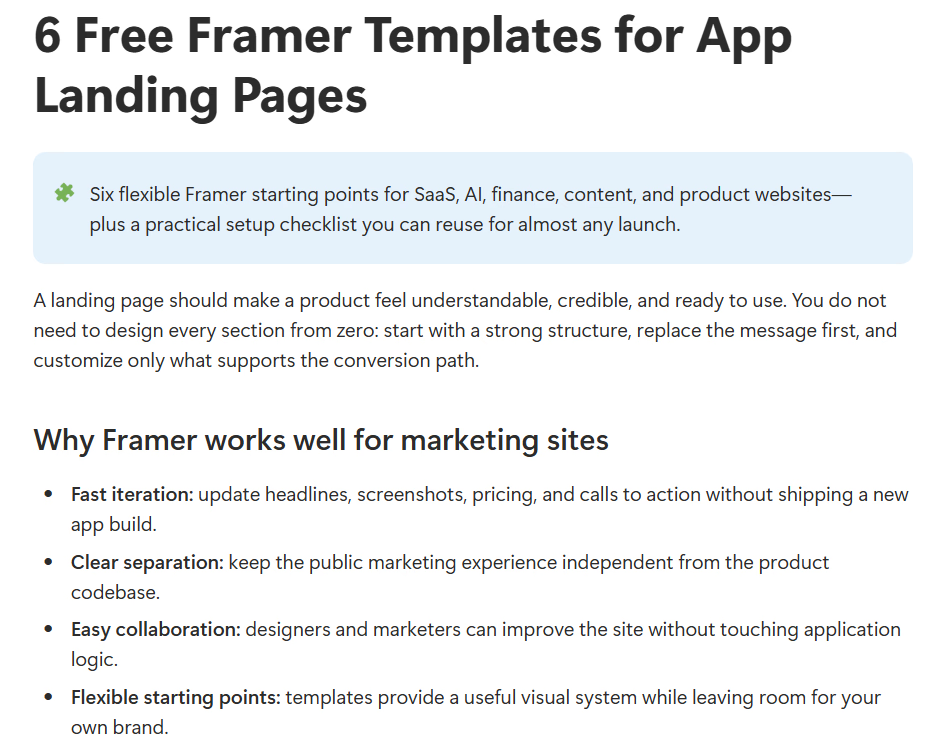
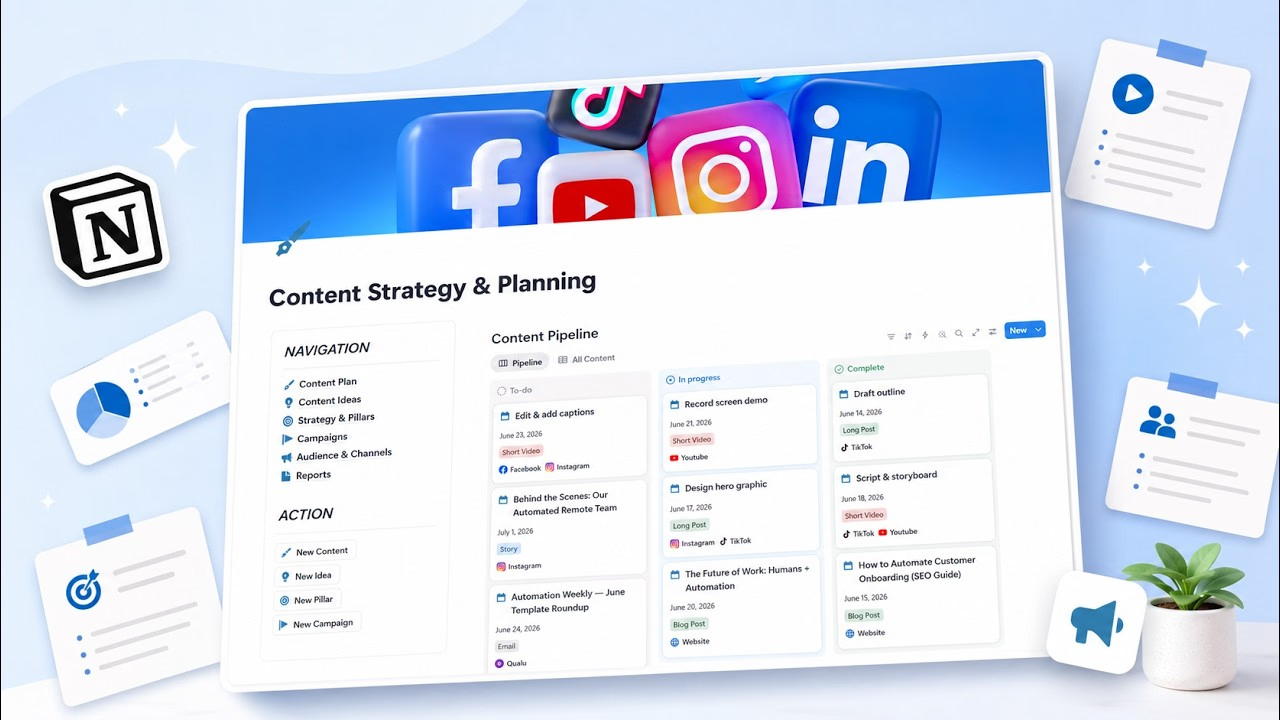
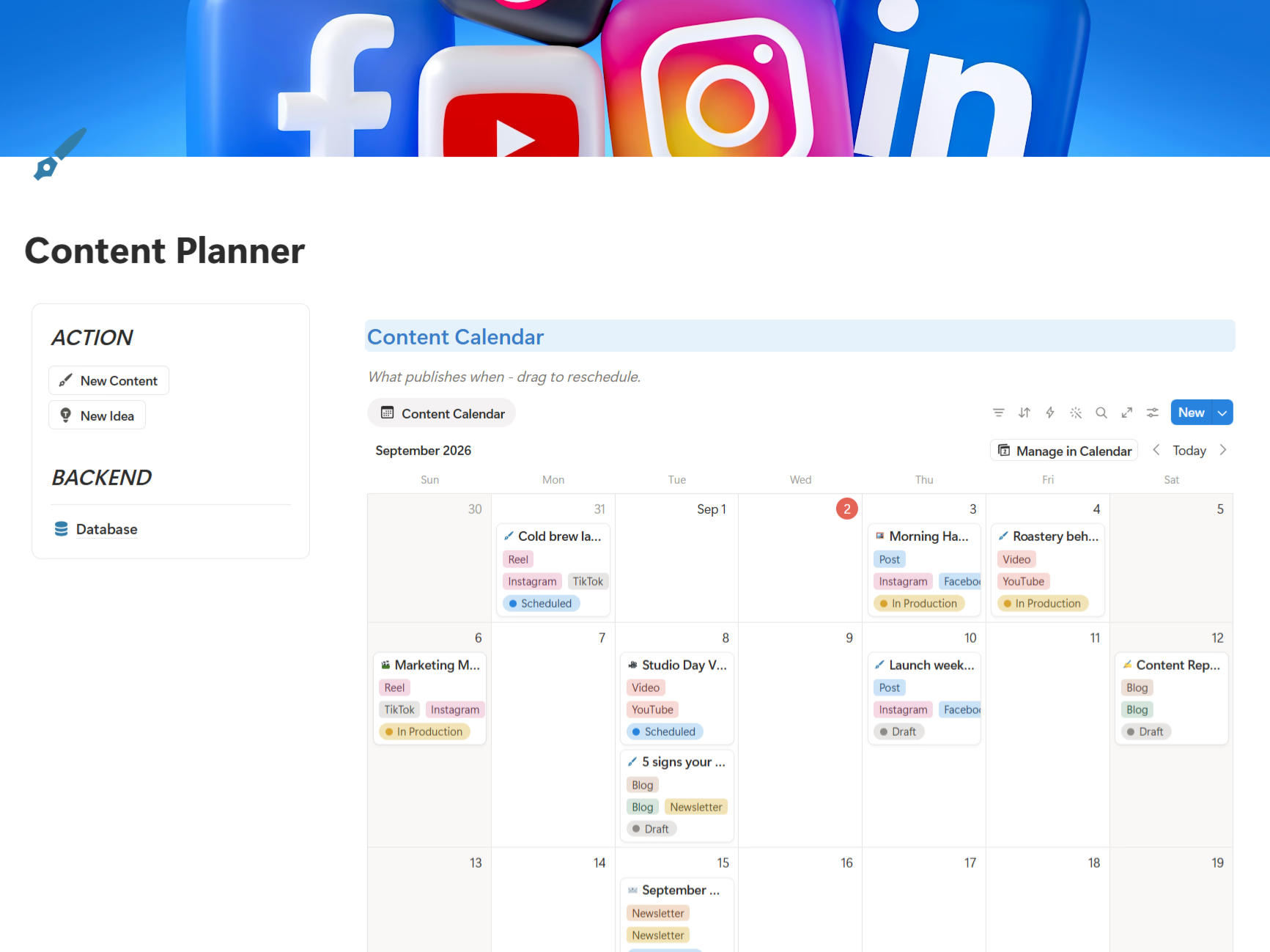
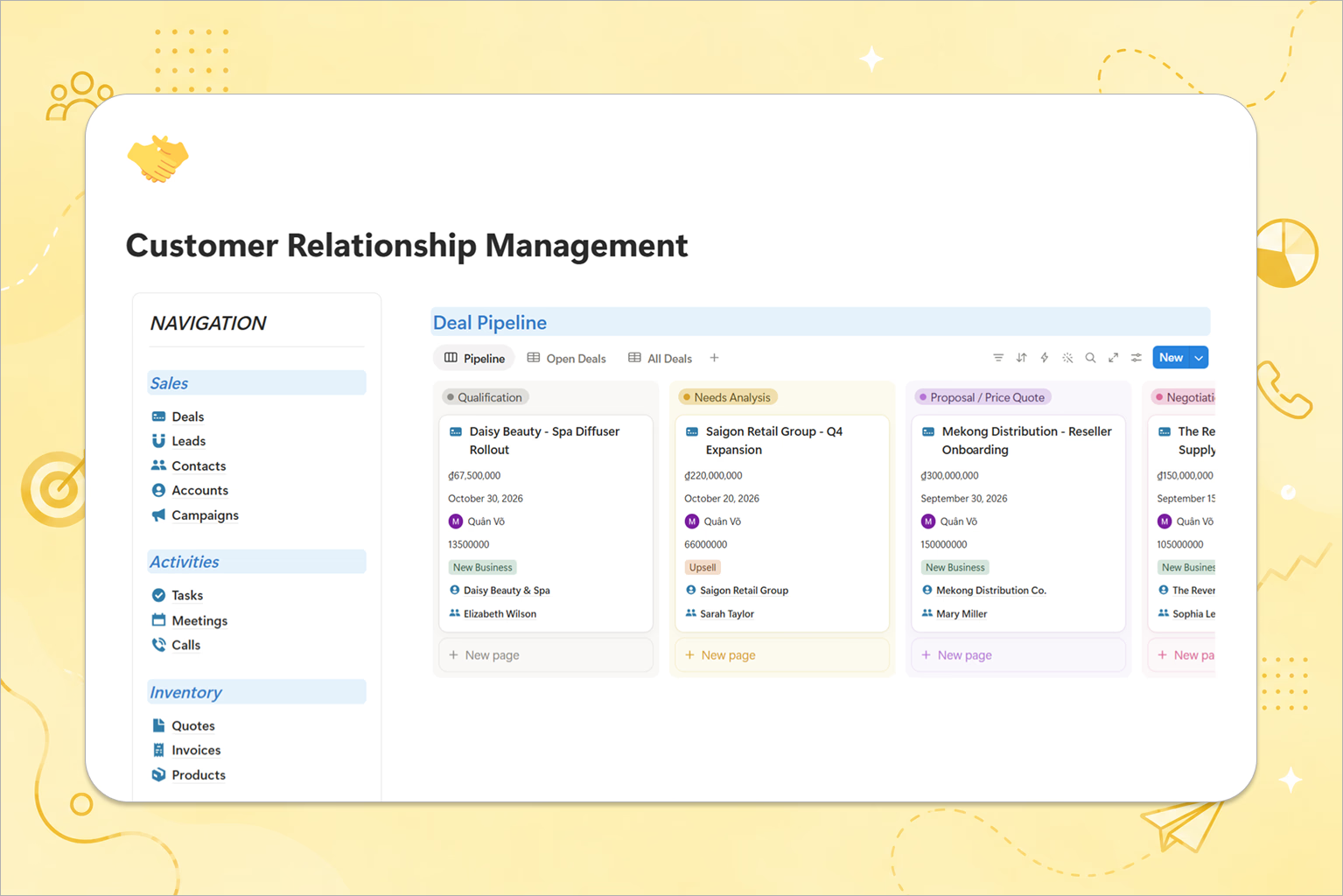
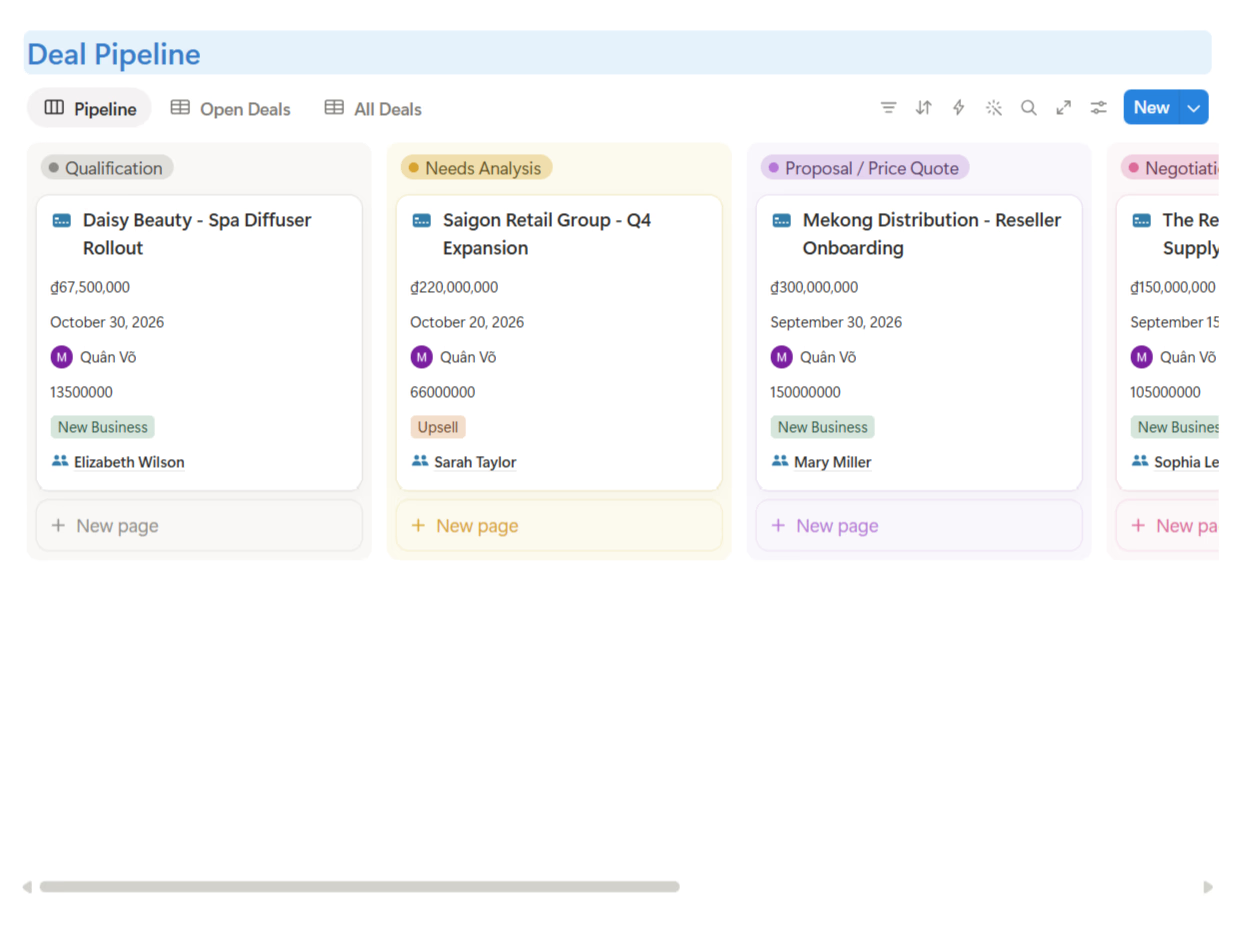
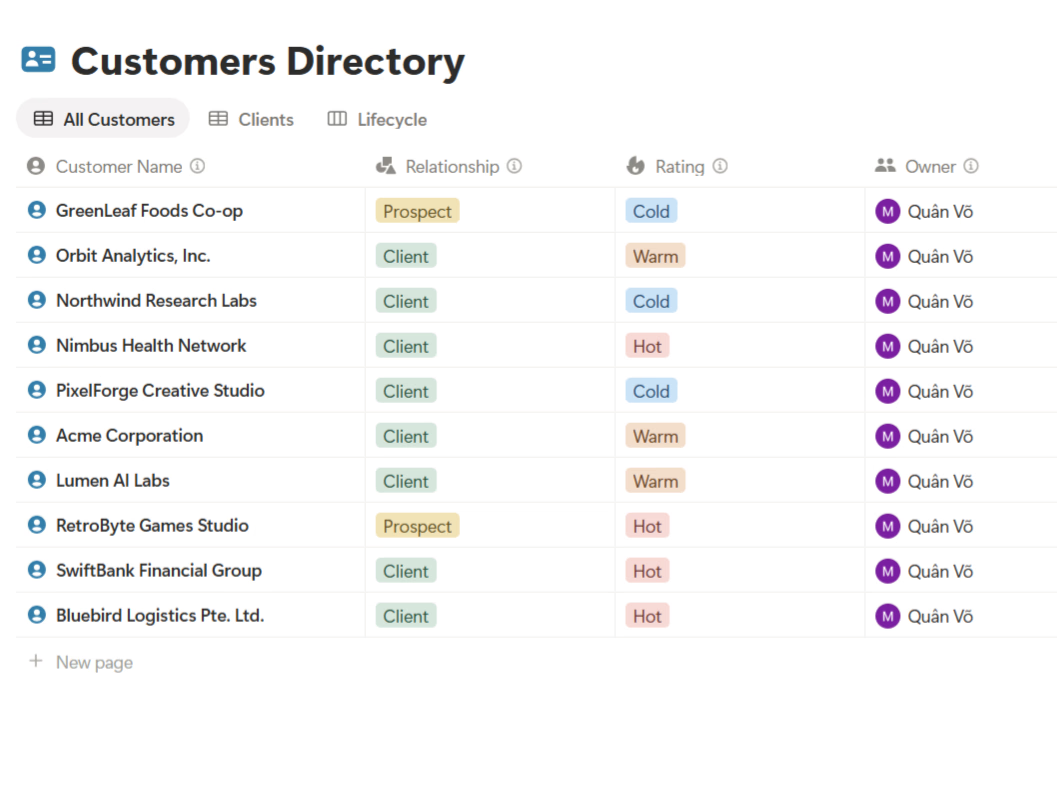
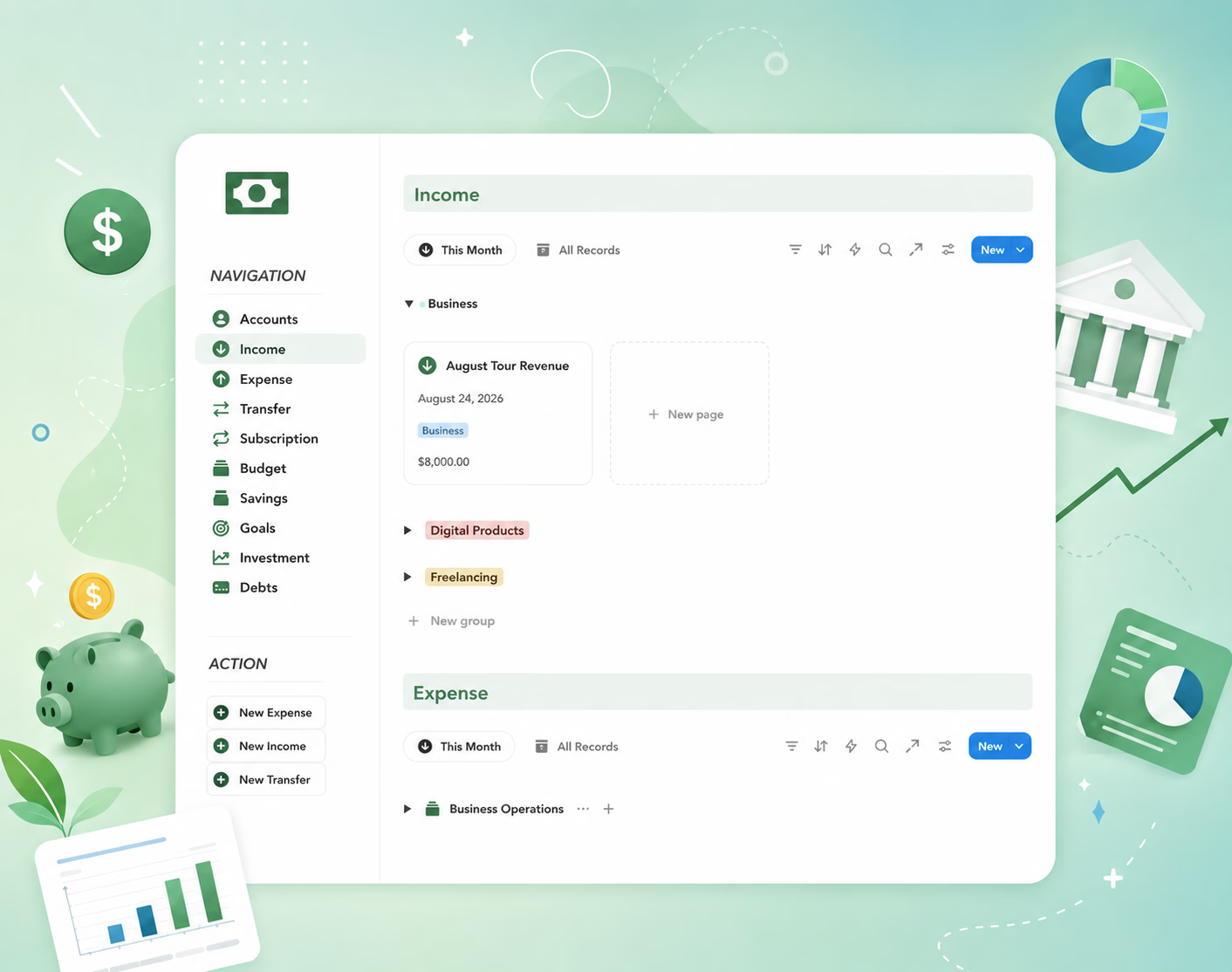
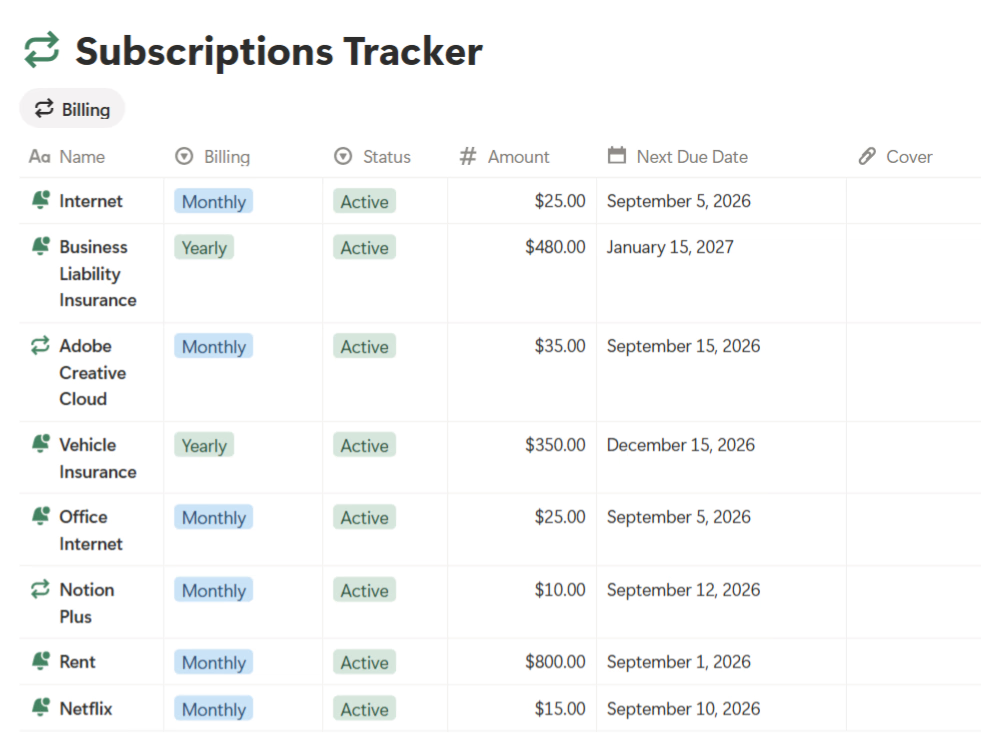
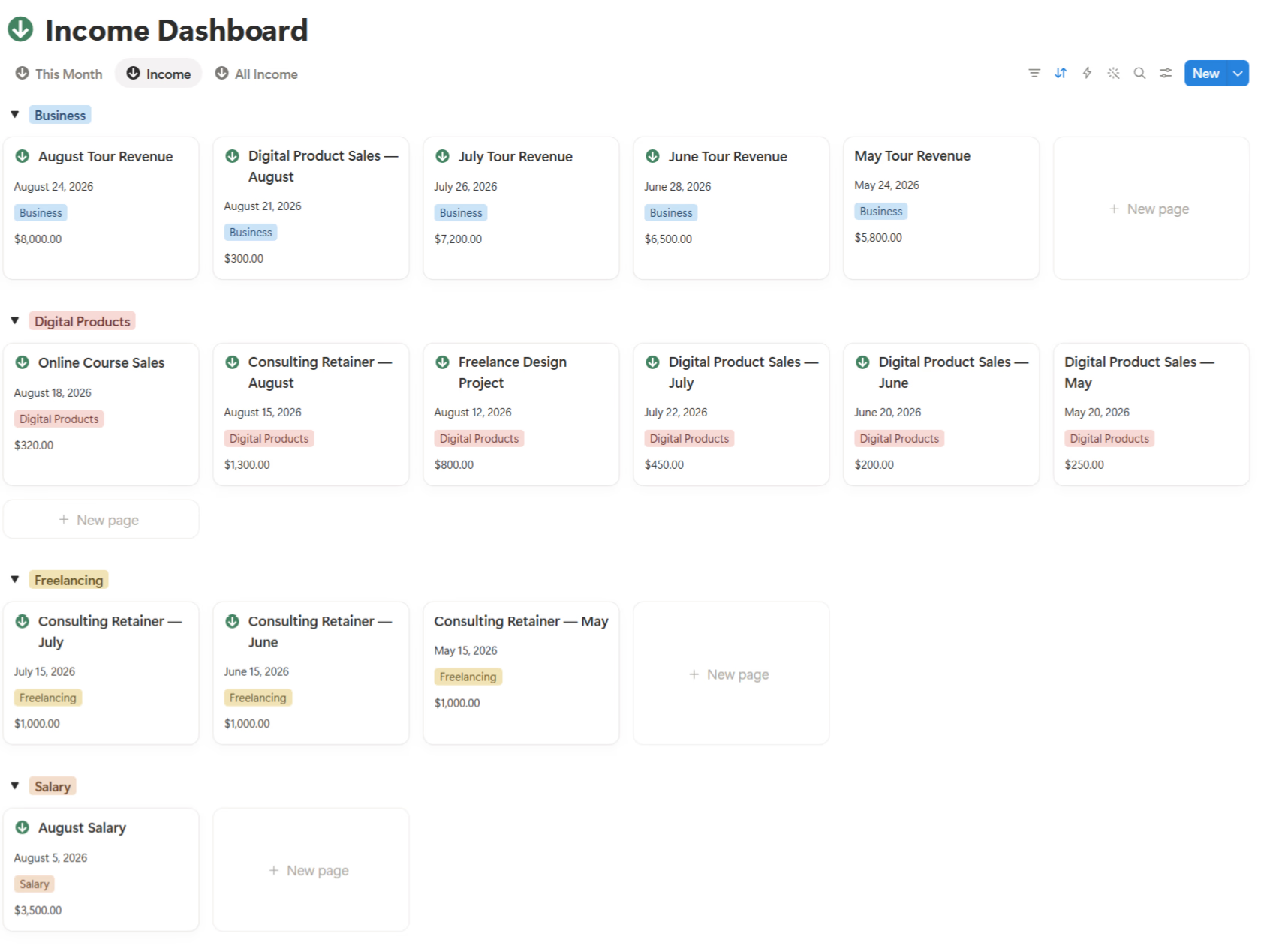
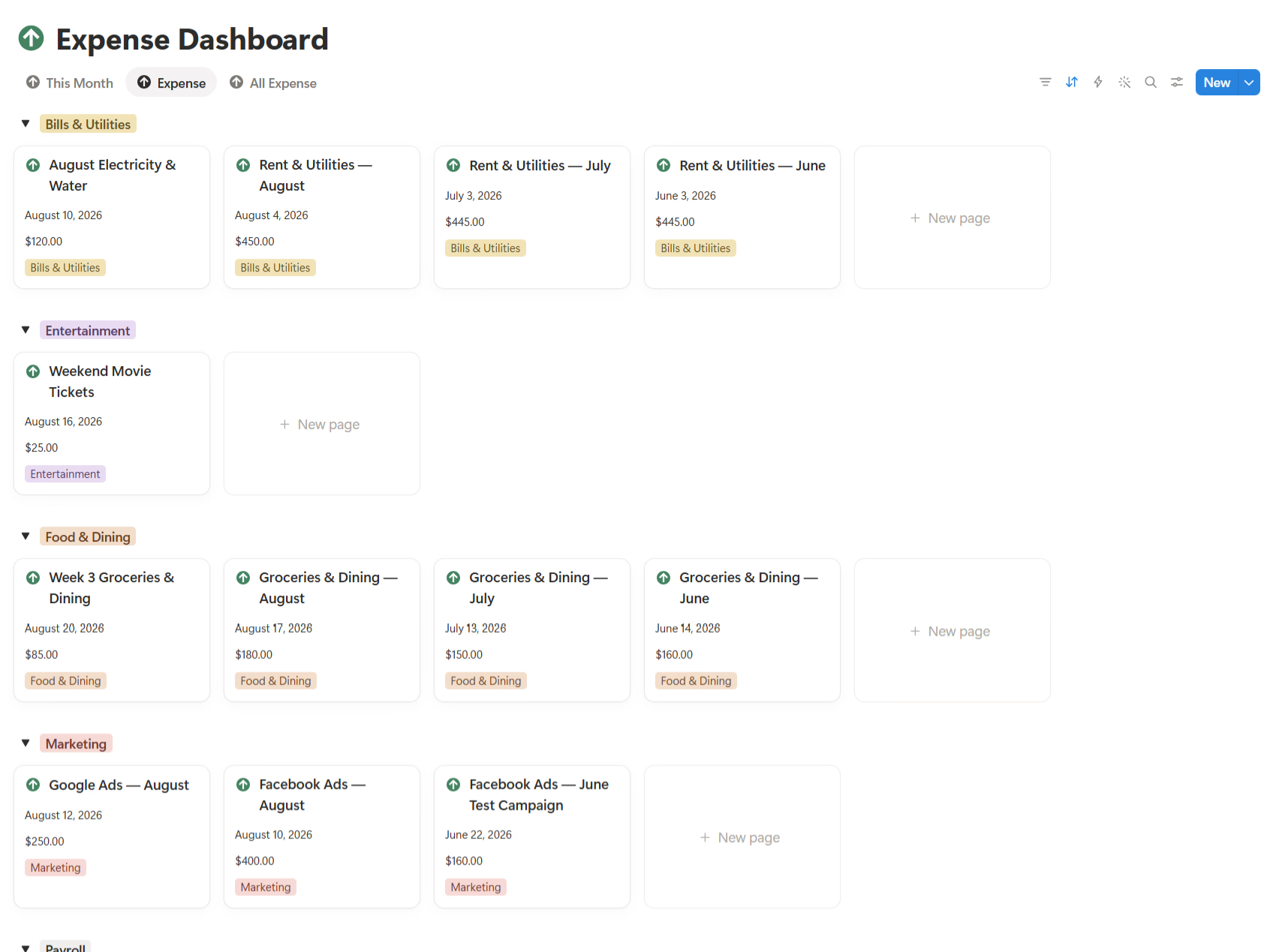
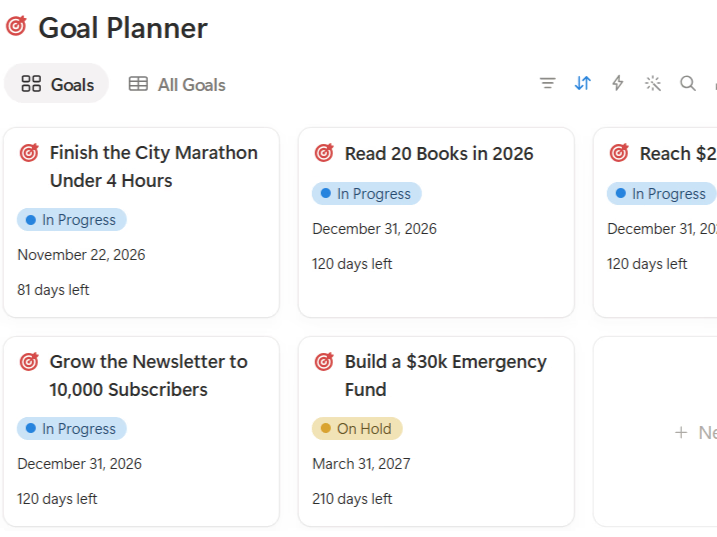
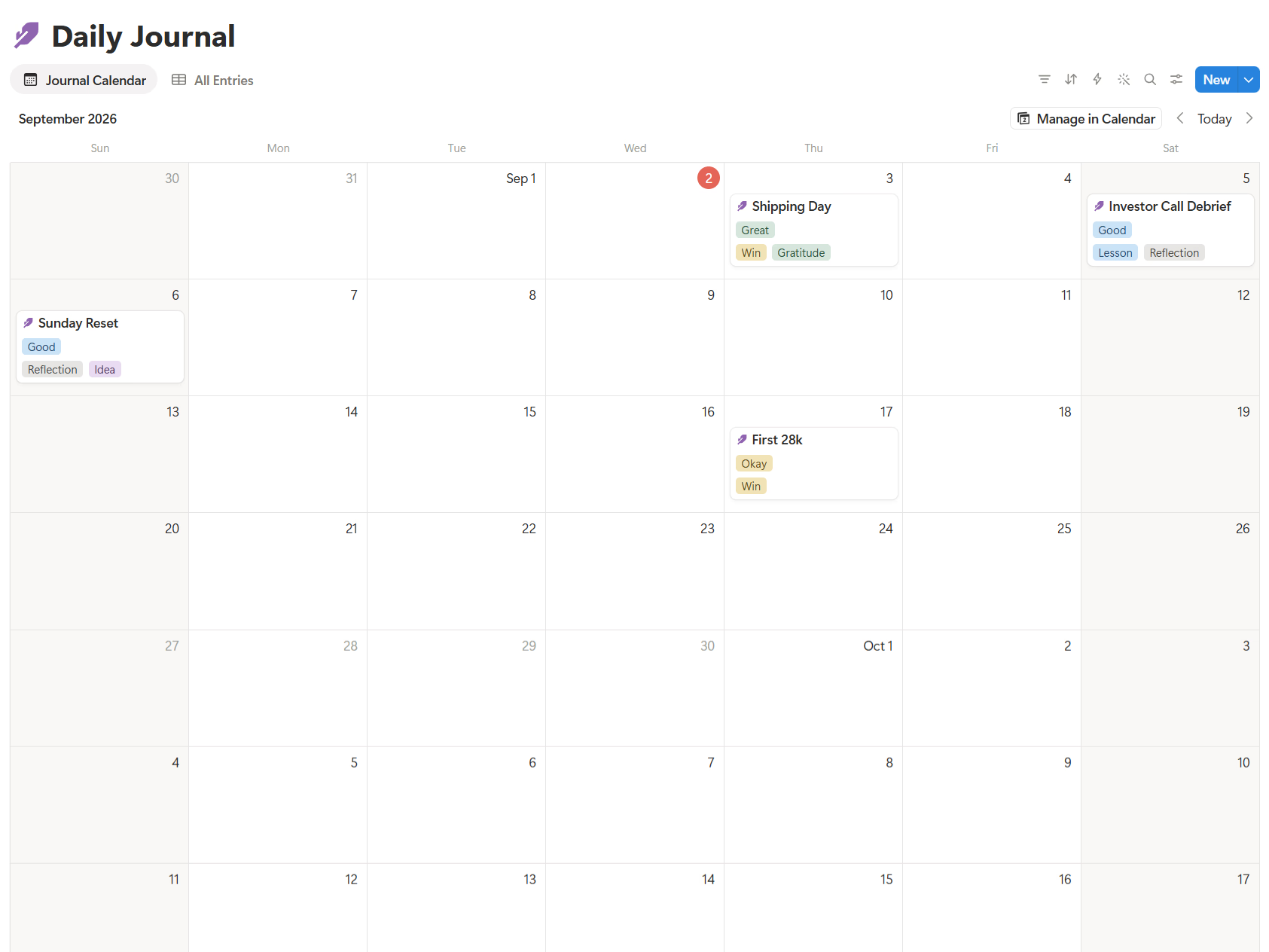
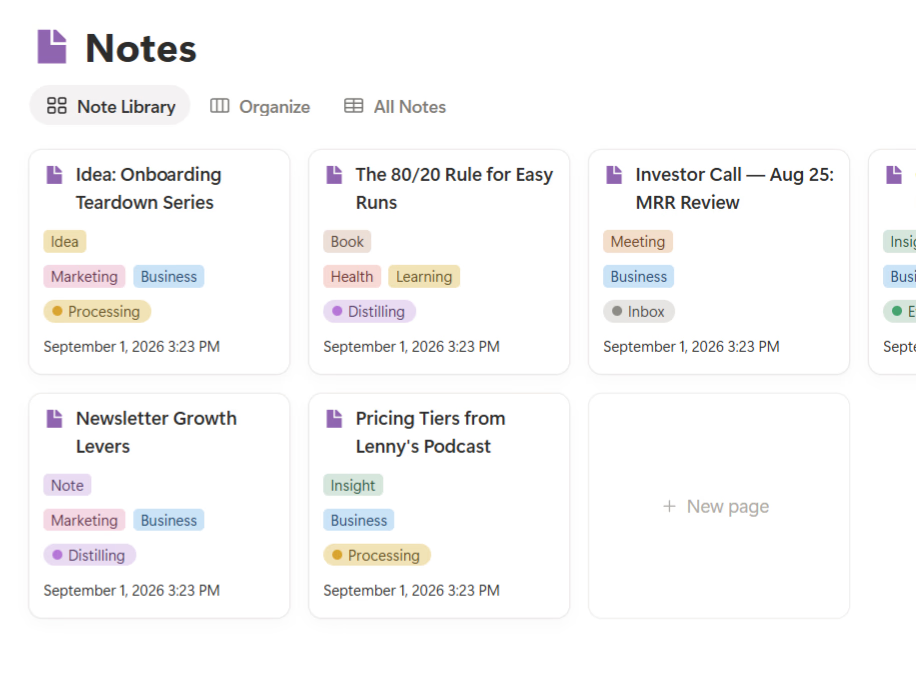
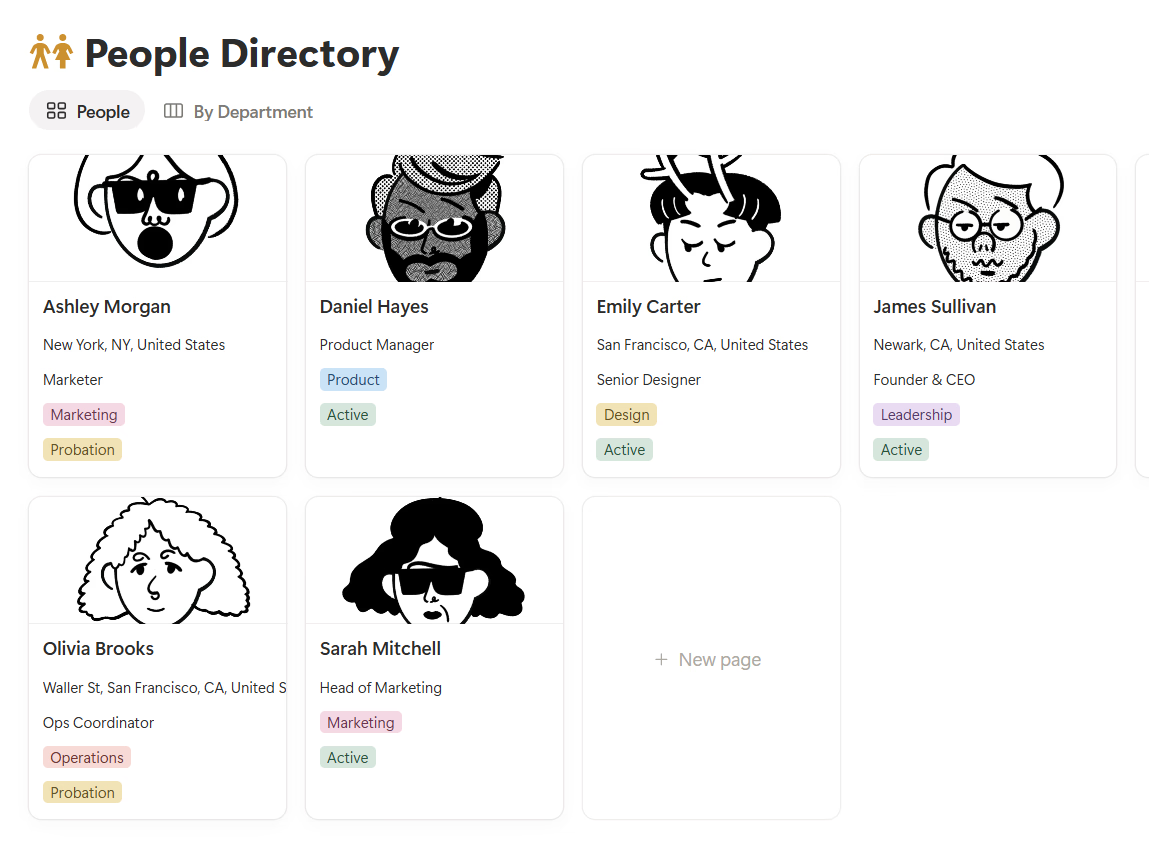
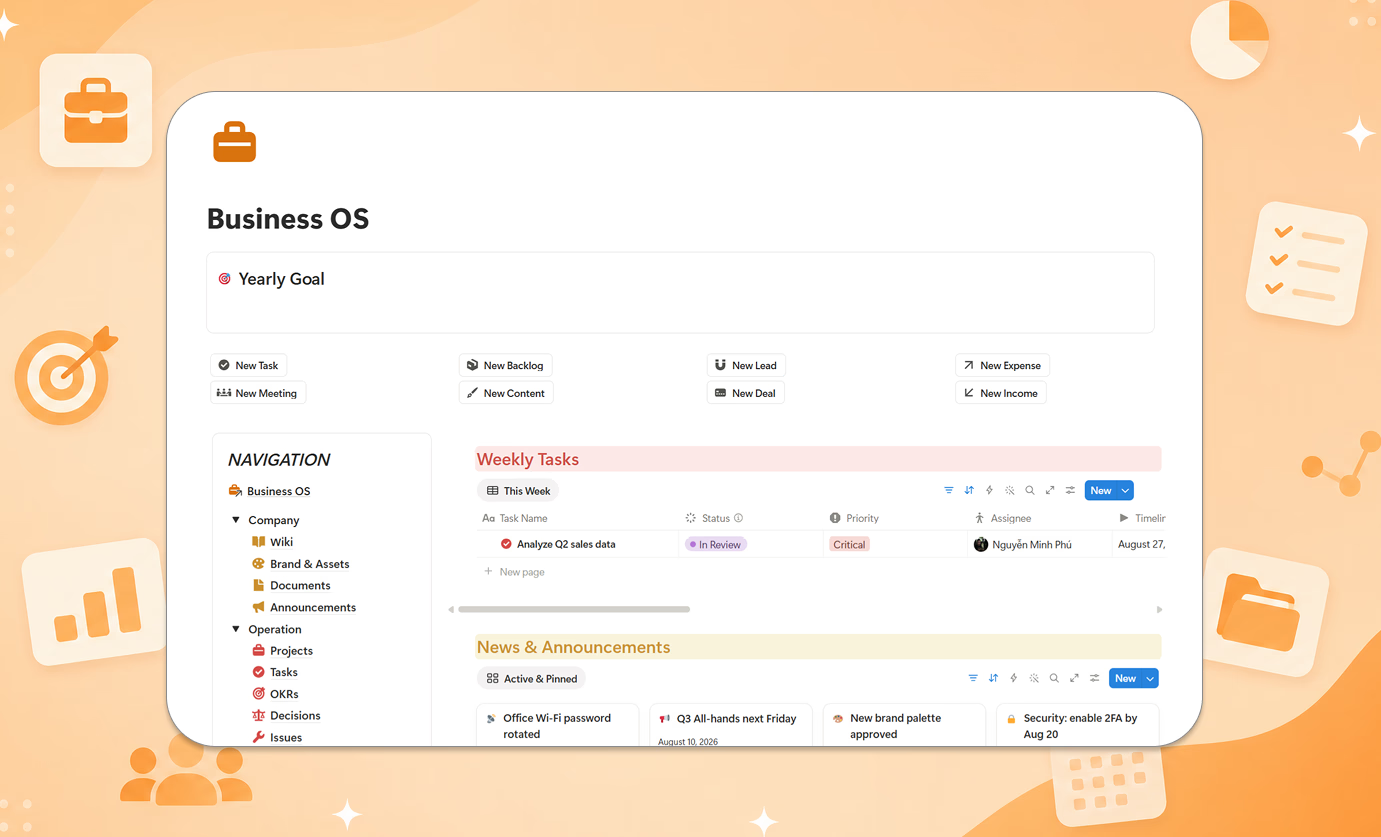
The short version: your entire business in one connected workspace — projects, tasks, OKRs, roadmap, finance, marketing, CRM, and team management, all talking to each other in a single dashboard. A deal in the CRM connects to the project it becomes; the project connects to the OKR it serves; the invoice connects to your finance view. That's what "operating system" should mean.
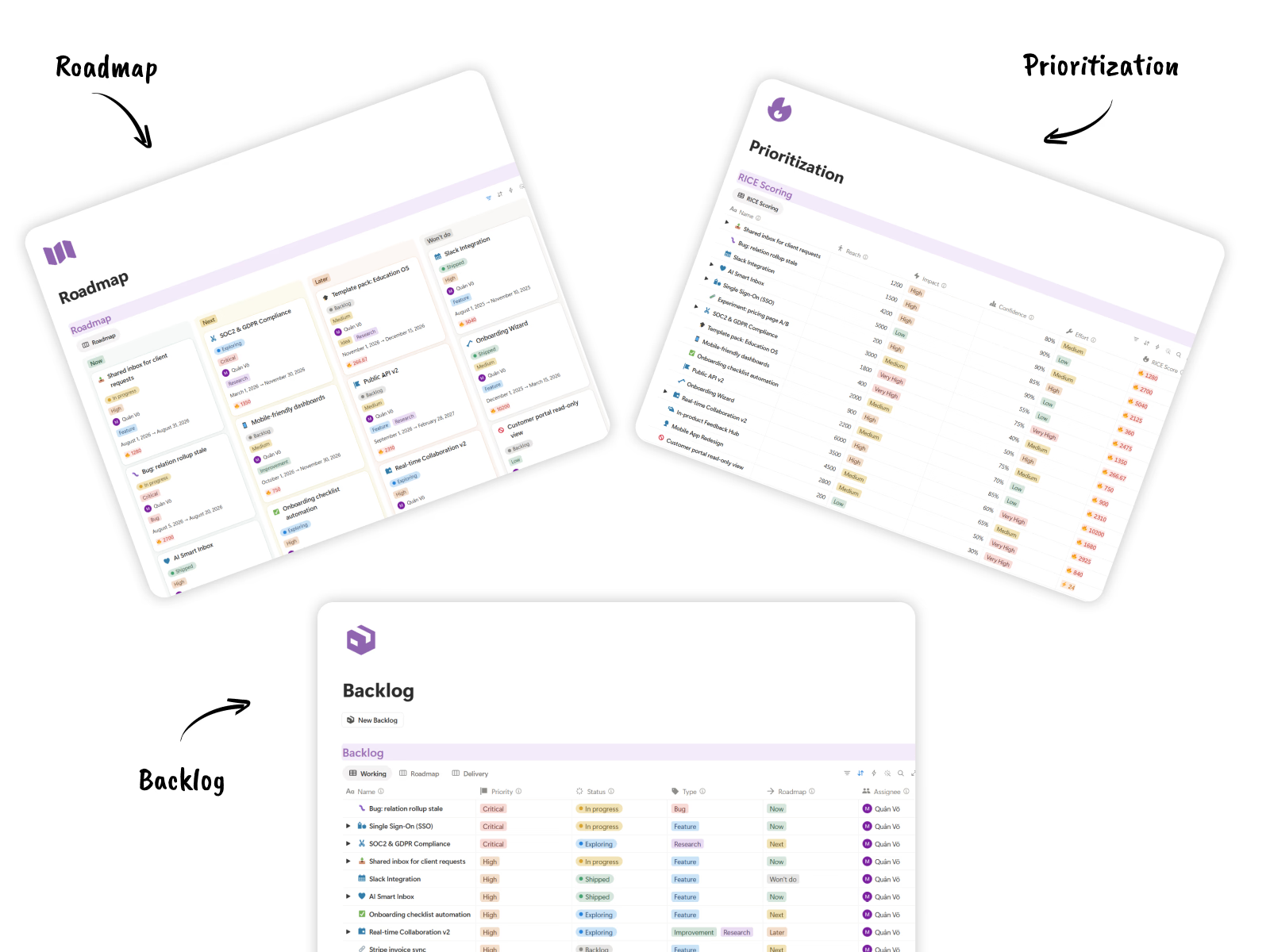
What makes it different from everything else on this list:
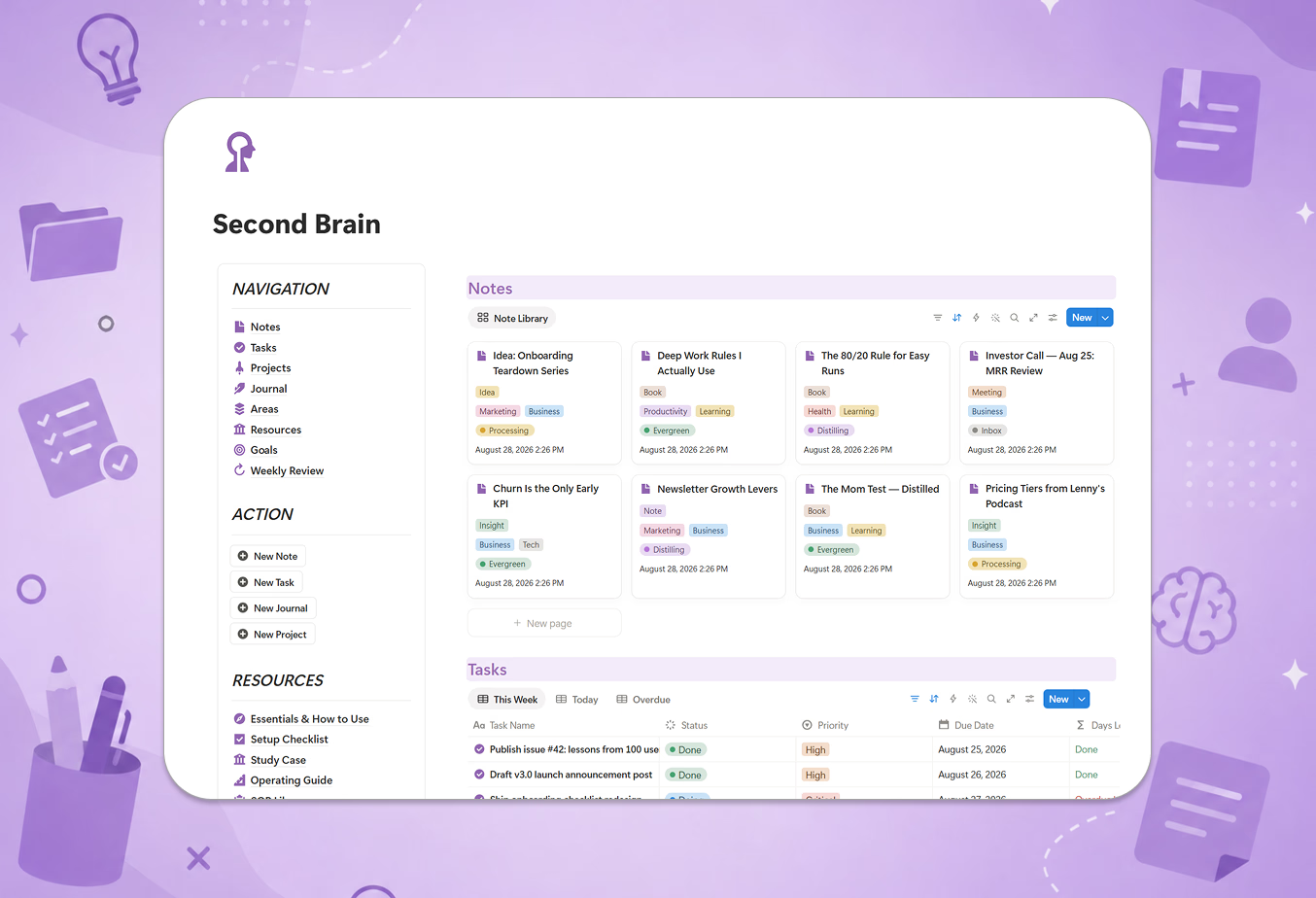
- Setup Checklist — roll out module by module without overwhelming your team
- Study Case — a worked example of a real business running the whole system
- SOP Library — documented procedures so the system survives your busiest weeks
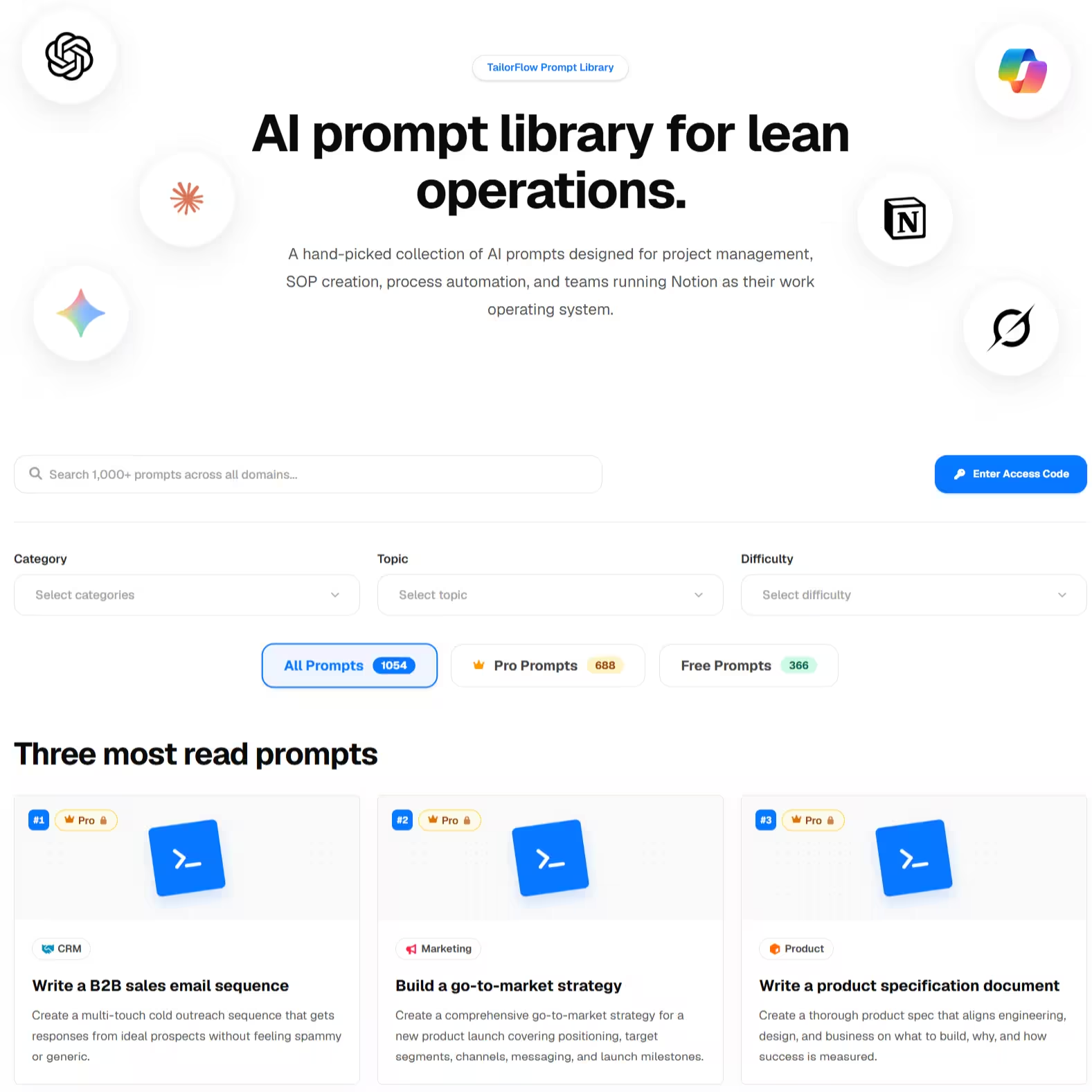
- Prompt Kit — ready-made AI prompts for reviews, planning, and reporting
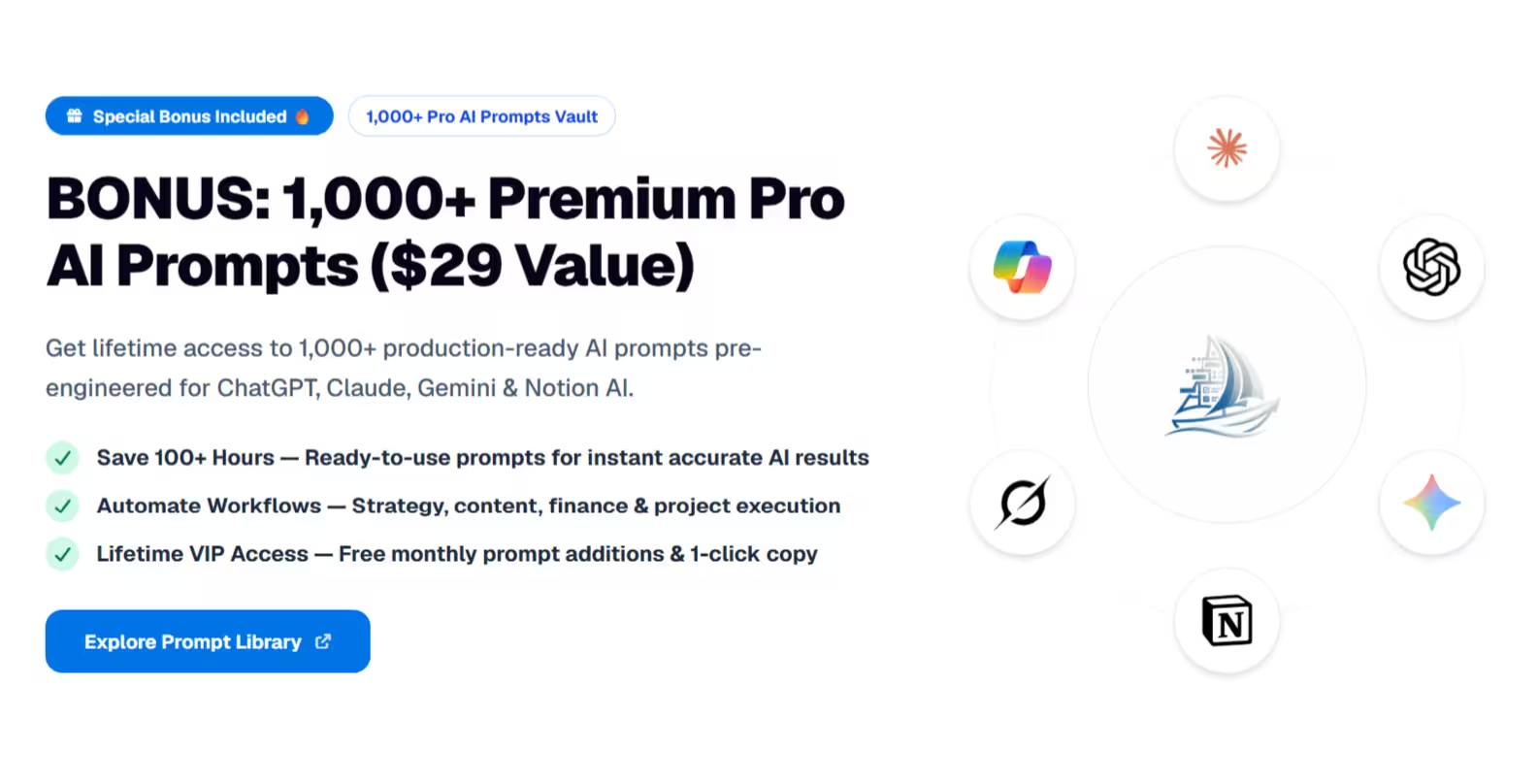
How the included AI Prompt Kit supercharges business operations:
- AI Strategic OKR & Goal Setting: Generate actionable OKRs and key metrics tailored to your company's quarterly objectives.
- Executive Business Review Assistant: Automatically analyze cross-departmental data (sales, projects, finances) for weekly executive summaries.
- SOP & Process Drafting: Convert messy team workflows into standardized operating procedure documents in minutes.
- Multi-LLM Compatible: Optimized out of the box for ChatGPT Plus, Claude 3.5 Sonnet, Google Gemini Pro, and Notion AI.
The main downside:
It's built for small businesses and lean teams. If you need role-based permissions across departments or enterprise audit trails, you need dedicated software.
6. DIY: stitch together free templates
Free (just your weekends)
The tempting route: grab a free project template, a free CRM, a free finance tracker, and wire them together.
Sometimes it works. Usually what happens is three templates built with three different philosophies that don't share databases, so you spend your evenings reconciling them. If you enjoy systems building, it's a great hobby. If you want to run a business, buy back the time.
How to choose
If you're not sure, start with Notion's free Business OS for two weeks. You'll quickly learn which modules you actually use.
On a tight budget, Notion4Management at $39 is fair value. Want maximum breadth from a proven creator? heyismail at $99-129. Want a course and white-glove support and don't mind a subscription? Landmark Labs.
If you want the full connected system with a method behind it — one-time pricing, sized for a small team — that's the TailorFlow Business OS Package.
Plus, having the integrated AI Business Prompt Kit gives you both the operational workspace AND executive AI assistant for strategic decision-making.
And if your business genuinely needs specialized depth in one area — complex accounting, high-volume sales automation — run that function in dedicated software and let Notion be the connective tissue around it.
Before you pick: how much business should live in Notion?
Notion works well as a business OS if your team is small, already lives in Notion, and values one workspace over best-in-class depth in every function. Replacing five $20/month subscriptions with one one-time template is real savings.
But be honest about the limits: no bank feeds, no email automation, no payroll. A Notion Business OS runs your operations — your accounting software and inbox still have jobs.
Want your whole business — projects, OKRs, finance, marketing, CRM, team — in one guided system? Check out the TailorFlow Business OS Package — one-time purchase, lifetime access.