



For a long time I thought "project management" was something big companies did with certified managers and intimidating charts. Then I ran a few projects of my own, watched them drift, and realized the discipline is really just a structured answer to a very human problem: work is easy to start and surprisingly hard to finish.
What project management actually is
At its simplest, project management is the practice of planning and managing a project from start to finish — coordinating the activities, people, and resources needed to hit a goal within limits like time, cost, and scope. A project is temporary and has an outcome: launch a product, ship a feature, run an event. That is different from ongoing operations, which just keep running.
What helped me most was realizing project management is not about controlling people. It is about making the work visible — who is doing what, by when, and whether it is actually moving. Most small-team project pain is not a motivation problem; it is a visibility problem.
The five phases every project moves through
Most established guides describe a project lifecycle with five phases, and once I saw them I recognized every project I had ever fumbled.
- Initiating — define why the project exists and what "done" looks like.
- Planning — break the goal into tasks, owners, and a rough timeline.
- Executing — do the work and keep everyone pointed at the same outcome.
- Monitoring & controlling — track progress and adjust when reality disagrees with the plan.
- Closing — deliver, wrap up, and capture what you learned.
Small teams tend to skip straight to executing. I certainly did. Skipping "initiating" is why so many projects end with the quiet realization that we built the wrong thing efficiently.
Why small teams lose control of projects
In my experience, projects rarely fail dramatically. They erode. A task sits at "almost done" for weeks. A decision made in chat disappears under a pile of newer messages. Nobody is quite sure who owns the next step, so everyone assumes someone else has it. None of these is a disaster alone, which is exactly why they are dangerous — they are invisible until the deadline makes them visible.
Agile, Waterfall, and picking a method without overthinking it
The methodology debate can feel like a religion, but the practical version is short. Waterfall (predictive) plans the whole project up front and moves through stages in order; it fits work with fixed, well-understood requirements. Agile (adaptive) breaks work into short cycles or "sprints" with frequent feedback; it fits work that will evolve as you learn, like product development. Many teams blend the two rather than treating either as gospel.
For most small teams, the honest answer is that blend — enough planning to know where you are going, enough flexibility to change course when you learn something. I would not stress about the label. I would ask: does this project's scope change often? If yes, lean adaptive. If no, lean predictive.
The few things a small-team project system actually needs
You do not need enterprise software. Watching my own projects, the parts that mattered were surprisingly few:
- A clear owner per task — shared ownership usually means no ownership.
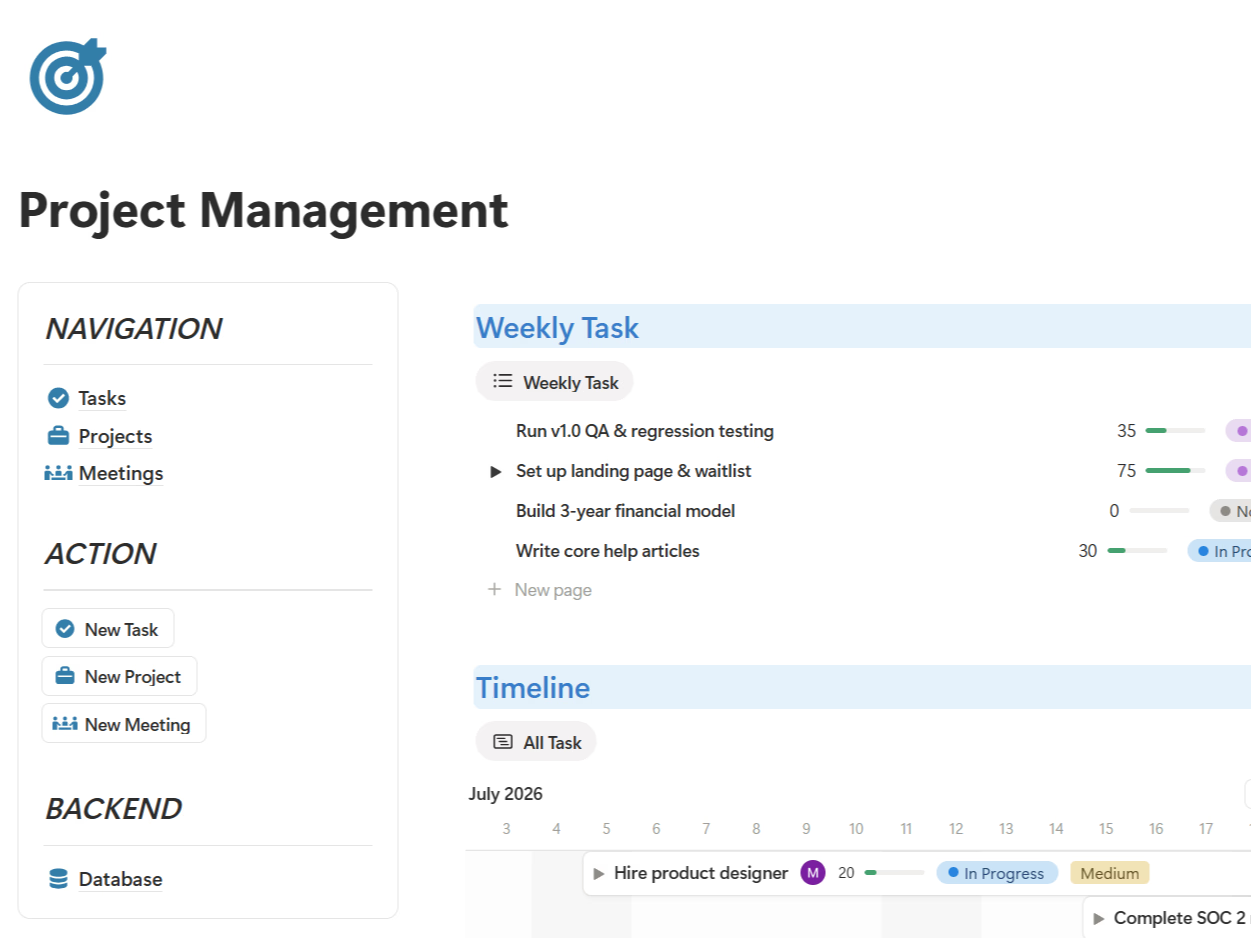
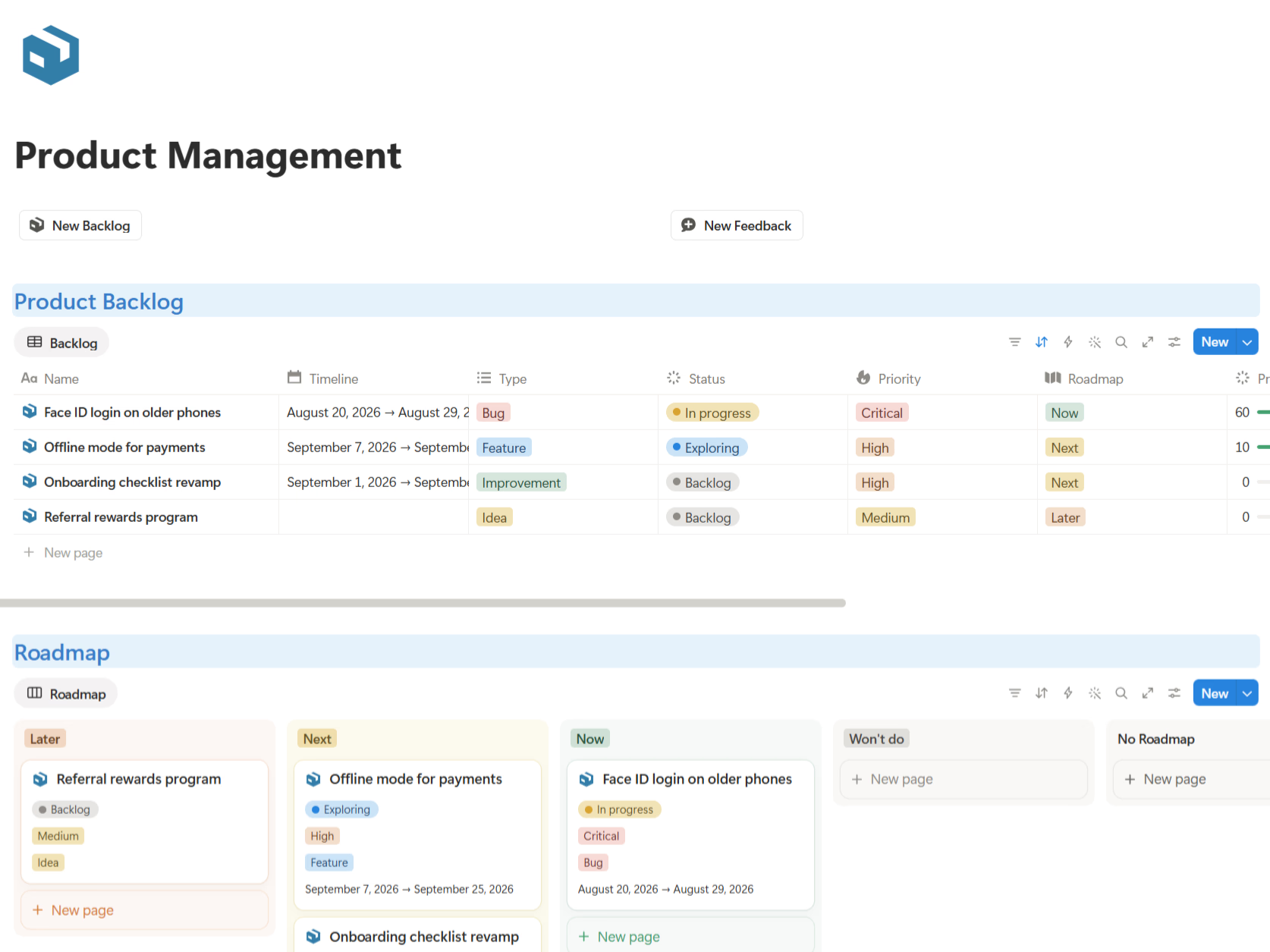
- A visible status — To do, In progress, In review, Done, so nobody has to ask.
- A real deadline — or at least a next action date.
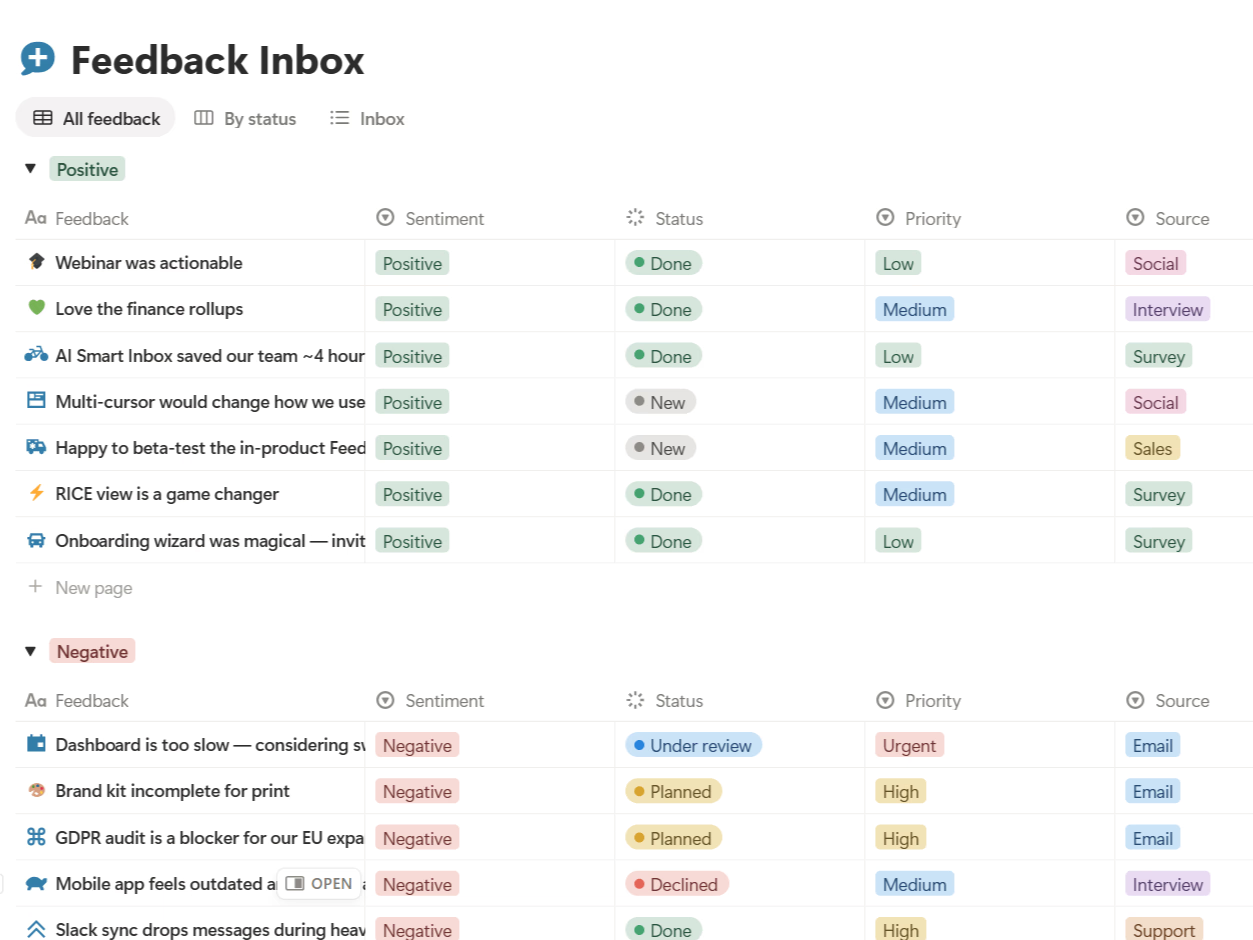
- A home for decisions — so choices do not evaporate in chat.
- A definition of done — the quality bar that stops "90% done" from living forever.
Who needs this, and when
If you work alone on one thing at a time, your head is probably fine. The moment you juggle multiple projects, or hand work between people, structure stops being optional. That is the threshold where a shared project view earns its place — not because process is virtuous, but because handoffs without it get expensive.
How I run a project, step by step
When I start something now, the flow is boring on purpose:
- Write the goal and what done looks like in one or two sentences.
- List the tasks, give each an owner and a rough date.
- Set a simple status flow and a place for decisions and notes.
- Do the work, updating status as it moves — not in a big weekly panic.
- Review weekly: what moved, what stalled, what needs a decision.
- Close it out and note one thing to do better next time.
Common mistakes I still catch myself making
Planning in too much detail and then avoiding the plan. Leaving tasks unowned. Treating "in review" as a parking lot. And my personal favorite — confusing being busy with making progress. A visible system is what keeps me honest about the difference.
The bottom line
What I would tell a slightly younger version of myself:
- Project management is just making work visible and finishable.
- Every project moves through the same five phases, whether or not you name them.
- Match your method to how much the work will change, and keep the system light enough to actually use.
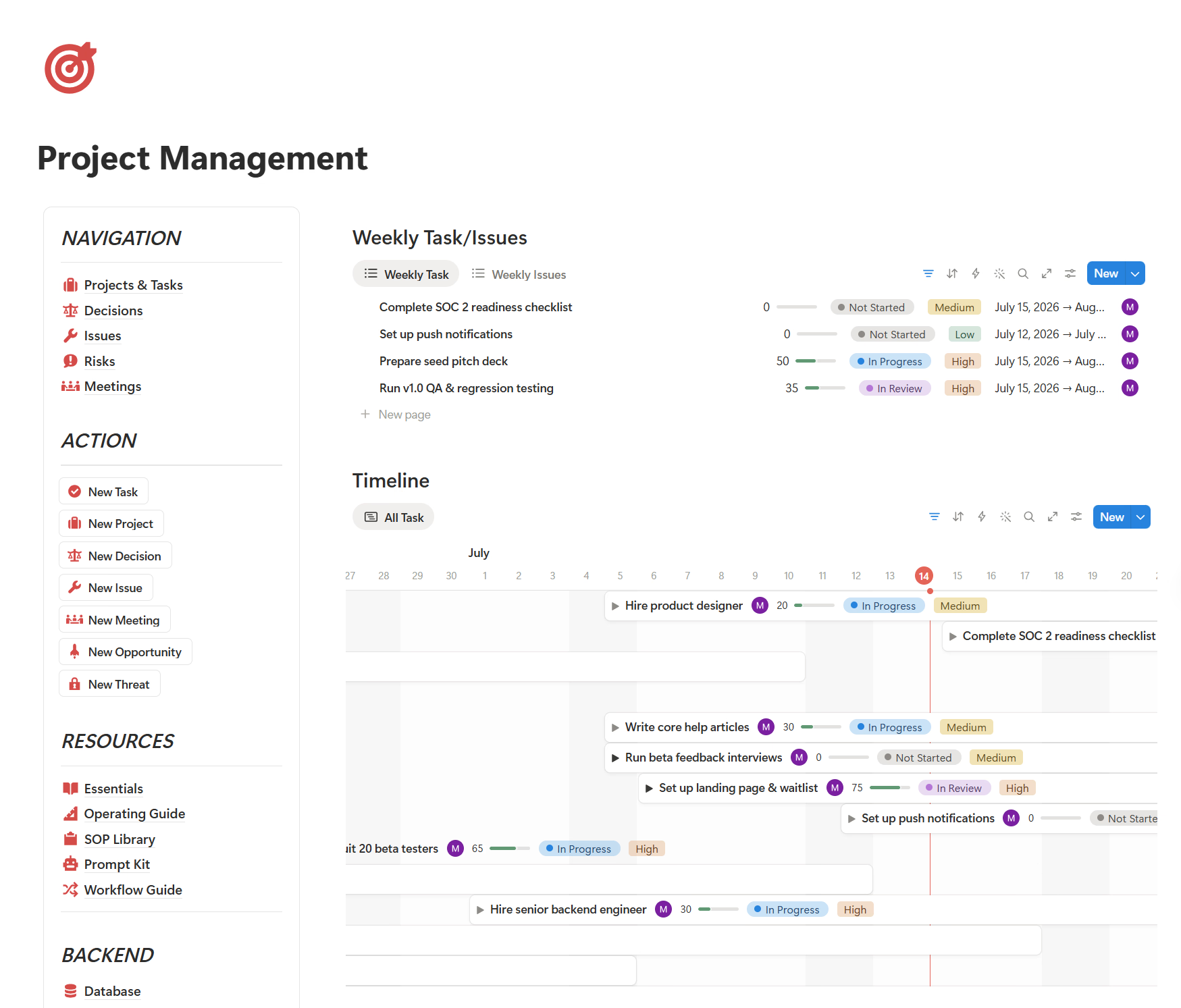
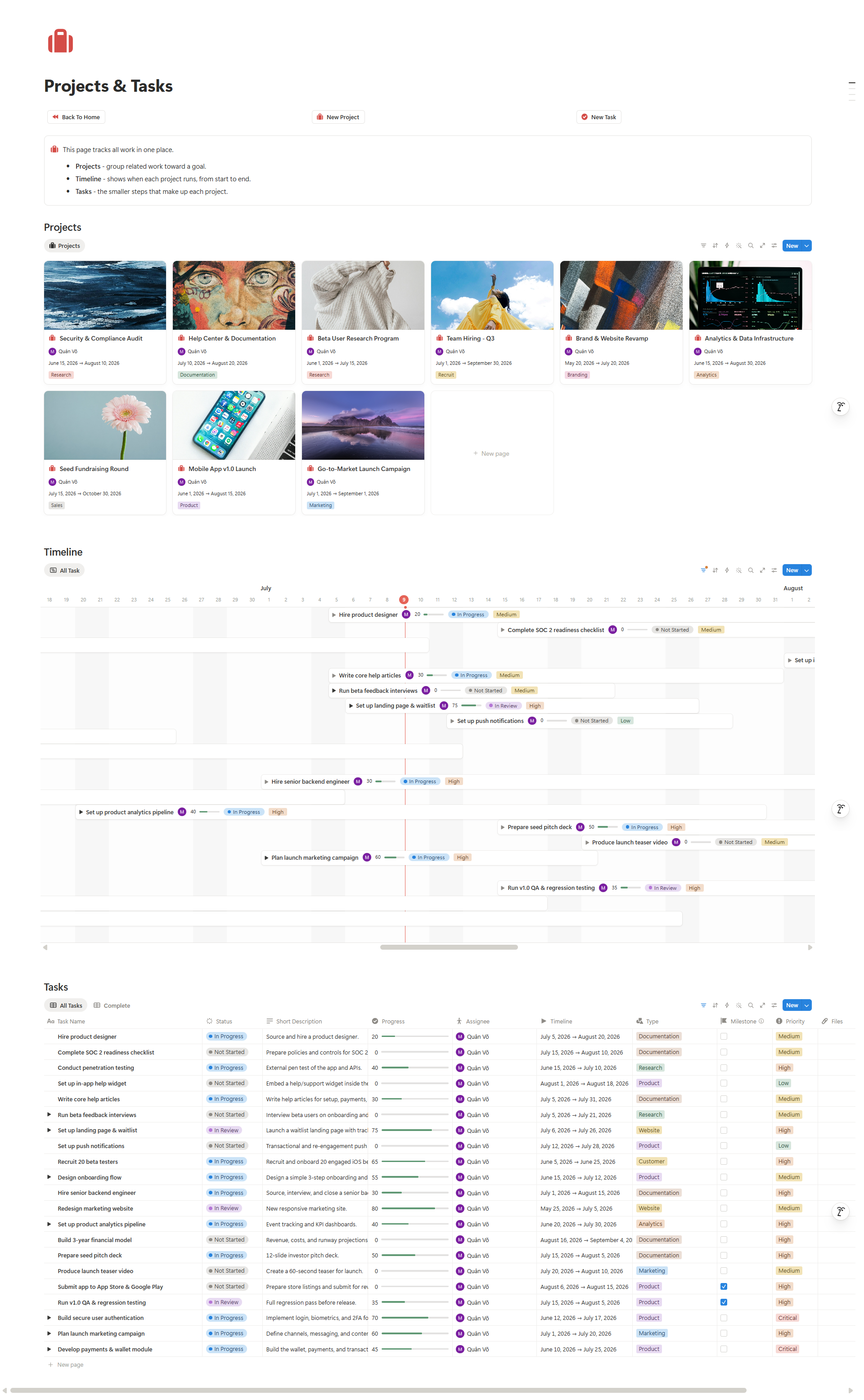
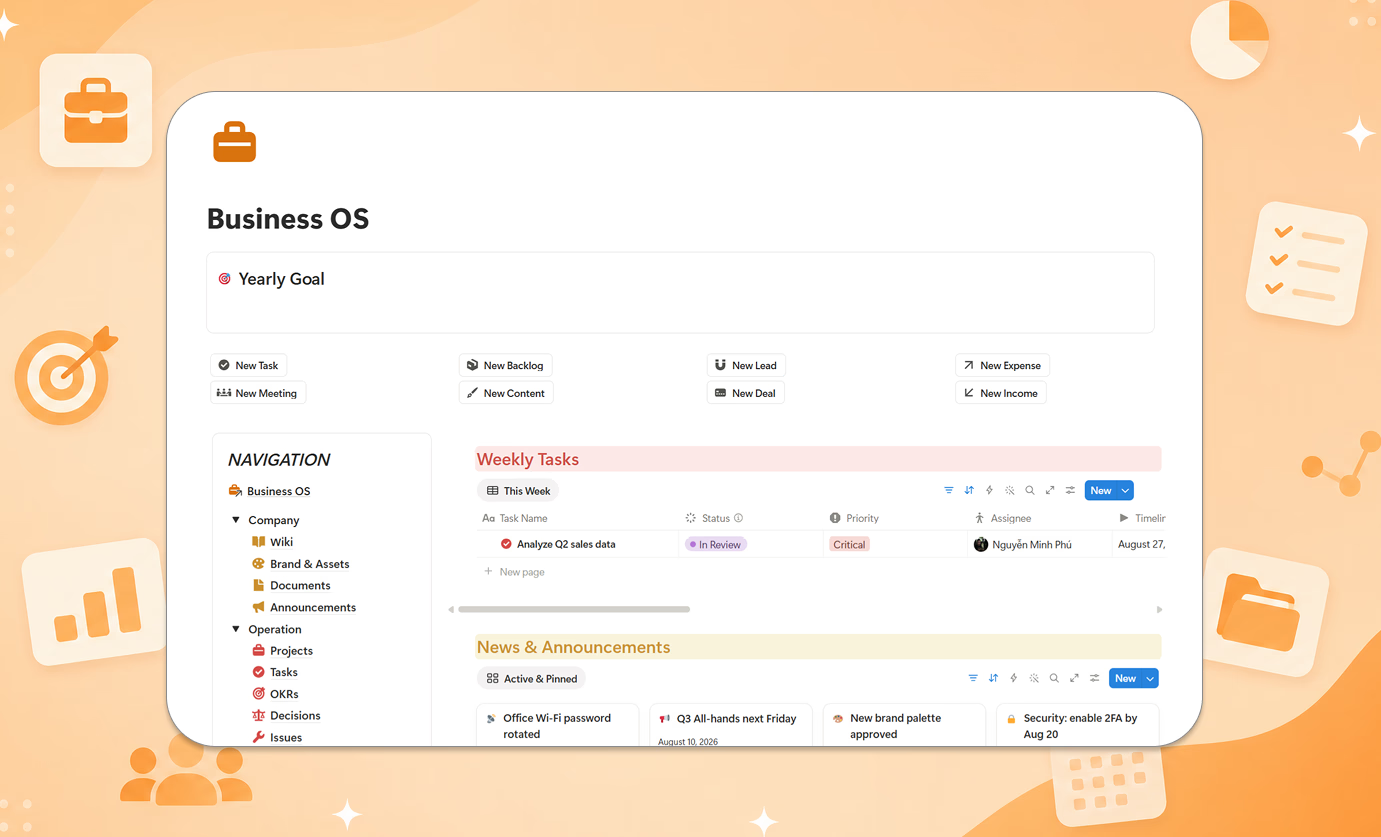
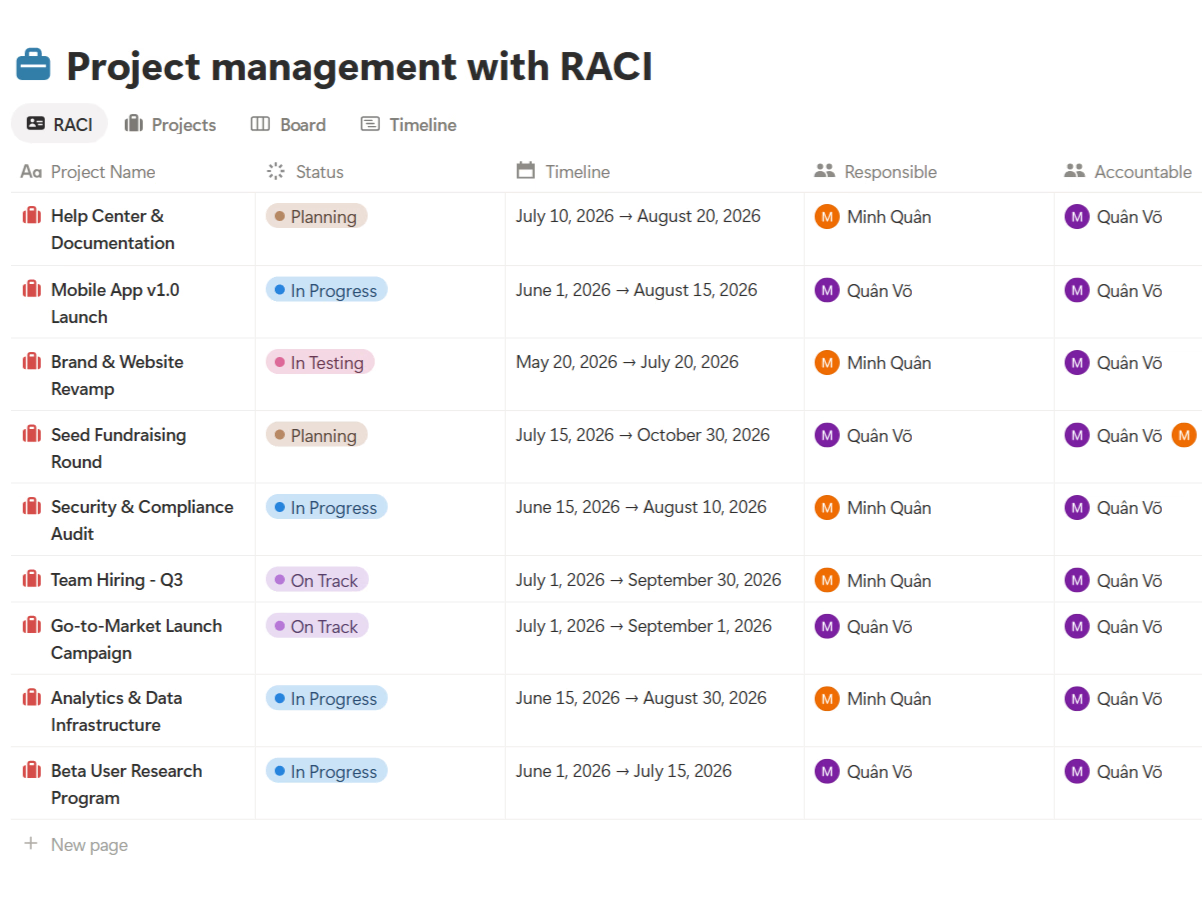
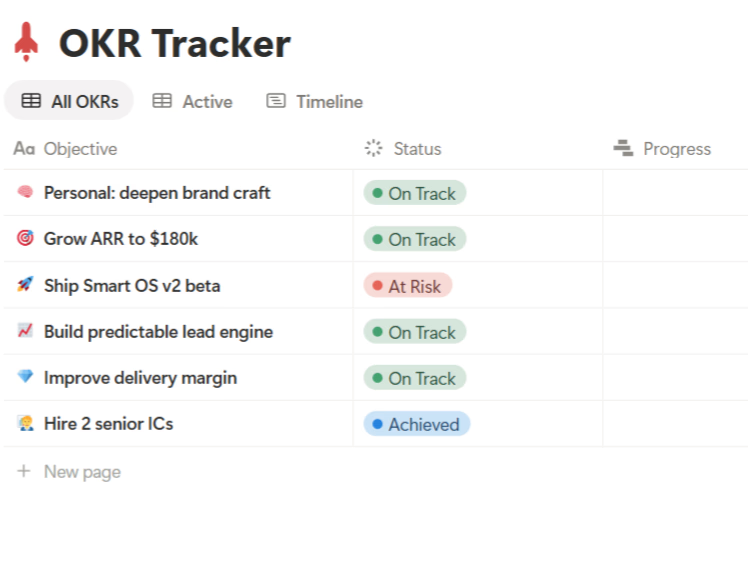
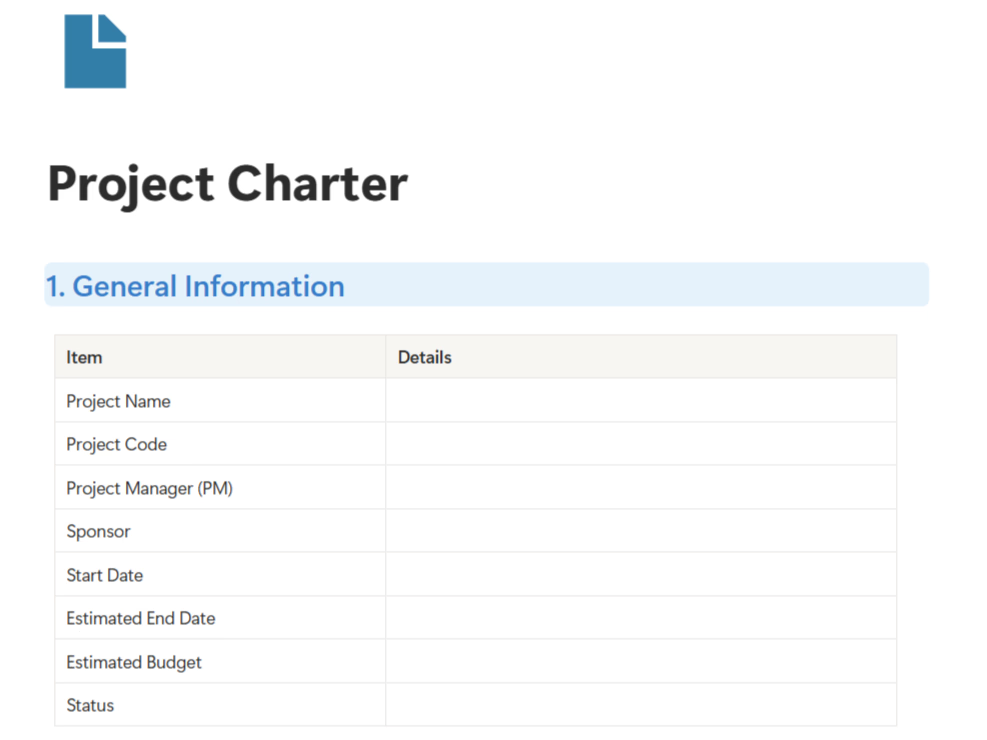
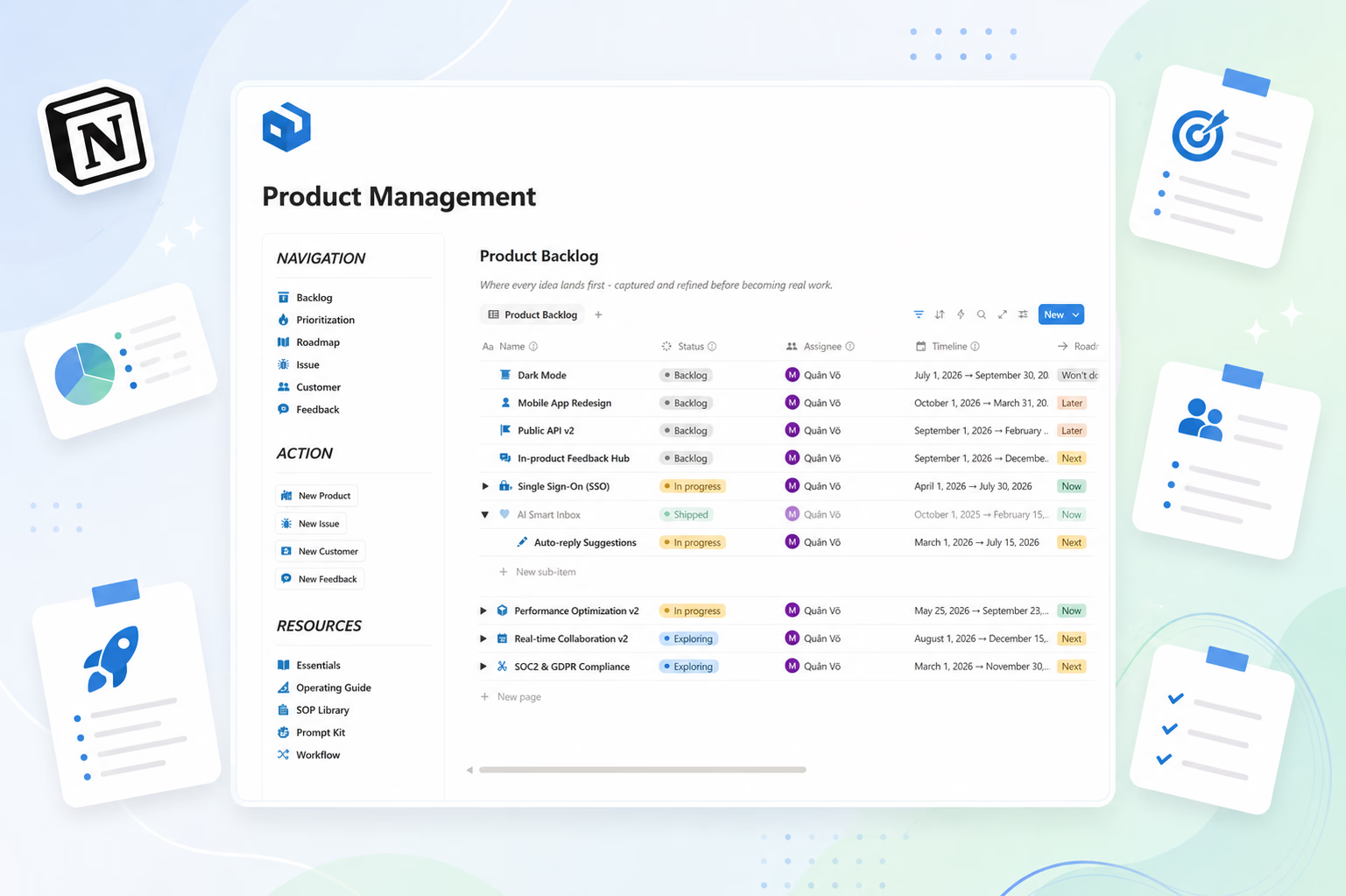
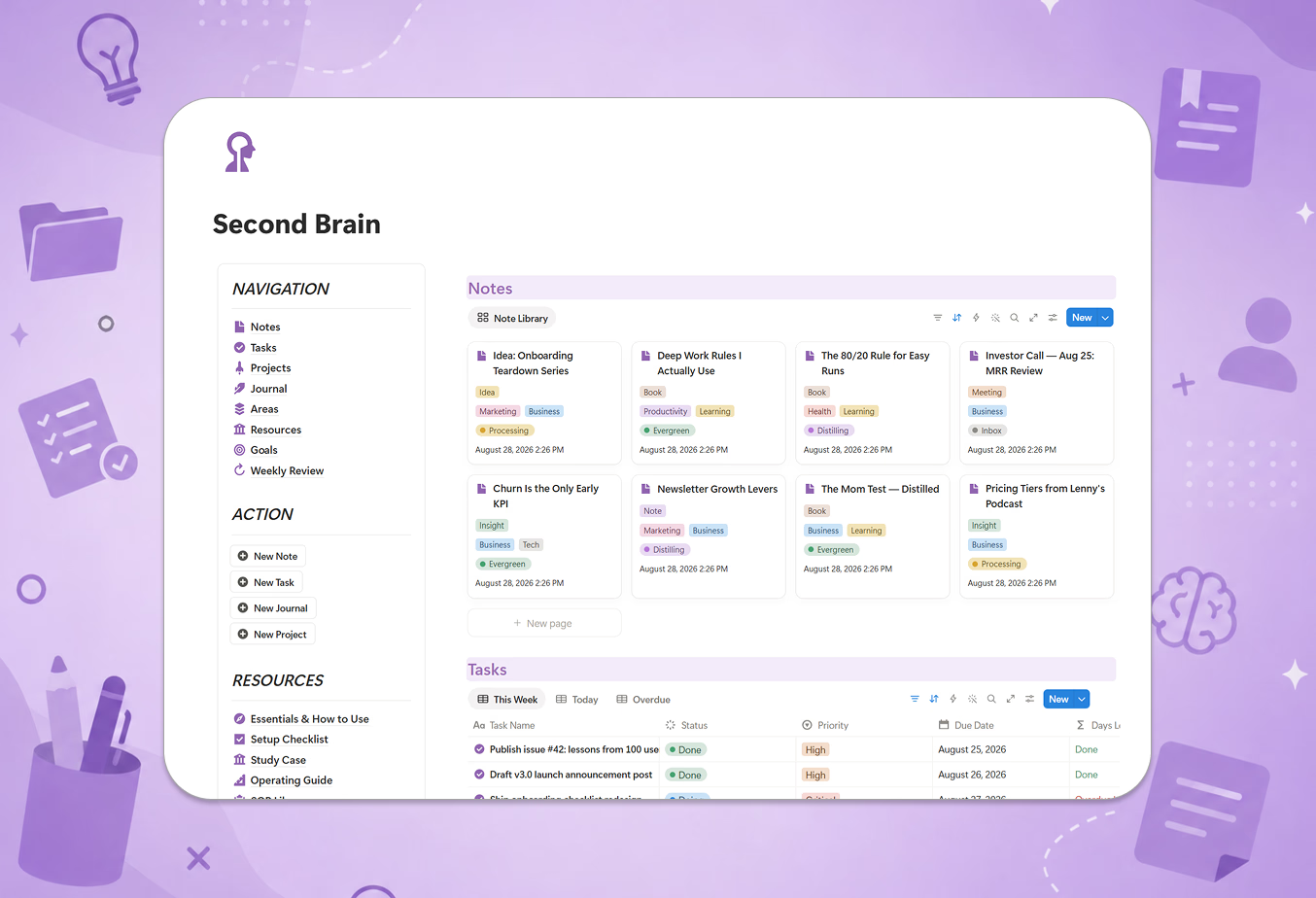
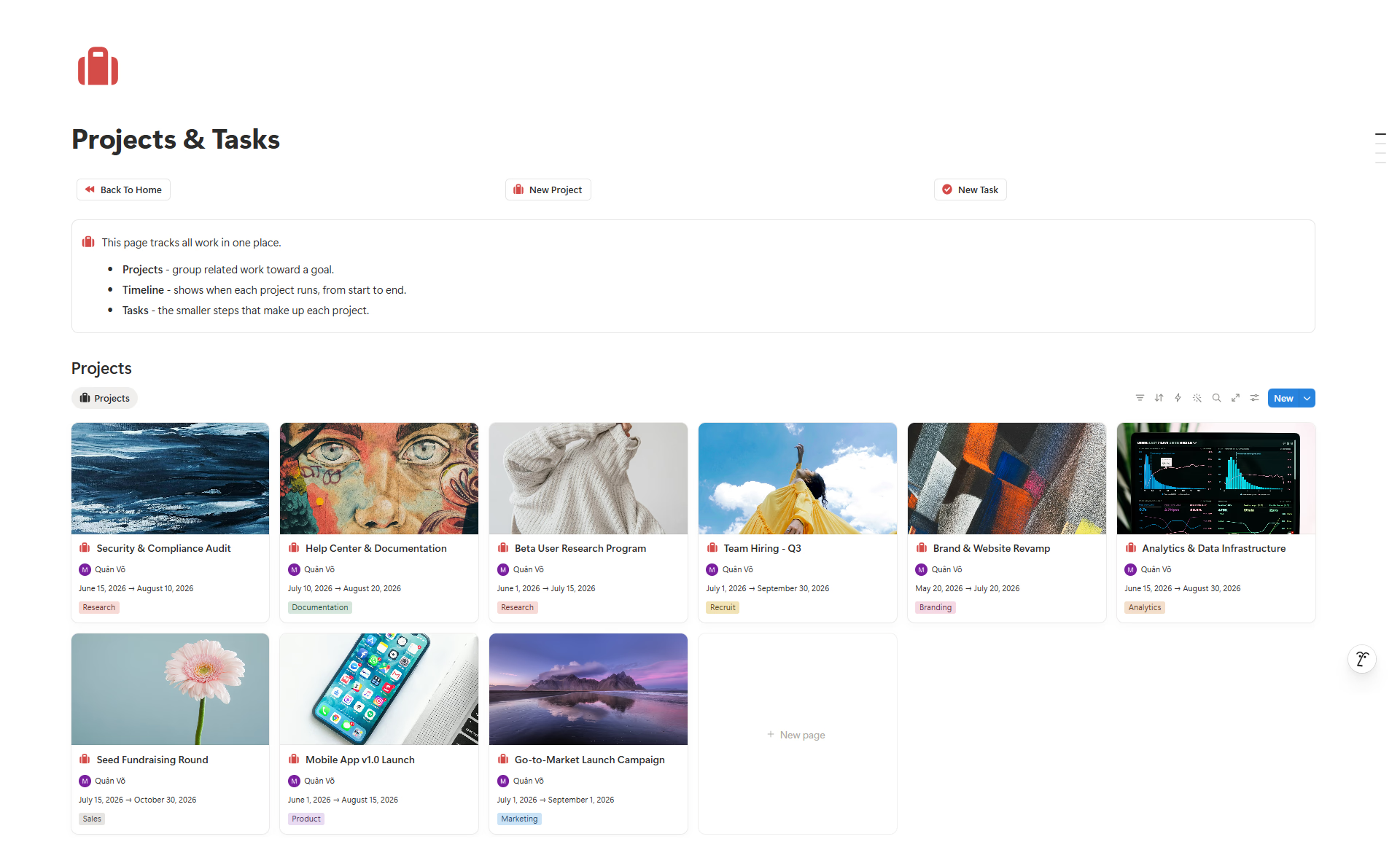
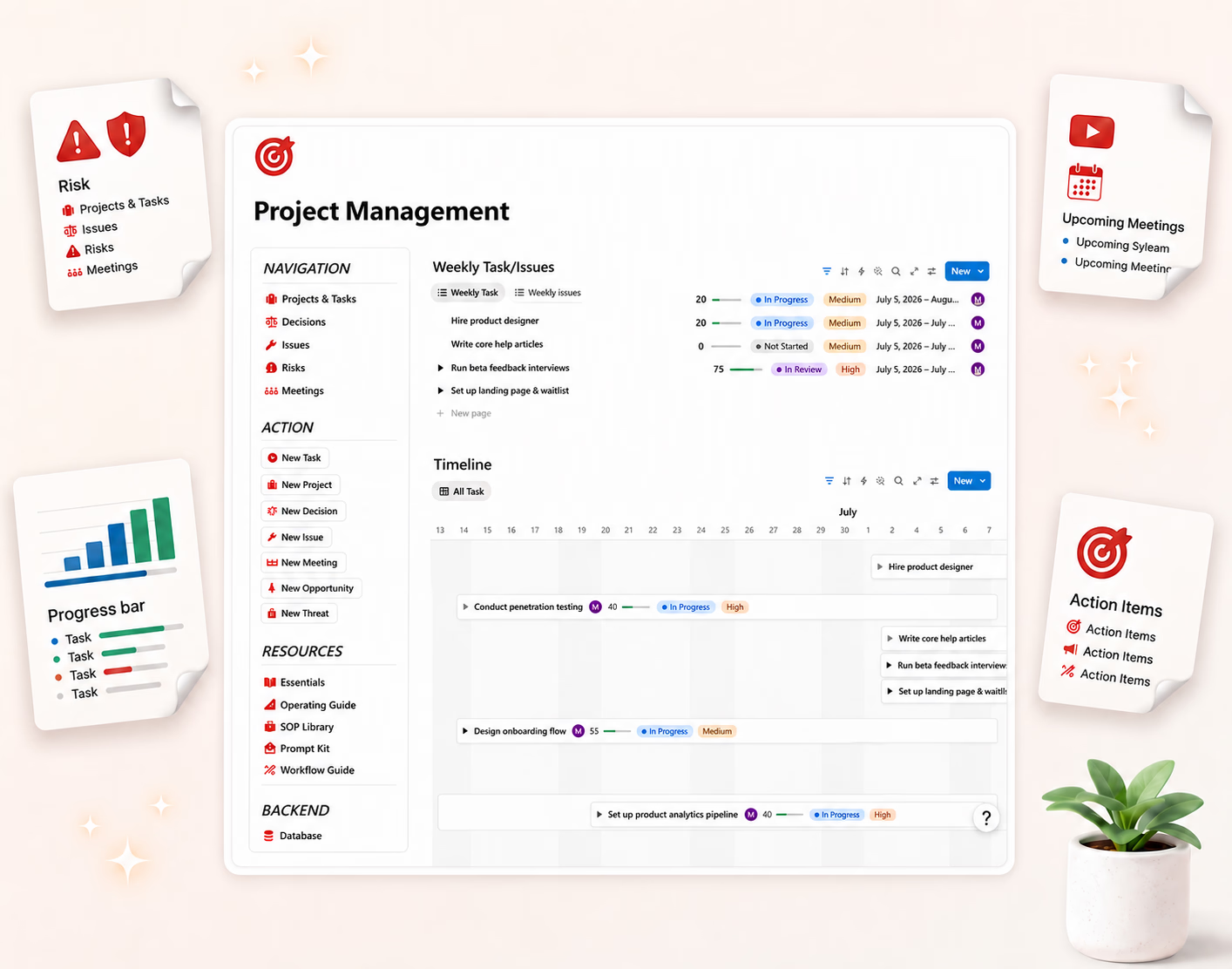
If you would rather not build the structure from scratch, Project Package - Smart is how I set this up in Notion — projects, tasks, deadlines, decisions, and risks in one place. The habits matter more than the template.
Go deeper: Definition of Done: How to Cure the 90% Done Disease