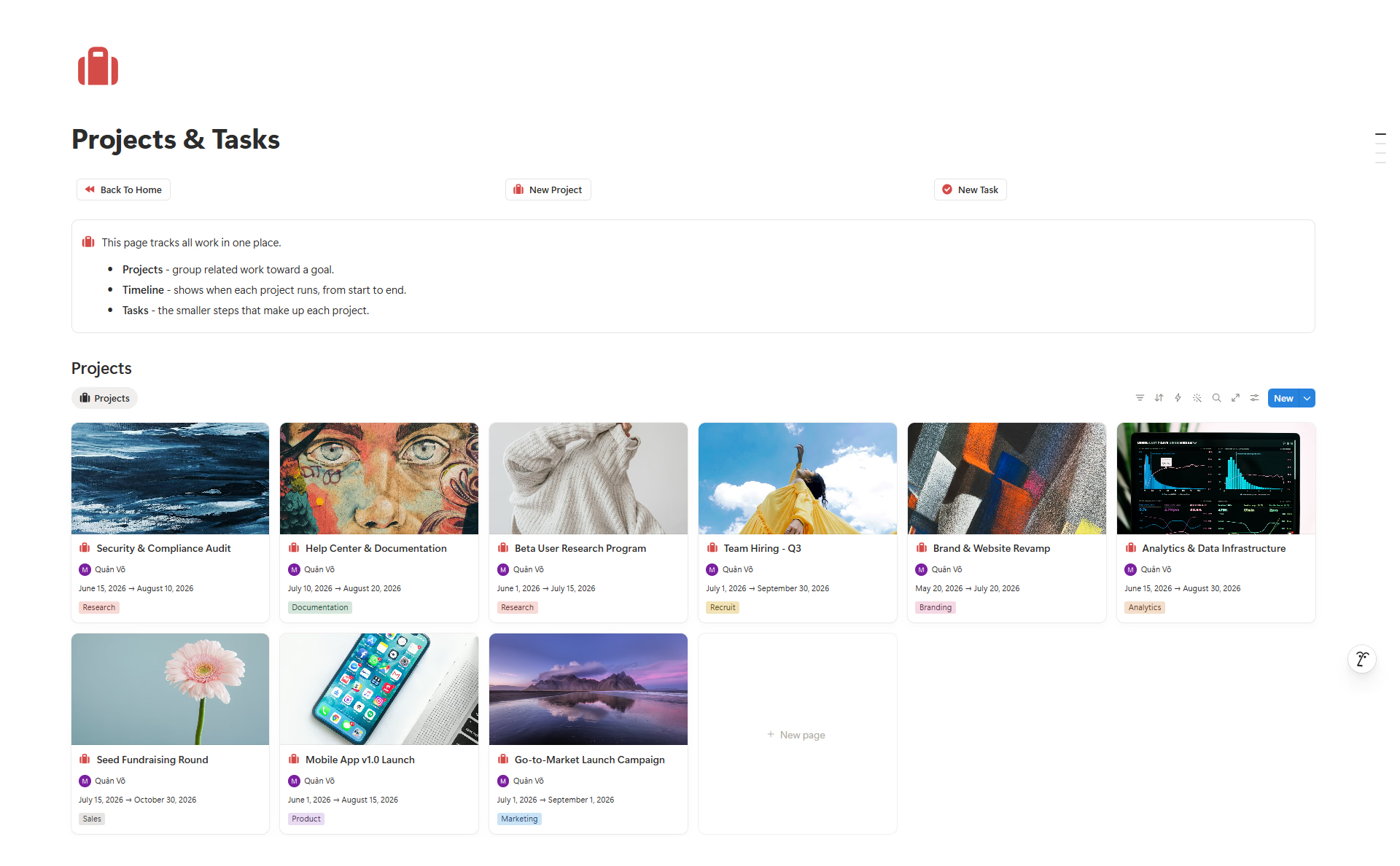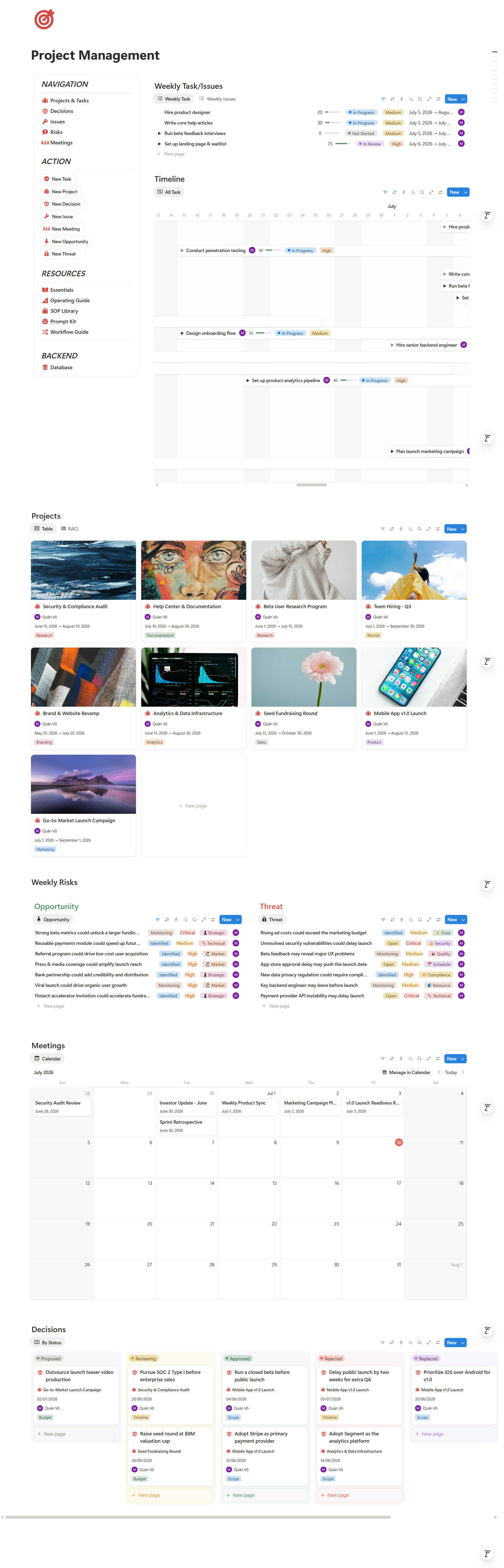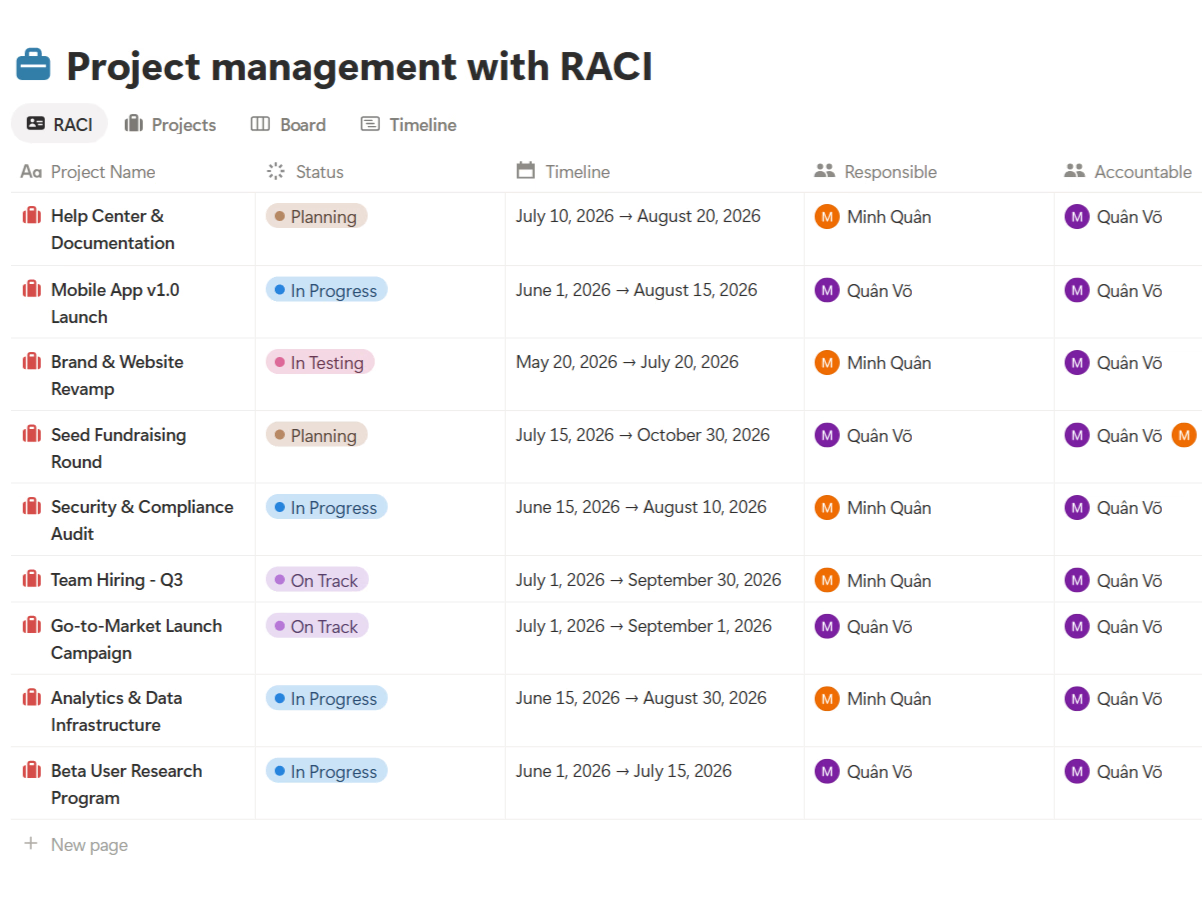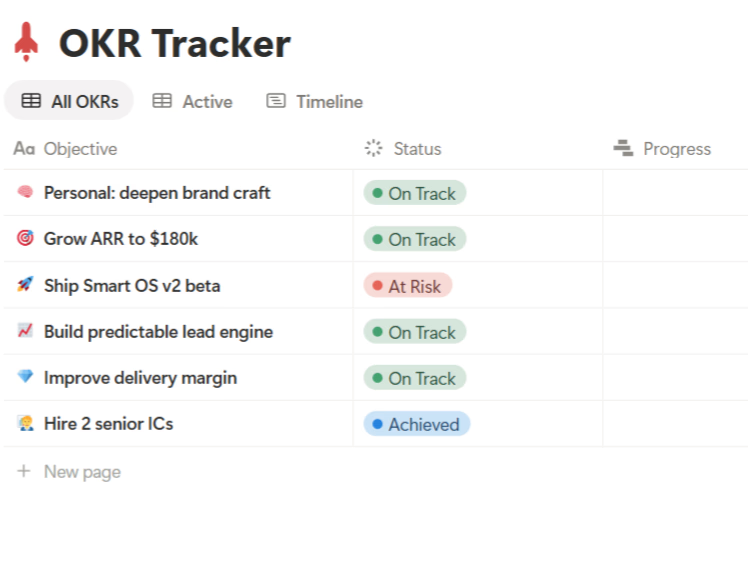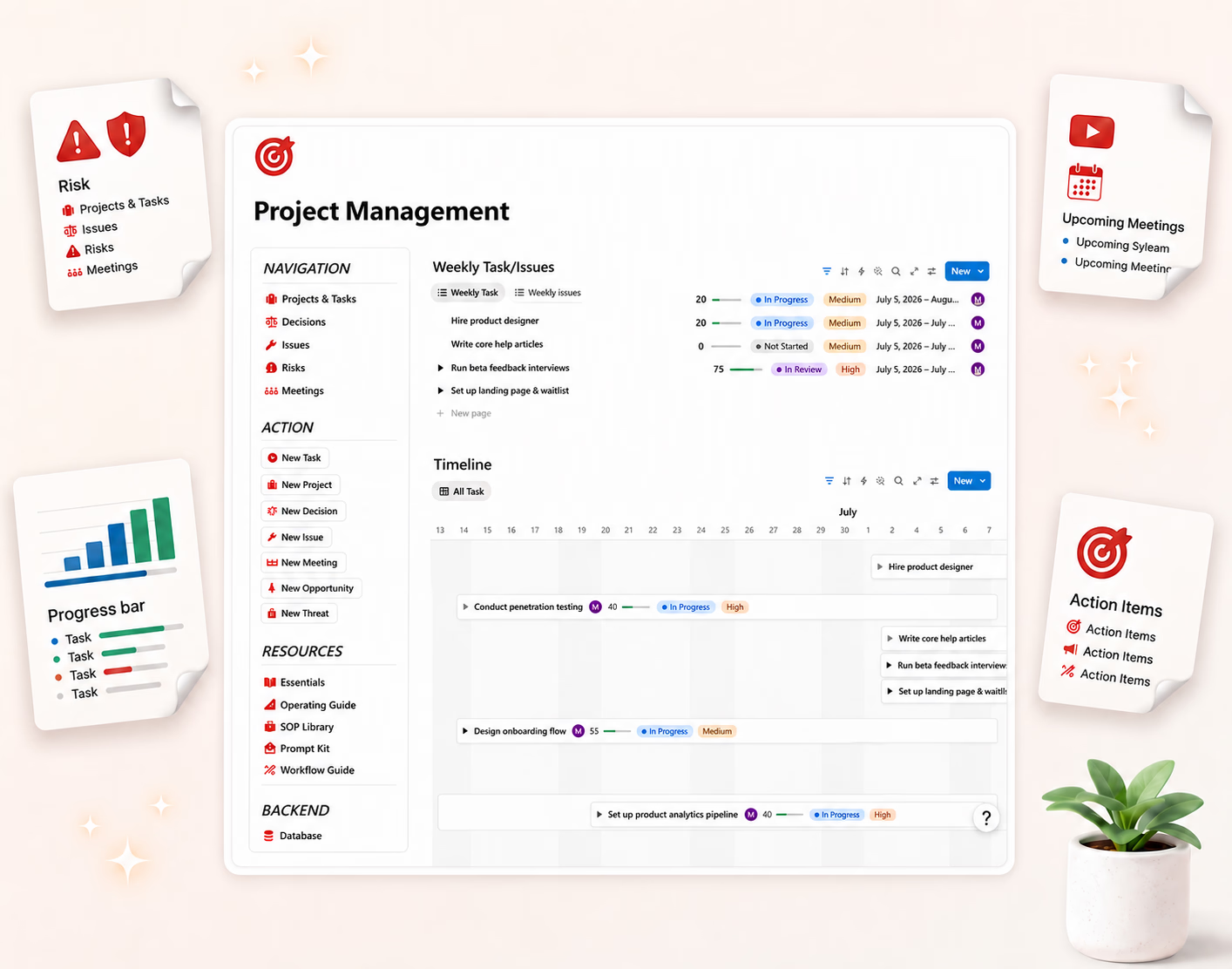




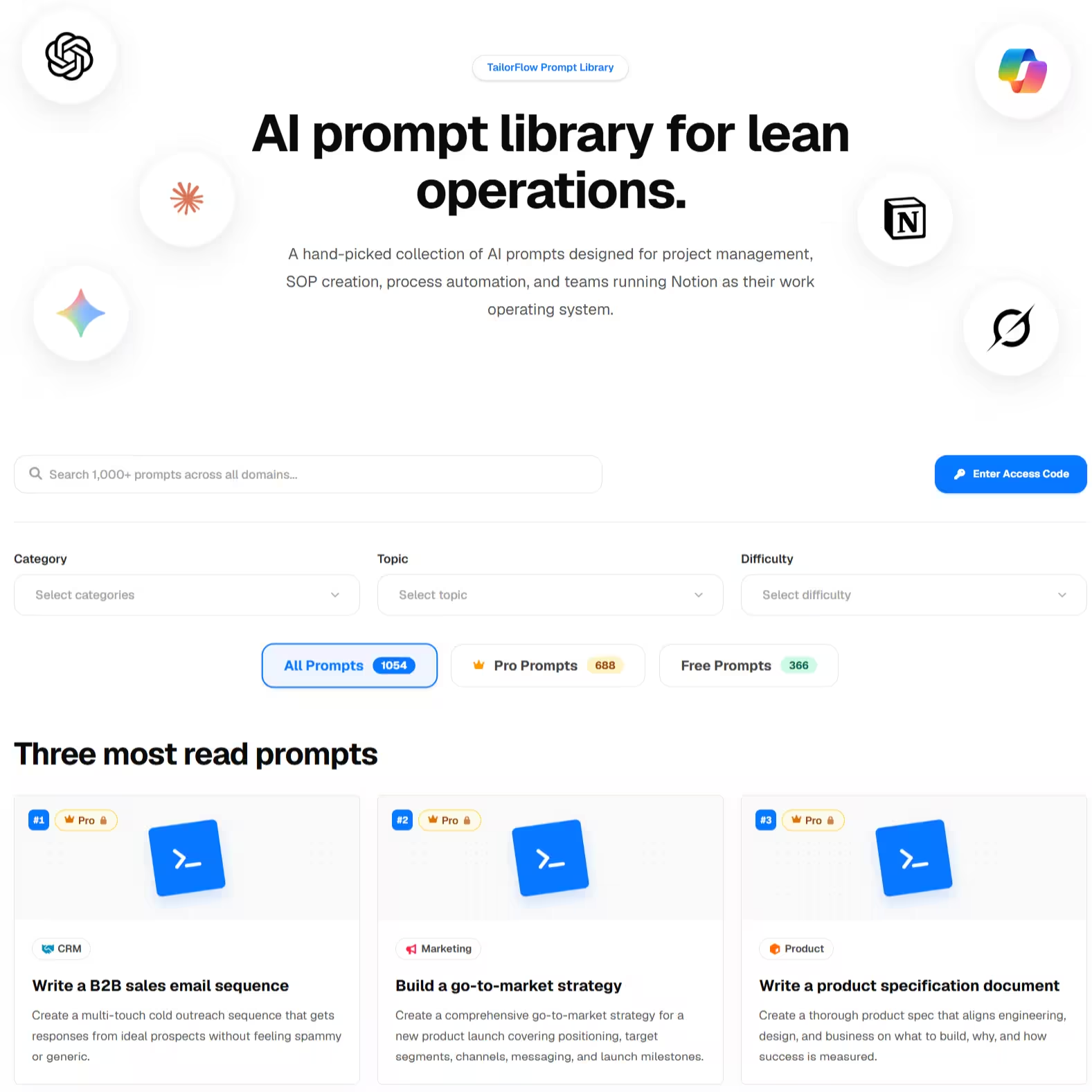
Every TailorFlow Smart OS package ships with a built-in Prompt Library — ready-made AI prompts designed for the real work that happens inside each system. Here's what it does, how to use it, and why it's the feature people underestimate.
The problem it solves
You already have AI — ChatGPT, Claude, Notion AI, take your pick. And yet, when it's time to write a project status report, plan a budget review, or analyze last month's content performance, you stare at an empty chat box and type something like "help me write a status update."
The output is generic, because the prompt was generic. Good AI output needs context: what system you're working in, what data looks like, what format you need, and what a good answer even looks like. Writing that prompt from scratch every time is work — exactly the work you were trying to avoid.
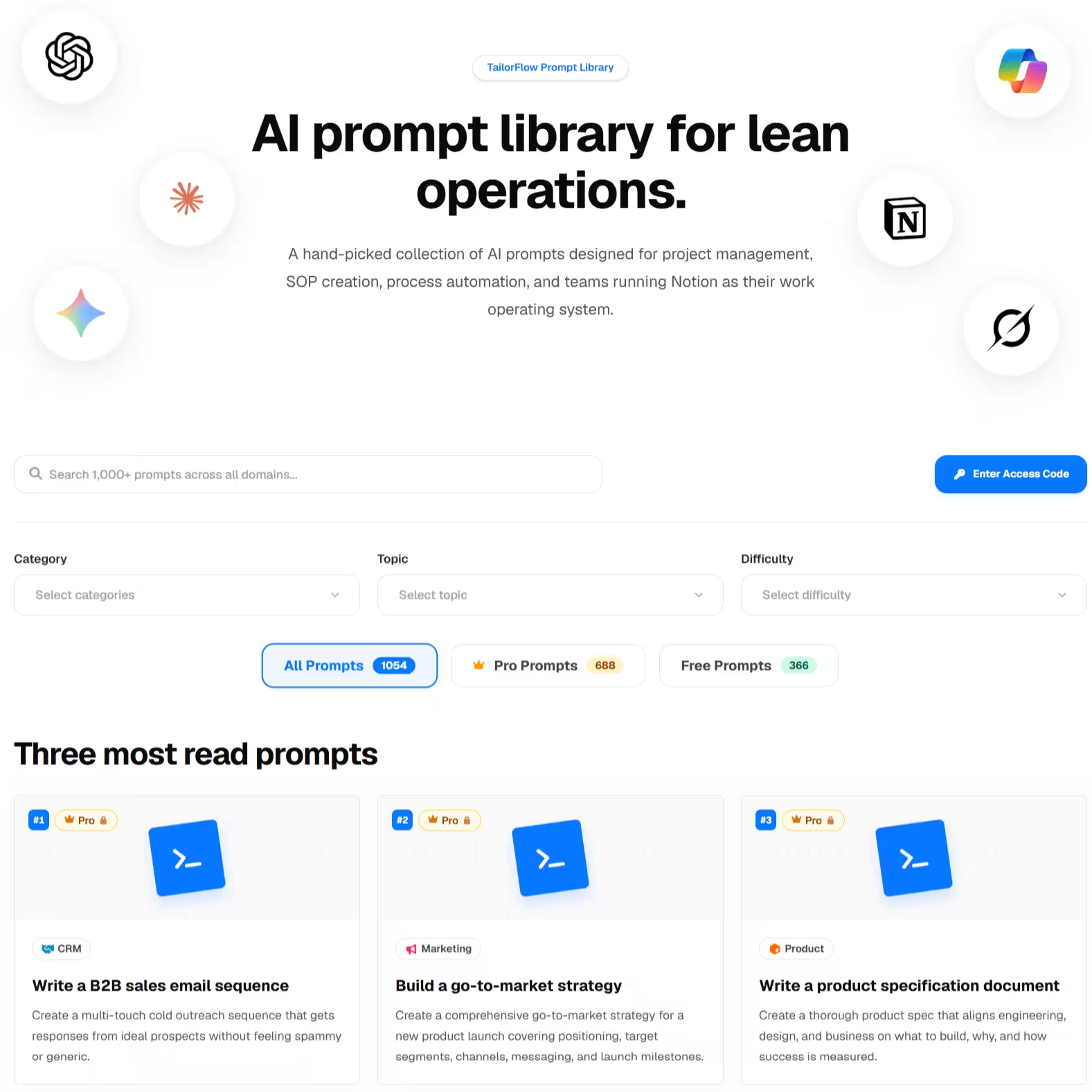
The Prompt Library removes that blank-box moment. It's a curated set of prompts, written by people who built the system you're working in, for the specific jobs that system produces.
What it is
The Prompt Library (called the Prompt Kit inside each package) is a collection of ready-to-use AI prompts organized around the actual workflow of each Smart OS system.
A few characteristics that make them different from the average "500 prompts" listicle:
- They're role-based. Each prompt starts by assigning the AI a senior role — "You are a senior project manager producing a lessons-learned document" — so the output has the right altitude and vocabulary.
- They know your system. Prompts reference the actual structure of your workspace — your backlog fields, your pipeline stages, your budget categories — so you paste data in and get useful output out, not generic advice.
- They have variables. Slots like
{project_name},{team}, or{paste_competitors_or_links}tell you exactly what to fill in. No guessing what the AI needs. - They have guardrails. Every prompt includes rules like "Do not invent metrics if not provided" and "Separate observed evidence from interpretation" — so the AI stays honest with your data.
- They specify the output format. Tables ready to paste into your databases, structured summaries, gap analyses — not walls of prose you have to reformat.
What's inside, by package
Each Smart OS package includes prompts matched to its domain. A taste:
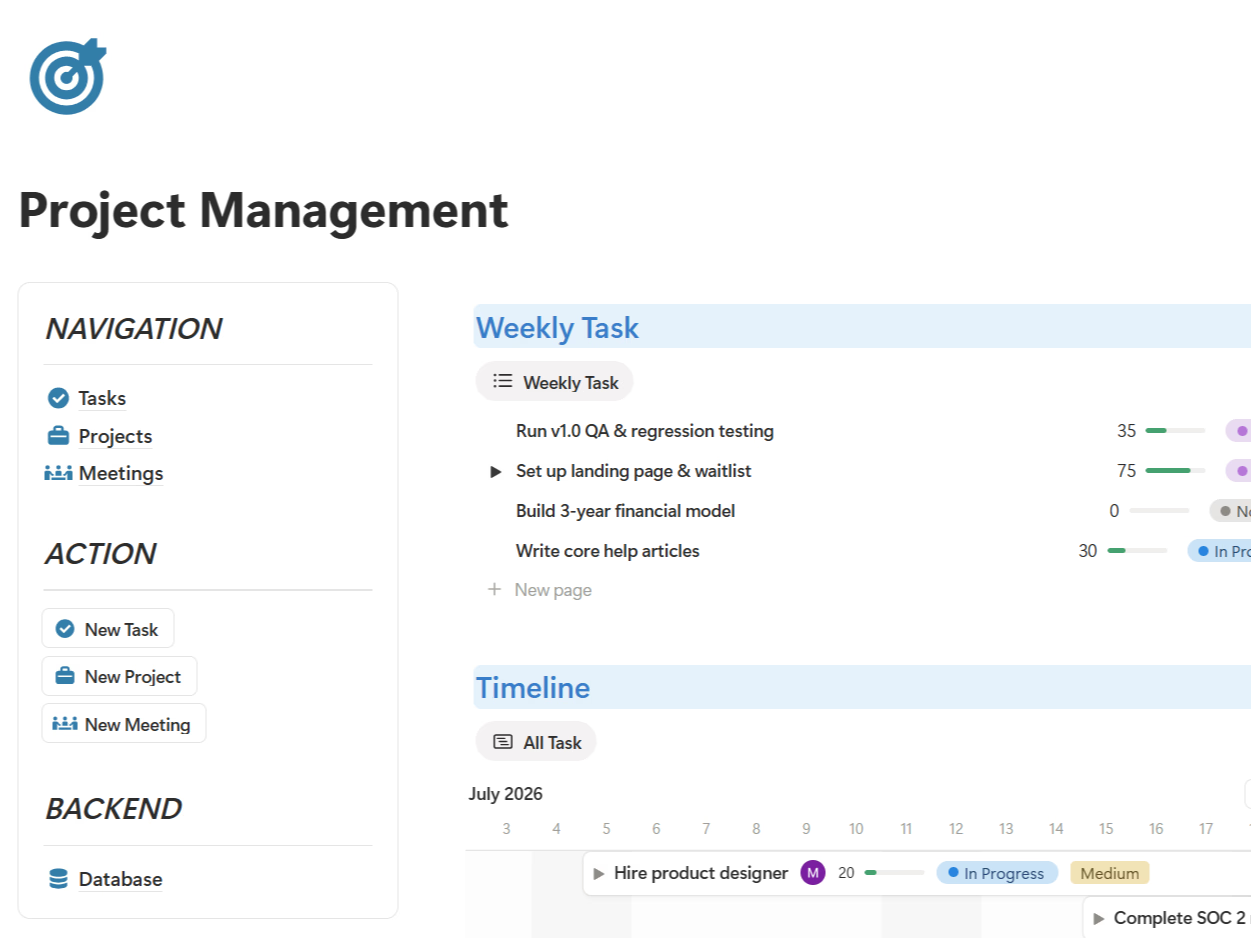
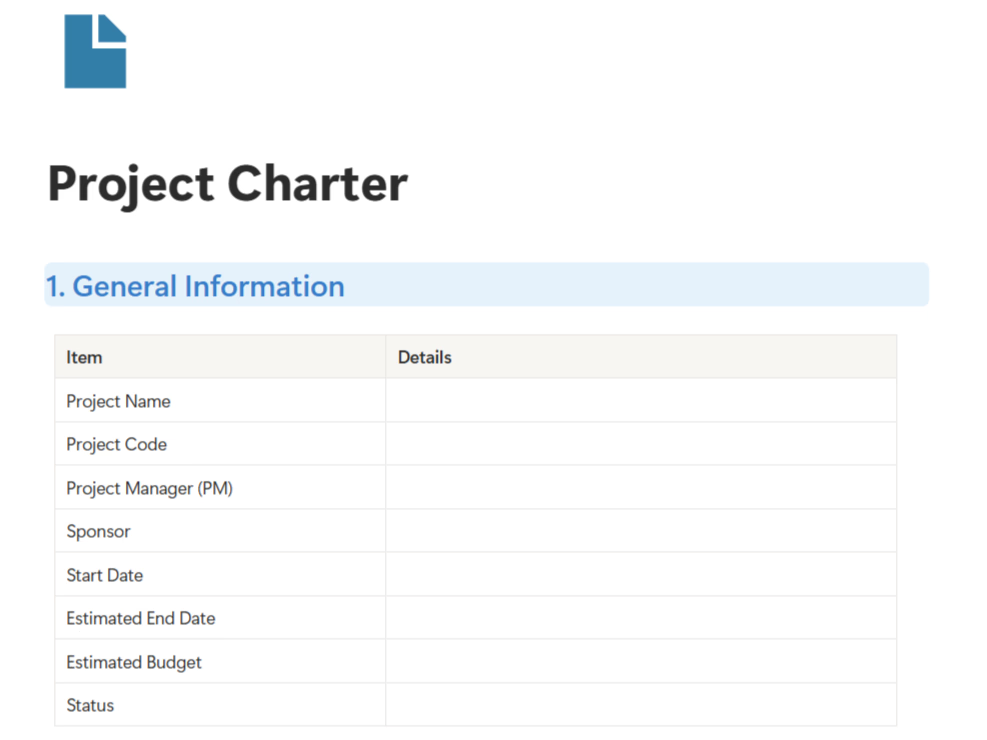
- Project Package — break down tasks, triage a backlog, summarize meetings and extract action items, run a risk review, write a status report or weekly summary, produce lessons-learned and handover documents.
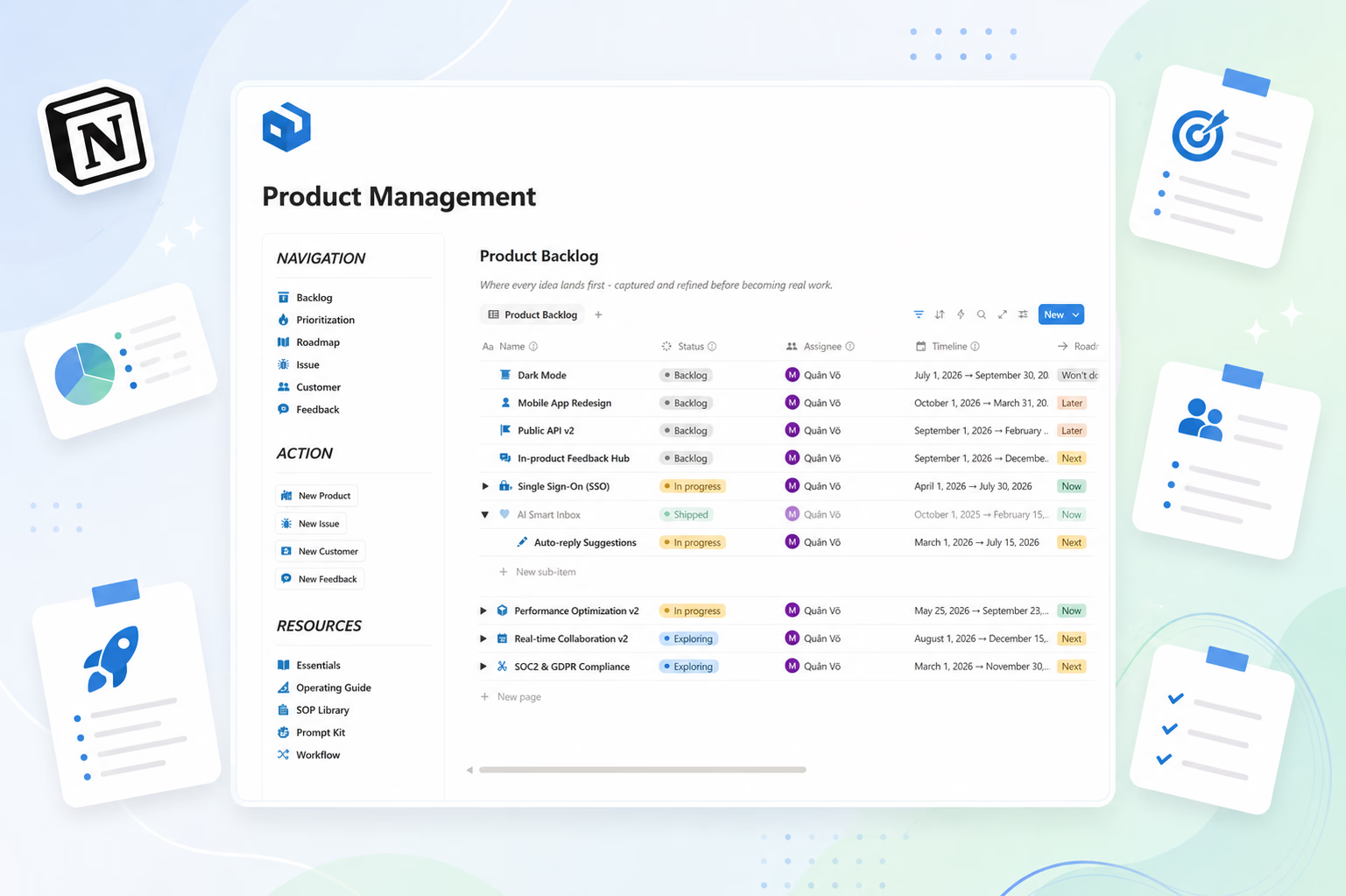
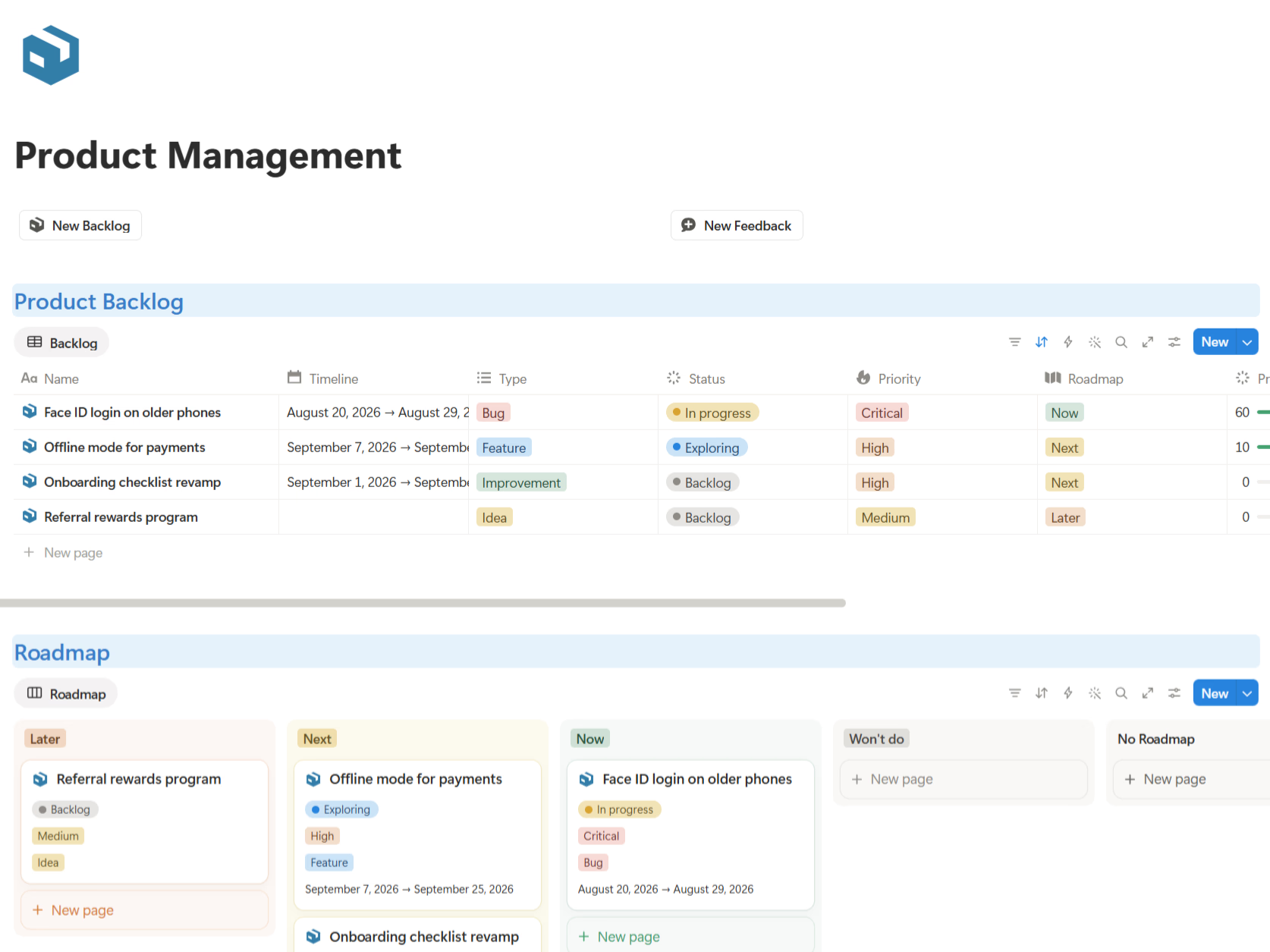
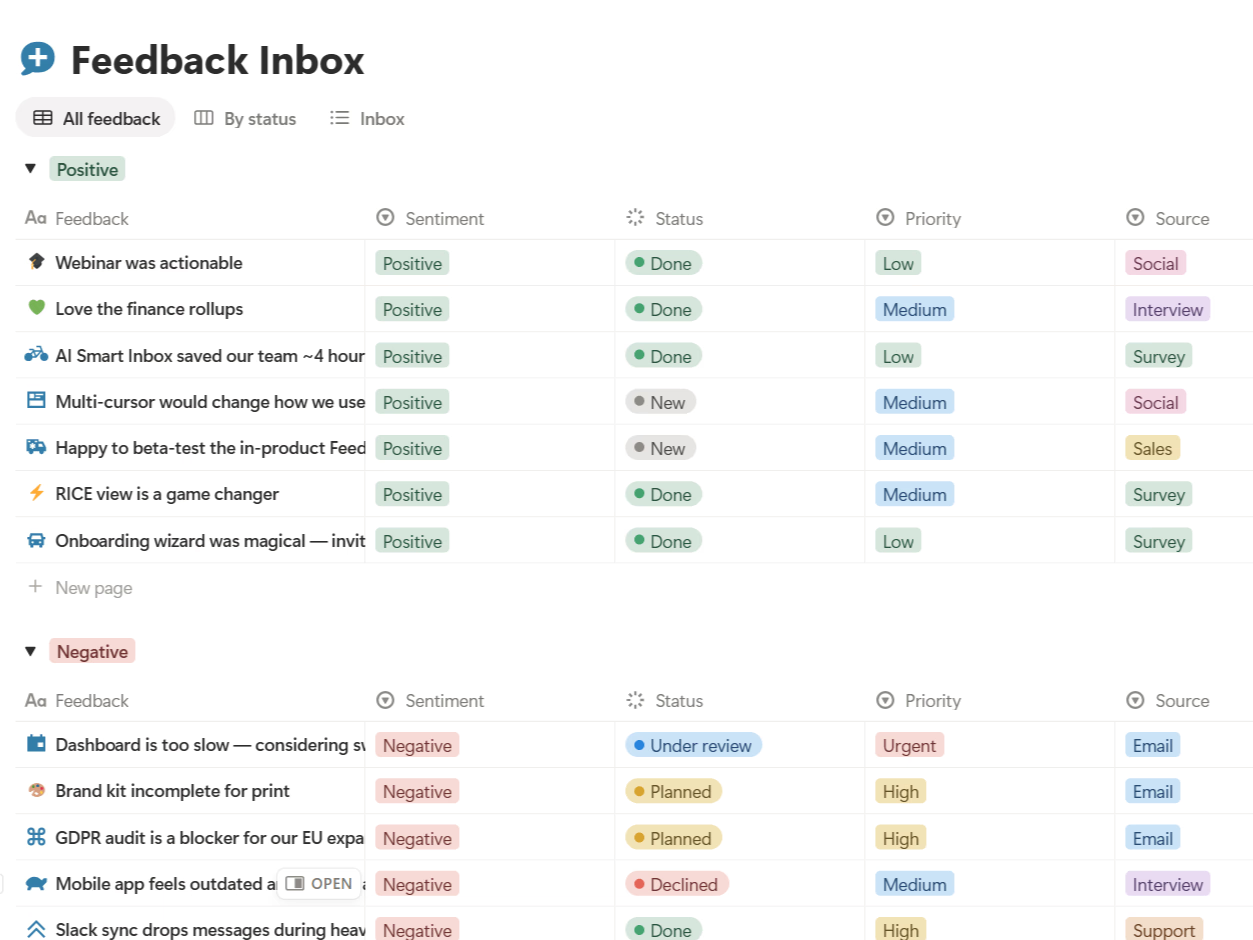
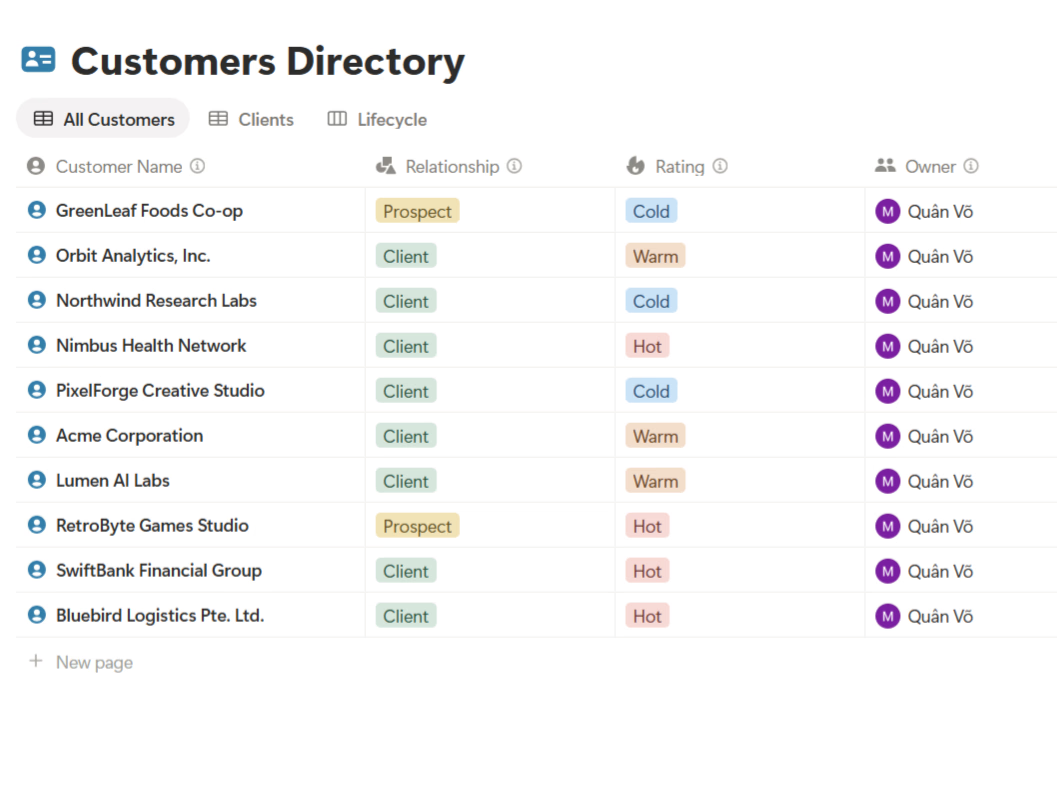
- Product Package — break an initiative into backlog items with MoSCoW priorities, RICE triage, surface feedback themes, roadmap health check, weekly product report, customer 360.
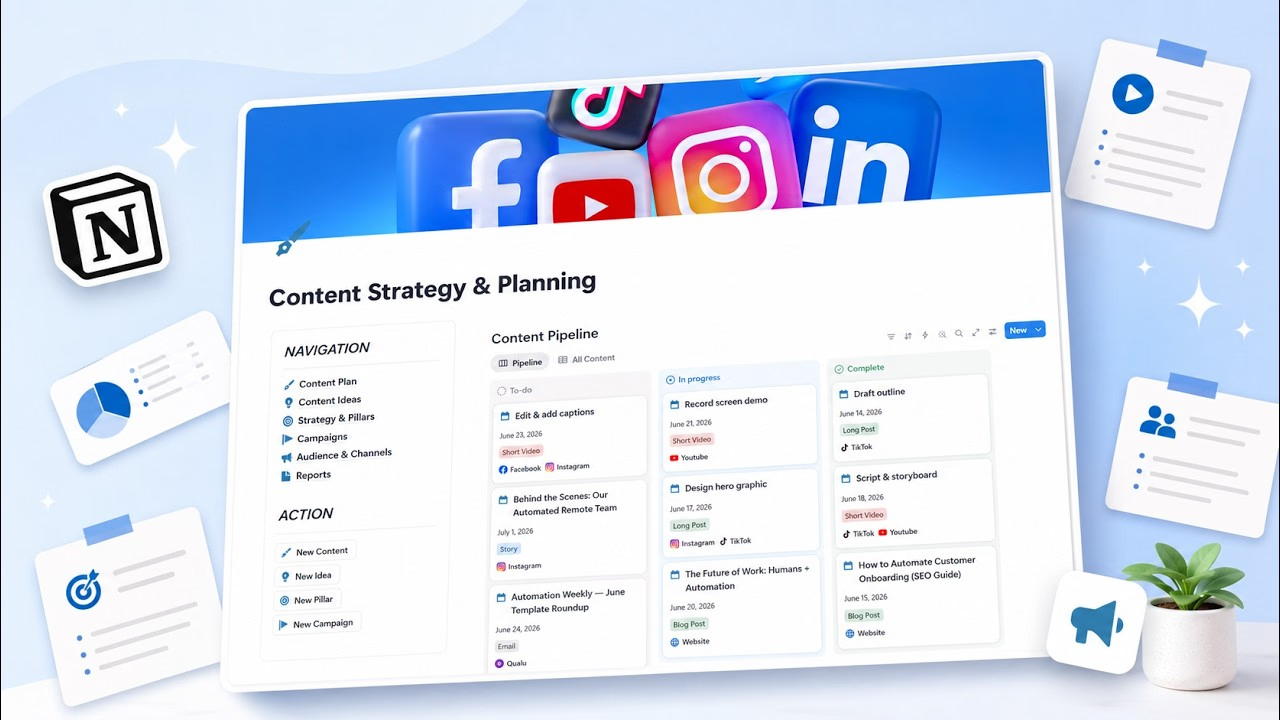
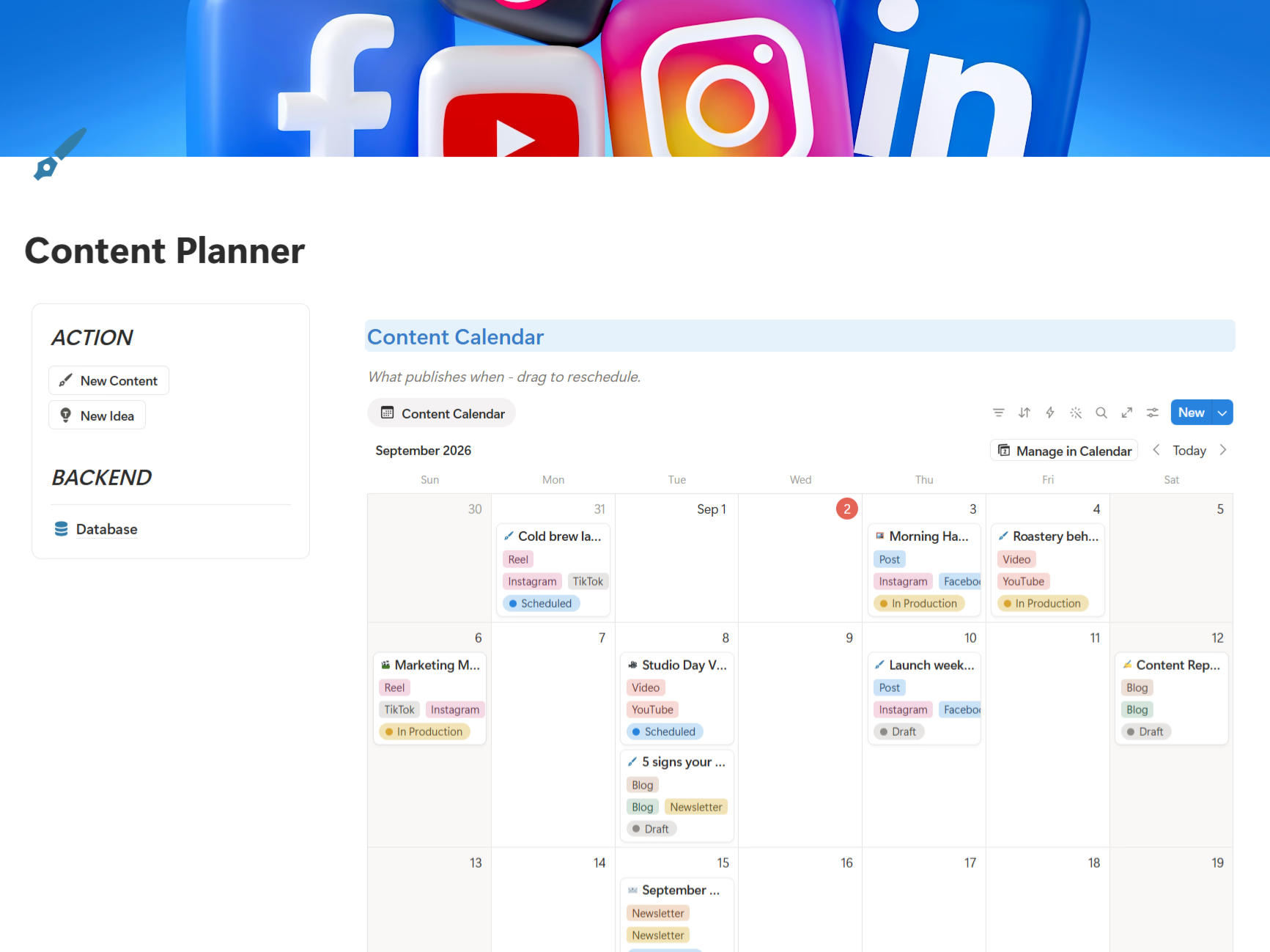
- Content Planner Package — ideation within your pillars, draft briefs, repurpose content across channels, competitor content analysis, performance reviews.
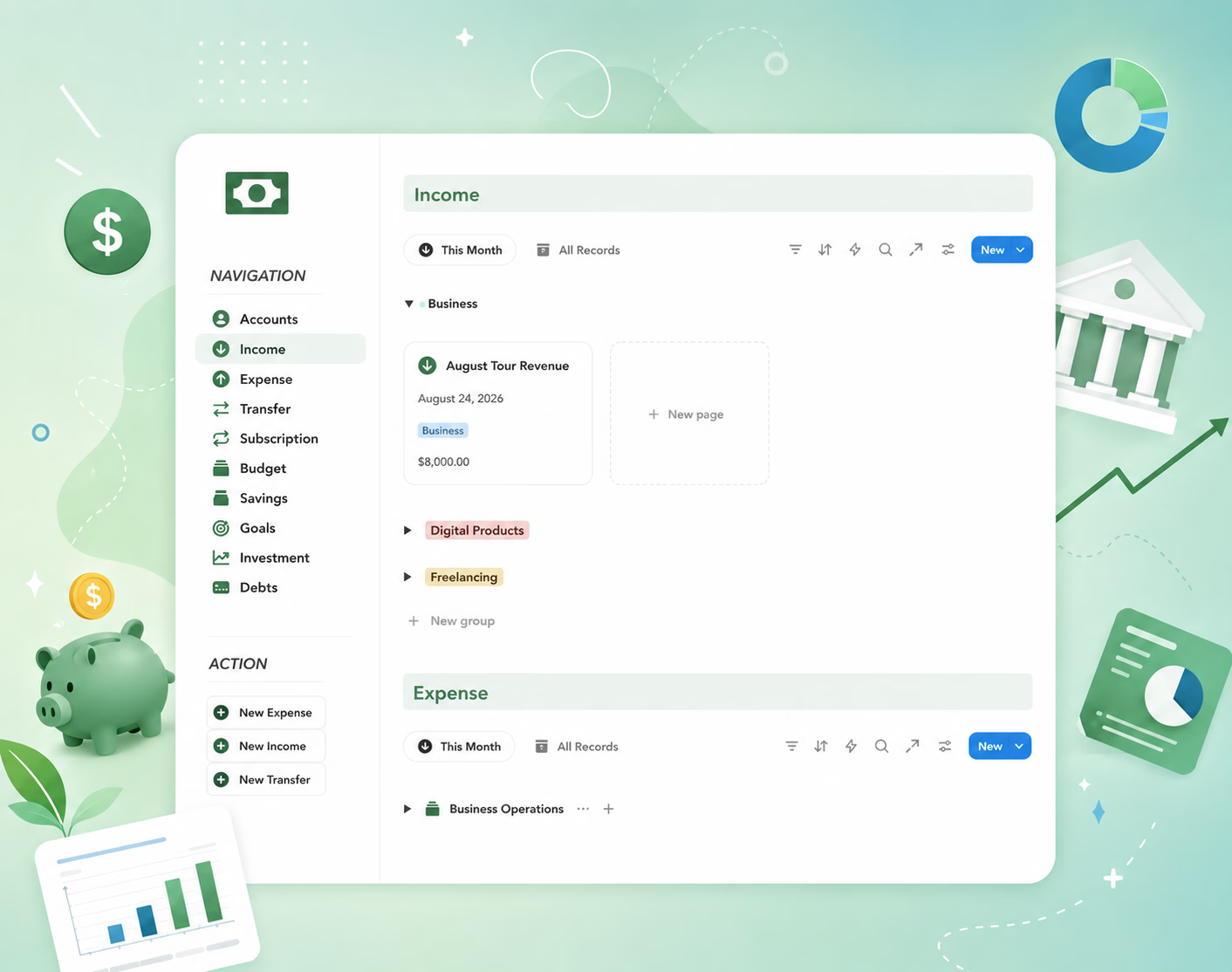
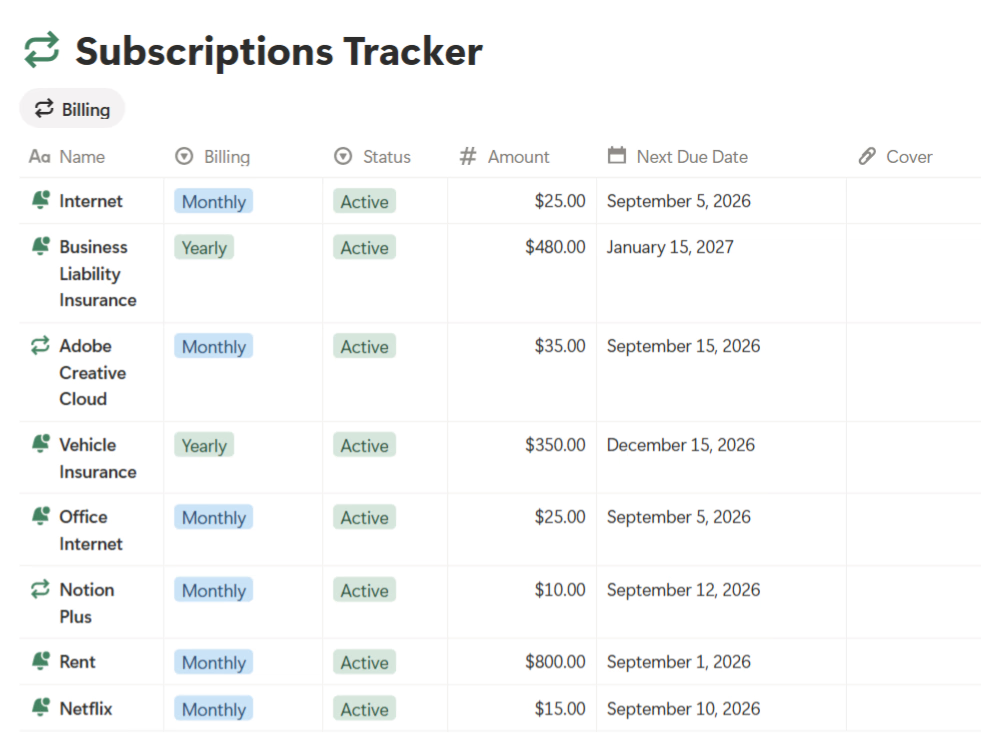
- Finance Package — spending analysis, budget planning, savings strategies, subscription cleanup.
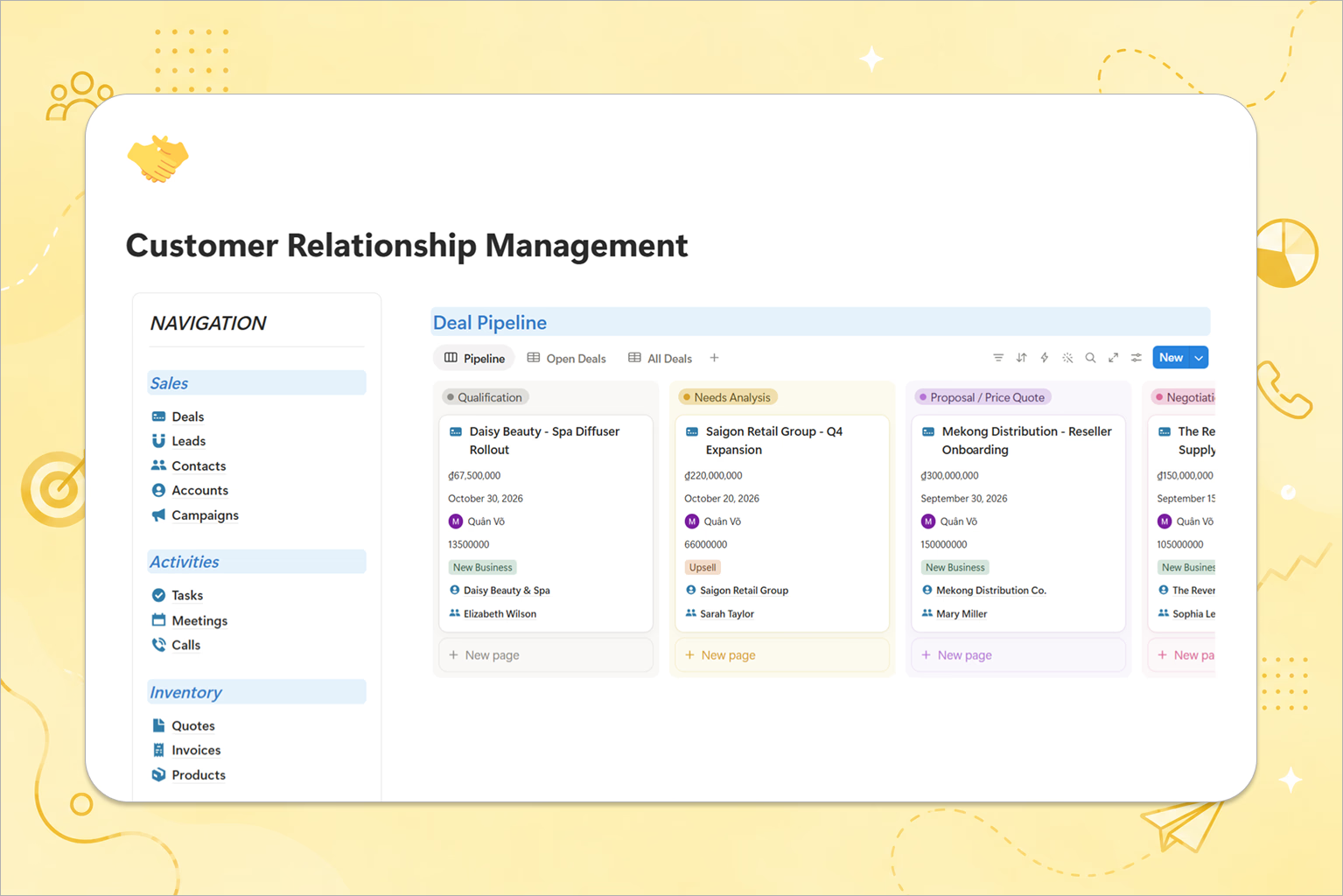
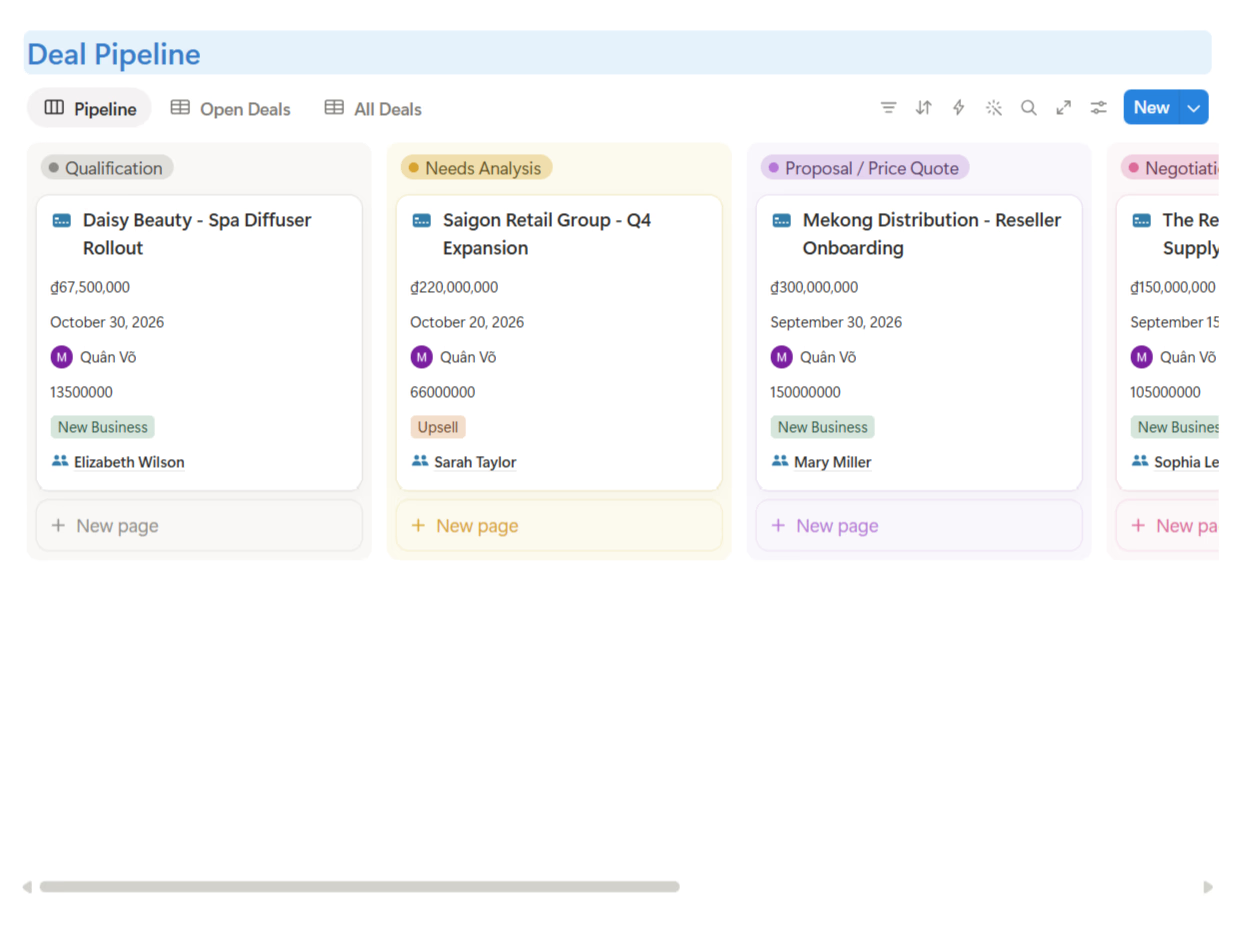
- CRM Package — follow-up drafting, deal review, pipeline summaries.
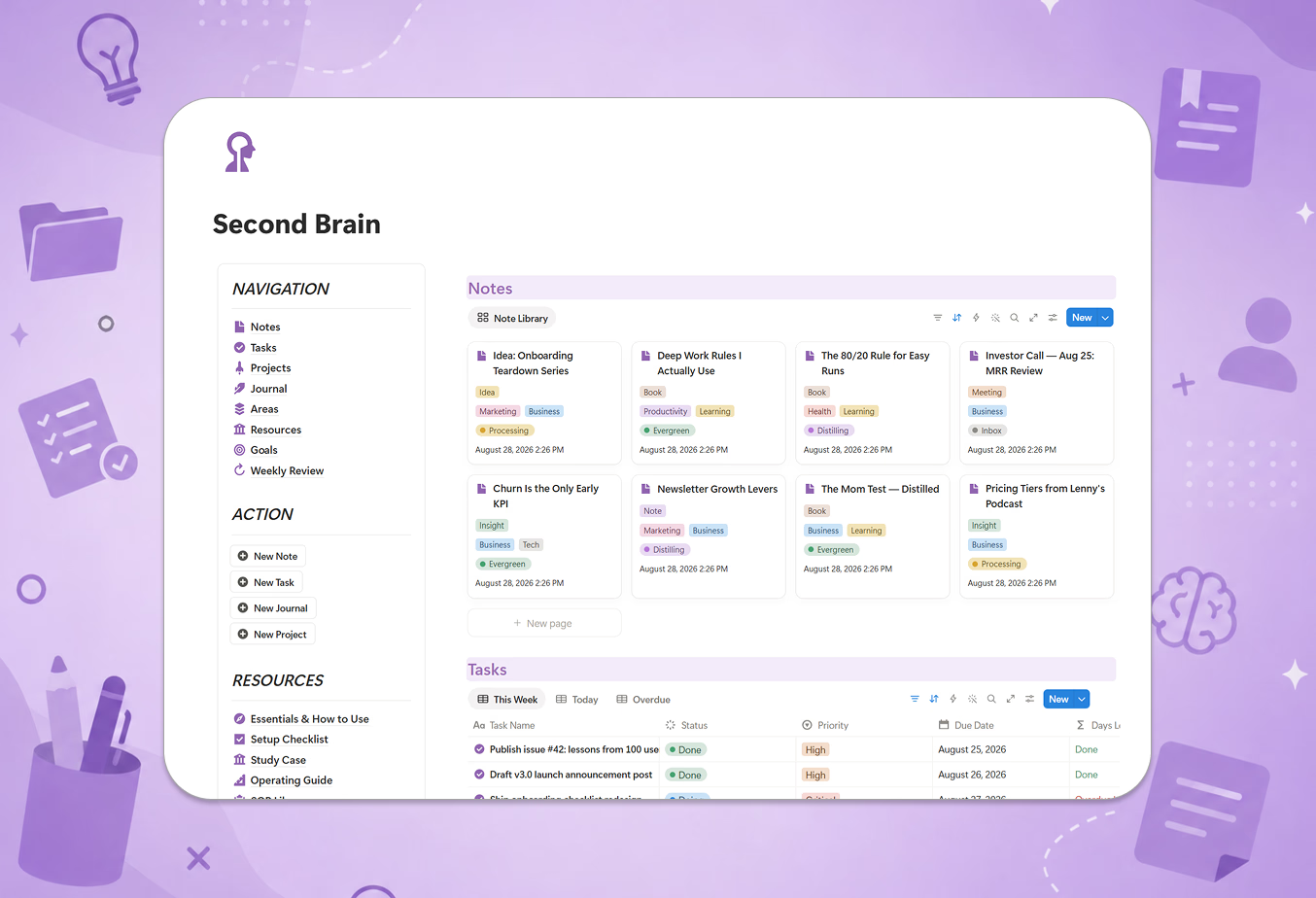
- Business OS & Second Brain — planning, review, and synthesis prompts that work across your whole system.
How to use it
The workflow is deliberately boring — three steps:
- Pick the prompt for the job. Each prompt lives near the workflow it belongs to, so you find it when you need it, not in a separate app.
- Fill in the variables and paste your data. Drop in your project history, your transaction export, your list of competitor links — whatever the prompt asks for. The guardrails handle the rest.
- Run it in your AI of choice. The prompts work in Notion AI, ChatGPT, Claude, or any capable assistant. Review the output, adjust, and paste the result back into your system — most outputs are formatted to drop straight into your databases.
The benefits, honestly stated
- You skip the prompt-engineering learning curve. The difference between "help me plan my project" and a structured prompt with roles, context, tasks, output format, and guardrails is the difference between a paragraph of fluff and a usable plan.
- Consistent output quality. Everyone on your team runs the same prompts, so a status report looks like a status report every week — whoever wrote it.
- AI that knows your system. Because prompts reference your actual databases and fields, outputs come back in shapes your workspace can absorb.
- It compounds. Once you've used a prompt a few times, you'll start adapting it — and the library becomes the foundation of your own prompt collection.
Who it's for
If you already write sophisticated prompts from scratch every time, the library saves you typing. If you're like most people — you know AI could help with your recurring work but never quite get around to figuring out how — the library is the shortcut: the thinking is done, you just fill in the blanks.
Get started
The Prompt Library ships inside every TailorFlow Smart OS package — no separate purchase, no subscription. Pick the package that matches your work, open the Prompt Kit, and run your first prompt today.
Questions? Email us at tailorflowhq@gmail.com — we personally reply to every message.