



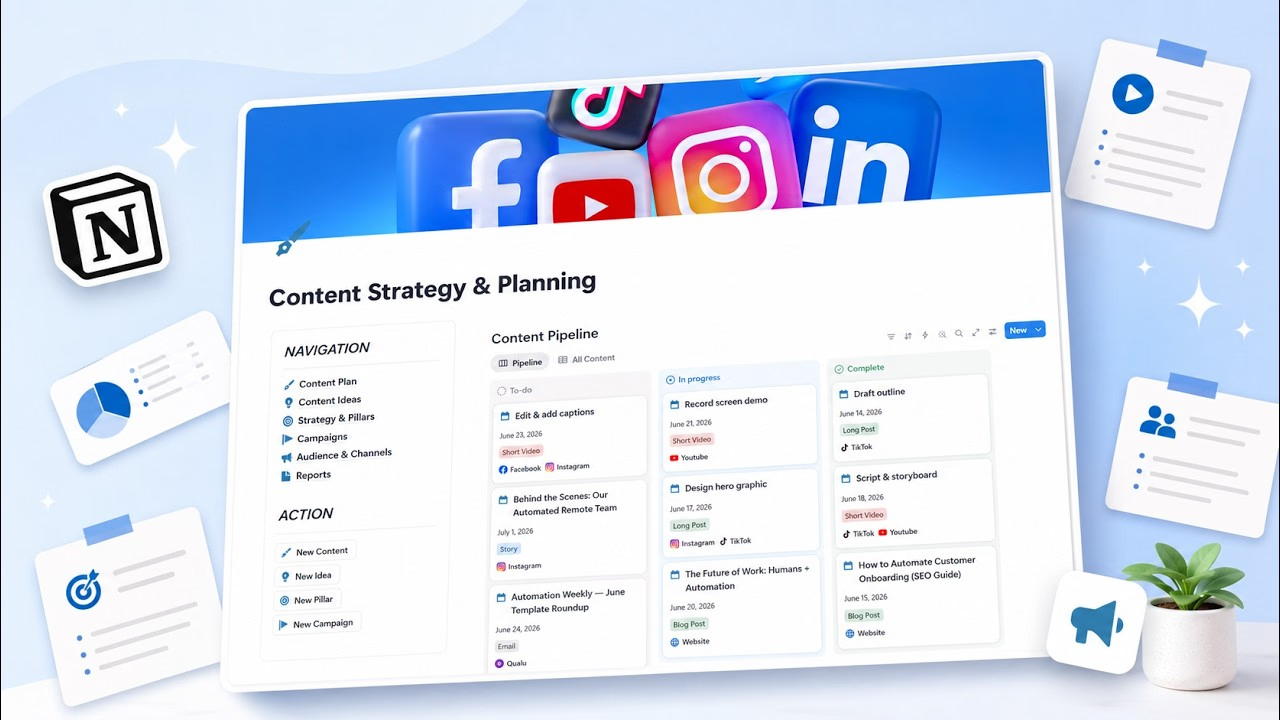
I used to think my content problem was a lack of ideas. It was not. My problem was that every morning I opened a blank screen and asked, "what should I post today?" — which turns out to be a terrible way to run anything. I am still refining this, but switching from inspiration to a simple system changed my output more than any burst of motivation ever did. Here is what I have picked up so far.
What a content planner actually is
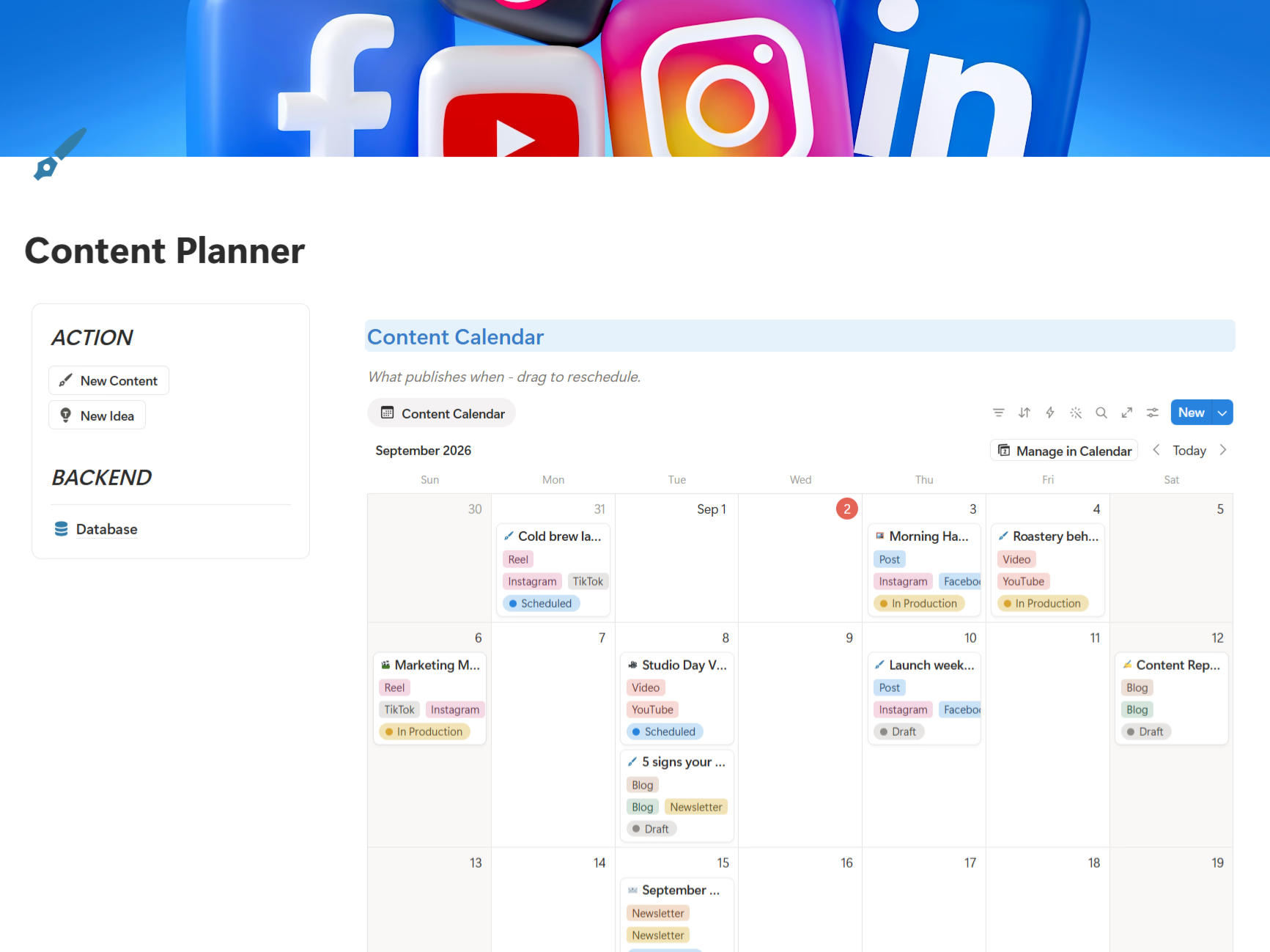
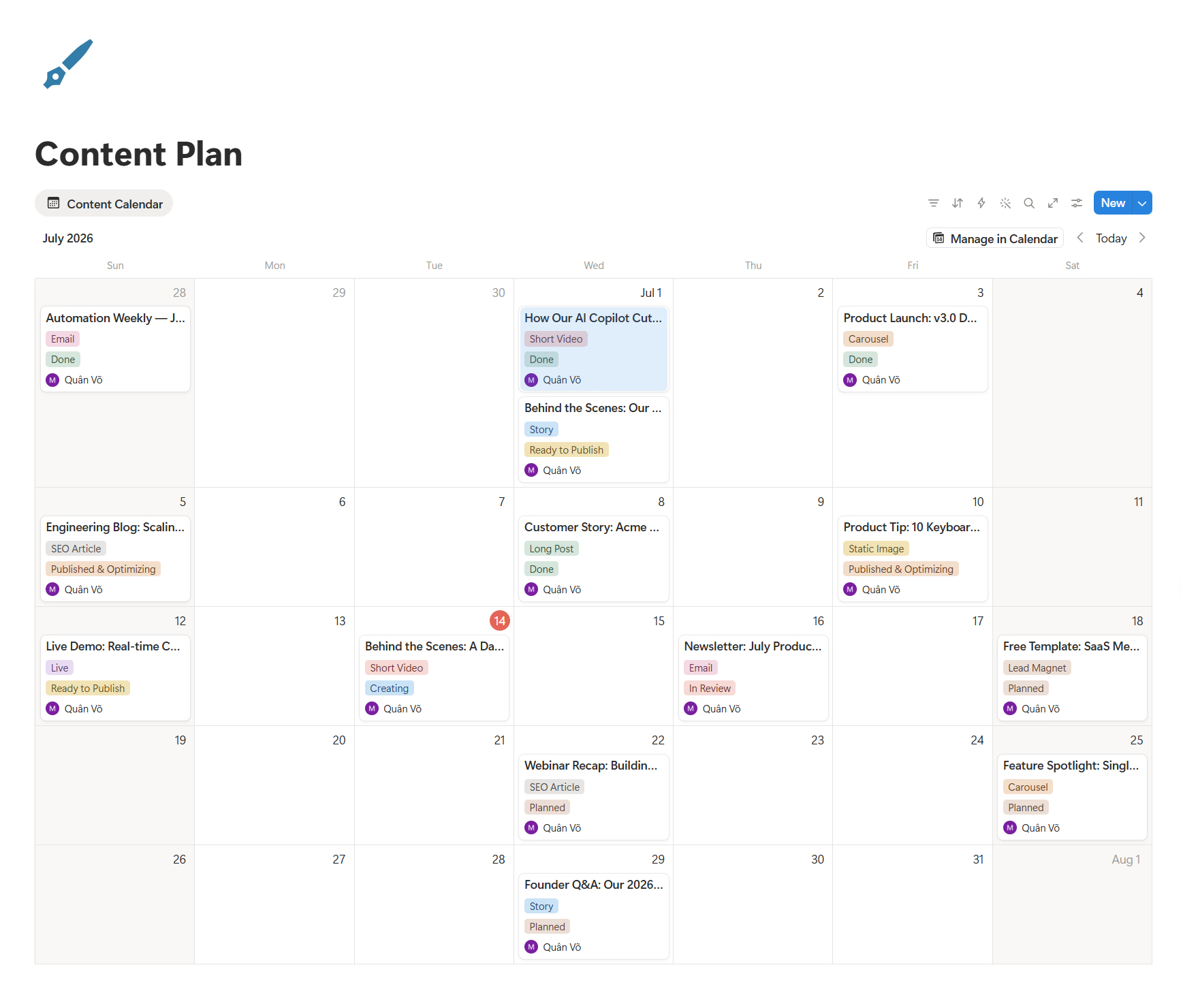
A content planner is a tool that helps you organize, schedule, and align your content with your goals instead of guessing or scrambling last minute. The distinction that took me too long to grasp: a calendar tells you when something goes out, but a planner is the wider system — it includes your goals, audience, ideas, and performance tracking, while the calendar just handles timing.
Most content moves through a simple pipeline: Idea → Draft → In review → Published → Measured. The planner is what keeps something in every stage, so "published" is never dependent on today's mood.
Why inspiration fails and a system wins
Inspiration is a wonderful spark and a terrible schedule. Some days it shows up; most days it does not; and it never appears on demand during your busiest week. What finally helped me was separating the creative act from the publishing obligation — I generate ideas when inspired, and publish from a queue I built earlier.
The payoff is consistency, and consistency is what actually builds trust and engagement over time. A planner also quietly protects you from burnout, because you are not inventing everything from zero each day.
Who needs a content planner, and when
I think this matters most for people carrying a big load alone: solo creators running several channels, small marketing teams of two to five, and founders producing their own content with maybe half an hour a day. The less time you have, the more a planner helps, because it removes the minutes lost to deciding.
The right moment to start is when publishing becomes a recurring promise rather than an occasional act. For me, the wheels came off a few weeks in — which is, not coincidentally, when willpower alone tends to run out.
Where a planner fits with your goals and channels
Content does not exist in a vacuum. A good planner starts with clear goals — ideally something specific and measurable rather than a vague "get more traffic" — and then connects to your audience and channels. That is why I now begin with three to five content pillars tied to who I am talking to, so every piece points somewhere on purpose.
How I plan a month of content, step by step
Planning thirty days does not mean writing thirty perfect posts in one sitting. That just produces a beautiful calendar I then avoid. My sprint looks like this:
Step 1: Choose one goal for the month
Grow subscribers, educate the market, drive demo calls — pick one. If every post chases a different goal, the calendar becomes noise. Because time is limited, so you need to choose wisely your goals.
Step 2: Pick three to five content pillars
Pillars are the recurring themes your audience associates with you. They keep ideas aligned and stop the panic-posting that a blank page triggers.
Step 3: Generate ten core ideas
Start with ideas, not channels. Ten strong ones is plenty, because each can become several pieces.
Step 4: Repurpose each idea across channels
This is where the calendar fills up fast. One idea can become a long-form post, a short social post, a thread, a newsletter section, and a short video. You are distributing ten strong ideas, not inventing thirty.
Step 5: Schedule by real capacity, not fantasy
If you can realistically publish a few times a week, plan a few times a week. A sustainable rhythm beats a heroic plan that collapses within days.
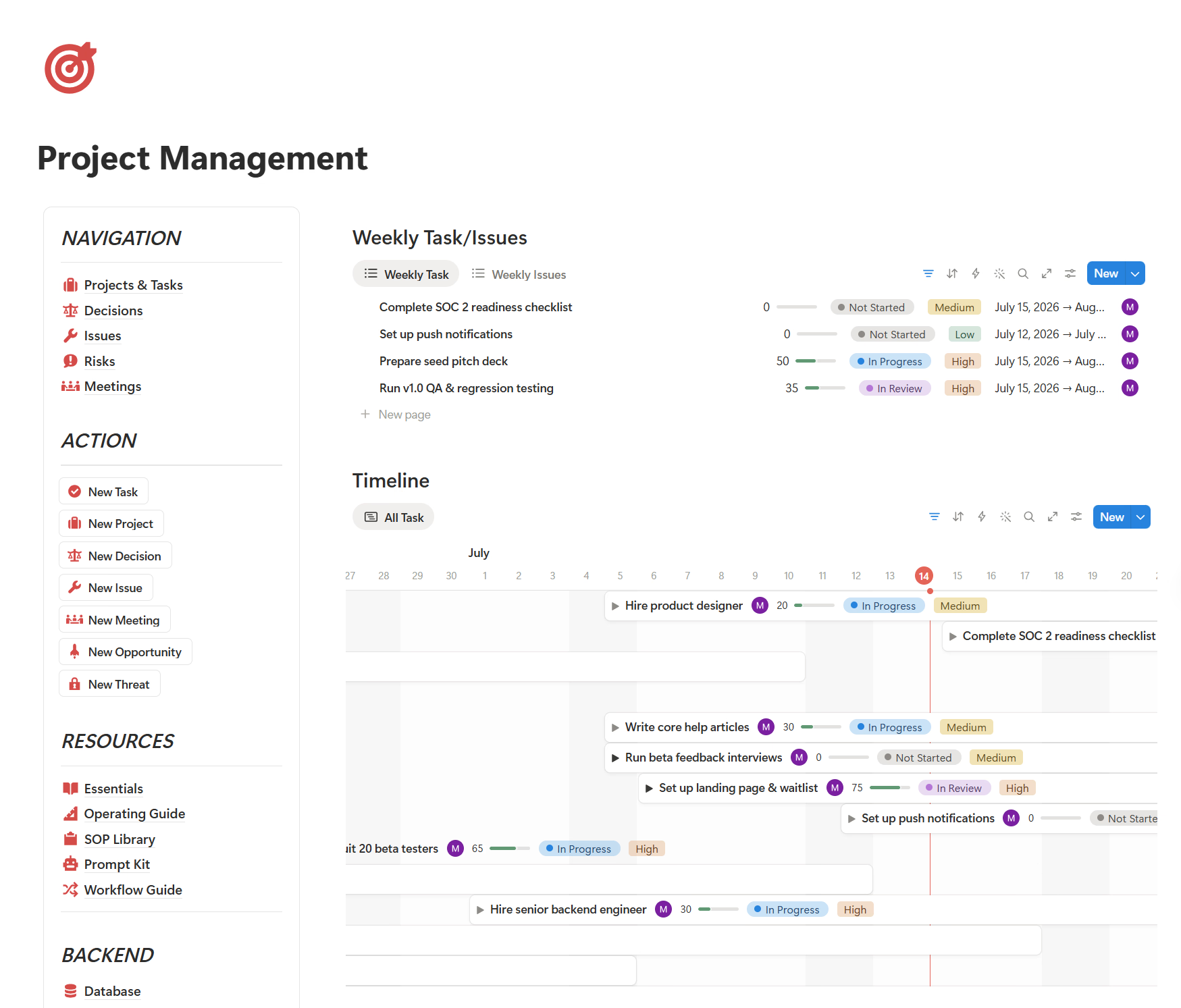
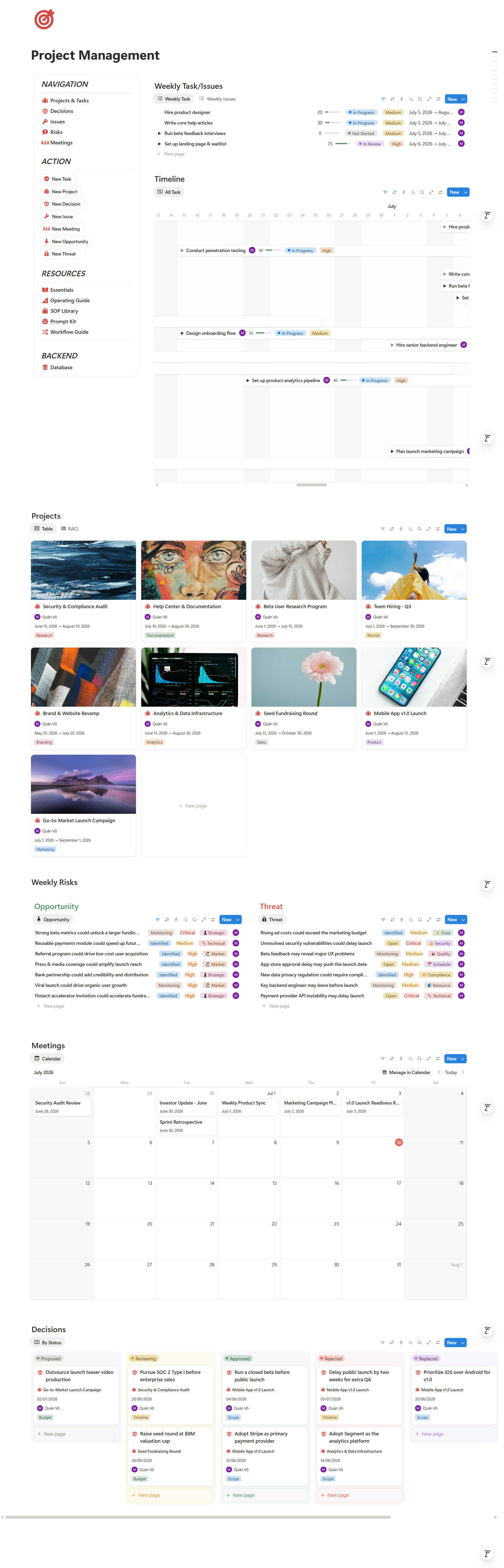
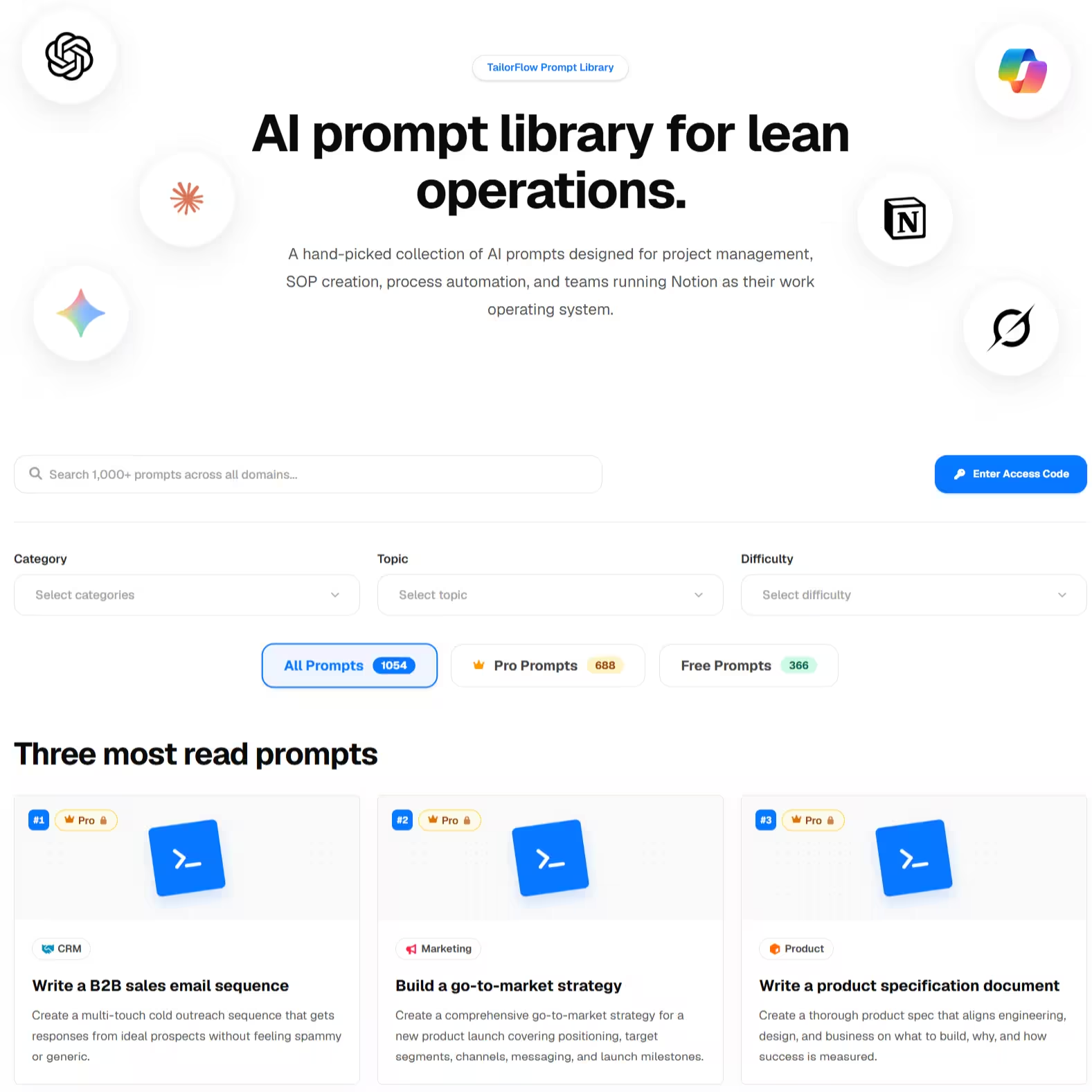
Right now, I have 7 channels I manage myself. You may wonder why I don’t focus on only 1 channel to grow faster. But with the power of AI and my Notion system, managing everything is straightforward. Nowadays, everyone has AI tools, creating an influx of content while audience attention remains limited. That is why repurposing as much as possible is essential.
The repurposing principle: research once, appear many times
The biggest efficiency I found is repurposing: do the thinking once, then change the packaging per channel. A single idea — say, the hidden cost of scattered tools — can become an article, a punchy post, an email checklist, and a short video, each shaped to its medium but sharing one core. The idea stays constant; the format adapts. That is how one person can publish like a small team without burning out.
How to measure what is worth repeating
I used to stop at "Published." That was a mistake. After publishing, it helps to log a few basics — engagement, click-throughs, time on page, and conversions:
- Topic — what was it about?
- Channel — where did it go?
- Format — article, thread, email, video?
- Result — engagement, clicks, replies, or leads?
You do not need a complex analytics stack. You need enough signal to answer one question each month: which type of content, on which channel, earned attention? Then do more of that.
The bottom line
What I would tell myself a year ago:
- The calendar is the output; the planner is the system behind it.
- One idea can become many pieces — research once, appear many times.
- Measure before you repeat, because unmeasured content is just guessing in public.
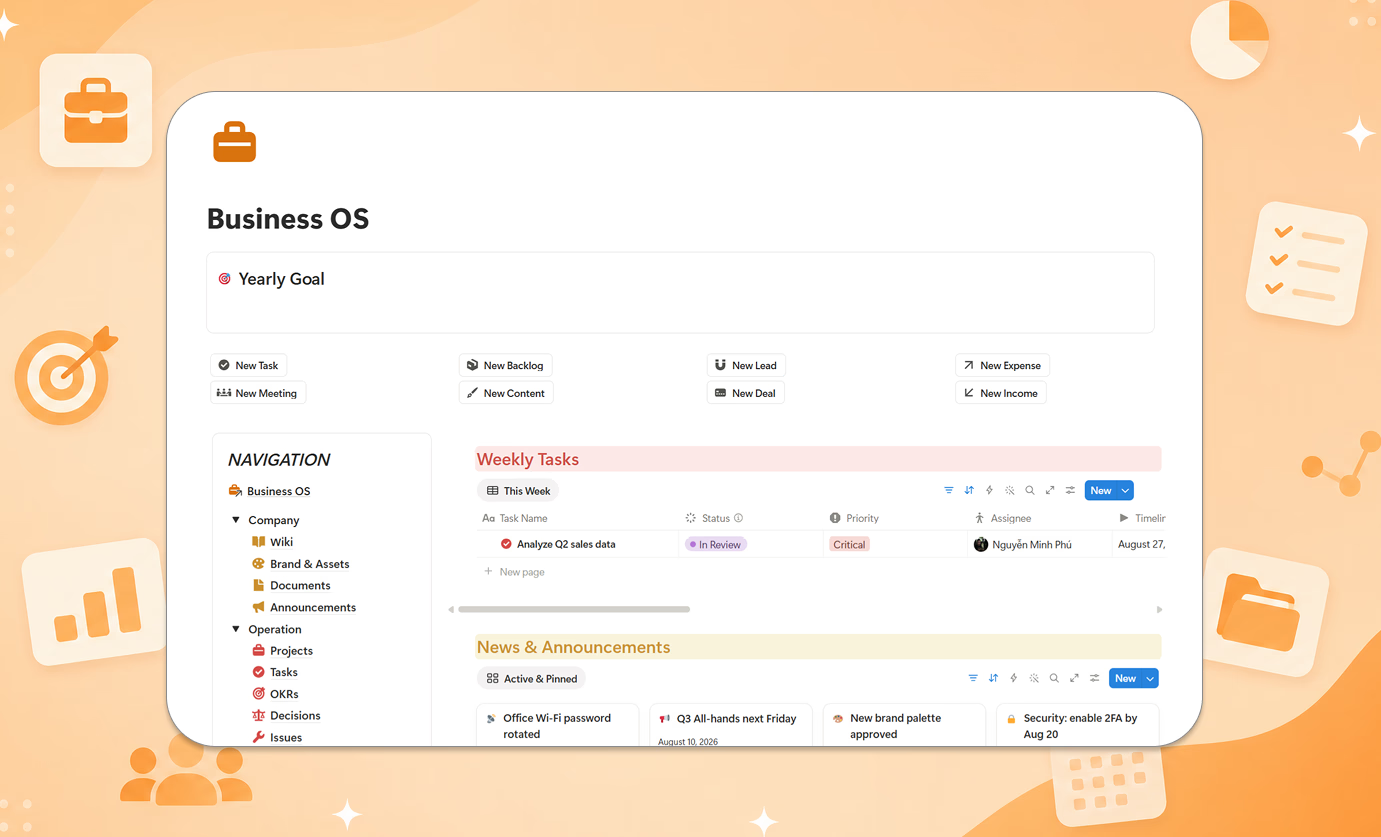
If you would rather start from a ready structure than build the pipeline yourself, Content Planner Package - Smart is how I set this up on Notion — pillars, ideas, campaigns, calendar, and performance in one place. The method matters more than the template. Questions? Email tailorflowhq@gmail.com.
Going deeper: Systems Thinking: How I Turned Recurring Work Into Templates