



I used to think I was busy because the business was growing. Then I checked my week. I had written the same client onboarding message three times. Recreated the same project checklist twice. Explained the same file naming rule again. Built the same content plan from scratch because I "wanted to make it fresh."
Very artistic. Also very inefficient. The uncomfortable truth: I was not doing new work. I was redoing old work with a new shirt on.
That was when I started using systems thinking in a very practical way: whenever I repeated something three times, I turned it into a process. Then I turned the process into a template. This article is not a lecture about theory. It is the story of how I moved from daily firefighting to a calmer way of working — one recurring task at a time.
The moment I realized memory was not a system
Here is the failure pattern. A client project would begin, and I would tell myself, "I know the steps." Then small things slipped.
The kickoff email missed one attachment. The folder structure changed from the last project. The project brief asked different questions depending on my mood.
The handoff note to the team was either too long or too vague. None of these mistakes destroyed the project. That made them harder to notice.
They were friction. Tiny frictions. The kind that turn a clean workday into eight hours of "wait, where did I put that?"
Systems thinking started for me with one belief:
If I have to remember it every time, I have not designed the system yet.
That sentence changed how I worked.
My rule: repeat it 3 times = write the process
One repetition can be a coincidence. Two repetitions can still be messy learning. Three repetitions is a pattern.
When a task shows up for the third time, I stop pretending it is unique and ask:
- What triggers this work?
- What steps do I always take?
- What decisions do I always make?
- What files or information do I always need?
- What does "done" look like?
- Who needs to be informed?
That is the start of a process. Not a 19-page standard operating procedure that nobody reads. Just a clear checklist that saves future me from being dramatic.
I use three levels:
- Capture the repetition
- Write the process
- Turn it into a template
Let me show you the full flow.
Step 1: Capture recurring work before it disappears
Recurring work often hides because it does not feel special. You answer a prospect. You prepare a proposal. You publish a post. You onboard a client. You run a weekly review.
These tasks feel normal, so you do not capture them. Then you waste time rebuilding them. I started keeping a simple "Things I keep repeating" list.
Every time I caught myself thinking, "I have done this before," I added it. Examples:
- Writing a project kickoff checklist
- Creating a content brief
- Preparing a sales call follow-up
- Setting up a new client folder
- Reviewing weekly tasks
- Turning a blog post into social posts
- Sending an invoice reminder
The list itself was not the system. It was the smoke detector.
Step 2: Write the process in plain language
The next trap is over-documentation. People hear "process" and imagine a corporate PDF with twelve approval layers and a sentence like "stakeholders shall execute alignment." Please do not do that to yourself.
A useful process is just a clear answer to: what happens, in what order, with what output? Here is the format I use:
- Trigger: When does this process start?
- Inputs: What information or files do I need?
- Steps: What do I do first, next, and last?
- Quality check: How do I know it is good enough?
- Output: What gets delivered?
- Owner: Who is responsible?
Short. Specific. Useful.
A process does not need to sound official. It needs to survive a tired Tuesday.
Step 3: Turn the process into a template
A process tells you what to do. A template makes it easier to do it. That difference matters.
For example, a client onboarding process may include:
- Send welcome email
- Create client folder
- Create project page
- Add kickoff meeting
- Collect brand assets
- Confirm communication channel
- Define first milestone
A client onboarding template turns that into a ready-to-use page with:
- Pre-written email copy
- Folder link placeholder
- Kickoff checklist
- Meeting agenda
- Asset collection table
- Roles and responsibilities
- First-week timeline
Now you are not starting from zero. You are starting from 70%. That is where the time savings appear.
Demo: template a client onboarding process from A to Z
Let us turn one real recurring task into a template: client onboarding for a small agency project.
A. Capture the repetition
I notice I have onboarded three clients in a similar way. Same questions. Same files. Same first meeting. Same setup.
So I add it to my Recurring Work list:
- Task: Client onboarding
- Trigger: Client signs proposal or pays deposit
- Frequency: 2–4 times/month
- Pain level: High, because missed details create confusion later
- Template status: Needs template
B. Write the process
I create a process note:
Trigger: Deal marked as Won.
Inputs needed:
- Signed proposal
- Client contact info
- Project scope
- Timeline
- Payment status
- Brand assets or access links
Steps:
- Send welcome email.
- Create project page.
- Create shared folder.
- Add kickoff meeting.
- Collect assets and access.
- Assign internal owner.
- Confirm first milestone.
- Add follow-up task 48 hours after kickoff.
Quality check:
- Client knows what happens next.
- Team knows who owns delivery.
- All key files have a home.
- First milestone has a date.
Output: A ready project page and a client who does not feel abandoned after payment.
C. Build the template
Inside Notion, I turn this into a page template with sections:
- Client Snapshot
- Project Scope
- Kickoff Checklist
- Assets Needed
- Communication Rules
- Milestones
- Internal Notes
- Next Actions
Then I add pre-filled checklist items:
- Send welcome email
- Create shared folder
- Add proposal link
- Schedule kickoff call
- Request assets
- Confirm project owner
- Add first milestone
- Add 48-hour follow-up
Now each new client gets the same baseline. Not the same personality. Not the same strategy. Just the same operational safety net.
Why templates do not kill creativity
Some people resist systems because they think templates make work robotic. I think the opposite. Templates protect the boring parts so you can spend more energy on the creative parts.
A chef does not rewrite the kitchen setup every night. A film crew does not invent a new call sheet format for every shoot. A product team does not debate what "bug report" means every morning.
Structure does not remove judgment. It gives judgment a clean surface to work on. When the basics are handled, your brain can focus on the parts that actually need taste, strategy, and care.
Where most systems fail
Systems fail when they are built for the imaginary perfect version of you. The one who always updates every field. The one who names every file correctly. The one who never gets tired, hungry, distracted, or attacked by twelve messages at once.
Build for real you. Real you needs:
- Fewer required fields
- Clear defaults
- Short checklists
- Templates that start usable
- Review habits that take minutes, not hours
- A workspace where the next action is obvious
The system should reduce thinking, not create homework. If updating the process takes longer than doing the work manually, the process is not mature. It is a tax.
How I use Business OS as the place to pour systems into
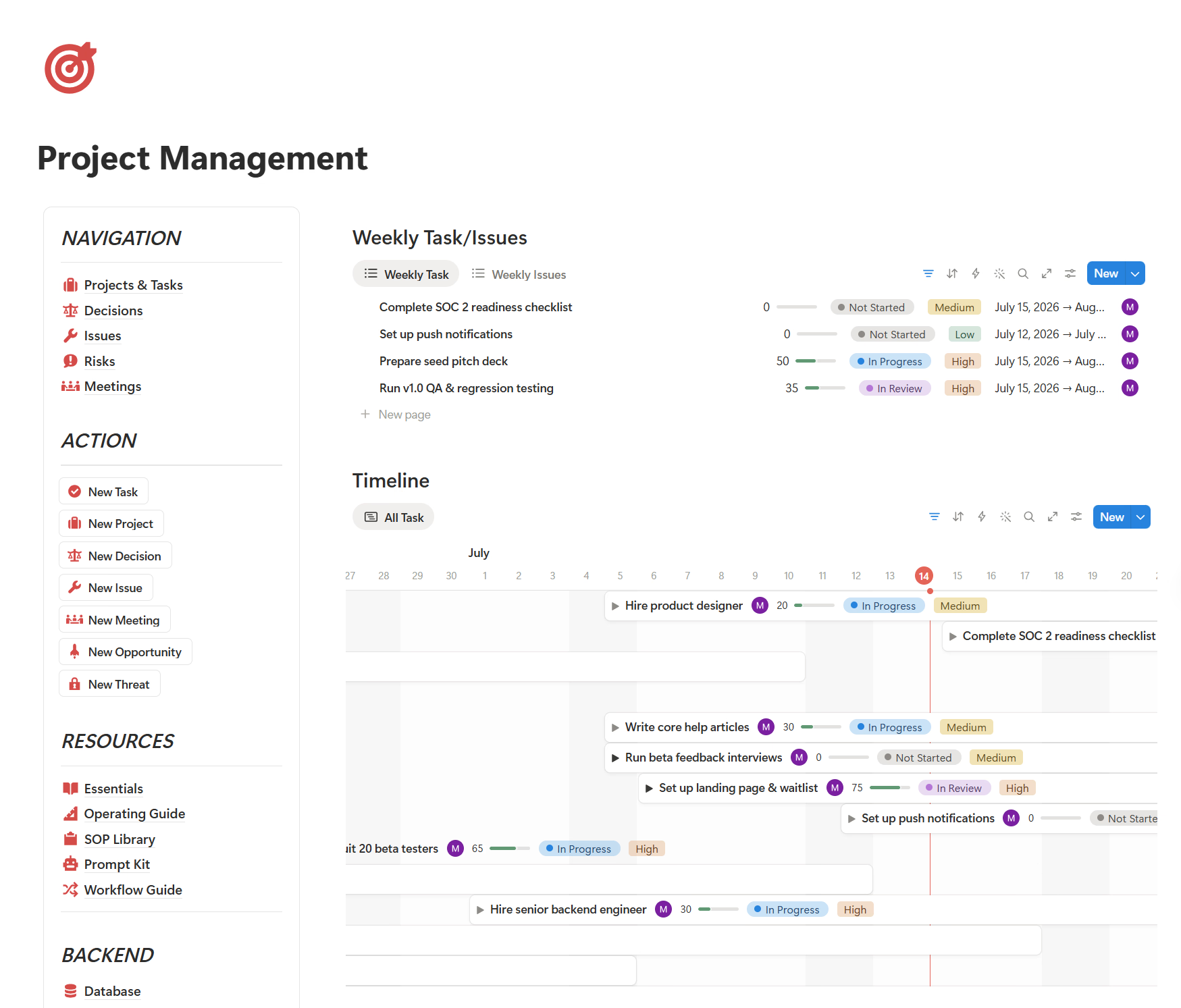
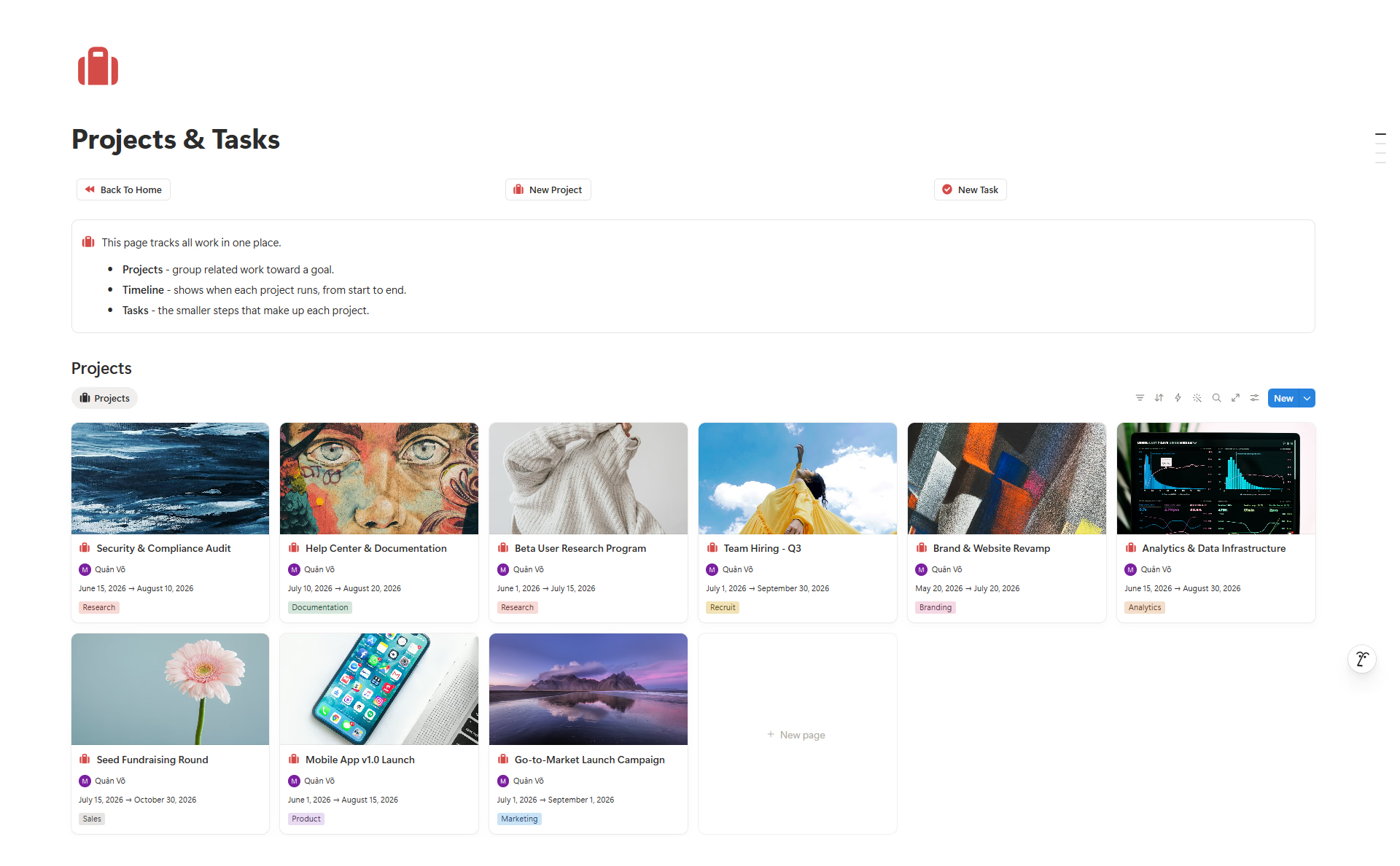
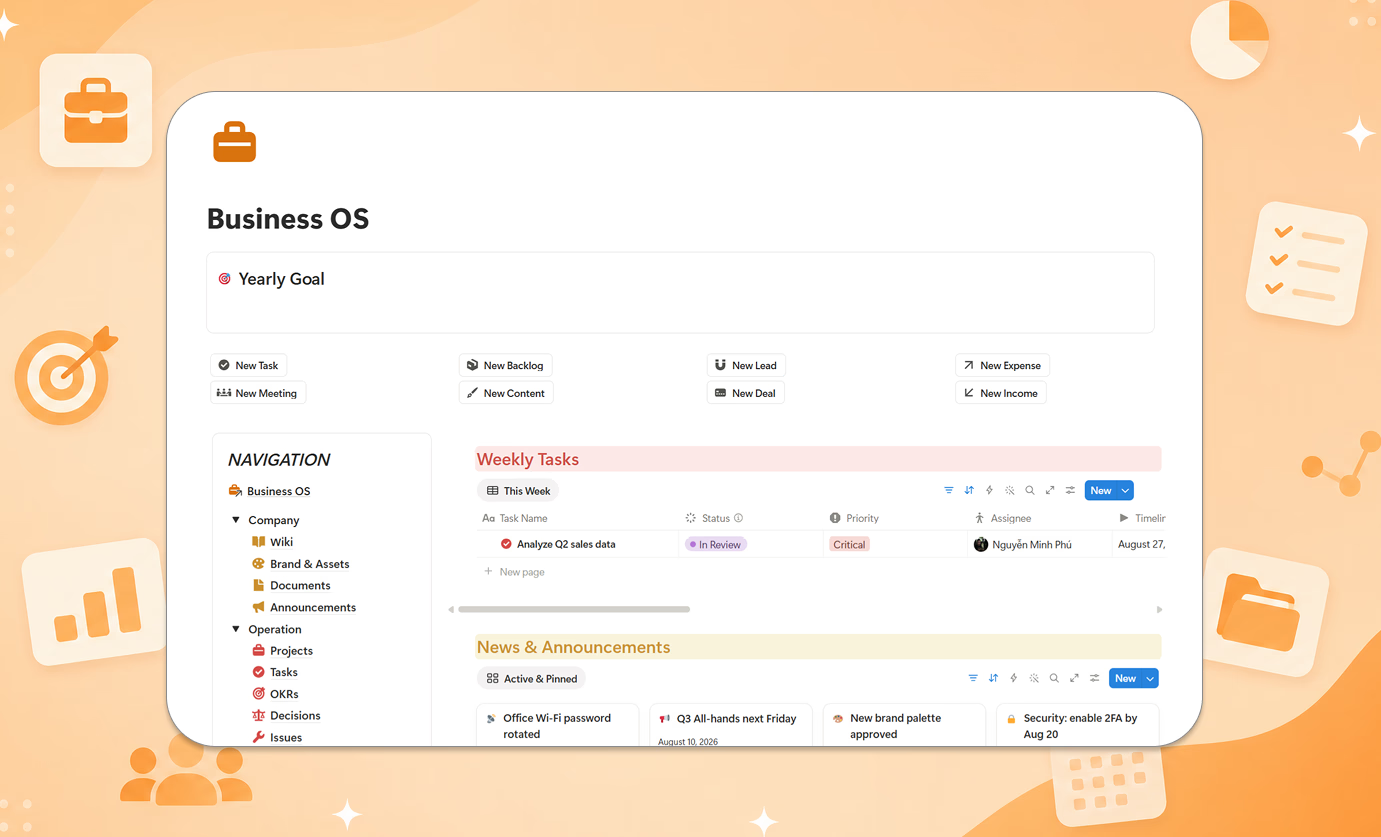
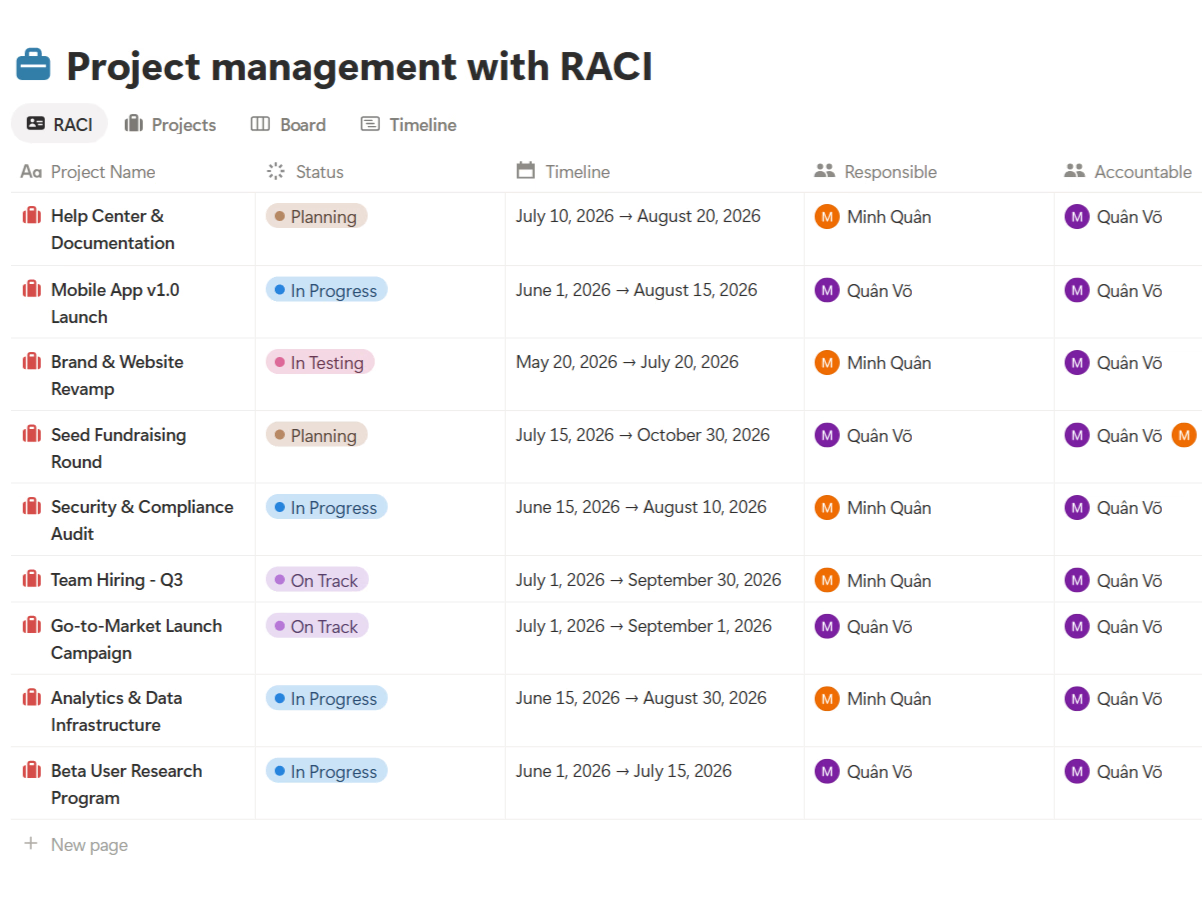
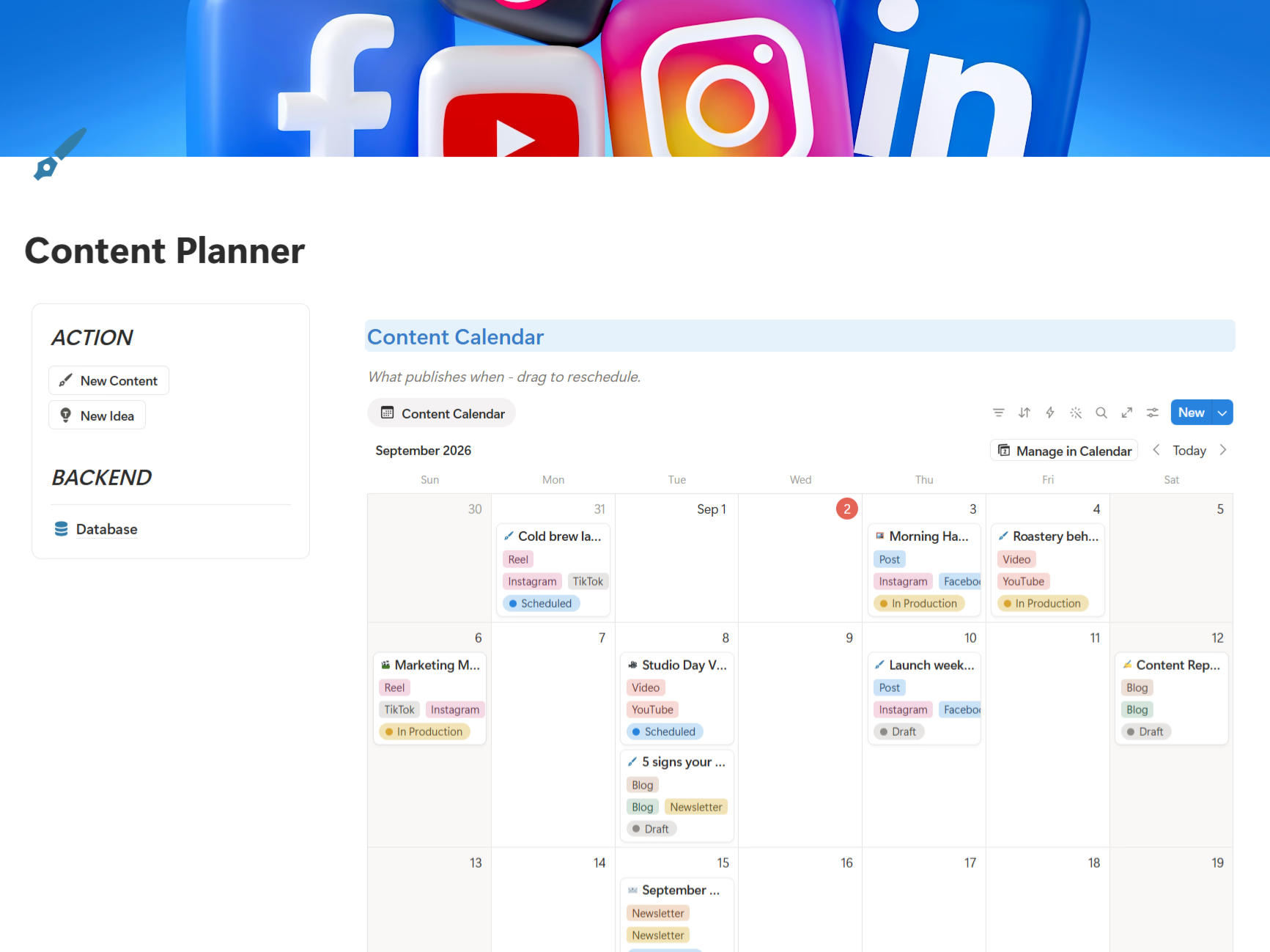
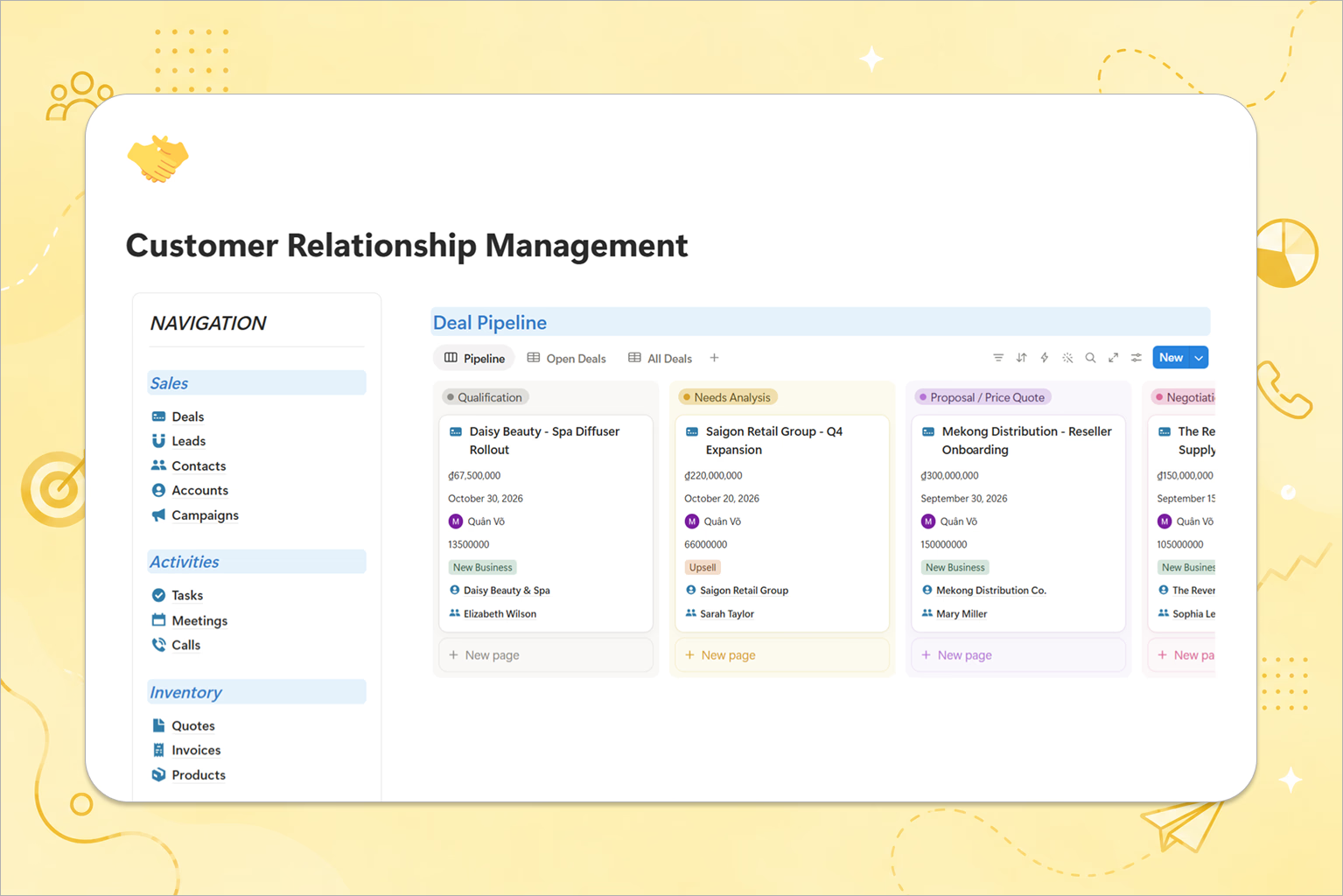
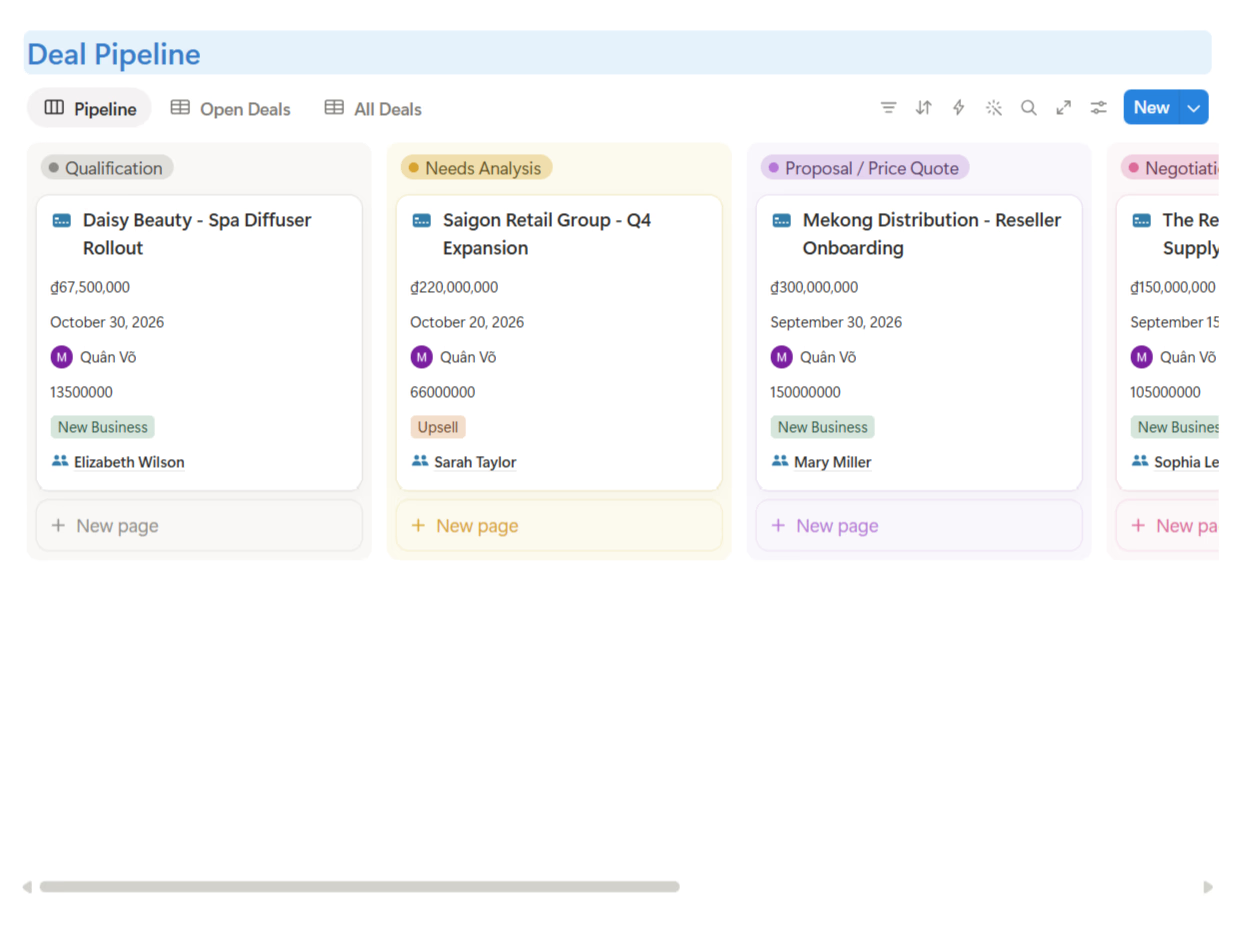
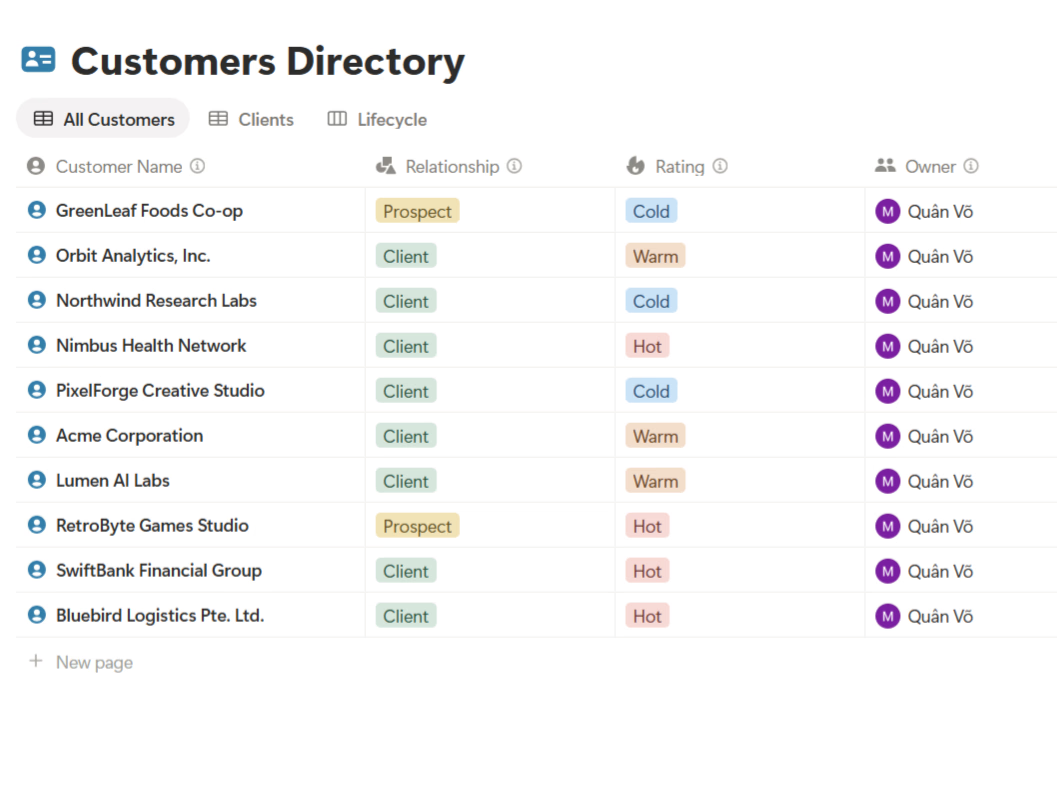
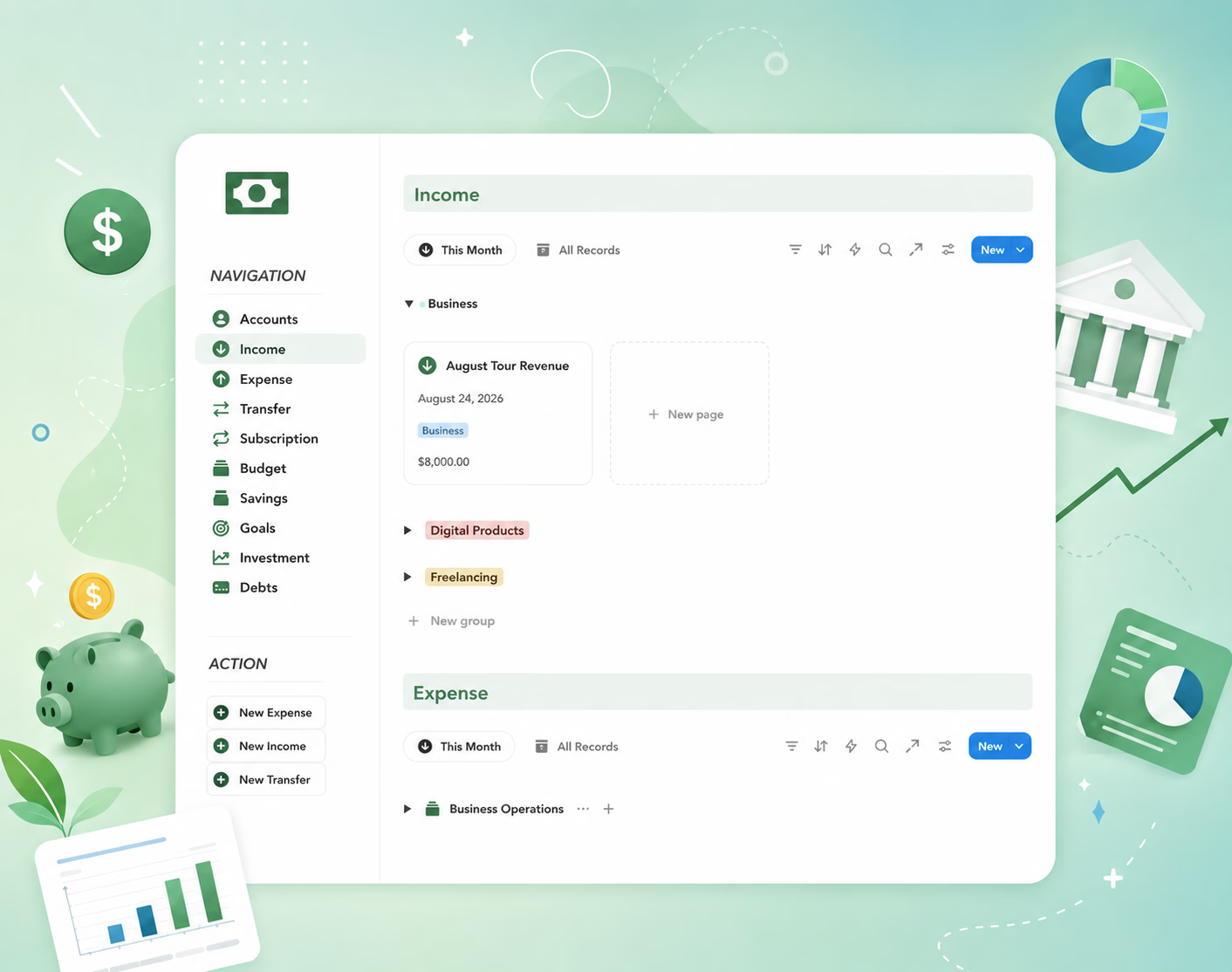
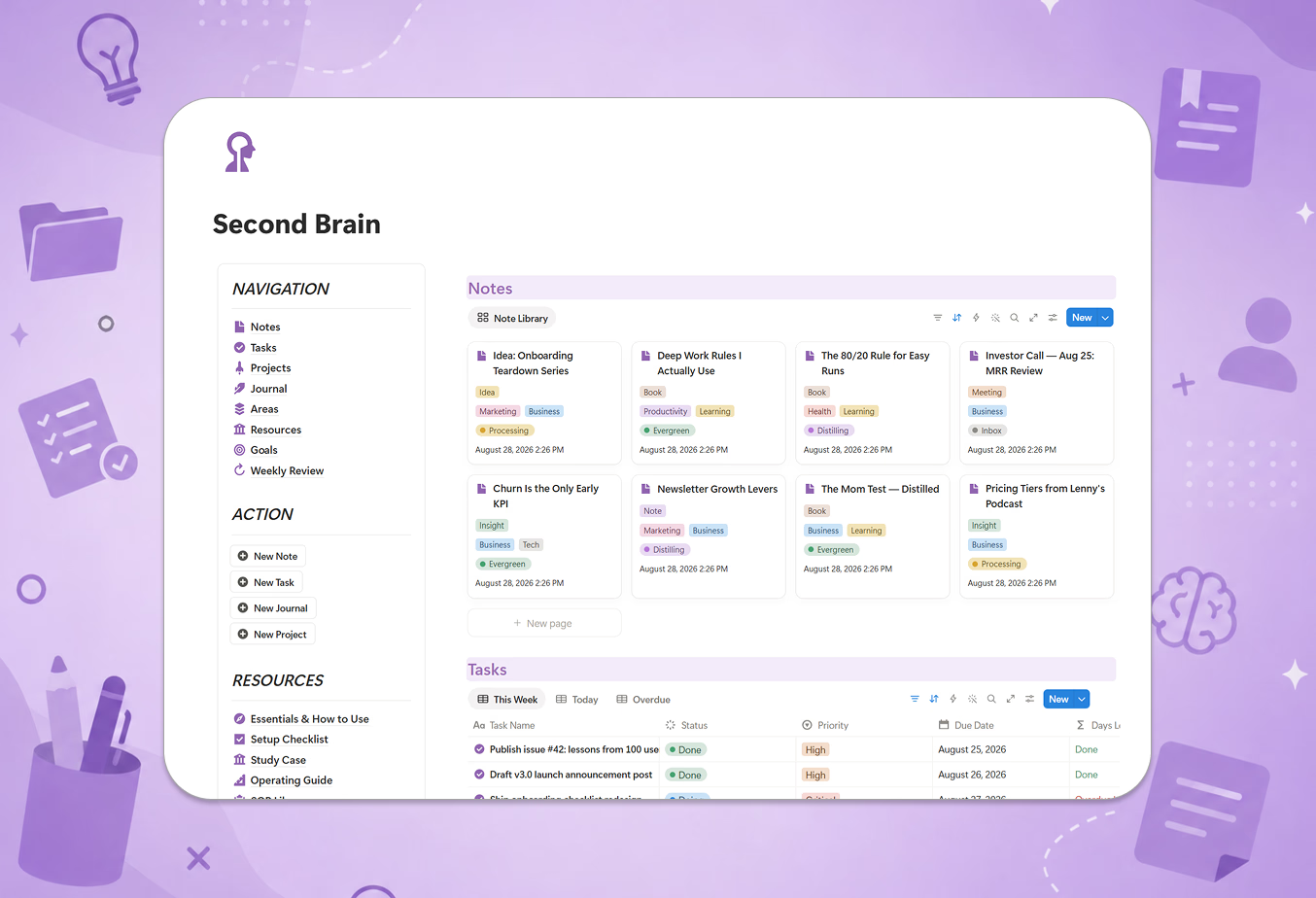
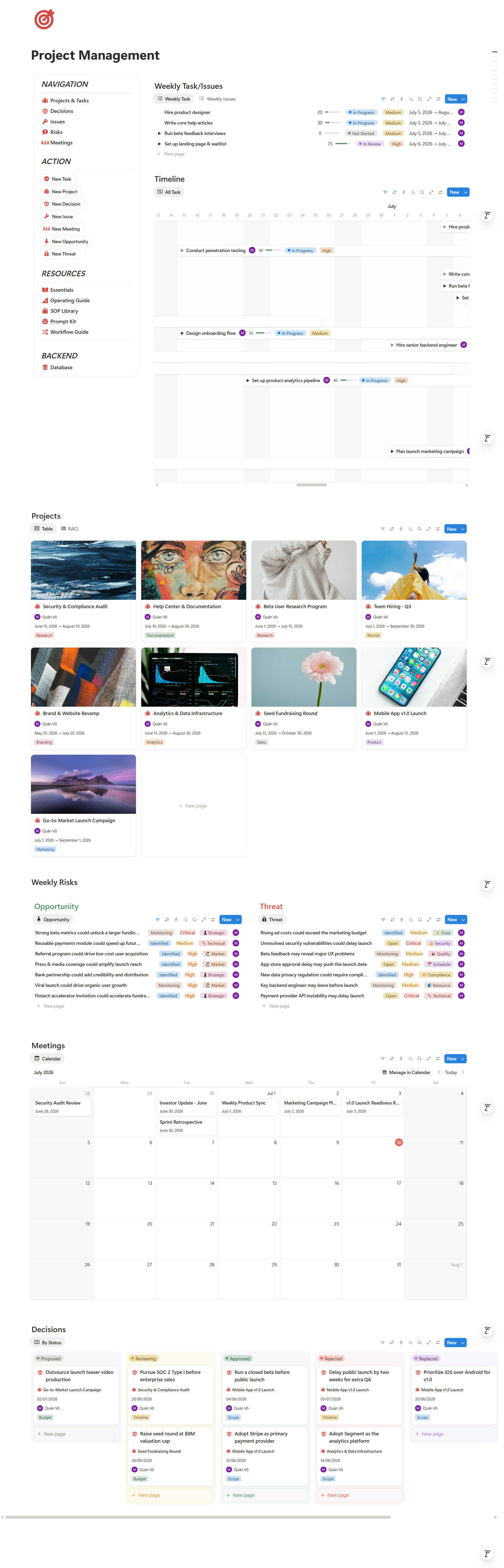
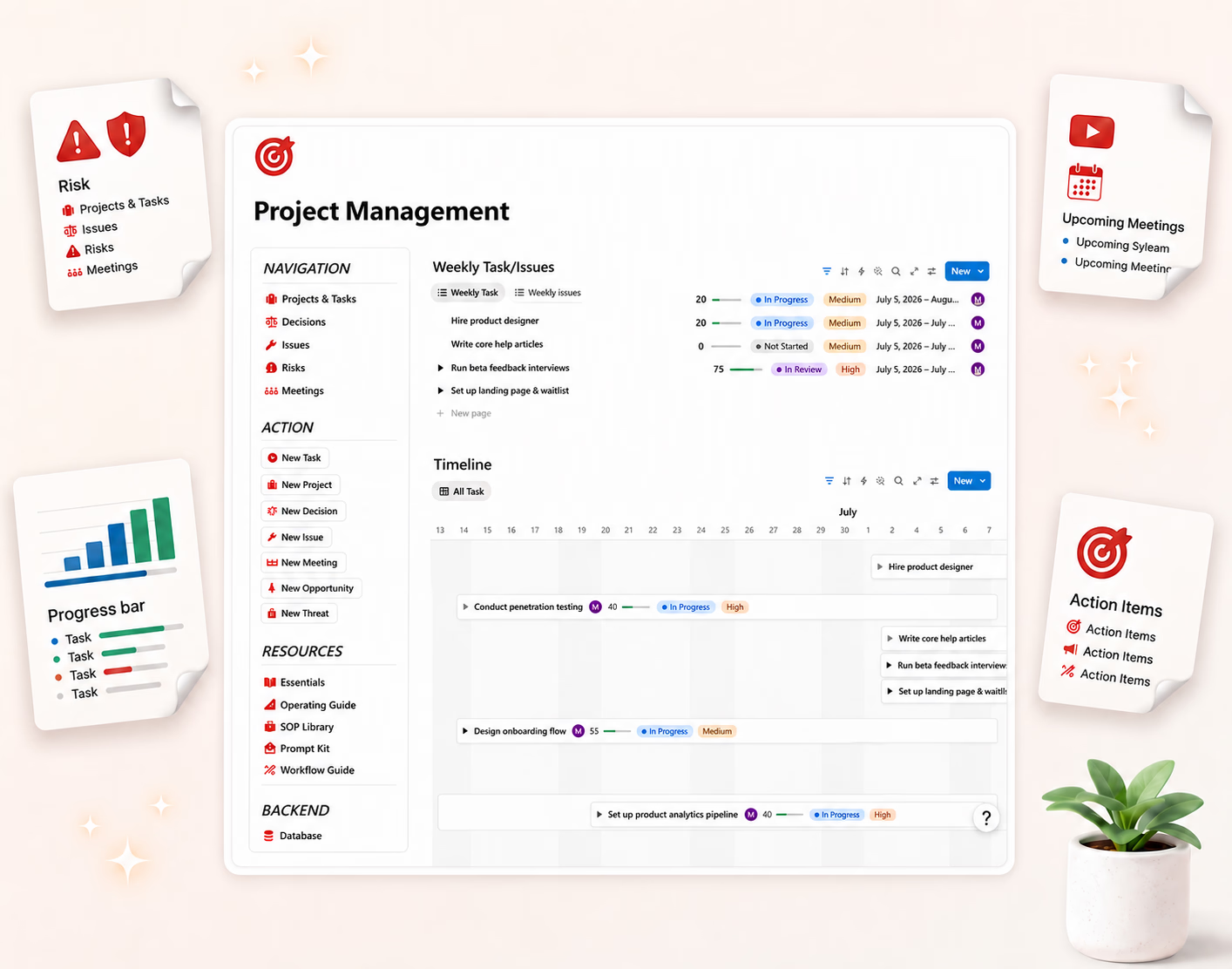
A system needs a home. For me, that home is a central workspace where recurring work can become templates, templates can connect to projects, and projects can connect to clients, content, finance, and product decisions. That is the value of a Business OS.
It is not just a pretty dashboard. It is the place where repeated work becomes visible, reusable, and teachable. When someone joins the team, they do not need to absorb everything from my brain.
They can open the workspace and see how the business runs. That is the real win: not saving 10 minutes once, but removing dependency on memory over and over again.
The bottom line
Systems thinking starts smaller than people think. You do not need to redesign your whole business. Start with one repeated task.
Remember:
- If you repeat it three times, write the process.
- If the process repeats, turn it into a template.
- If the template matters, give it a home in your operating workspace.
👉 Explore further: Business OS: How to Build a Business Operating System in Notion