



I want to be honest up front: I am not writing this as an operations expert. I am writing it as someone who got tired of running a business across too many browser tabs and a memory that kept dropping things. So treat this less like a lecture and more like notes from the road — what I have learned so far about turning scattered work into one place that actually holds how a company runs.
The phrase "business operating system" sounds grand, almost intimidating. It does not have to be. By the end of this, I hope the idea feels obvious and buildable, whether or not you ever use a template to do it.
What a "business operating system" actually means
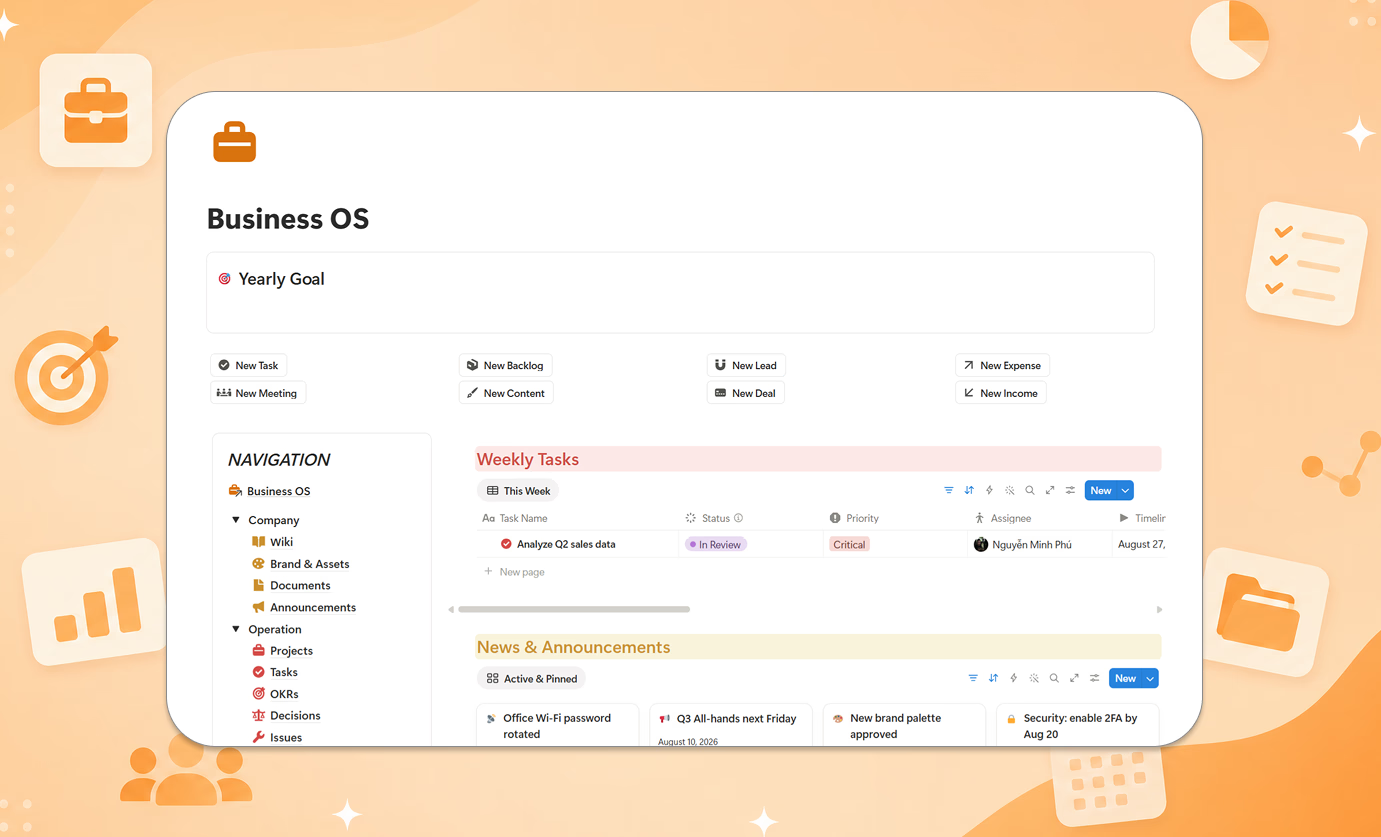
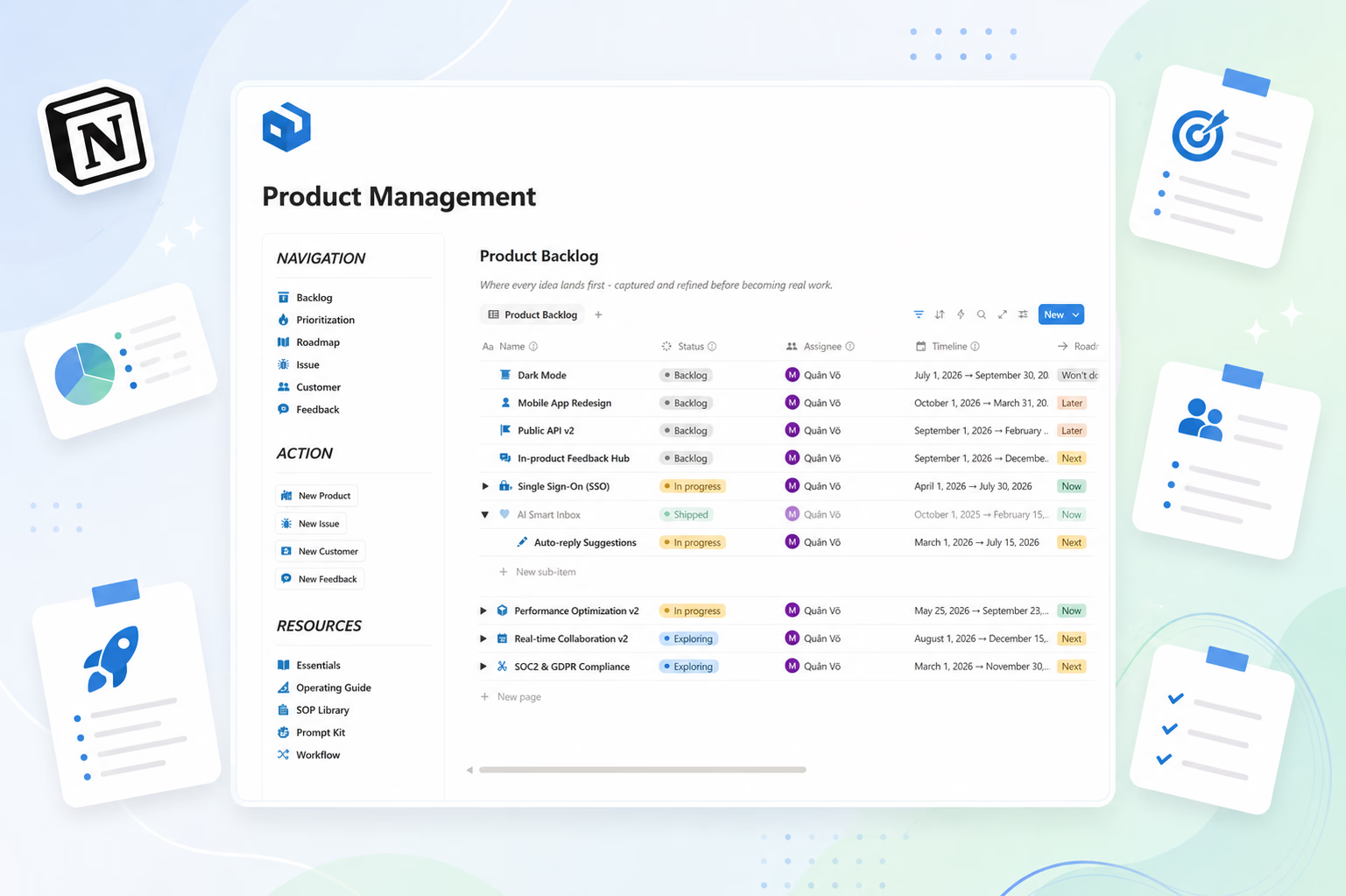
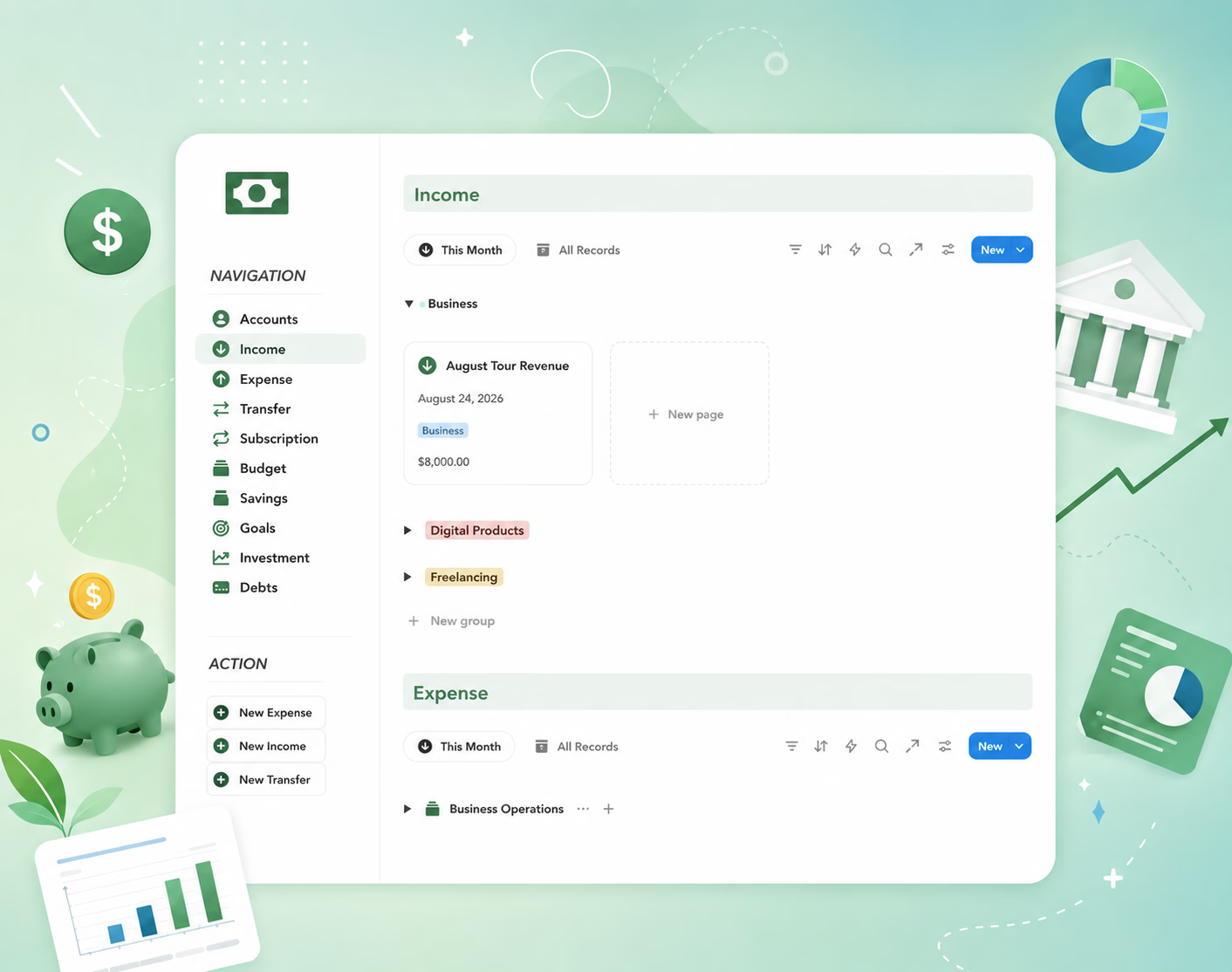
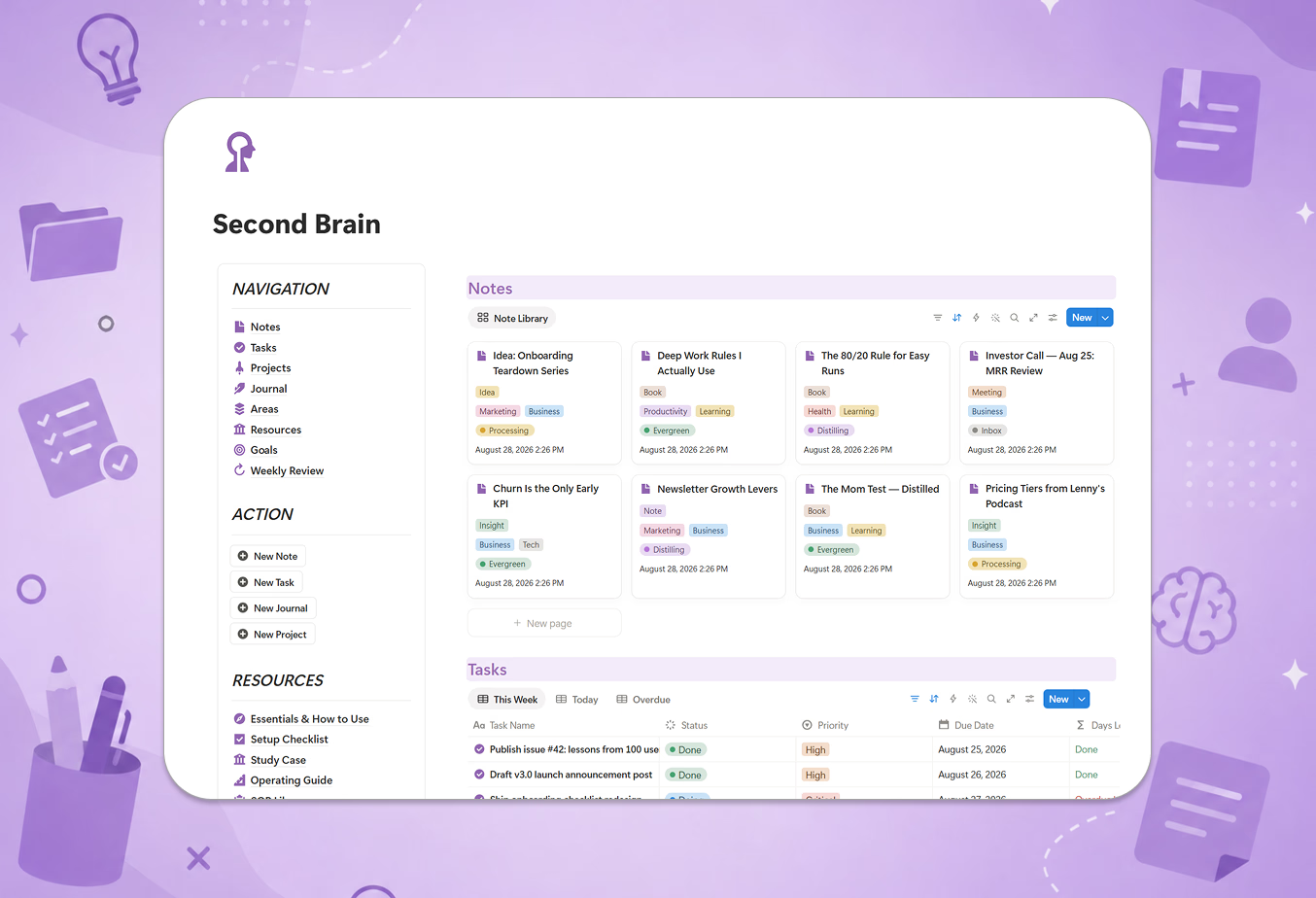
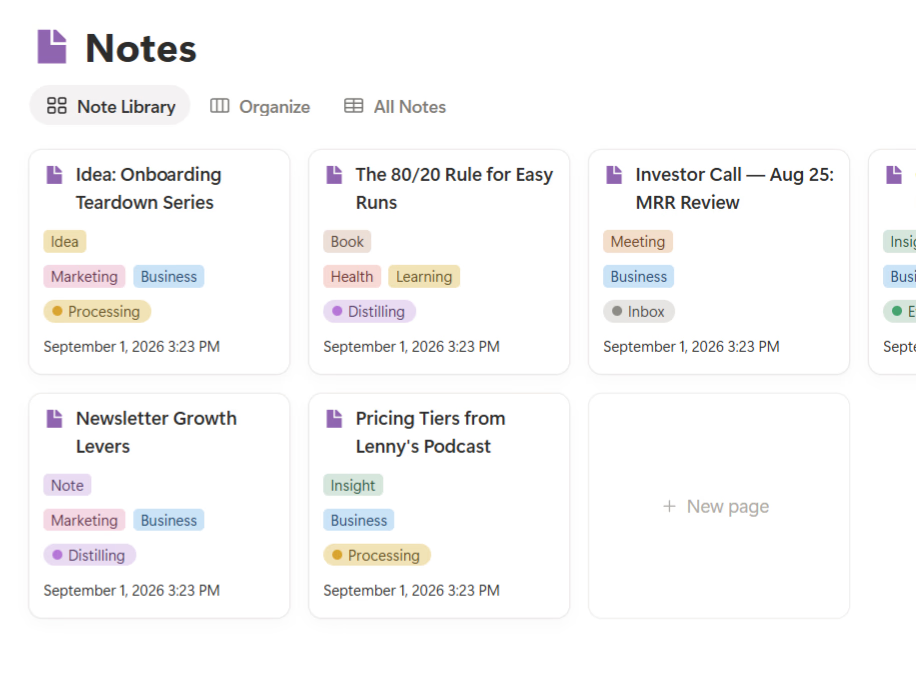
A business operating system (business OS) is a single connected place where the core parts of your company live and talk to each other: your projects, your clients, your content, your product decisions, and your money. It is the operational layer that sits above individual tools and answers one question at any moment — what is going on in this business right now?
I find it helps to borrow language from an adjacent discipline. Project management, at its core, means planning and managing work from start to finish — coordinating the activities and resources needed to hit a goal. A business OS is that same instinct applied to the whole company, not just one project: give every important thing a home, a status, and an owner, so nothing depends on someone remembering it.
The key word is connected. A folder of documents is not an operating system. A pile of apps is not one either. What makes it a system is that a task can link to a client, a client can link to a deal, a deal can link to revenue, and a decision can link to the project it changed.
Why scattered tools quietly cost you
When I look back, my problem was never a lack of tools — it was the opposite. Tasks lived in one app, client notes in chat, files in a drive, finances in a spreadsheet, and the "real" status of anything lived only in my head. Each tool was fine alone. Together they created a company that moved slower than its size, because every answer required assembling several sources.
That is the hidden tax of tool sprawl: the daily context switching, the duplicated data, the "which version is final?" moments, and the way the founder slowly becomes the human search engine for the whole team. None of it shows up on an invoice, which is exactly why it is so easy to ignore.
The core areas a small business OS connects
After a lot of trial and error, I settled on five areas that cover most of what a small business actually does day to day:
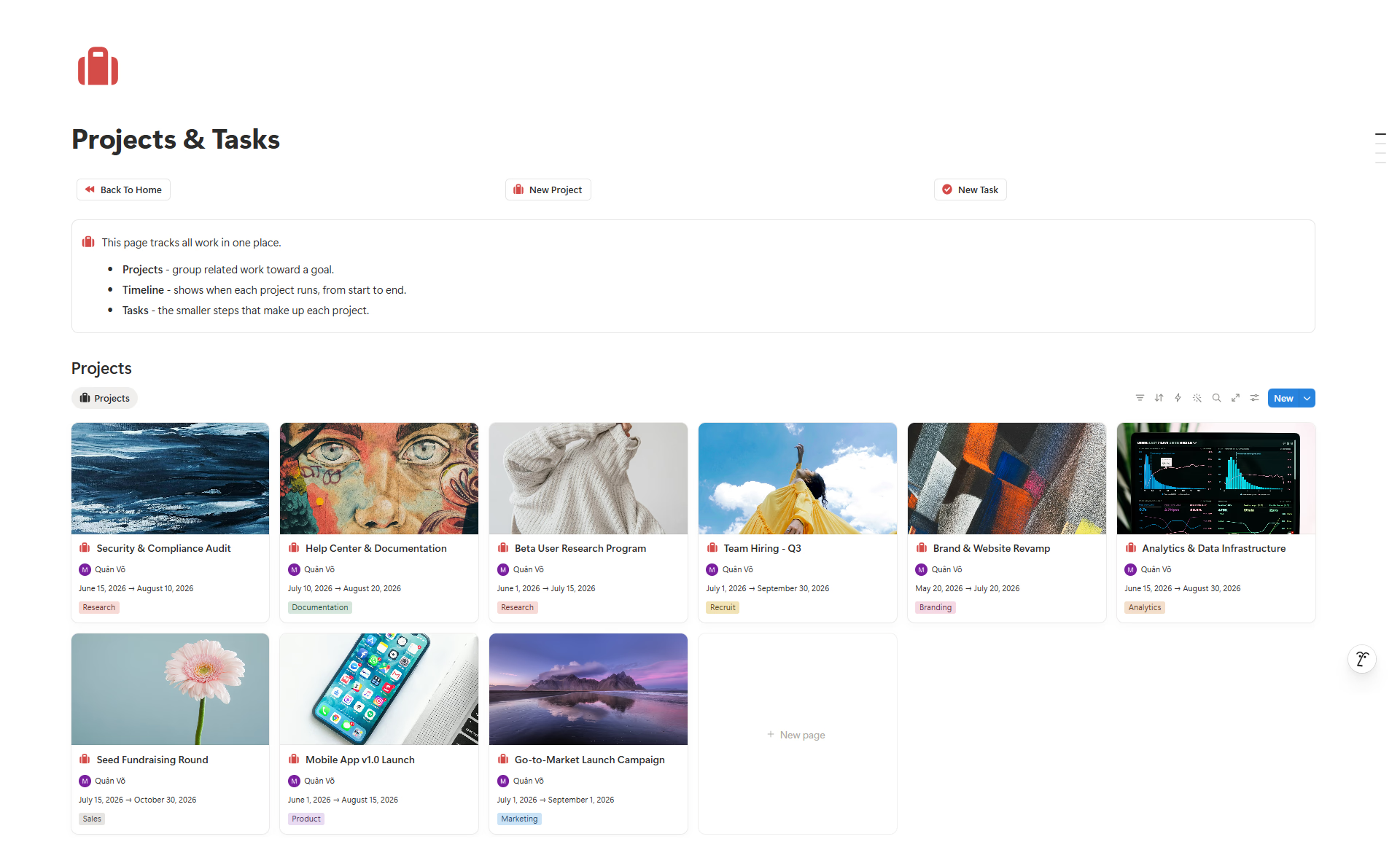
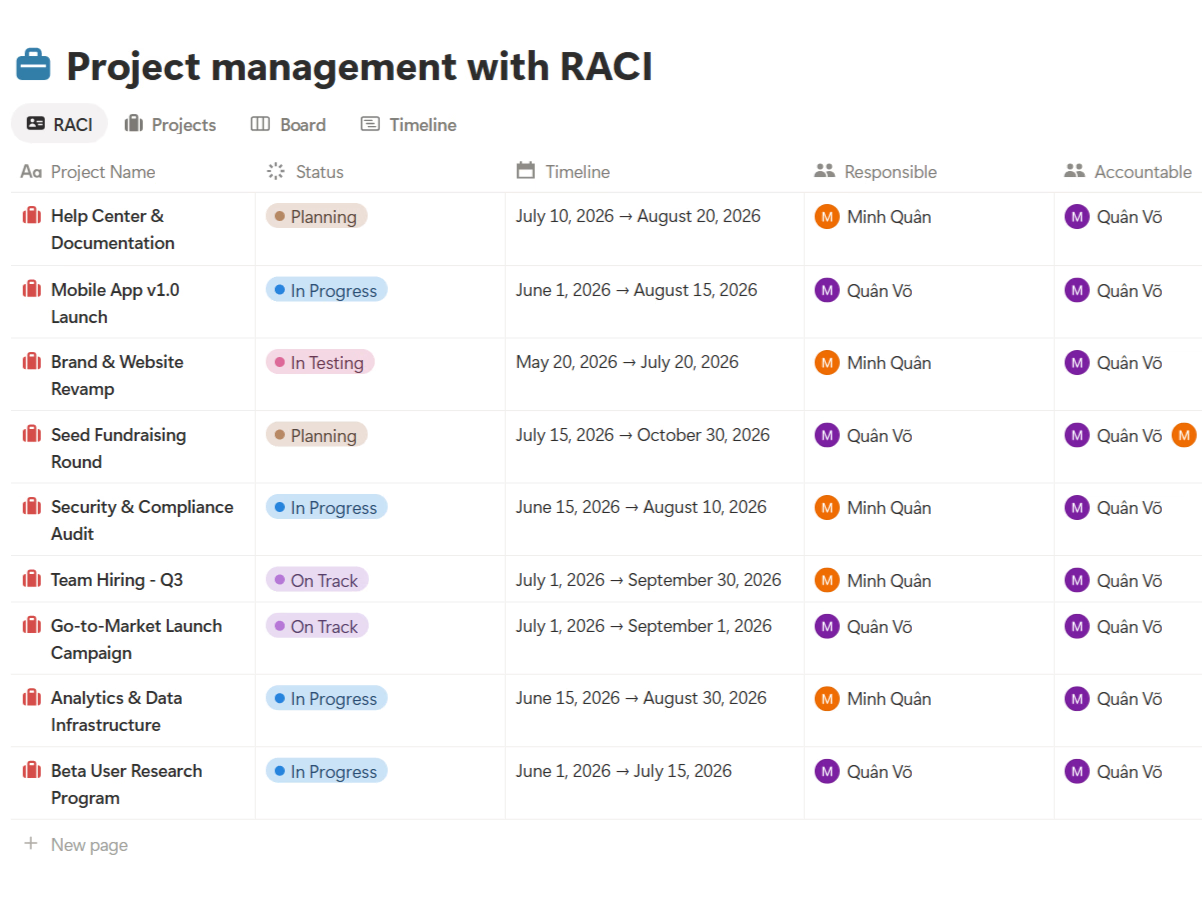
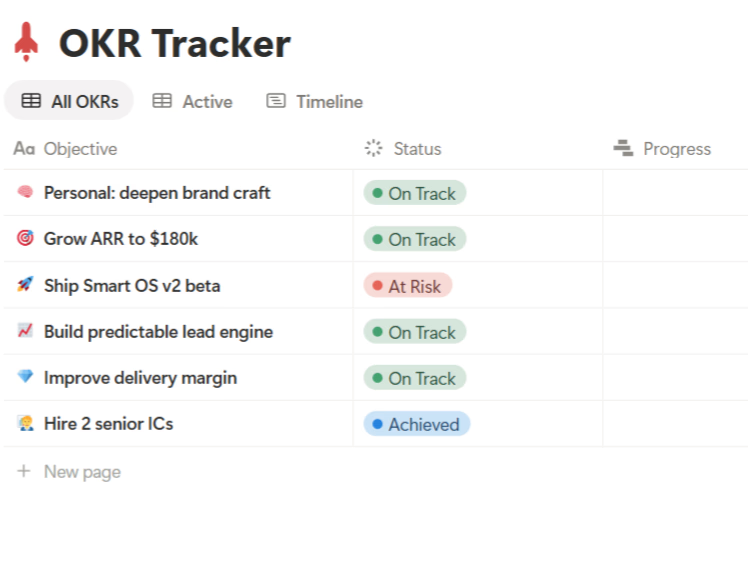
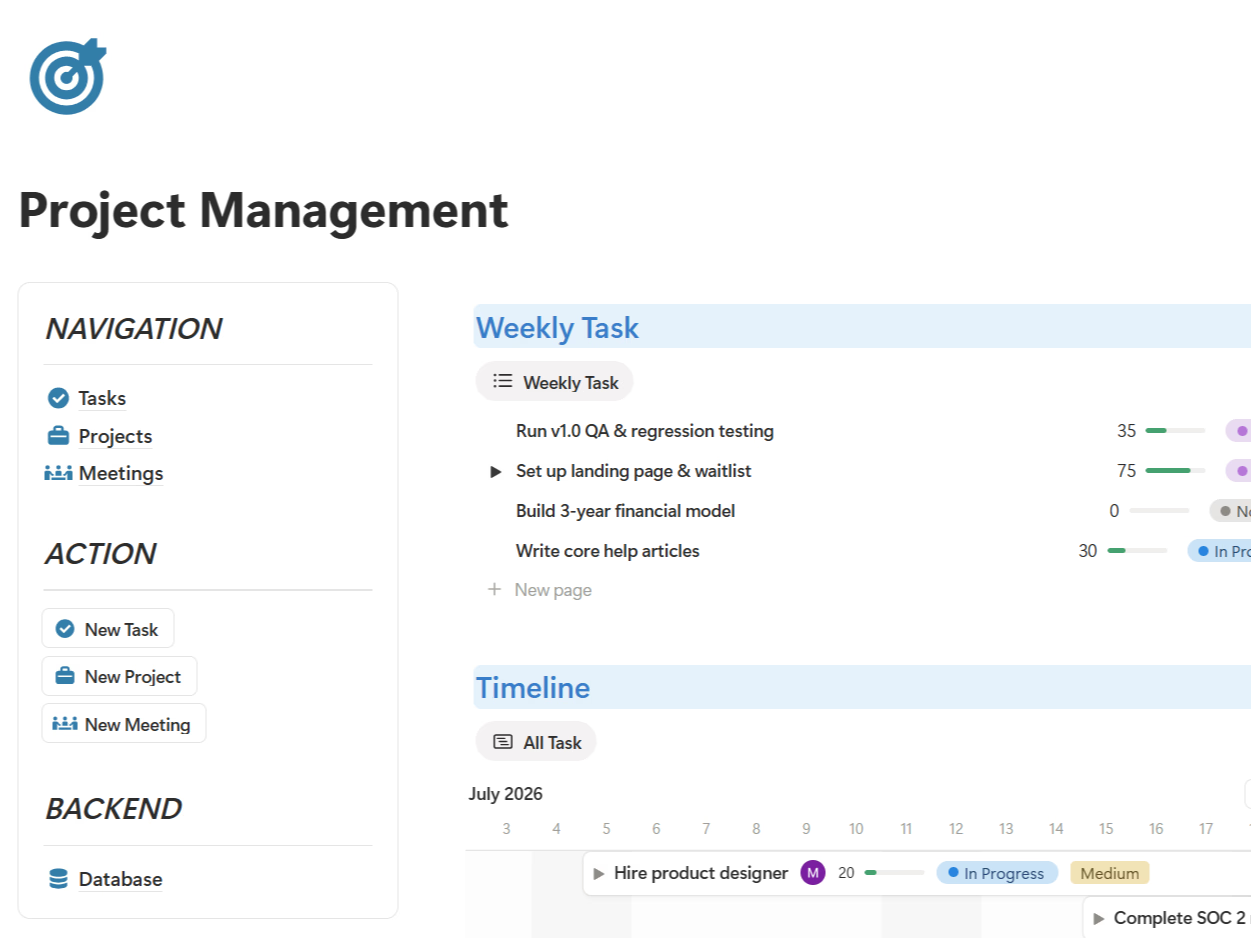
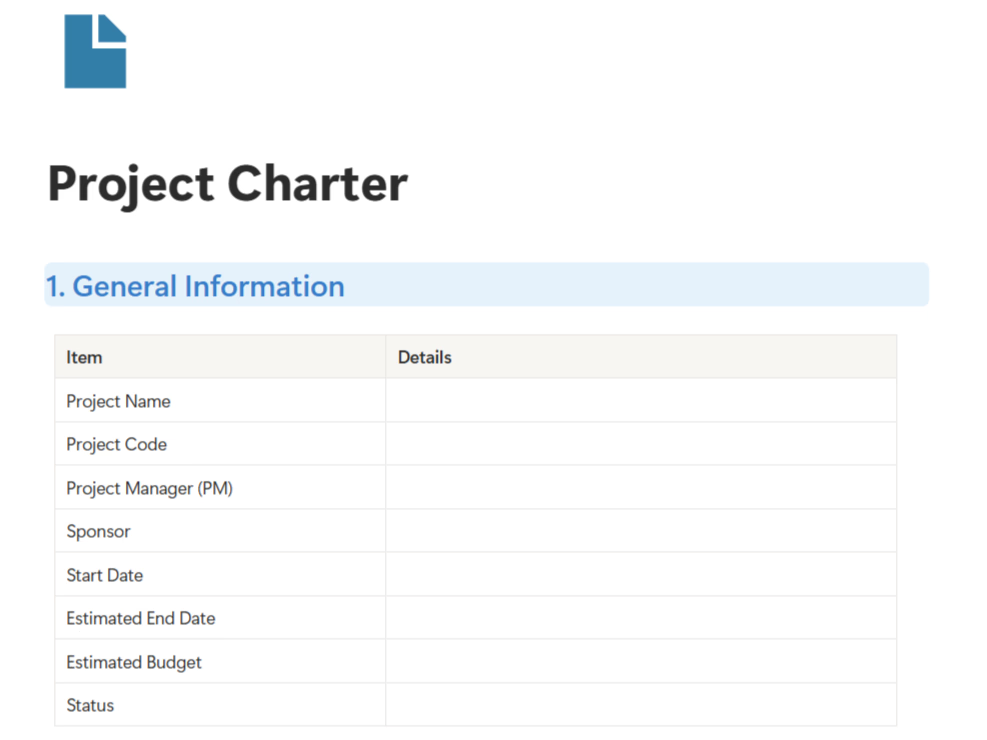
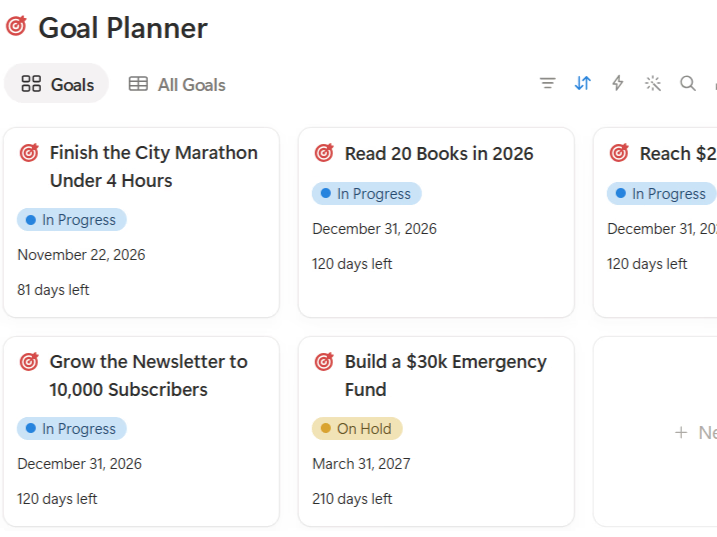
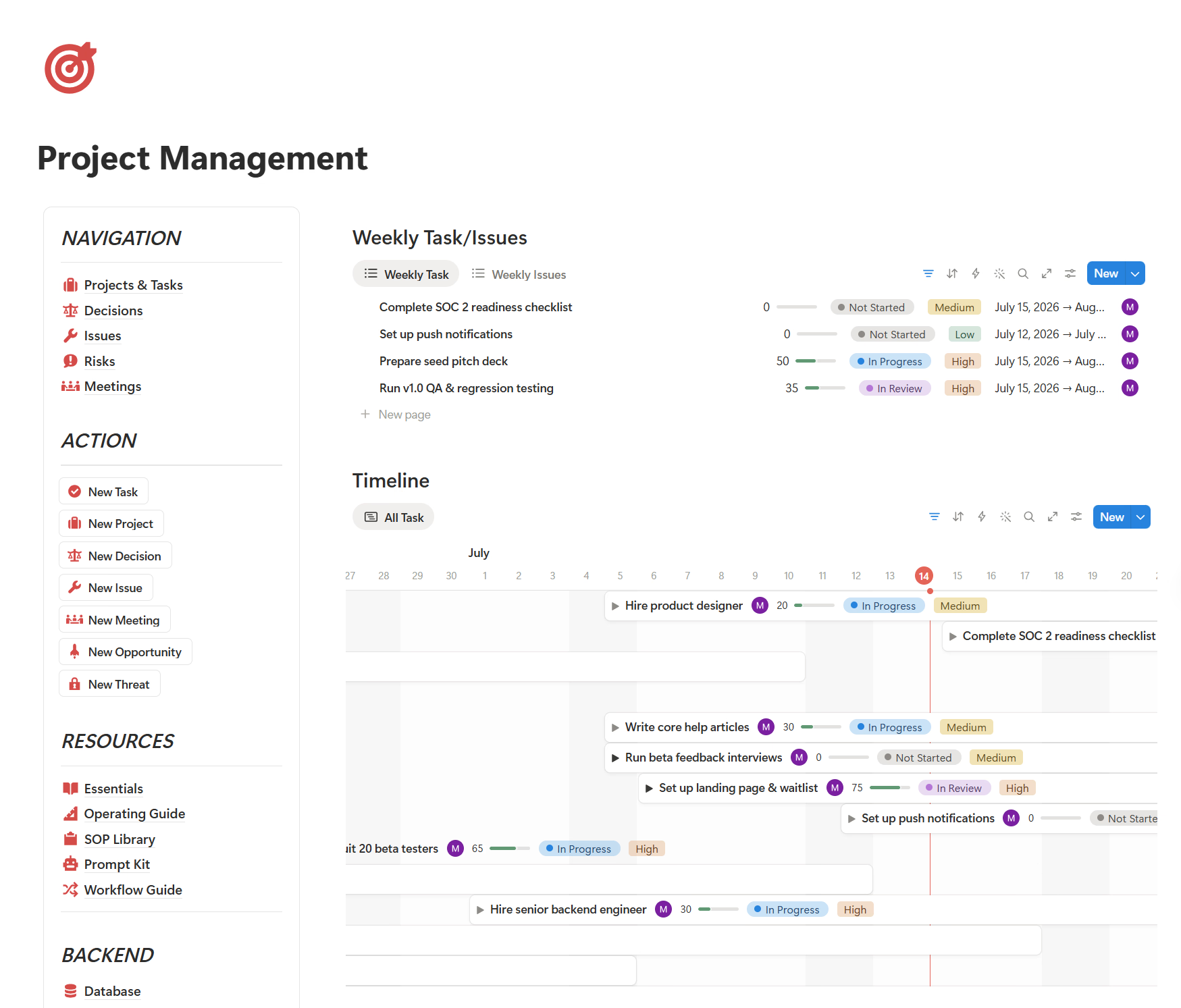
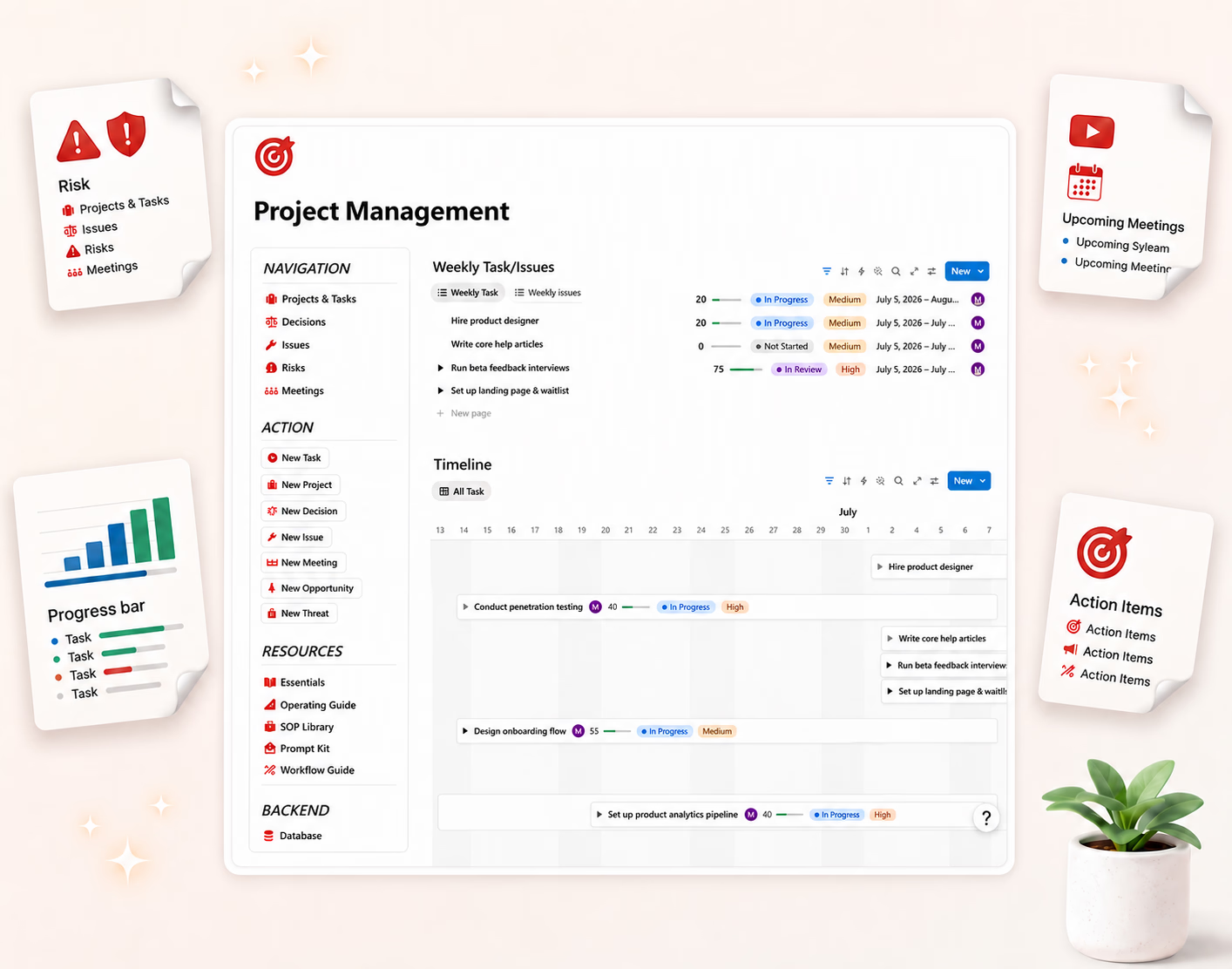
- Projects & tasks — what we are working on, who owns it, and when it is due.
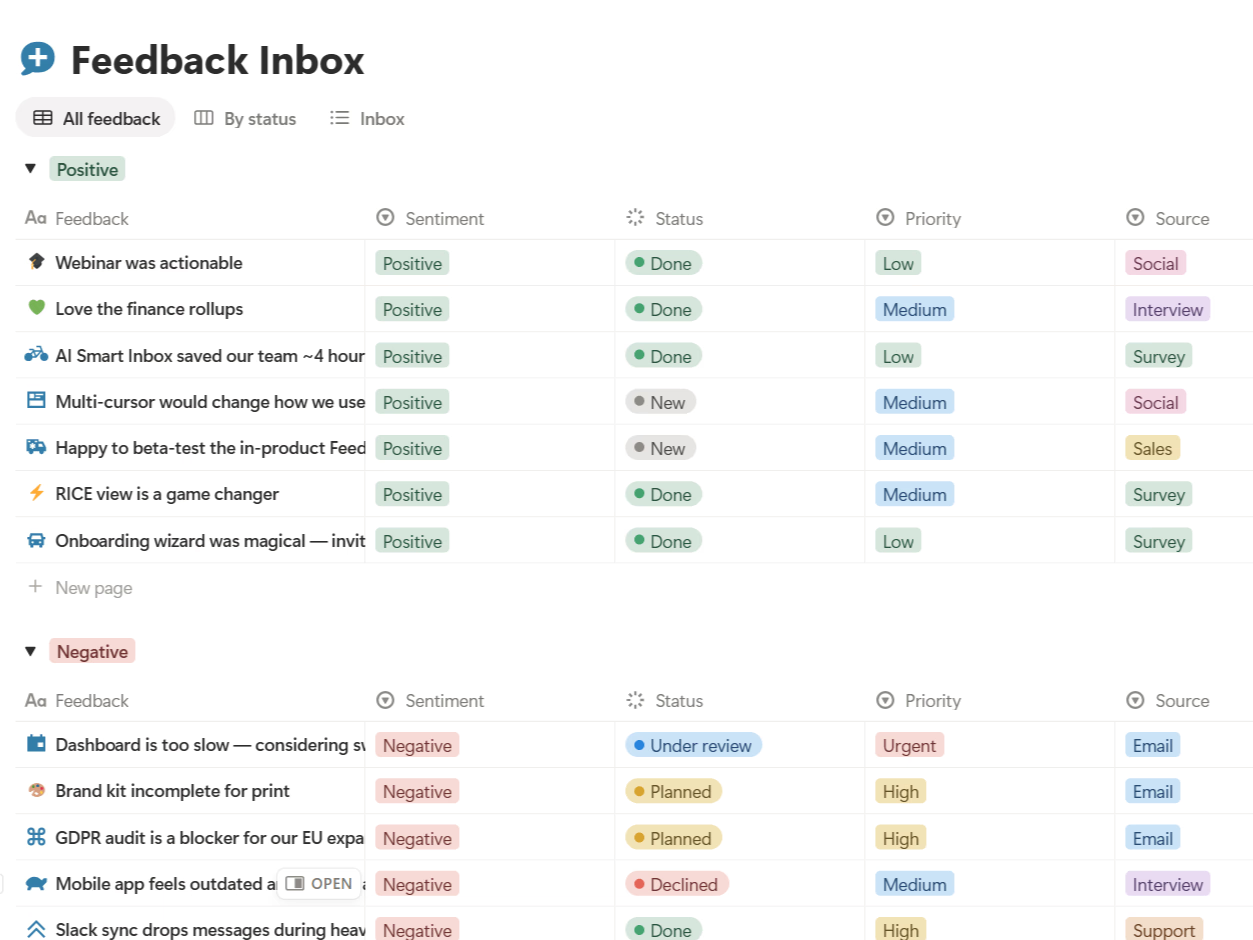
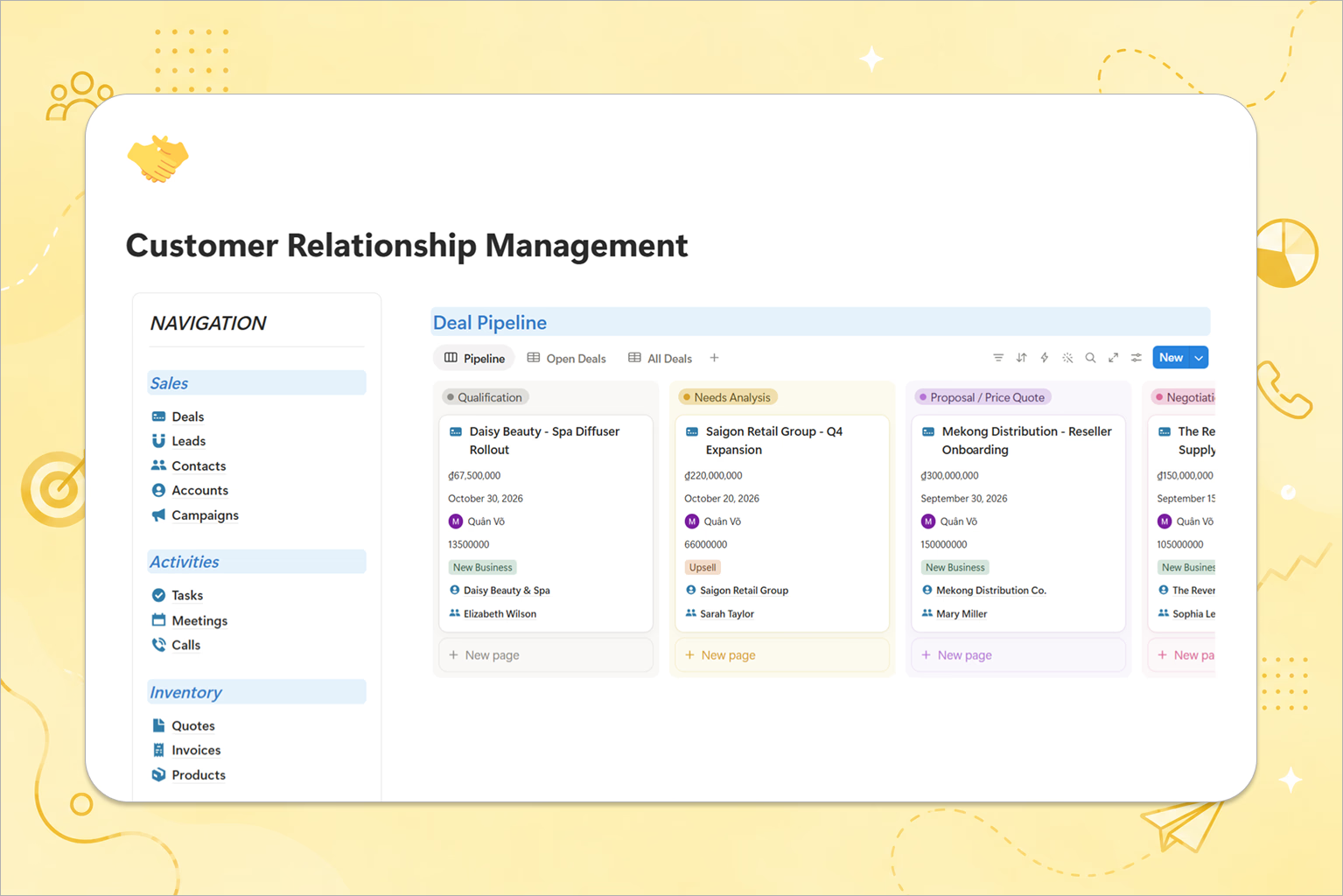
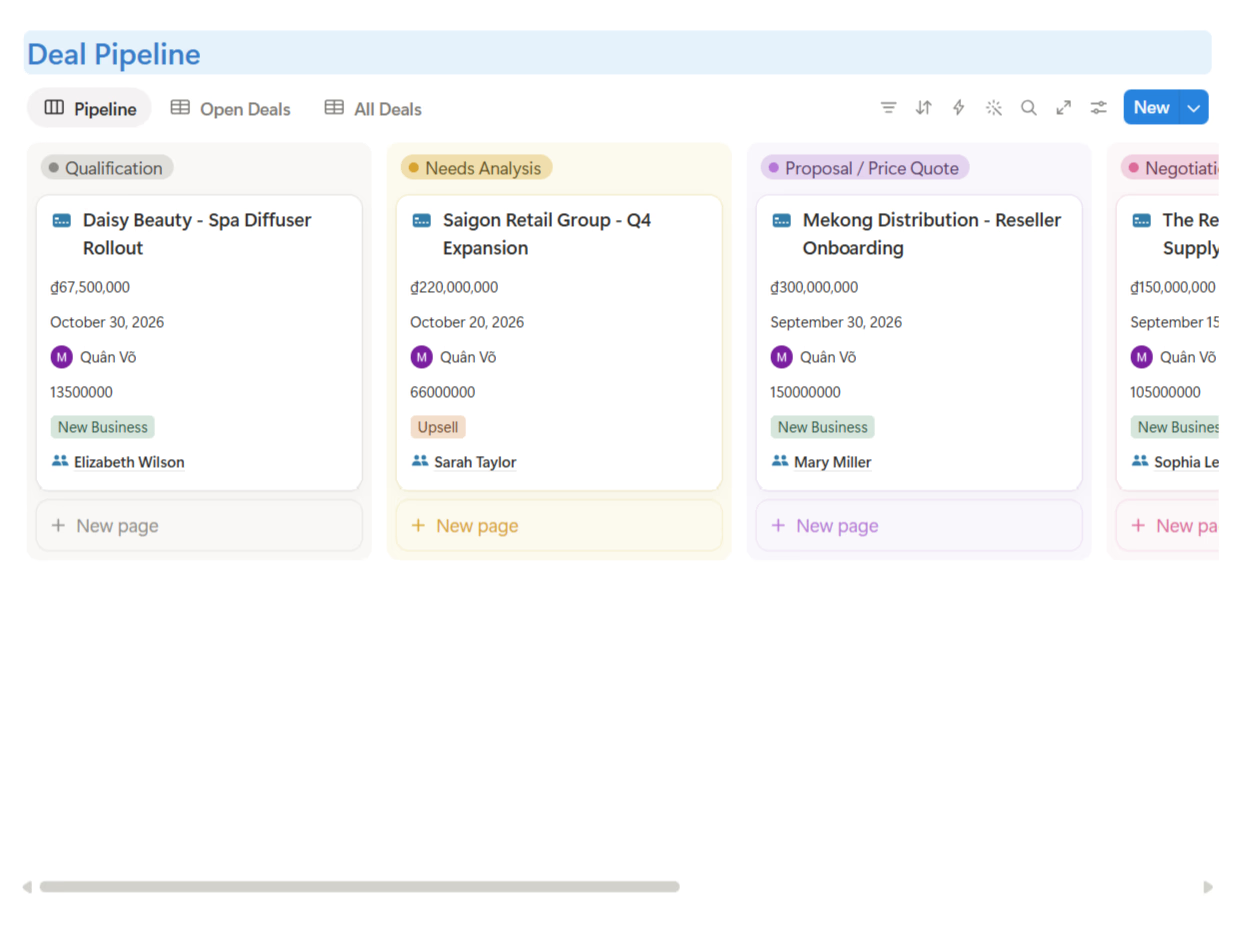
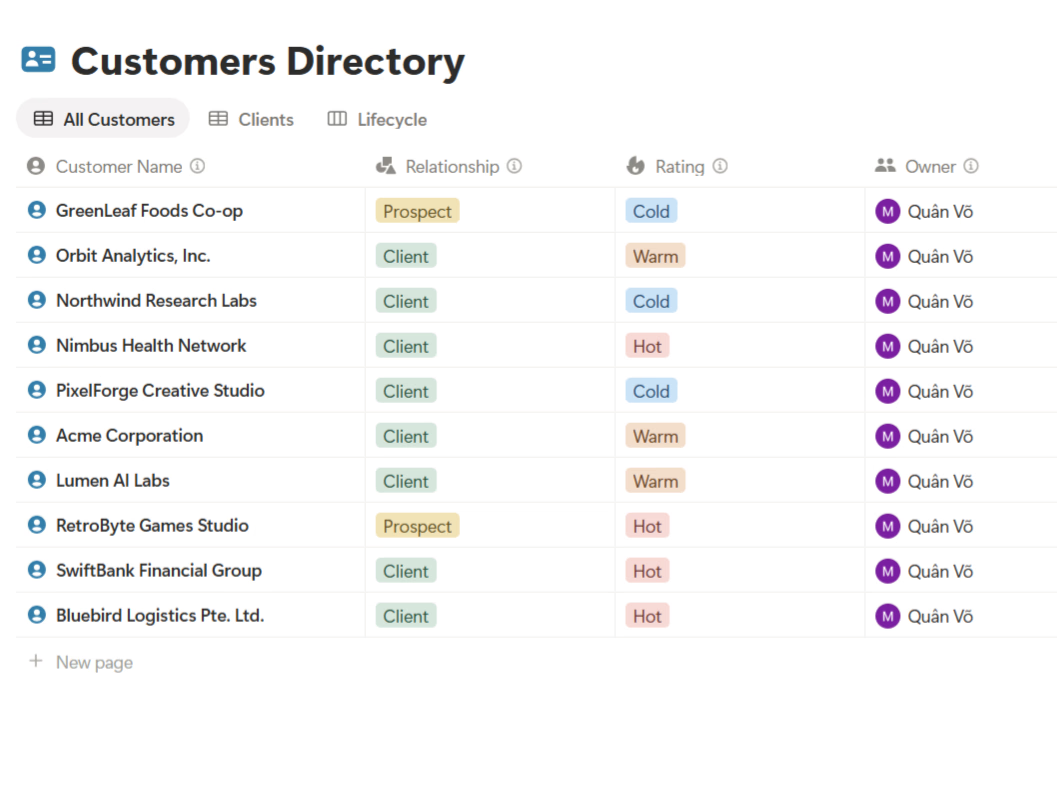
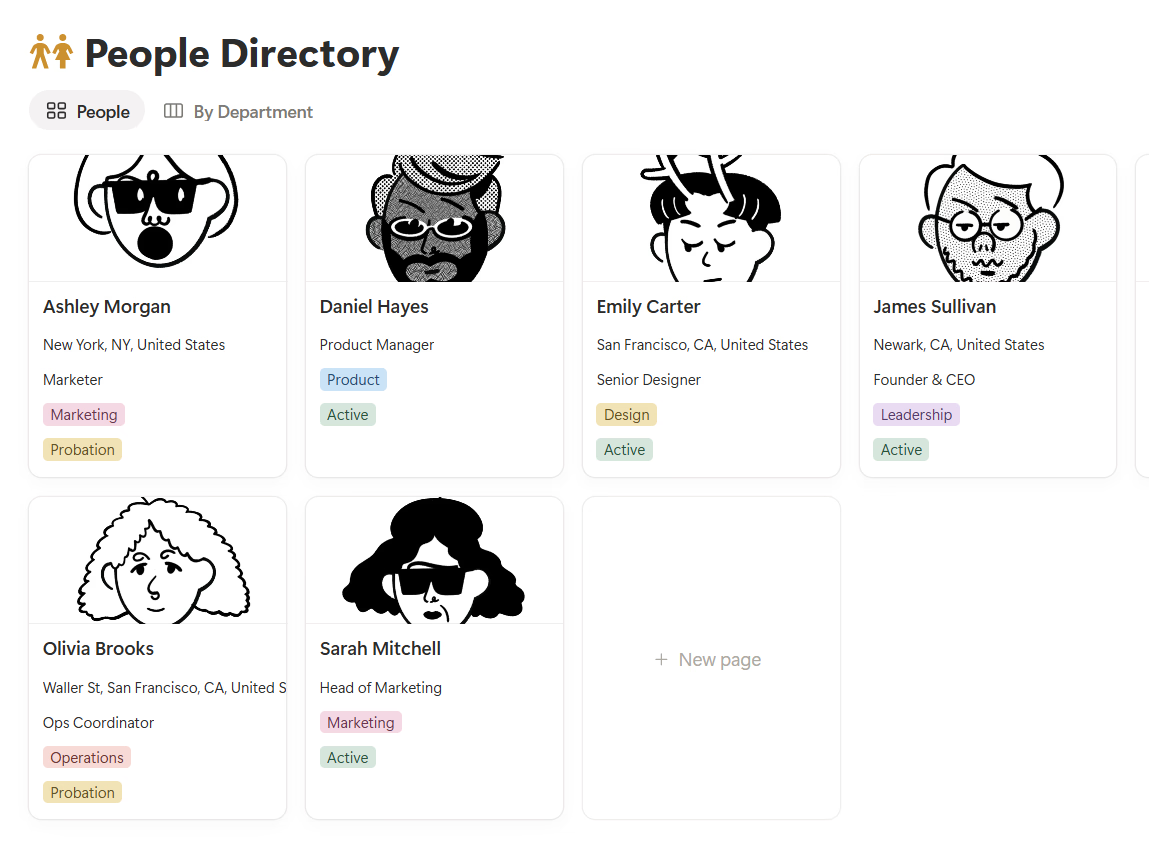
- CRM (clients & leads) — who we are selling to or serving, and what happens next.
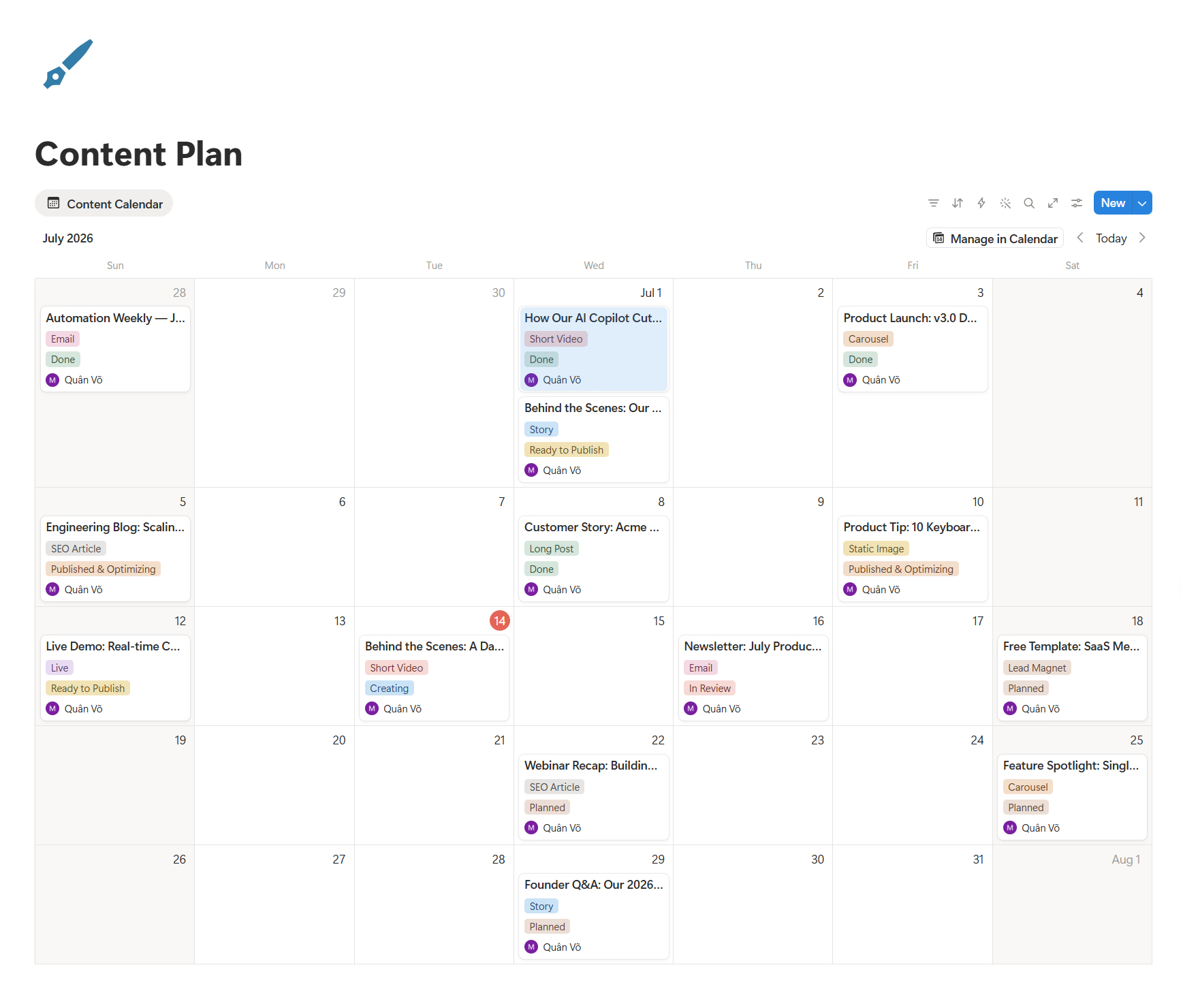
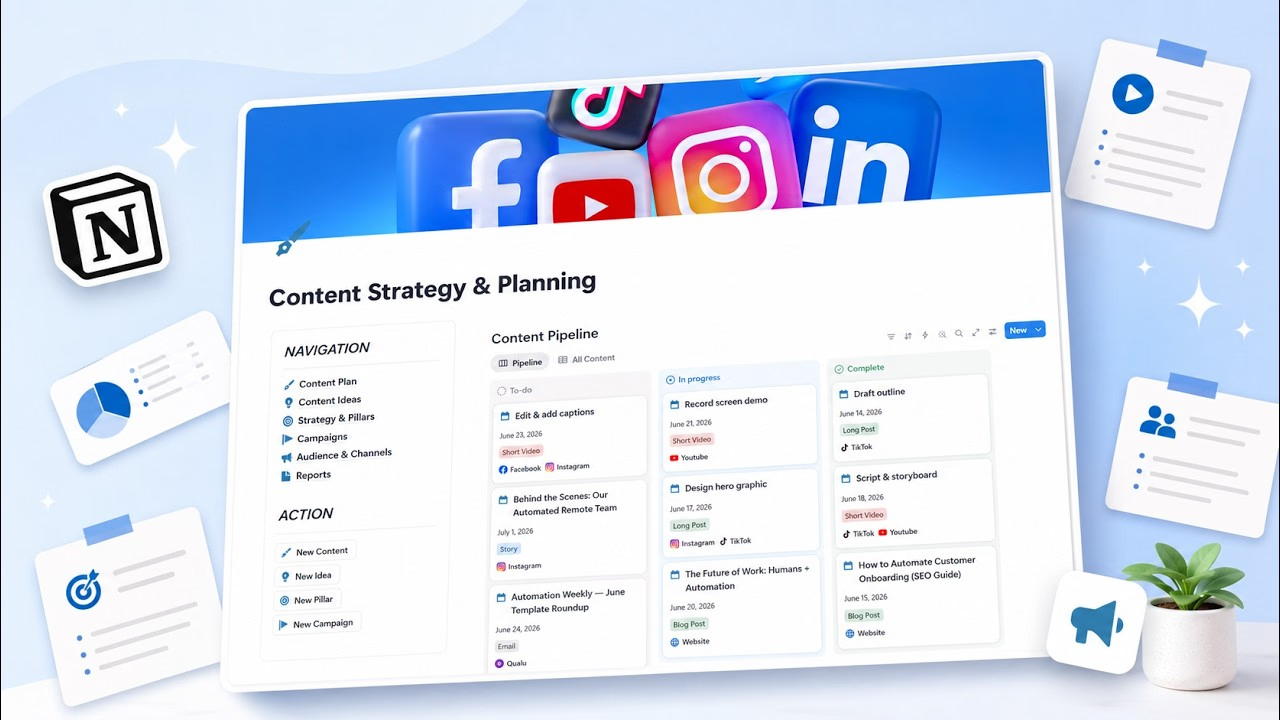
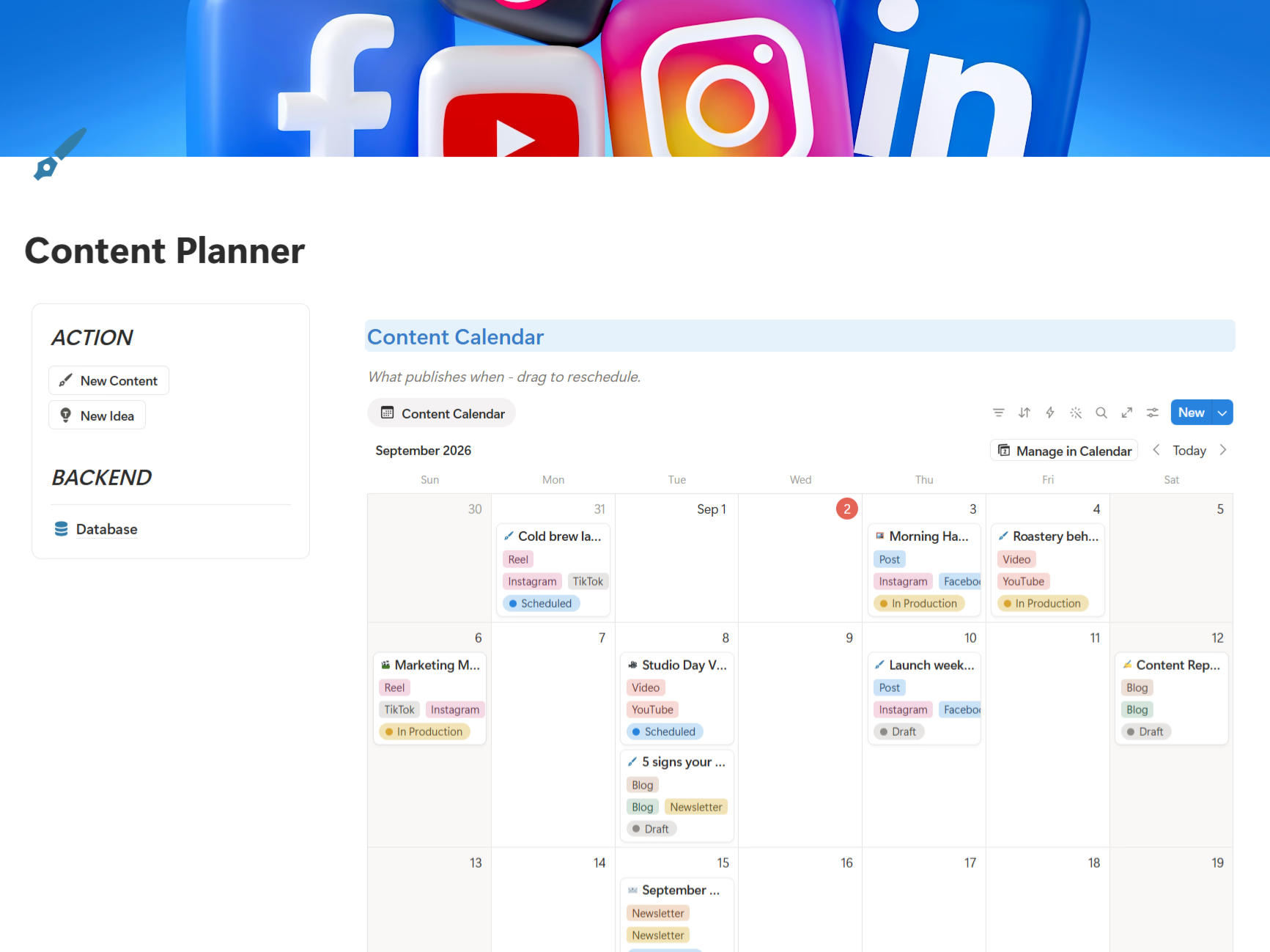
- Content & marketing — what we are publishing and whether it is working.
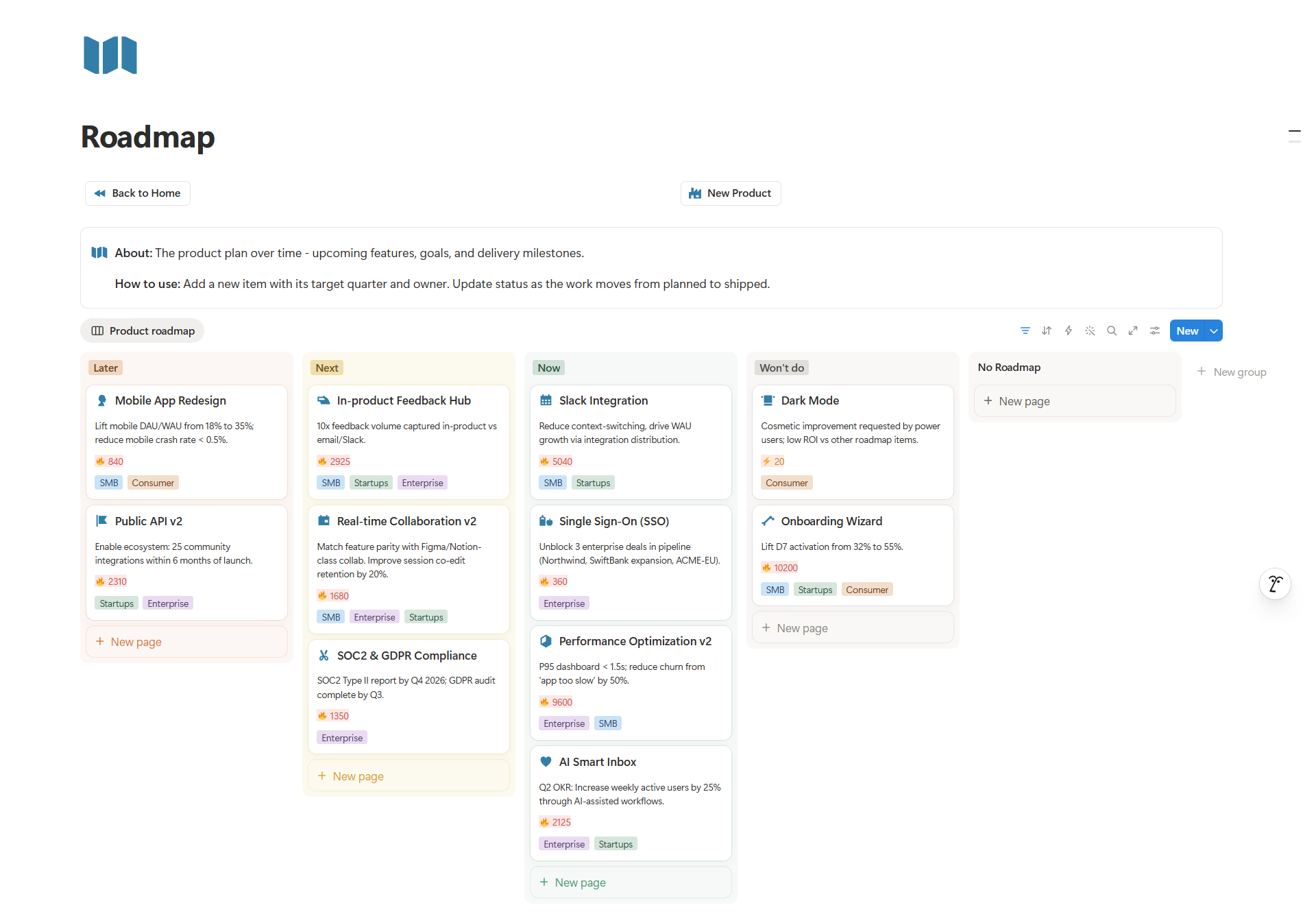
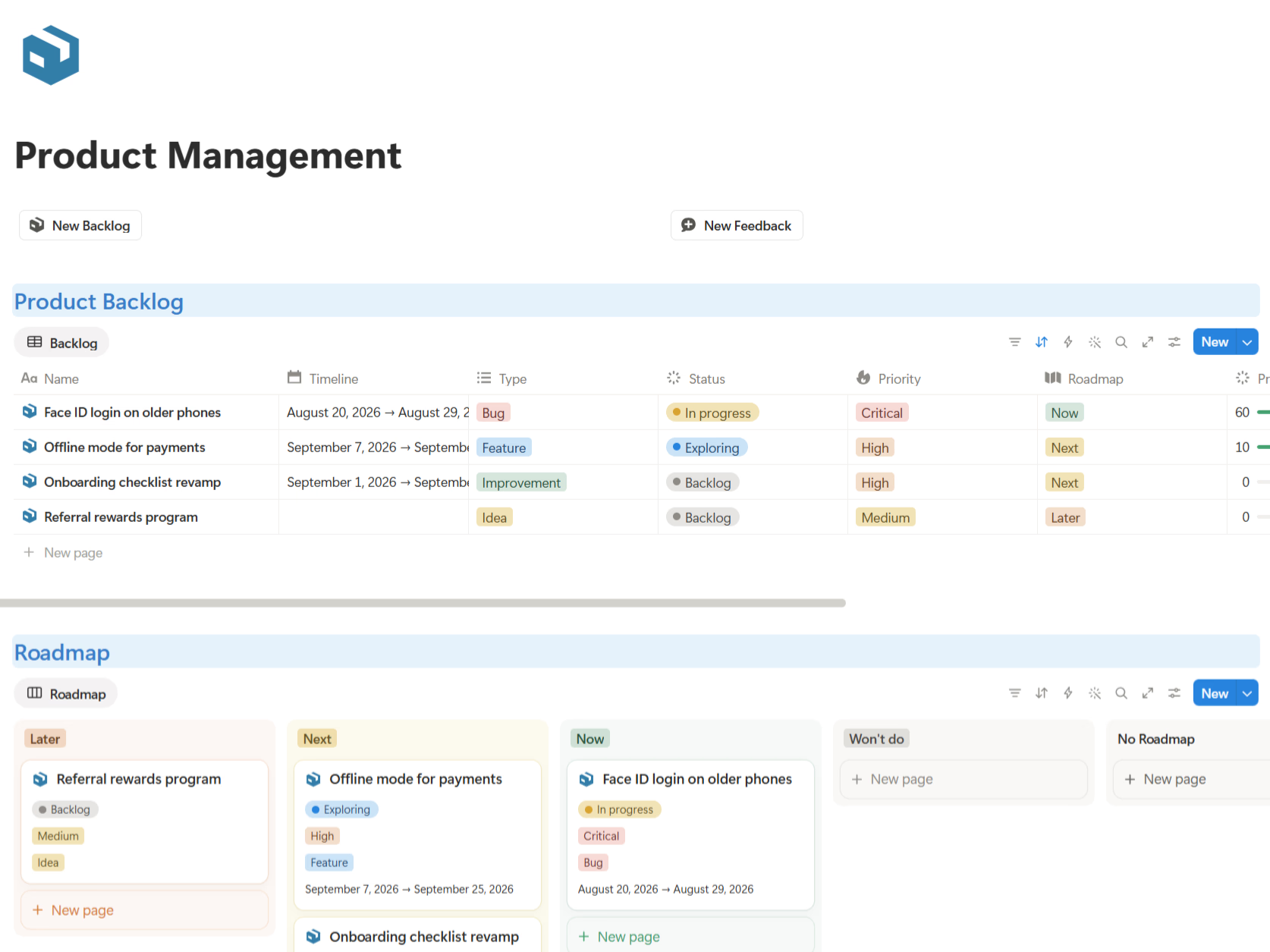
- Product — what we are building, and why it beat the other options.
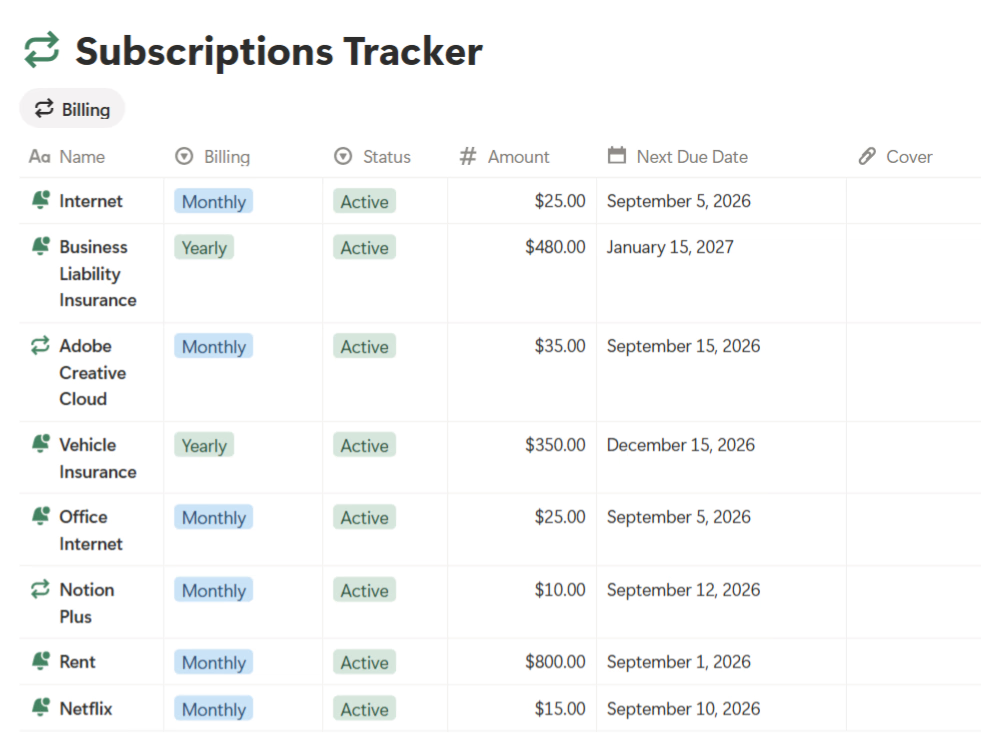
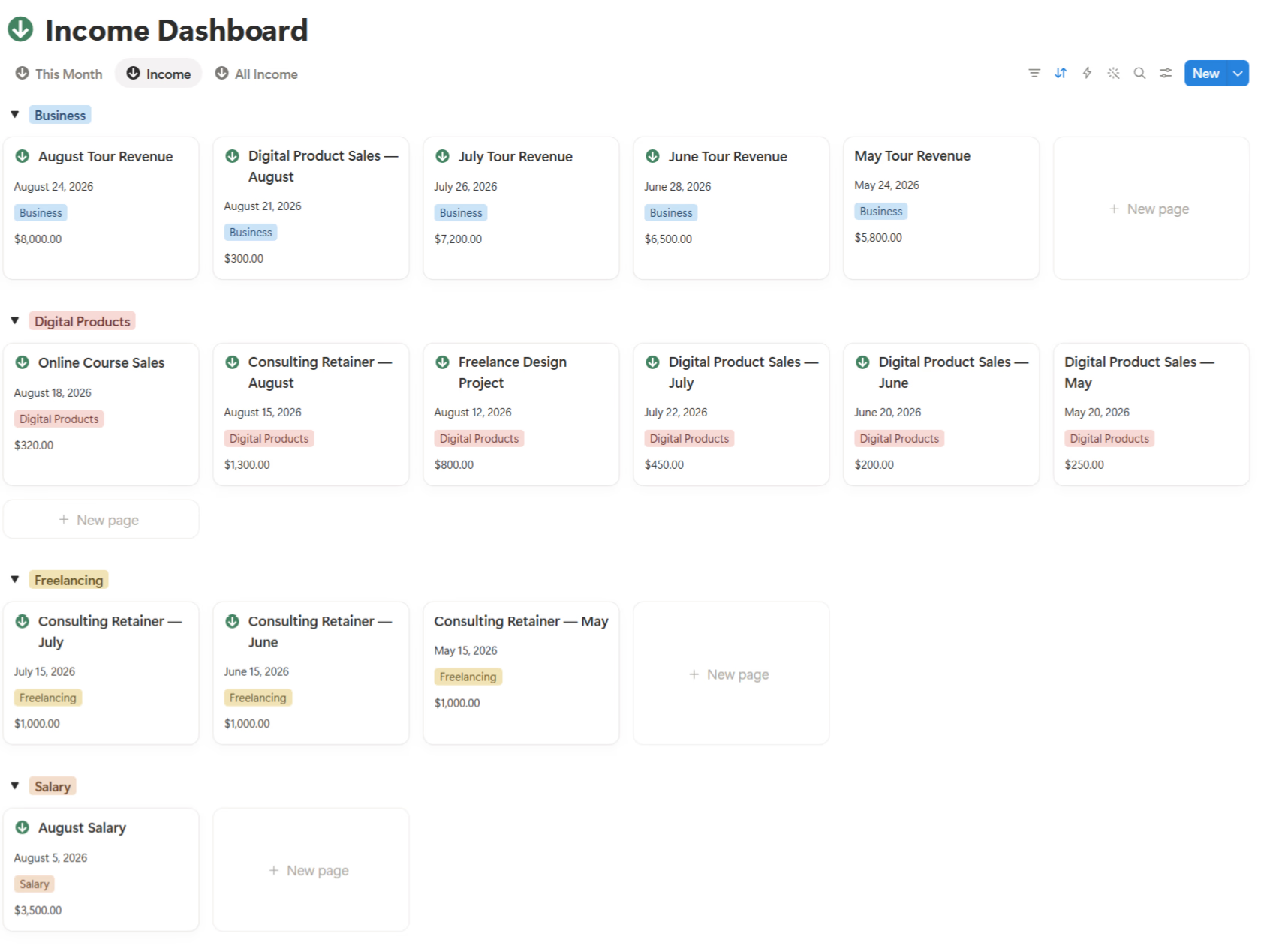
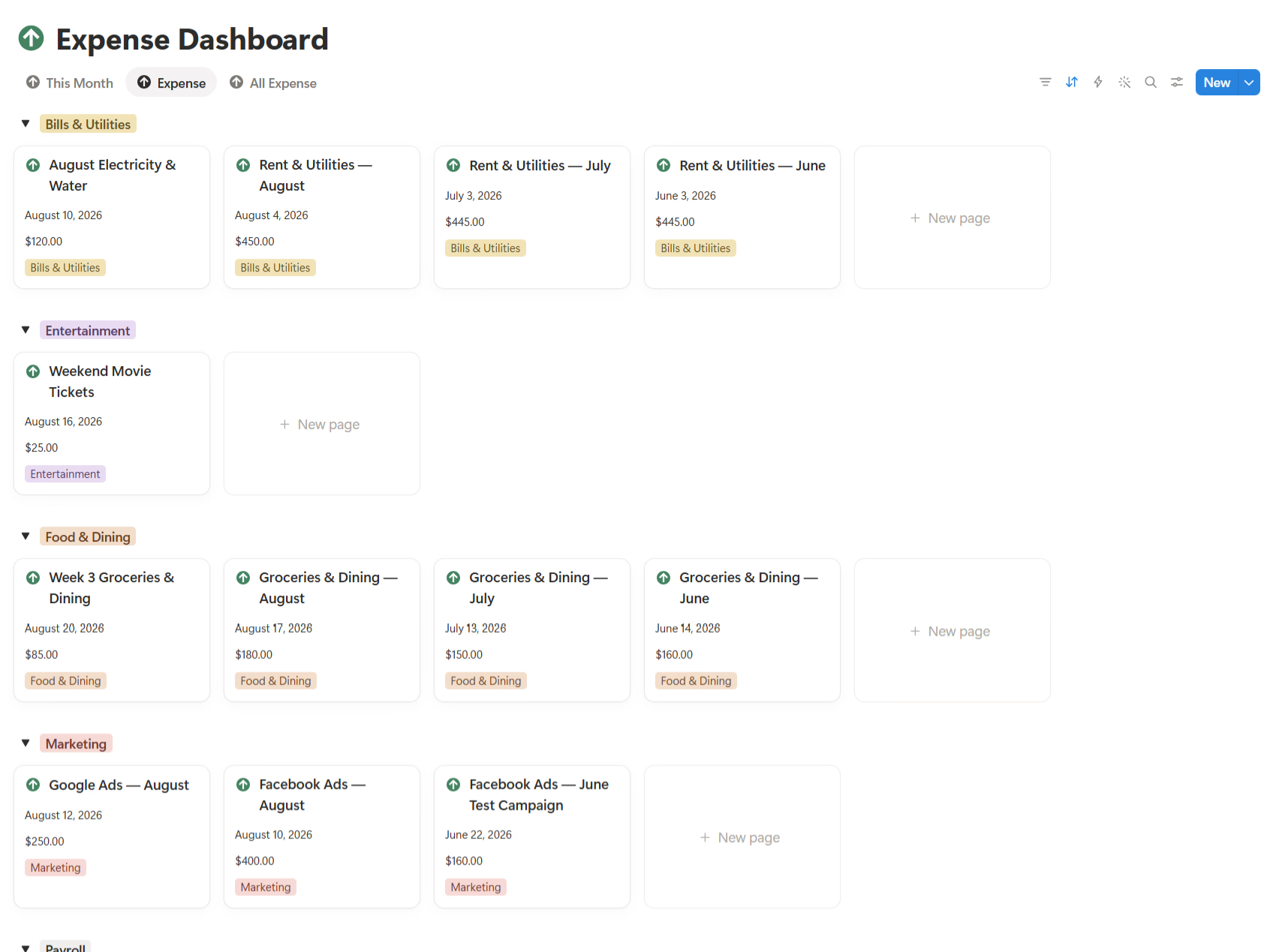
- Finance — what is coming in, going out, and left to spend.
Each of these deserves its own deep dive, and I have written separate posts for them. The point of the OS is that these are not five islands. They are five rooms in one building, and the hallways between them are where the real value shows up.
Who needs one, and when
I do not think everyone needs to formalize this on day one. If you are a solo freelancer with a handful of clients, your head might genuinely be enough. The moment it stops being enough is usually predictable: a second team member joins, or you cross the point where you forget things that cost money — a missed follow-up, a lost file, a deadline nobody owned.
So the honest answer to "when" is: slightly before it gets painful, and definitely once more than one person needs the same information. That is when a shared operating layer stops being a nice-to-have and starts being the thing that keeps the business calm.
Where it fits with your other tools
A business OS is not a demand that you delete everything else. I still use email for external mail, chat for fast conversation, accounting software for taxes, and a drive for large files. What changed is that none of those became the place where the company's logic lives.
Think of the OS as the map and the other tools as specific vehicles. Chat is not a knowledge base. A folder is not a process. A spreadsheet maintained by three people is not a source of truth. The OS is where the map lives; the tools just help you travel.
How I would build one, step by step
If I were starting again, I would resist the urge to build everything in one heroic weekend. That is how these projects turn into abandoned museums. Instead:
- List what you actually touch daily. Current projects, active clients, weekly meetings, key numbers. Ignore the archive for now.
- Pick one home. For me that was Notion, because it holds documents, databases, and dashboards in one place. The tool matters less than the decision to have one center.
- Move the daily workflows first. If the workspace improves this week's work, people use it. If it starts as a "documentation project," it dies politely.
- Connect the areas. Link tasks to projects, projects to clients, clients to deals. The connections are the system.
- Write a few rules. Every project has one page. Every task has one owner. Every decision links to what it affects. Rules beat vibes on a busy day.
The weekly rhythm that keeps it alive
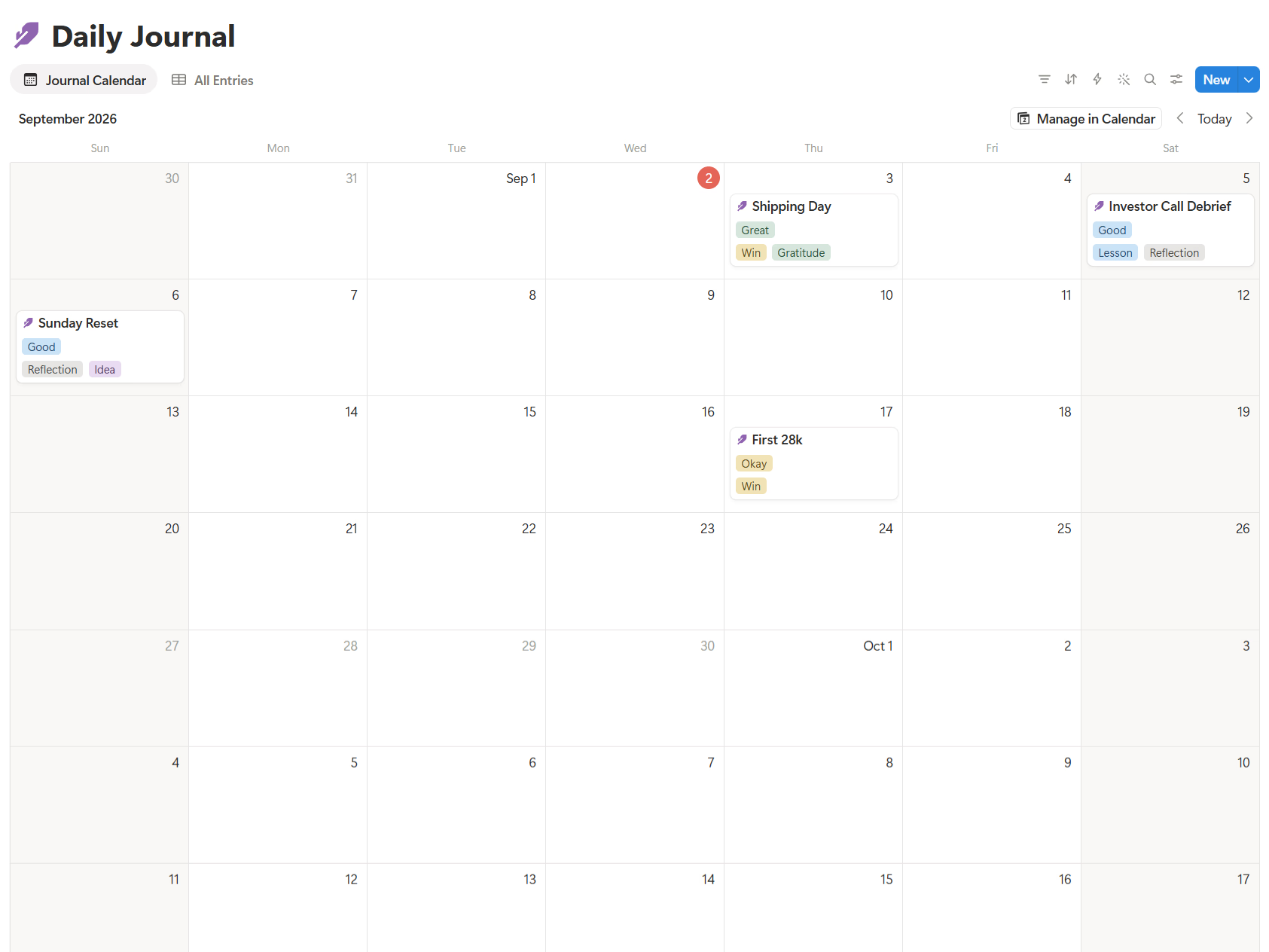
A system only works if you look at it. My weekly review is short and deliberate: what moved, what stalled, what needs a decision, and what is coming next week. Minutes, not a ceremony. The goal is not a perfect dashboard; it is a business that stops surprising you.
Common mistakes I made
I over-built early. I created fields I never filled, views I never opened, and a structure designed for an imaginary, disciplined version of me. The version that actually exists is busy and occasionally tired. The setups that survived were the simple ones — fewer required fields, clear defaults, obvious next actions.
The bottom line
If I could pass on only three things I have learned so far:
- Your problem is probably not missing tools — it is missing one place that holds how the company works.
- The value is in the connections, not the individual pages.
- Build for the tired, busy version of yourself, not the ideal one.
If you would rather start from a structure than assemble it piece by piece, Business OS is one way I put these ideas into practice on Notion — but the thinking above matters more than any template.
Go deeper on each area: