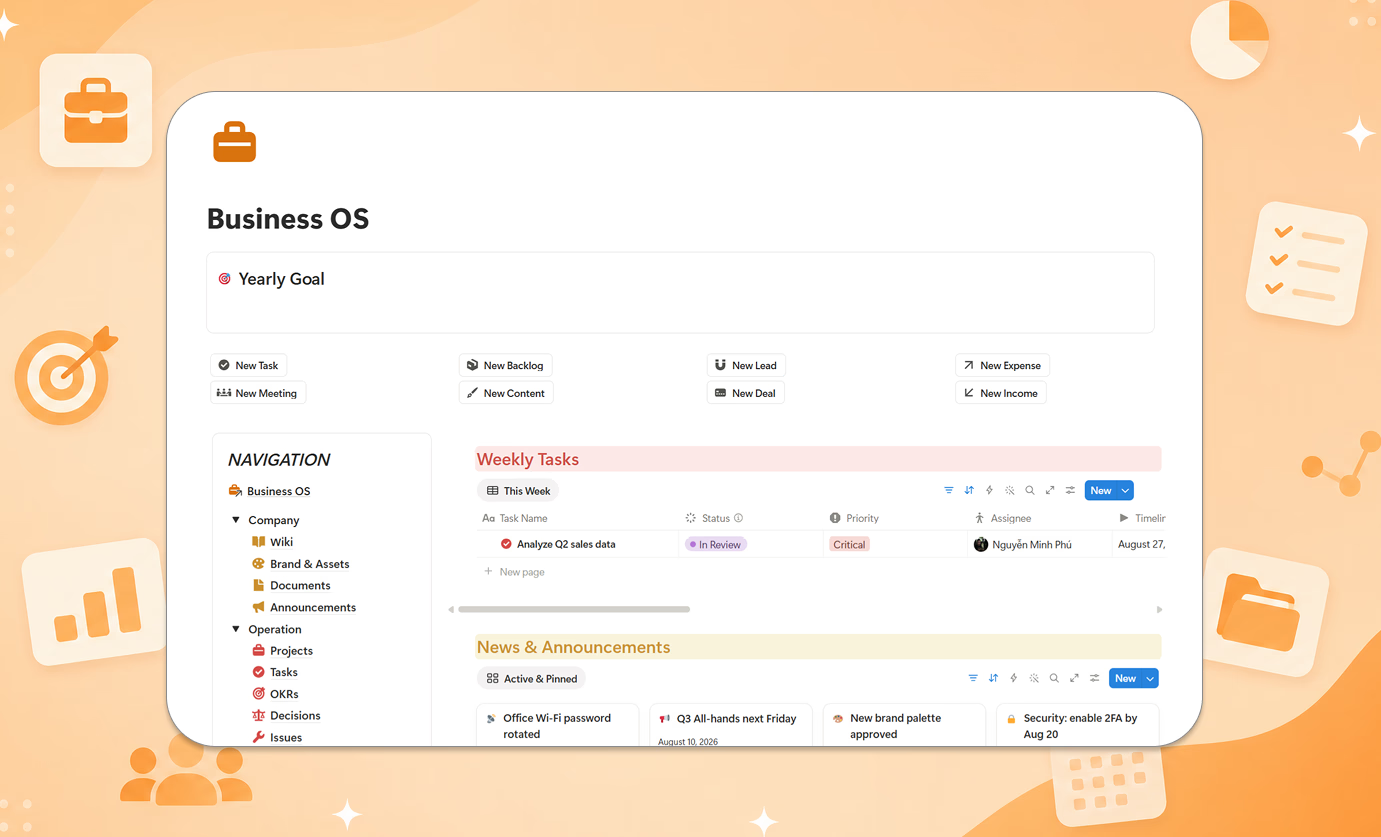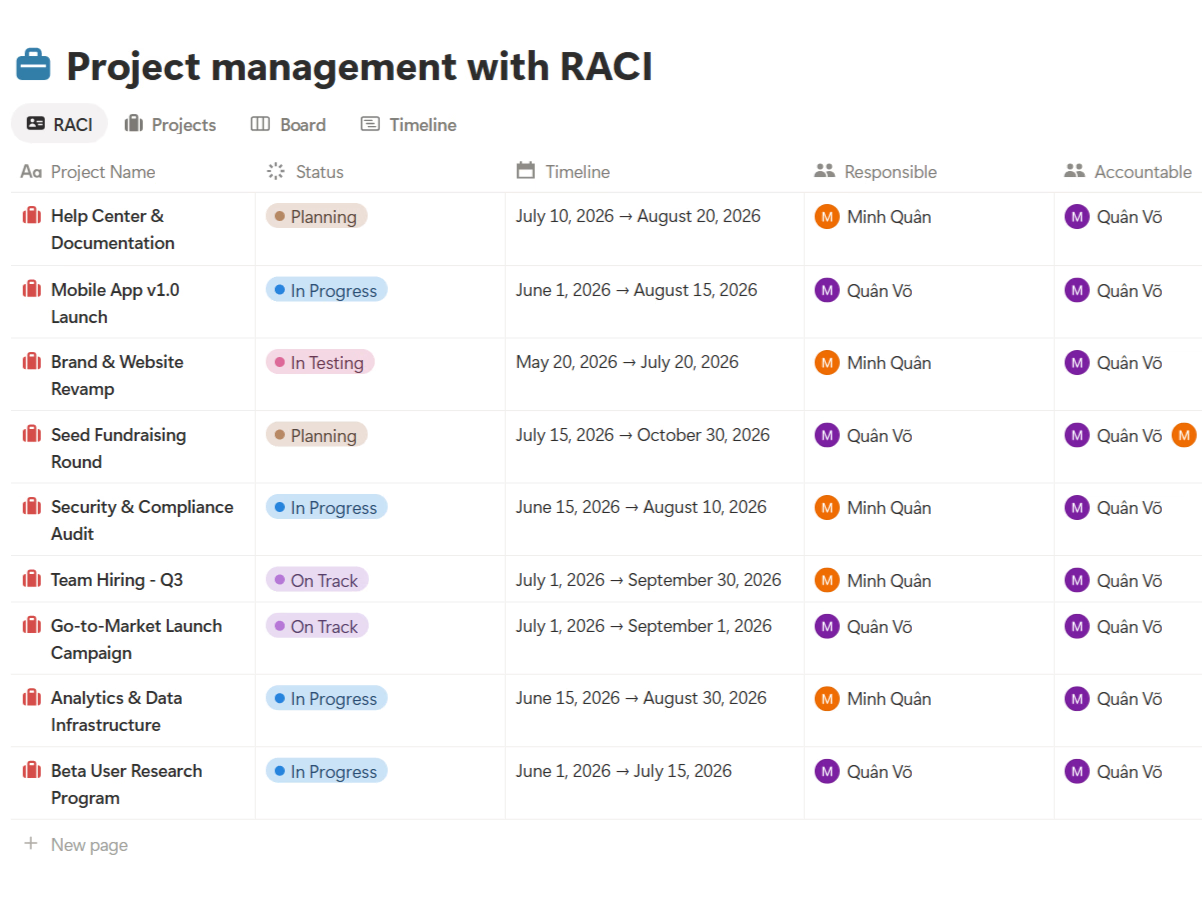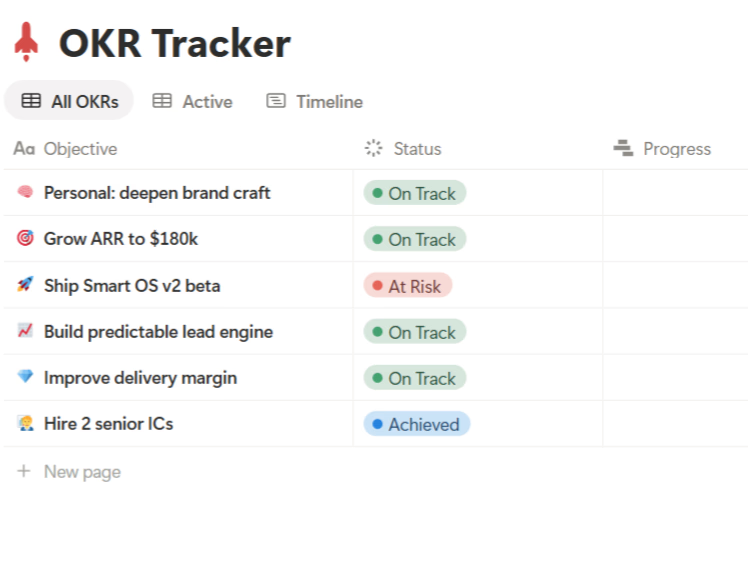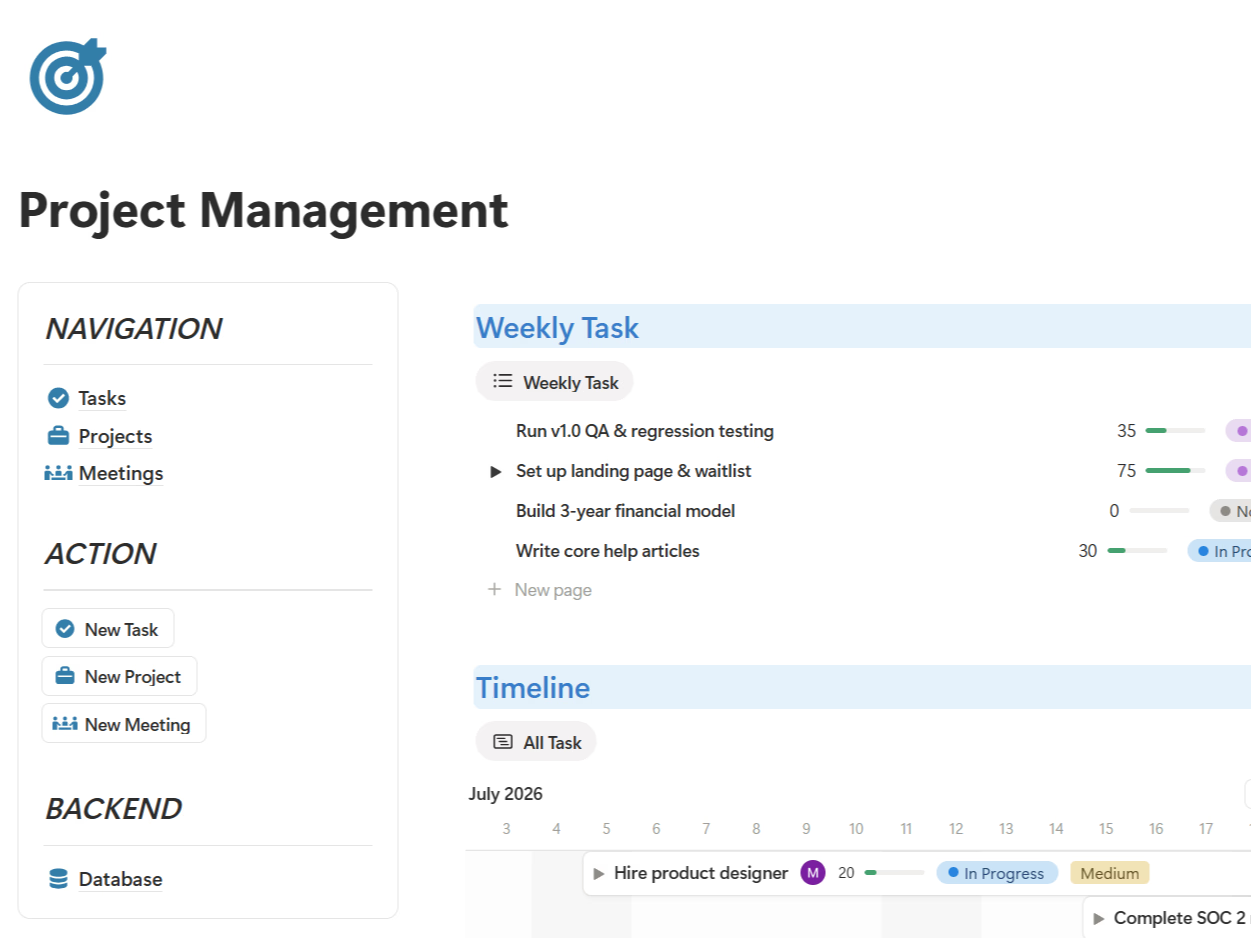




Here's something interesting about this category: the biggest Notion creators all give their project management templates away for free. That's not generosity — the template is a lead magnet, and the real product is the bigger system they upsell you into. Which means free PM templates are good at one thing (projects + tasks) and quietly skip everything else real projects produce: meetings, decisions, and risks.
I went through the most popular options from the biggest creators — Thomas Frank, Easlo, and Notion4Management — to save you the trouble. Here's what's worth your time.
Short answer: for pure projects-and-tasks, Thomas Frank's Ultimate Tasks is free and excellent. If you run real projects with meetings, decisions, and risks — and you want a system that teaches you how to operate it, not just where to click — the TailorFlow Project Package is the only one here with a setup checklist, a worked study case, SOPs, and AI prompts built in.
Quick comparison
| Template | Price | Tasks & projects | Meetings & decisions | Risk tracking | Guides & SOPs | AI Prompts Kit |
|---|---|---|---|---|---|---|
| Notion's Official Projects & Tasks | Free | Yes | No | No | Basic docs | No |
| Ultimate Tasks (Thomas Frank) | Free | Yes | No | No | Free tutorials | No |
| Easlo Project Tracker | Free | Basic | No | No | No | No |
| Notion4Management Advanced PM | Free | Yes | No | No | Tutorials | No |
| TailorFlow Project Package | $49 one-time | Yes | Yes | Yes | Setup checklist + Study Case + SOP Library | Included (Prompt Kit) |
| DIY (build your own) | Free | Manual setup | Manual | Manual | None | None |
1. Notion's official Projects & Tasks
Free | Available in Notion's template gallery
The obvious starting point. Projects linked to tasks, a few views, done. You can be running in two minutes, and it teaches you how Notion relations work.
That said, it's bare-bones. No meetings log, no decision register, no risk tracking, no status reporting structure. Real projects generate all of those within the first sprint, and you'll end up bolting them on yourself.
Good for: learning Notion. Not good for: running a project that actually matters.
2. Ultimate Tasks by Thomas Frank
Free
Thomas Frank is one of the biggest Notion educators around, and Ultimate Tasks is the best free task-and-project template available, period. Inbox capture, Today and Next-7-Days views, sub-tasks, recurring tasks, and project boards — all polished, all free, backed by his excellent tutorials.
Two things to know. First, it's a task system at heart — no meeting management, decision log, or risk register. Second, it's the funnel for Ultimate Brain ($129): the free template is deliberately scoped so you'll eventually want the paid upgrade. Fair trade for free, but know the game.
3. Easlo Project Tracker
Free
Easlo built its name on minimalist, well-designed templates, and the Project Tracker is exactly that: a one-page setup with two databases — projects and next steps. Zero learning curve, clean design.
The simplicity is also the ceiling. Two databases can't hold meetings, decisions, or risks, and there's no documentation layer. It works as a lightweight tracker; teams running real projects will outgrow it in weeks. It also funnels toward Easlo's Pro subscription and pricier systems.
4. Notion4Management Advanced Project Manager
Free
Notion4Management is run by a Notion Certified Expert with 10,000+ customers, and their Advanced Project Manager is a surprisingly complete free option — projects, tasks, and progress tracking in a systematic dashboard, with tutorials included.
The catch is the same as the others: free is the hook for their $97 bundle. No meetings, no decisions, no risks, and no worked example showing how a real project runs through the system.
5. TailorFlow Project Package
$49 one-time
Full disclosure: this is our product. I'm including it because it's genuinely built differently, but take my review with appropriate skepticism.
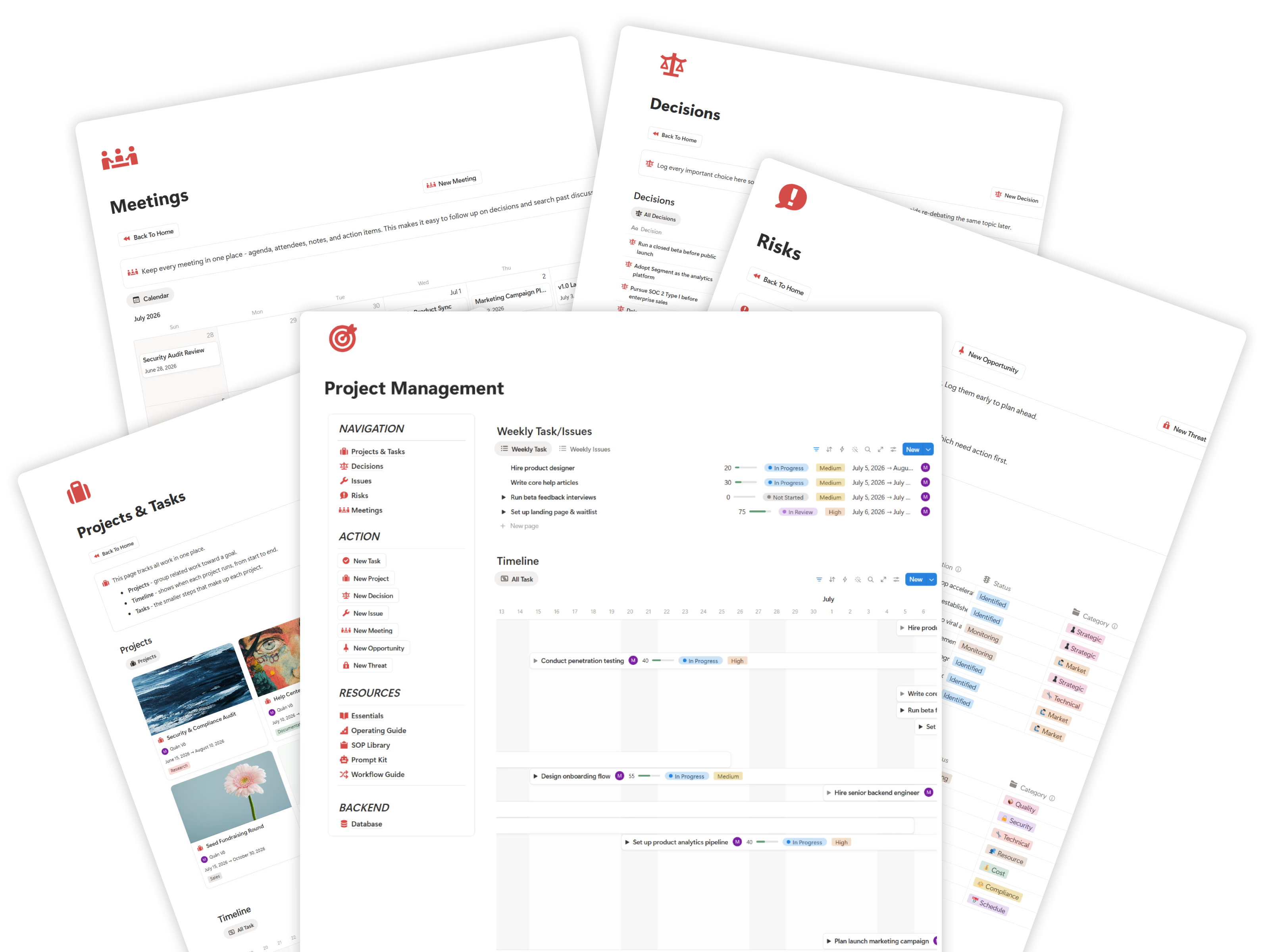
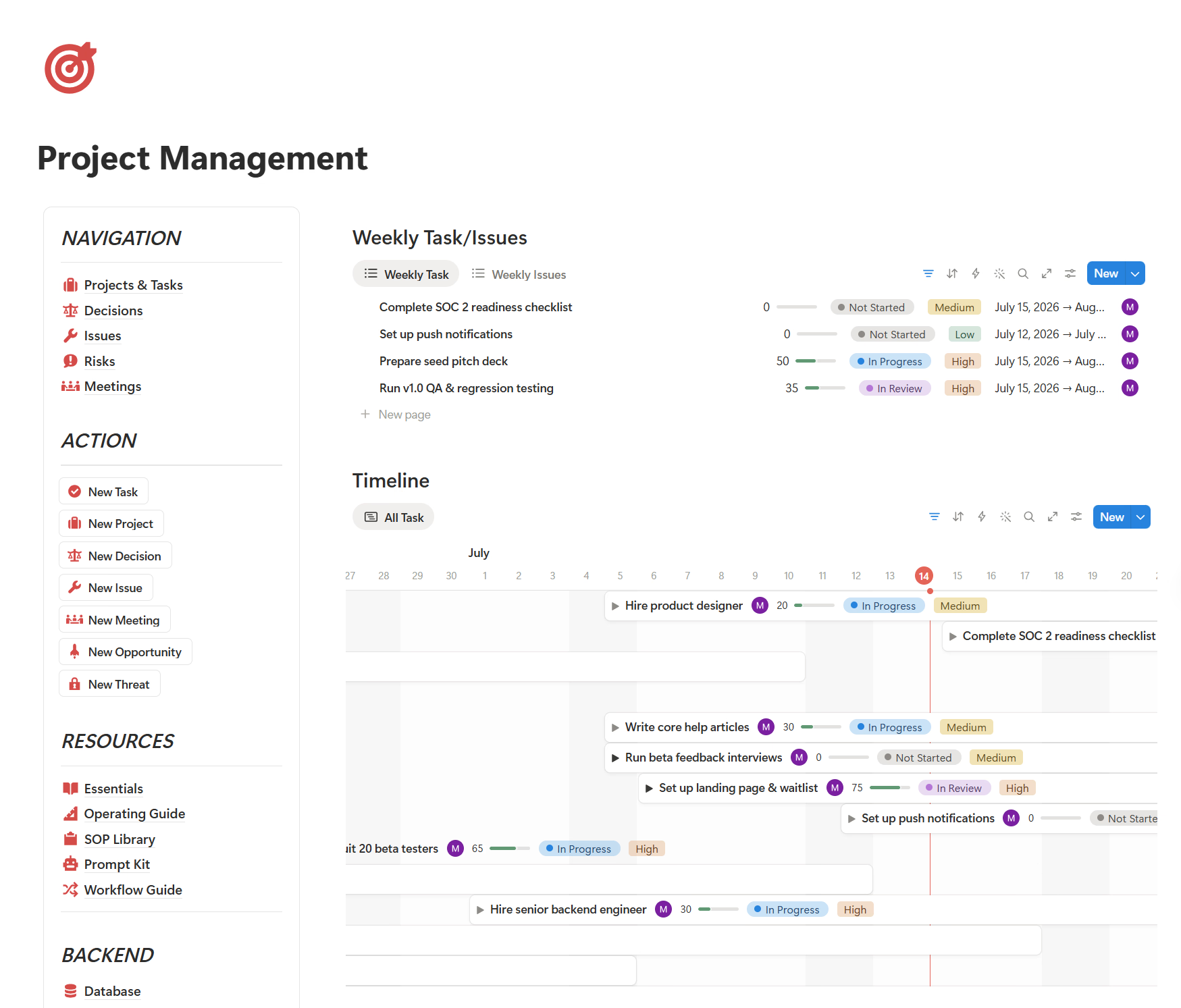
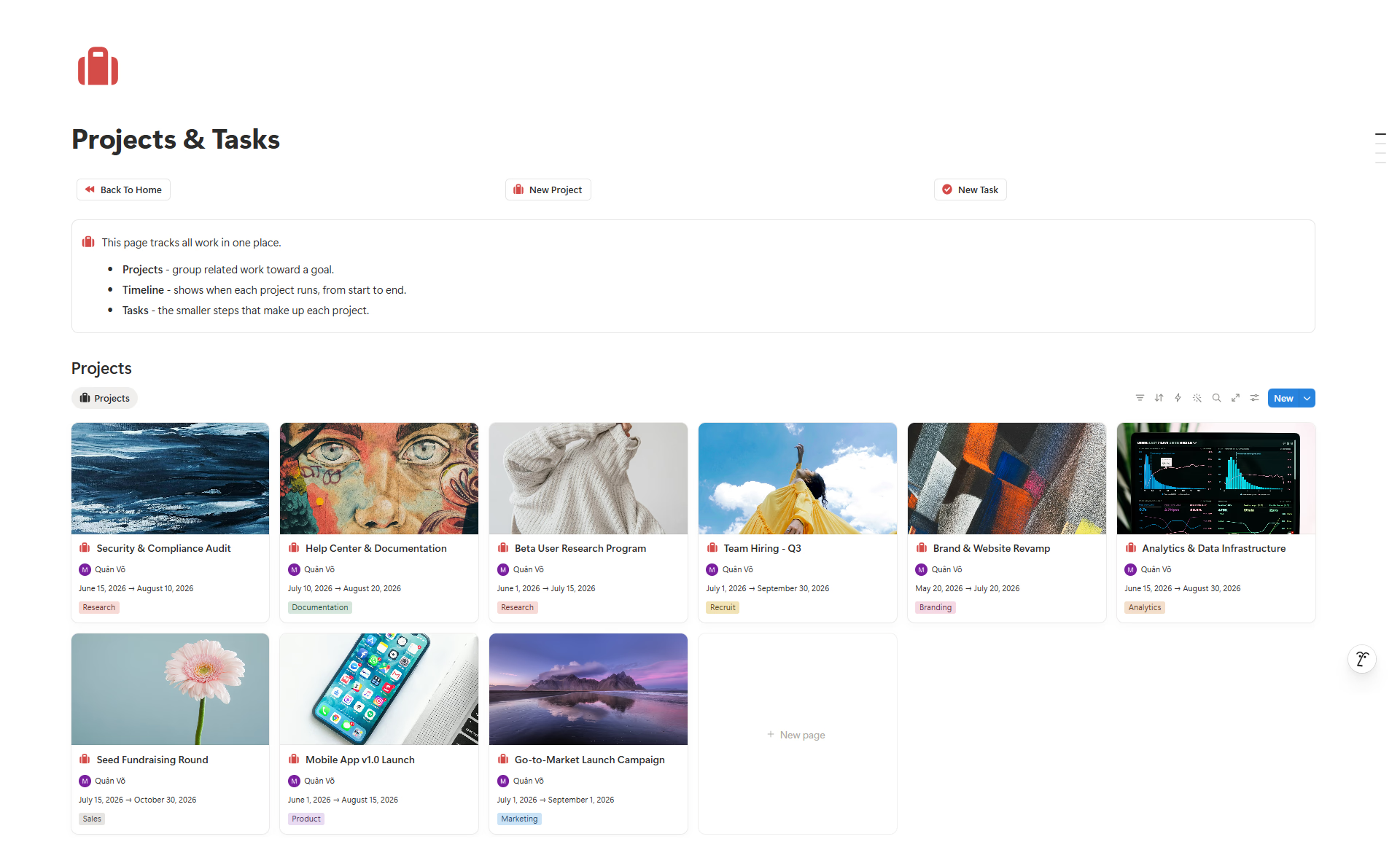
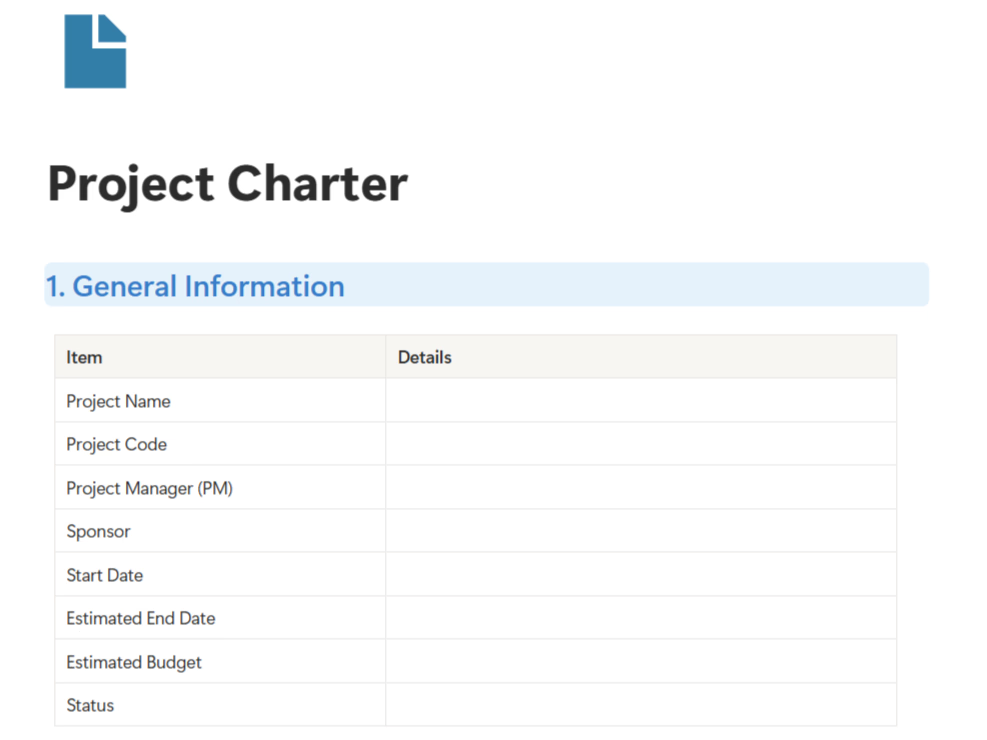
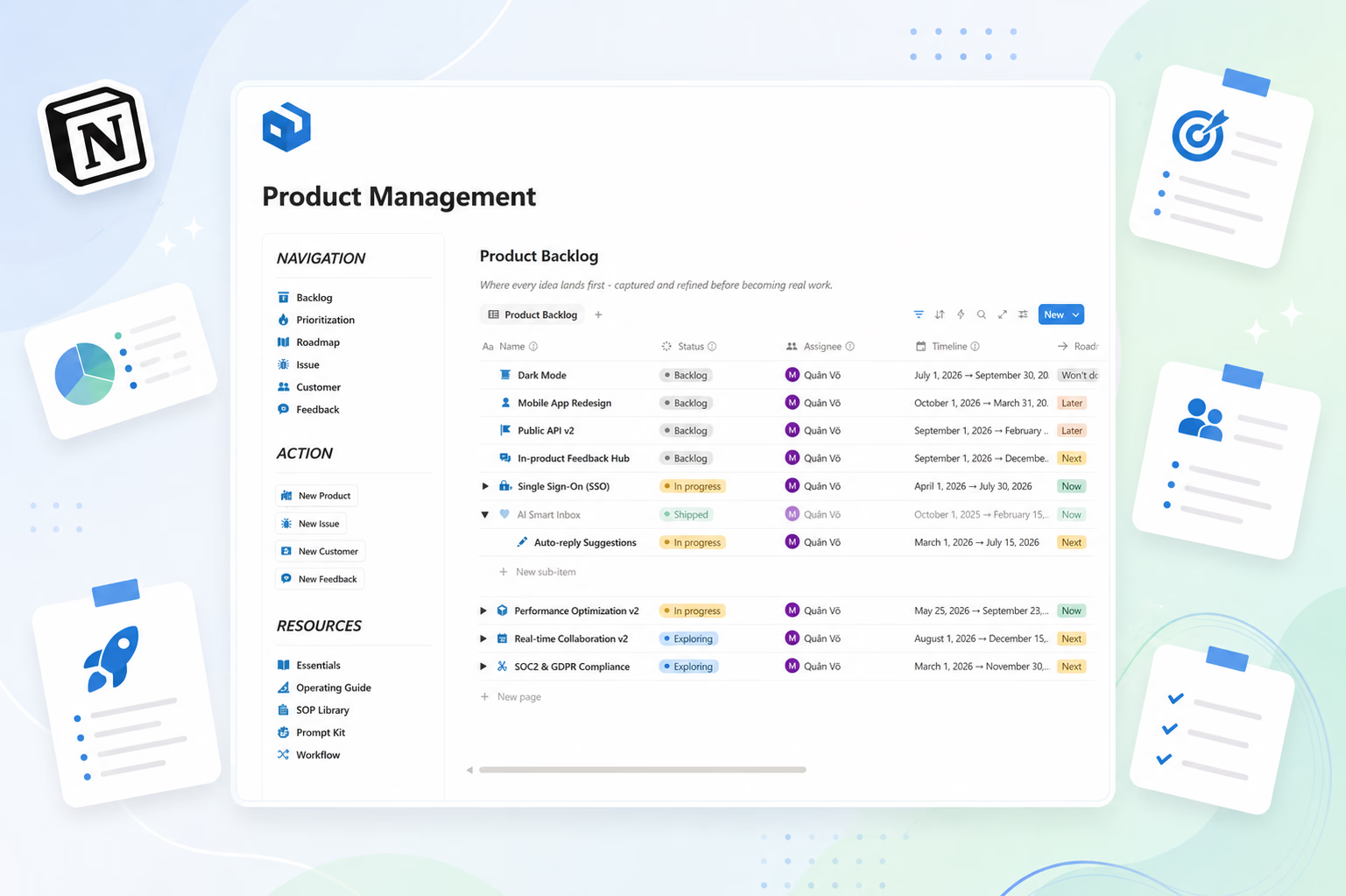
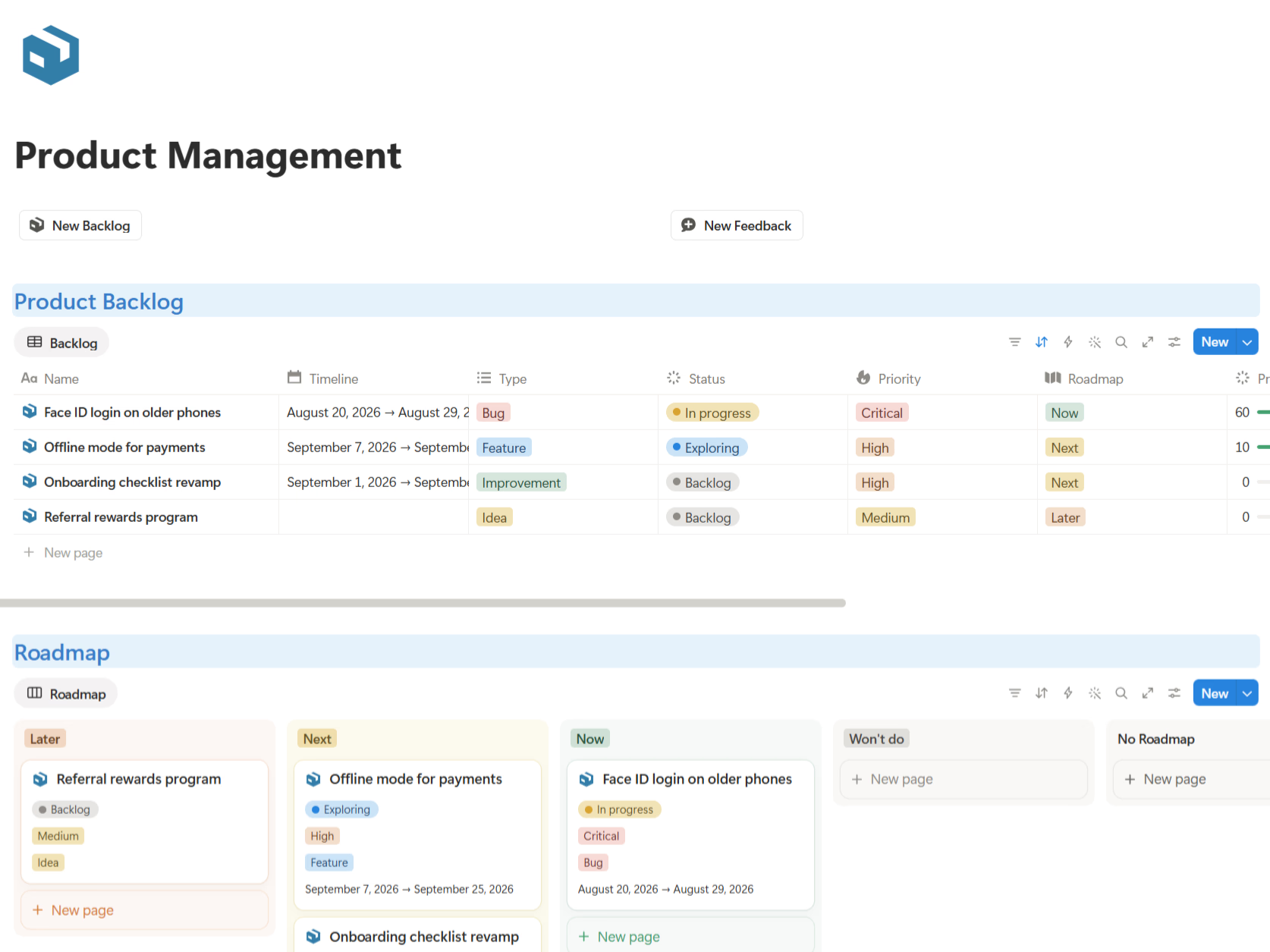
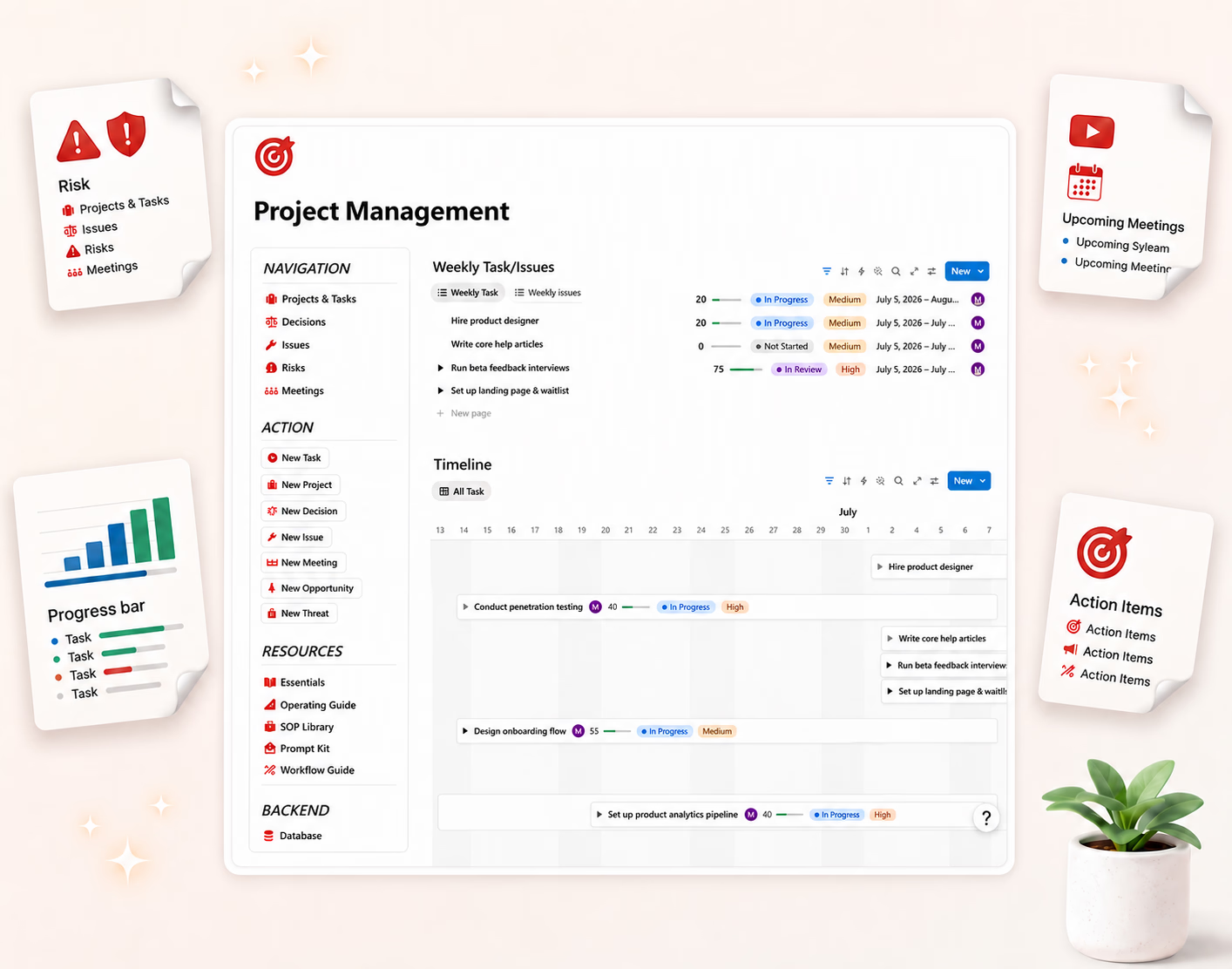
The short version: it's a project operating system, not a project table. Projects, tasks, deadlines, meetings, decisions, and risks all live in one connected dashboard — because that's what real projects actually produce, and the free templates above all quietly skip four of those six.
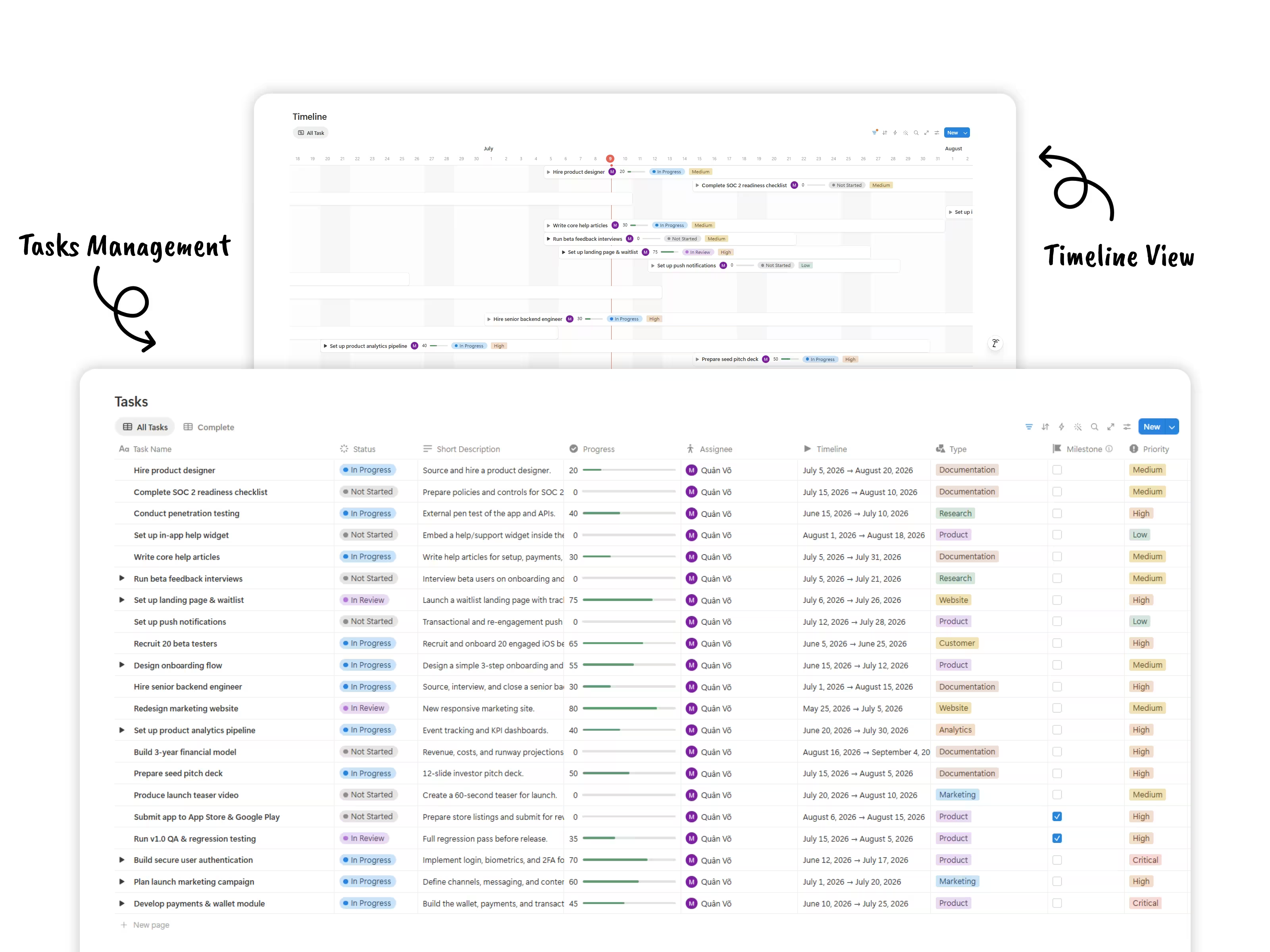
What makes it different is the layer around the template:
- Essentials & How to Use guide — so you understand the system, not just the buttons
- Setup Checklist — get running in under an hour, step by step
- Study Case — a fully worked example of a real project run end to end
- SOP Library — standard procedures for kickoffs, meetings, change management, and closure
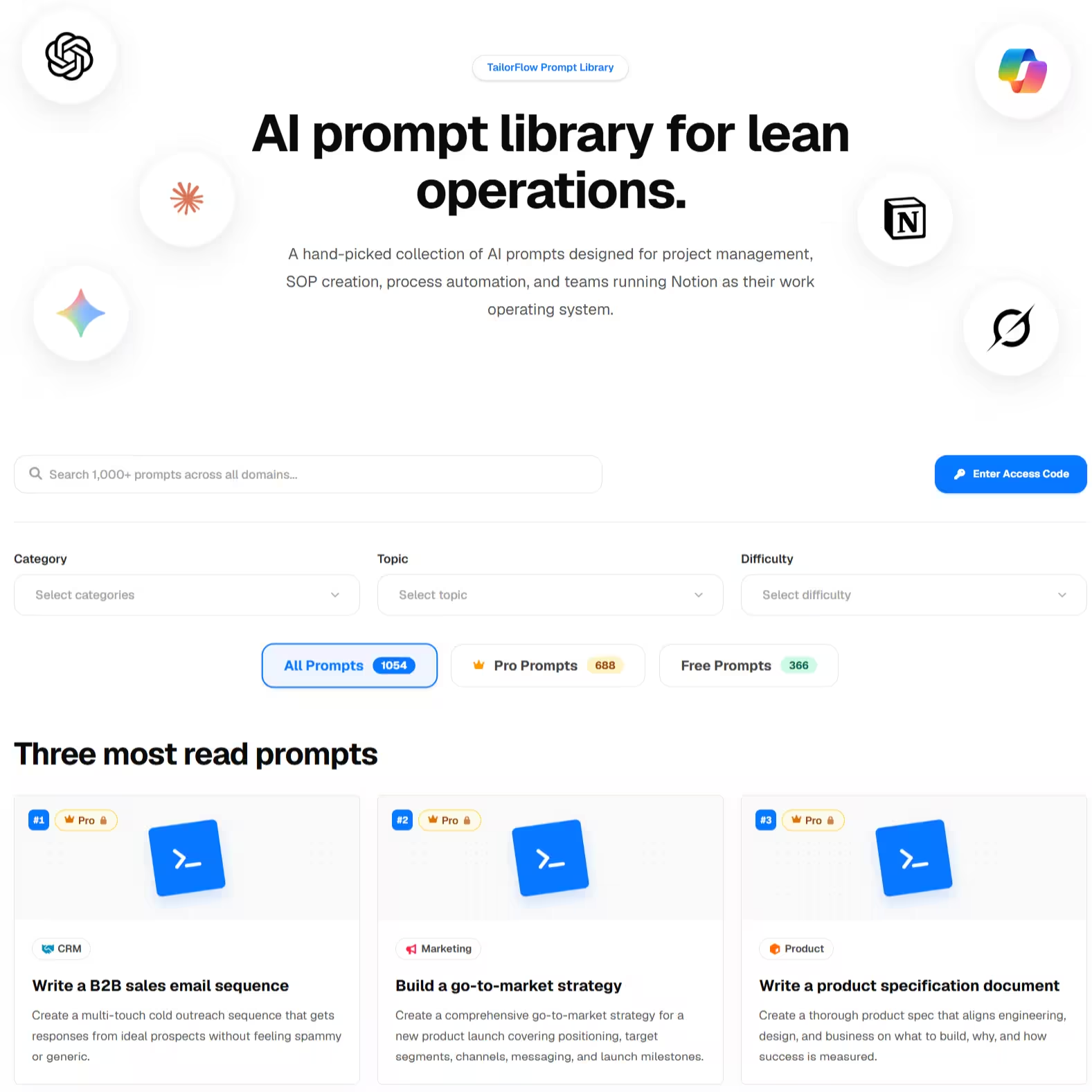
- Prompt Kit — ready-made AI prompts for status reports, task breakdowns, risk reviews, and meeting summaries
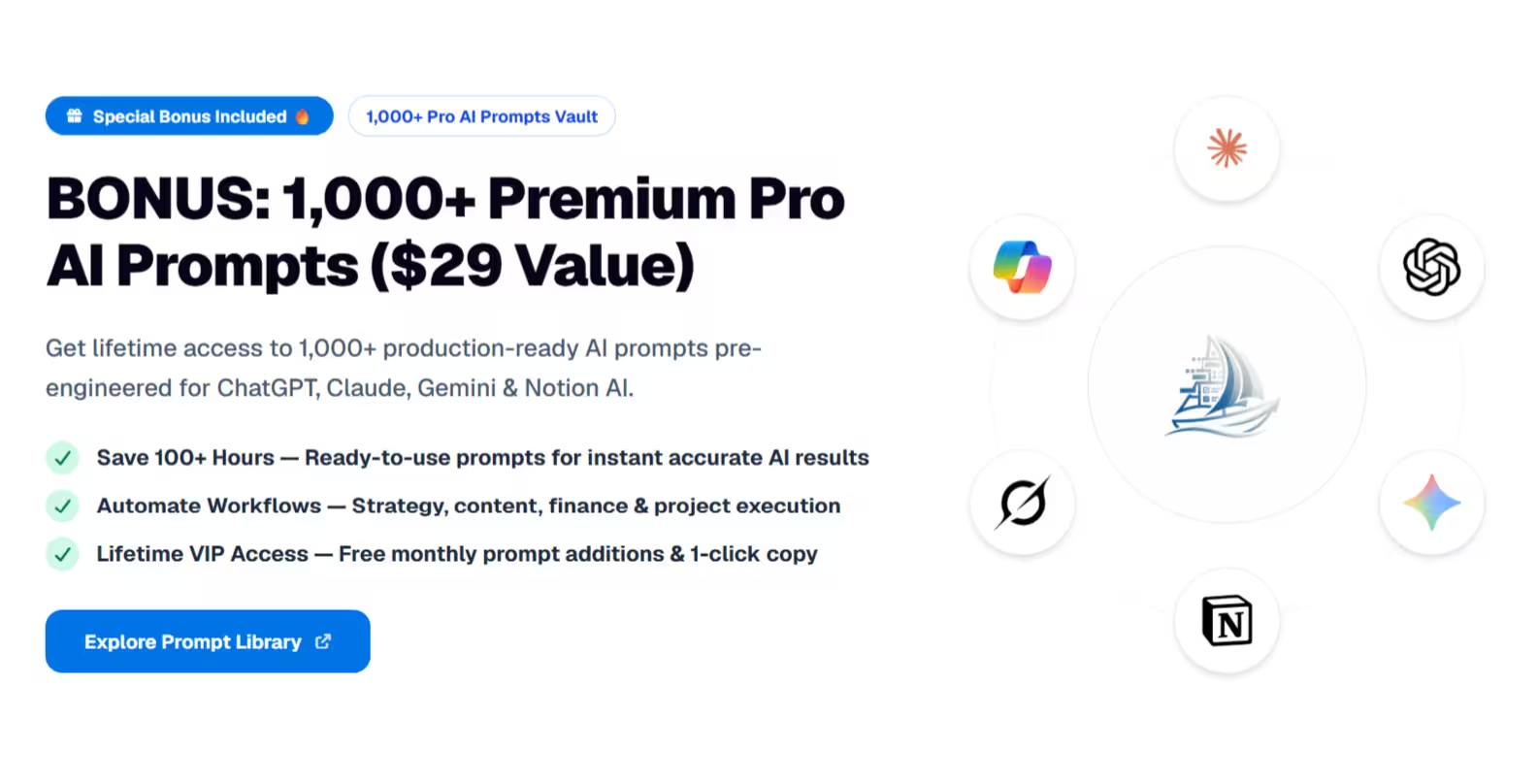
Why the included AI Prompt Kit supercharges project delivery:
- Automated Status Reports: Instantly generate executive project progress summaries from task and meeting logs.
- WBS & Task Breakdown: Convert high-level project goals into detailed Work Breakdown Structures and sub-task checklists.
- Meeting Summary & Action Extraction: Copy-paste raw meeting transcripts to extract key decisions and assign action items automatically.
- Risk Assessment & Mitigation: Identify hidden project bottlenecks and generate proactive risk mitigation plans.
The main downside:
It's built for small teams and solo operators. If you need enterprise portfolio management with resource allocation across fifty projects, you need dedicated software, not a Notion template.
6. DIY: build your own
Free (just your time)
Building your own project system is the best way to learn Notion deeply. You'll understand relations, rollups, and formulas in a way duplicating a template never teaches you.
The tradeoff is real, though. A proper project system needs meetings, decisions, and risks wired into projects and tasks — that's a weekend of work minimum, and formulas get messy fast. If you hit a wall, you can always switch to a template later.
How to choose
If you're not sure, start with Thomas Frank's Ultimate Tasks — it's free and genuinely good. Use it for one real project. If tracking tasks is all you need, you're done and you spent nothing.
If you found yourself creating separate pages for meeting notes, losing track of decisions in chat, or getting surprised by risks nobody wrote down — that's the gap the TailorFlow Project Package fills. The system and the operating knowledge come together.
Plus, having the integrated AI Project Prompt Kit means you get both the management framework AND the AI assistant to automate status reports and task breakdowns.
And if you need Gantt dependencies, resource management, and portfolio reporting across a large organization, skip Notion entirely for this and look at dedicated tools like Linear, Asana, or ClickUp.
Before you pick a template: is Notion the right tool?
Notion works well for project management if your team already lives in Notion, you want docs and tasks in one place, and you value flexibility over rigid structure. One-time template pricing also beats $10-30/user/month for dedicated PM software.
But if you need native time tracking, workload capacity planning, or deep automations between tools, a dedicated PM app will serve you better. There's no shame in using the right tool for the job.
Want projects, tasks, meetings, decisions, and risks in one guided system? Check out the TailorFlow Project Package — one-time purchase, lifetime access.