



A task that is "90% done" can survive longer than a houseplant. One week it is "almost done," the next it is "just waiting for review," and by week three everyone treats it as a permanent resident of the project. I am sharing this because I lived it, not because I have it perfectly solved.
I once watched a simple dashboard task sit at 90% for three weeks. The design was finished, the frontend was "basically there," the API needs "one small tweak," and QA had "not fully checked it yet." In review, we spent 25 minutes arguing over one question: is this done or not? That argument is exactly what a shared Definition of Done prevents.
This is not a beginner's intro to project management — you already know what tasks, sprints, reviews, and releases are. Established project guides describe closing out work and confirming quality as a real phase, not an afterthought, and that framing is what finally helped me. So we are going straight into the disease: work that looks finished, sounds finished, and still creates bugs, rework, and review drama. You will get copy-ready checklists at three levels — task, feature, and release — to drop into your Notion project template today.
What Definition of Done actually means
A Definition of Done is a shared checklist that tells the team when work is truly complete — not "I did my part" complete, not "please stop asking me" complete, but genuinely complete. It defines the minimum quality bar before a task, feature, or release can move to Done.
What it really removes is personal interpretation. The conversation shifts from "I think it is done" to "it meets the criteria, so it is done." That difference saved me meetings, and more importantly, it saved trust.
Why "90% done" happens
In my experience, "90% done" is rarely laziness. It is ambiguity. The team never agreed on what completion means, so each person quietly uses a private definition. For a developer, done may mean "the code works locally." For a designer, "the final screen is approved." For QA, "it passed test cases." For the PM, "the customer can use it without hand-holding."
Each definition is reasonable. Together they create chaos. Work moves forward, but the quality gates stay invisible — and the missing 10% appears at the worst possible moment: the client demo, launch day, or 11:47 PM when someone asks, "wait, did we test mobile?"
The 3 levels of Definition of Done
One checklist cannot fit every layer of work. A task does not need the same criteria as a release, so I use three levels, each protecting a different risk.
| DoD level | What it protects | Best used for |
|---|---|---|
| Task DoD | Small work does not create messy handoffs | Design, dev, writing, ops tasks |
| Feature DoD | User-facing work is usable, tested, documented | New features or meaningful improvements |
| Release DoD | The team does not ship surprise problems | Sprint releases, client delivery, launches |
I think of it like airport security. A task is checking your ID, a feature is scanning your bags, a release is making sure the plane has fuel. Skip one, and everyone gets nervous.
Definition of Done checklist for normal tasks
Use this for everyday work. A normal task is done when:
- The requested output is complete.
- It matches the brief or acceptance criteria.
- The owner checked their own work before asking for review.
- Relevant files, links, or notes are attached.
- Any dependency or blocker is resolved or clearly documented.
- The next person can pick it up without asking for missing context.
- The task status is updated in the project system.
- If review is needed, the reviewer is tagged with a clear request.
- If no review is needed, the task is moved to Done.
This checklist is intentionally boring — that is the point. A task-level DoD should stop small leaks: missing links, unclear handoffs, half-written notes, and "I finished but forgot to update the board."
Definition of Done checklist for features
A feature is bigger than a task because users interact with it, so the DoD must cover product, design, engineering, QA, and support readiness. A feature is done when:
- It solves the user problem described in the brief.
- Acceptance criteria are met.
- UX and UI match the approved design or documented changes.
- Core user flows have been tested.
- Edge cases are handled or explicitly accepted as limitations.
- Error, empty, and loading states are reviewed.
- Analytics or tracking is implemented if needed.
- Copy and microcopy are final.
- QA has checked it on required devices or environments.
- Known bugs are fixed, deferred, or documented.
- Internal notes explain how the feature works.
- Customer-facing docs or release notes are prepared if needed.
- It is linked to the original request, feedback, or roadmap item.
- The PM or owner has accepted it.
Notice the phrase "if needed." A good checklist protects quality without becoming a ritual. Not every feature needs full documentation or analytics — but the team should decide consciously, not silently forget.
Definition of Done checklist for releases
Release DoD is where I got humbled most. A release is not done when the code is merged; it is done when you can ship without crossing your fingers. A release is done when:
- All included features or tasks meet their own DoD.
- Critical bugs are resolved.
- Non-critical known issues are documented with owners.
- Regression testing is complete for affected areas.
- Performance or security checks are done where relevant.
- Migration, setup, or deployment steps are documented.
- A rollback plan is clear.
- Release notes are written.
- Support, sales, or internal teams know what changed.
- Stakeholders have approved the release if approval is required.
- Launch date and owner are confirmed.
- Post-release monitoring is assigned.
- Follow-up tasks exist for anything intentionally deferred.
This one should feel slightly strict. Good — launches are where vague work becomes public pain.
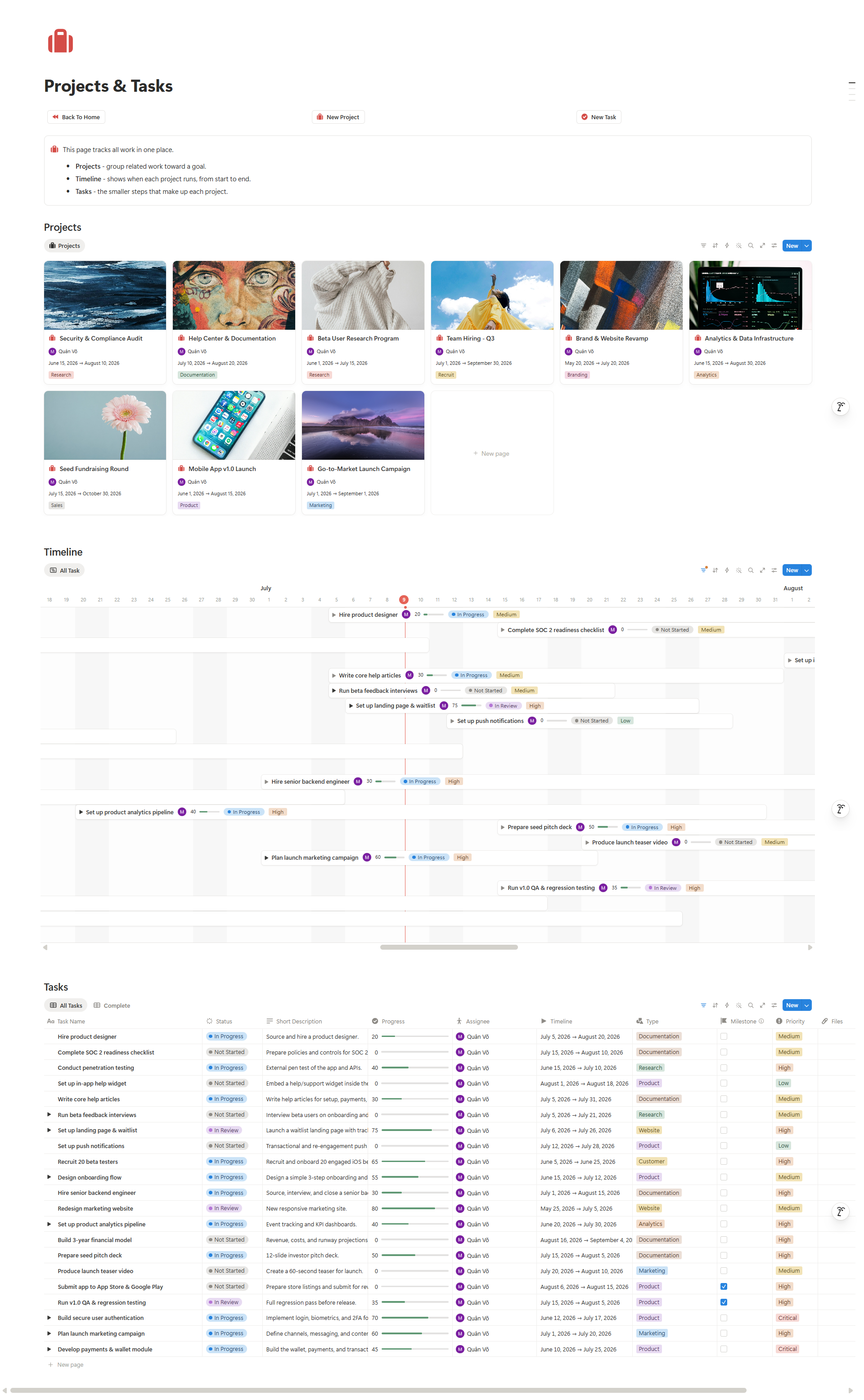
How I apply Definition of Done in Notion
You do not need a complicated setup. You need DoD visible at the moment work changes status.
1. Add a "Definition of Done" section to every task template
Add a checklist block inside the template. Use the Task DoD for normal tasks, and a linked checklist or template button for the Feature DoD.
2. Add a "DoD Level" property
A Select property with Task, Feature, Release helps the team apply the right checklist without overthinking.
3. Add a "Ready for Done?" review view
Filter by Status = In Review and checklist not complete. This gives you one place to inspect unfinished "done" work.
4. Put the checklist before the Done column
Do not hide DoD in a wiki nobody opens. The closer it sits to the status change, the more likely people use it.
A rule that saved my review meetings
Before a task enters review, the owner answers one question: "what proof shows this is done?" That proof can be a link to the final file, a screen recording, a test result, a shipped URL, a QA note, or a short summary of what changed. It makes review less emotional — instead of debating effort, we review evidence. That one change turned review from courtroom drama into quality control.
Common mistakes I made with DoD
Making the checklist too long
If your normal task DoD has 27 items, nobody uses it. Keep task-level DoD light; save heavier checks for features and releases.
Using vague words
I used to write "looks good" or "properly tested." Now I replace them with proof — "core user flow tested on desktop and mobile," "reviewer tagged with a specific request," "known bugs documented with owner."
Treating DoD as PM paperwork
DoD is not a manager's private tool; it is a team agreement. When the people doing the work help shape it, they use it for quality instead of performing it for a manager.
The bottom line
"90% done" is not a status — it is a warning label. What I keep coming back to:
- Definition of Done turns private assumptions into shared criteria.
- Use different levels for tasks, features, and releases.
- Put the checklist inside the workflow, not in a forgotten wiki page.
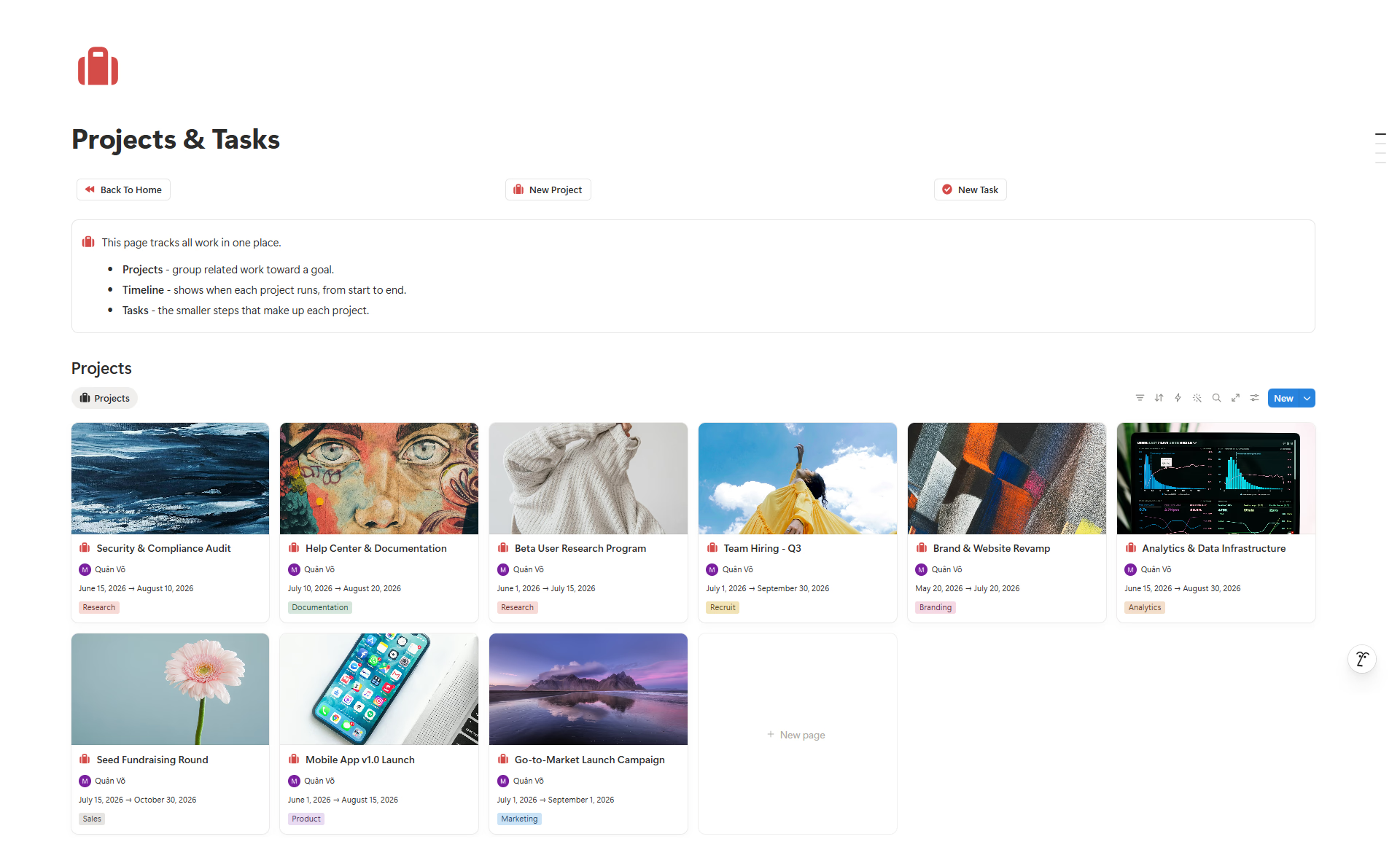
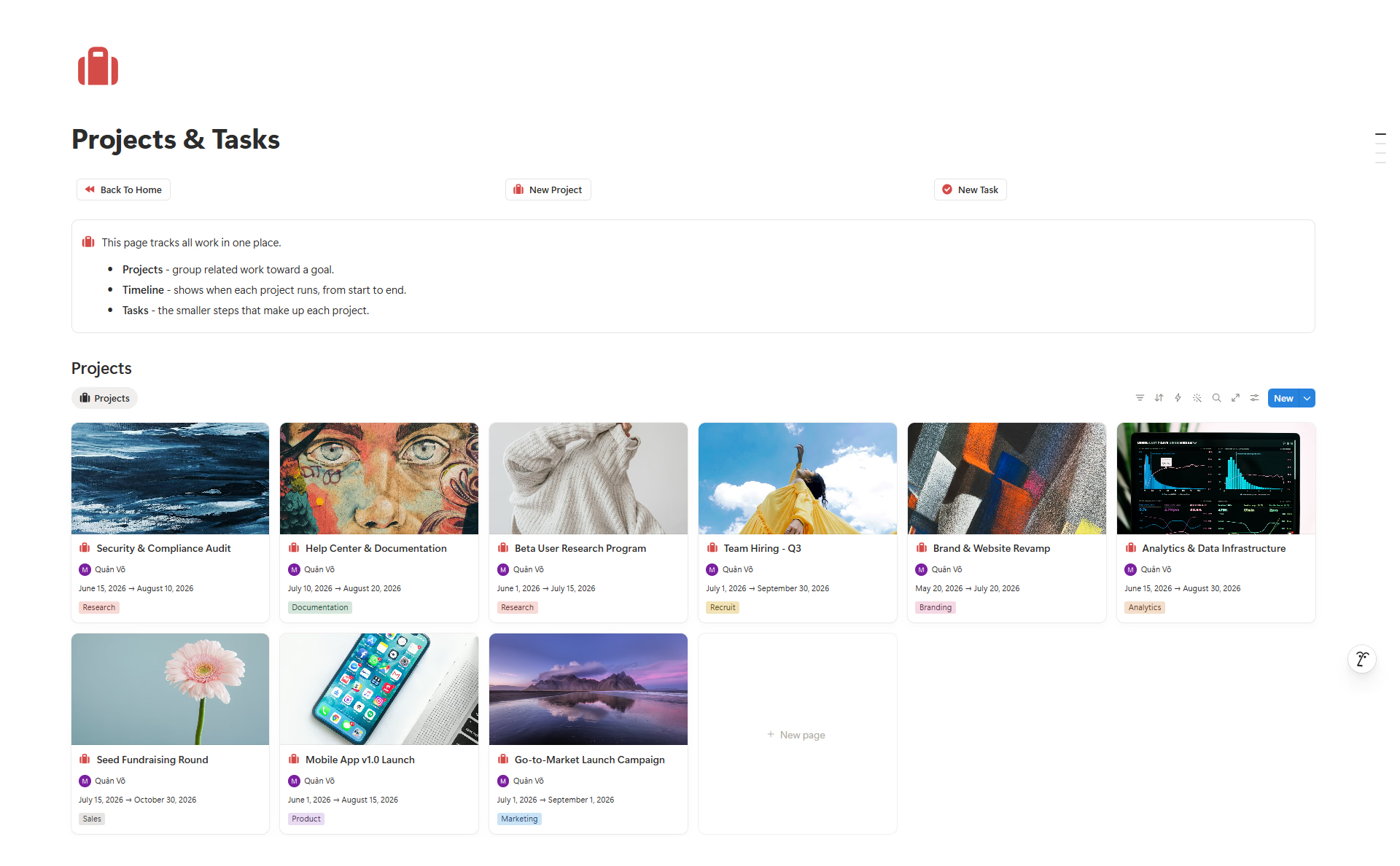
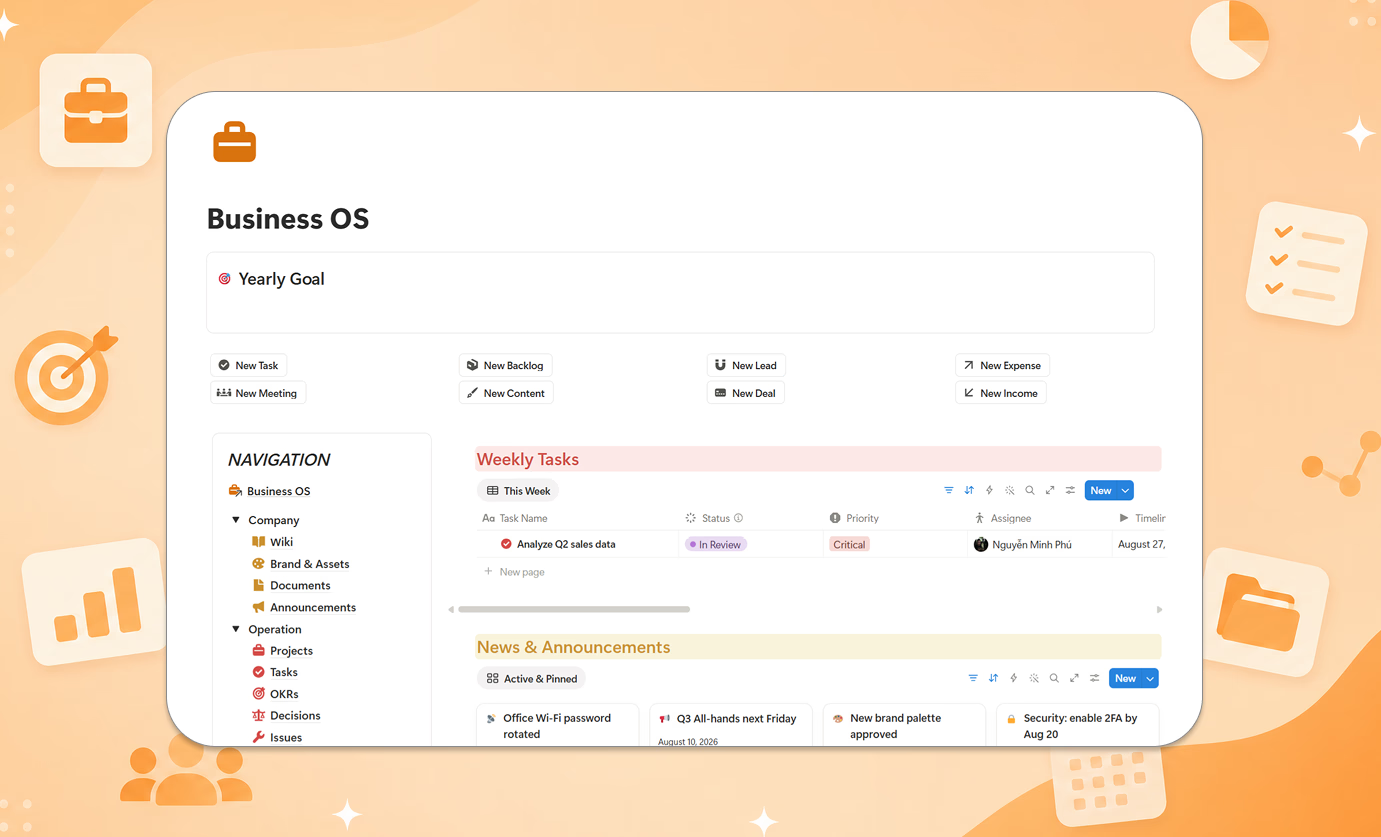
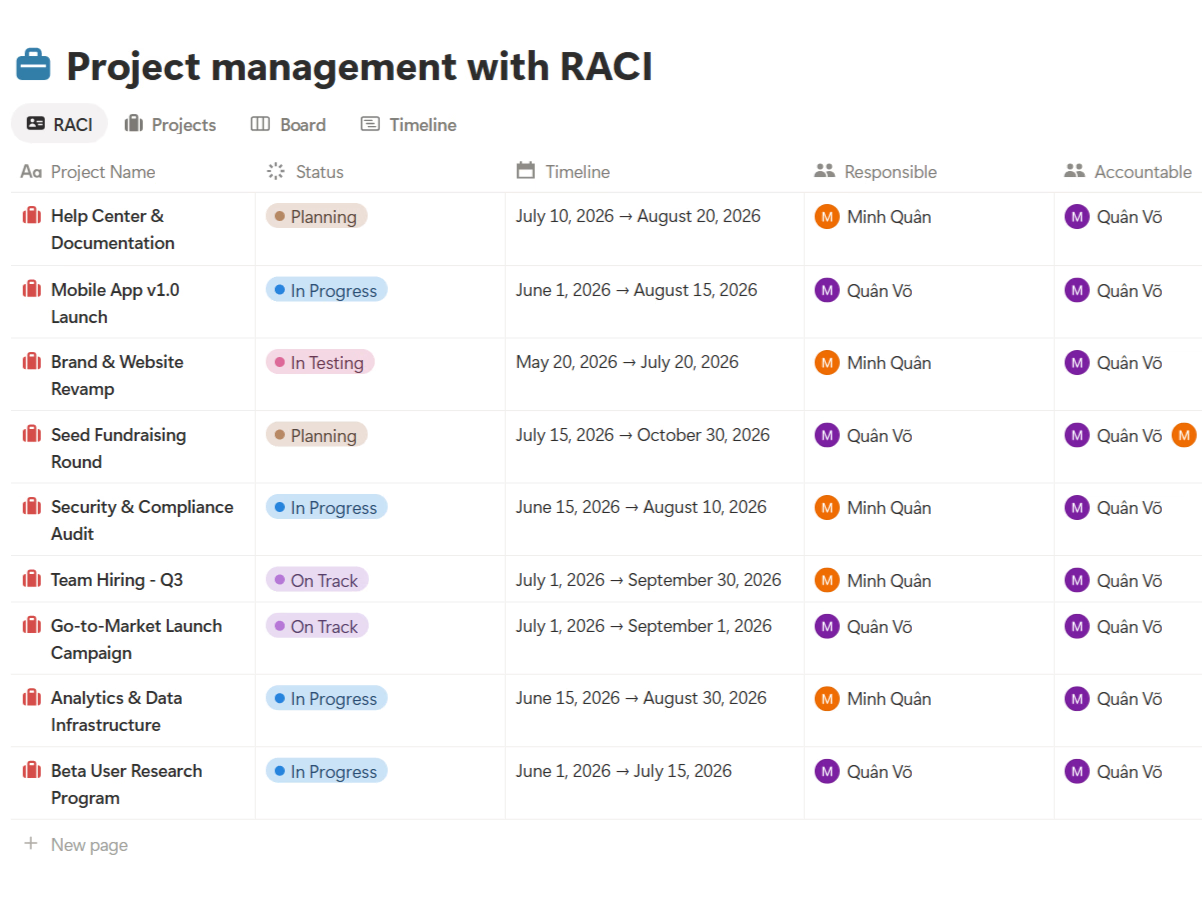
If you want this workflow ready inside Notion, explore Project Package - Smart.
Want the broader project management guide first? Read What Is Project Management? A Beginner-Friendly Guide for Small Teams.