



Most of the deals I lost were not lost in the market. They were lost in my memory. A lead is warm, the call goes well, a proposal goes out — and then the conversation quietly dies in a chat thread while more urgent work takes over. Weeks later I check in, and they have already signed with someone else. That avoidable loss is what pushed me to finally understand CRM, and this is me passing on what I learned, not lecturing from a pedestal.
What a CRM actually is
CRM stands for customer relationship management. In the industry it is defined as a system for managing all your interactions with current and potential customers, with a simple goal: improve relationships to grow the business. In Vietnamese sources the framing is the same — quản lý quan hệ khách hàng, a place that unifies and streamlines your sales, marketing, and support so everything about a customer is in one accessible spot.
The key word for me is single. The problem a CRM solves is not that you lack information — the leads exist, the calls happen, the proposals get sent. The problem is that the information is scattered across messages, an inbox, a half-updated spreadsheet, a folder of proposals, and a brave human memory. A CRM consolidates all of it so nothing depends on recall.
Why small teams lose deals without one
Small teams usually do not have a selling problem first. They have a visibility problem. As the pipeline grows, the cracks appear fast: you cannot tell which deal is hot, who needs a follow-up today, or what was said last time. Established tools point out that a spreadsheet stops being enough once interactions scale — it gets hard to find data, report, or analyze.
Here is the honest catch, though. Many "professional" CRMs were built for a different world — large sales teams with managers, quotas, and reporting layers. For a team of one to five, that scale can create a new problem: the tool becomes heavier than the sales process it is meant to support. The goal is not more CRM; it is the right amount.
The principle: a small CRM should answer three questions fast
A small-team CRM earns its place if it answers three questions in under ten seconds:
- Who are we selling to?
- What happens next?
- When do we need to act?
Big platforms describe CRM as giving visibility into every lead and a clear path from inquiry to sale. For a small team, that visibility is really just those three answers. Everything else — lead scoring, forecasting — can wait.
The three systems a small CRM actually needs
Stripped to essentials, a working CRM for a small team is three connected systems.
1. Pipeline: where every deal stands
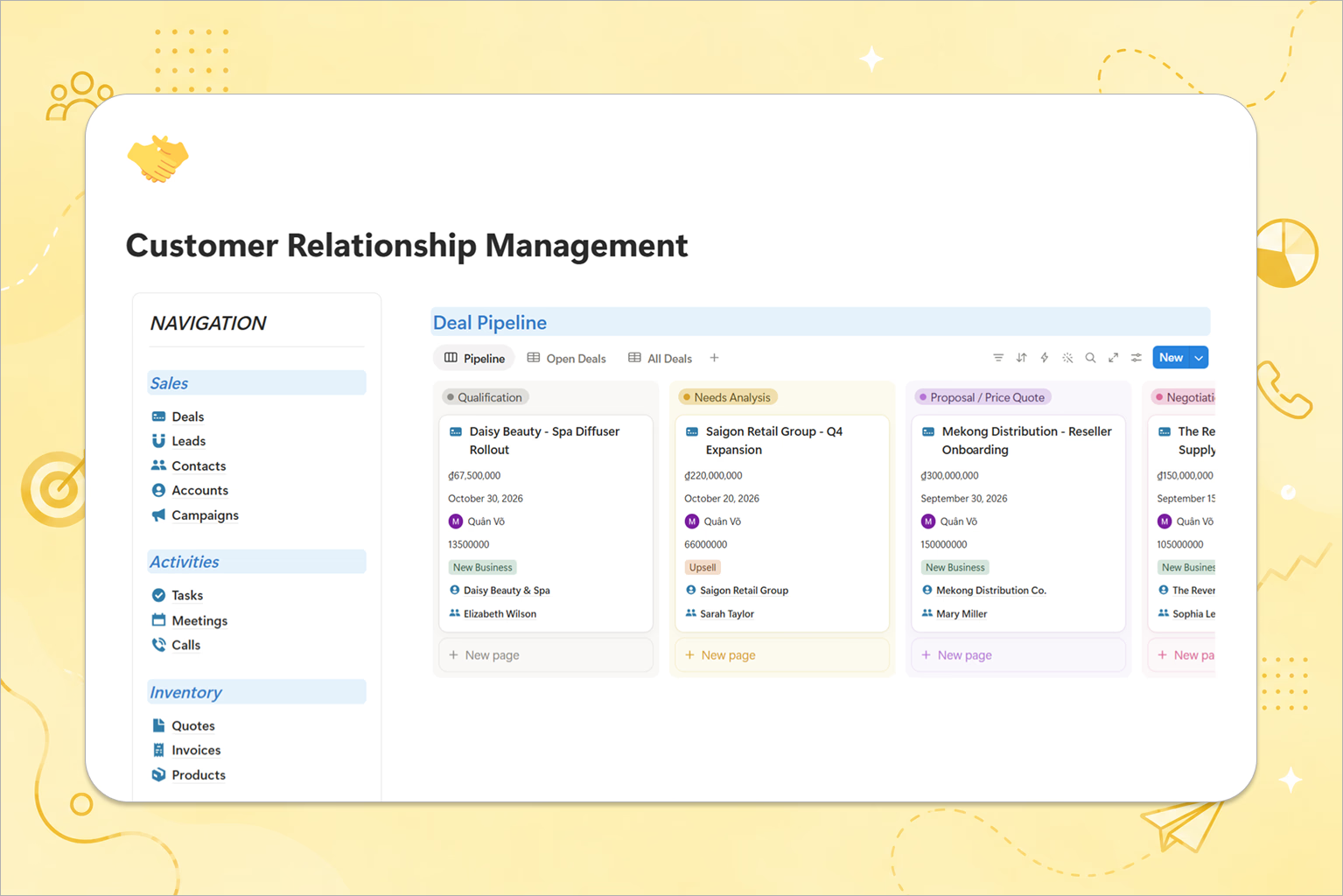
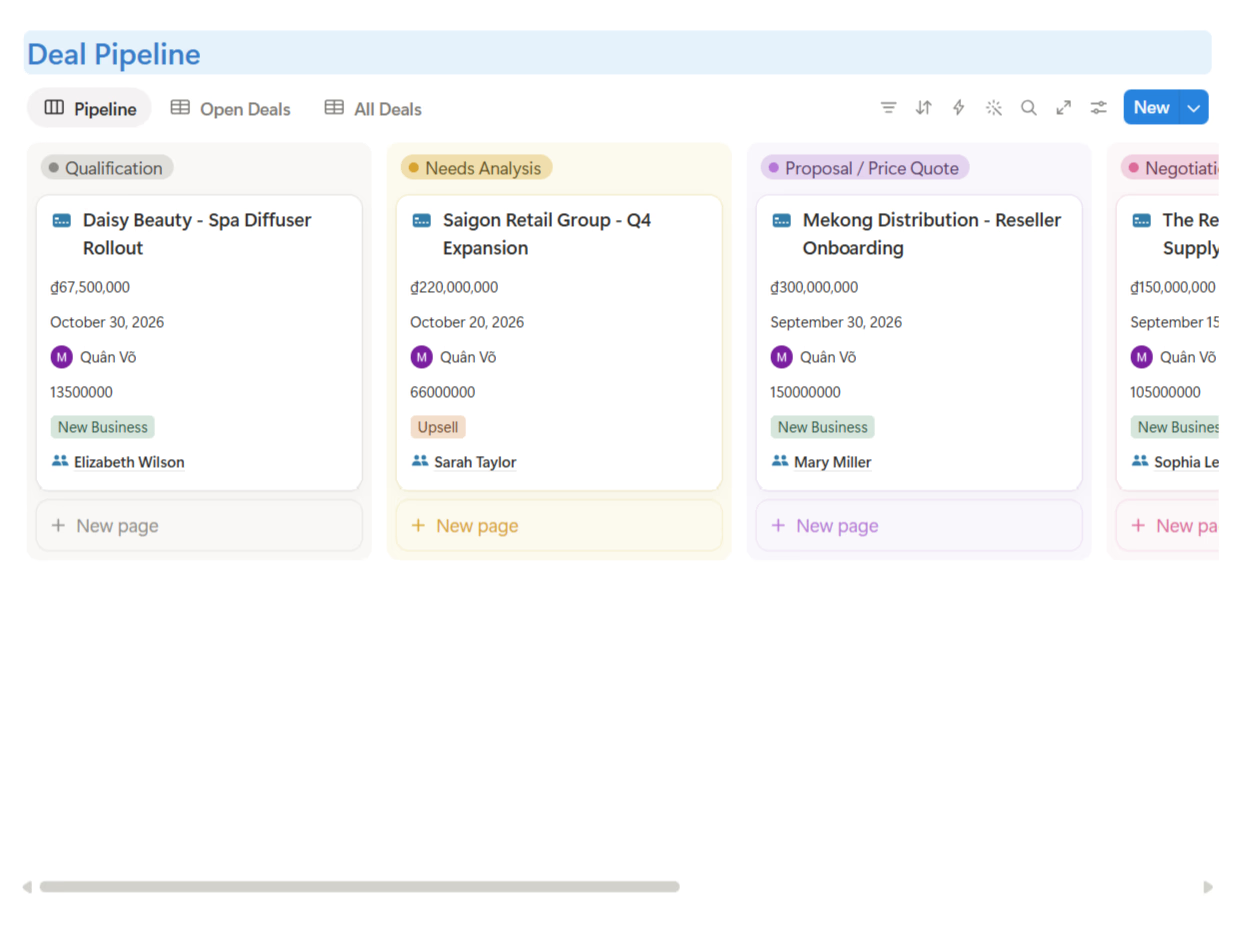
A pipeline is a map of money in motion, not a motivational board. It shows each deal by stage: New Lead → Qualified → Call Booked → Proposal Sent → Negotiation → Won or Lost. Each stage needs a clear meaning; "Proposal Sent" should mean the proposal was actually sent, not that you plan to after lunch.
2. Follow-up: the part that protects revenue
Most deals do not die from a dramatic rejection. They die quietly — no reply, no next step — because nobody wants to be annoying, so everyone becomes absent. The fix is that every active deal carries a next step (the actual action) and a next action date (when you will do it). This single habit turns a static list into a working system.
3. Conversation history: context that does not live in one head
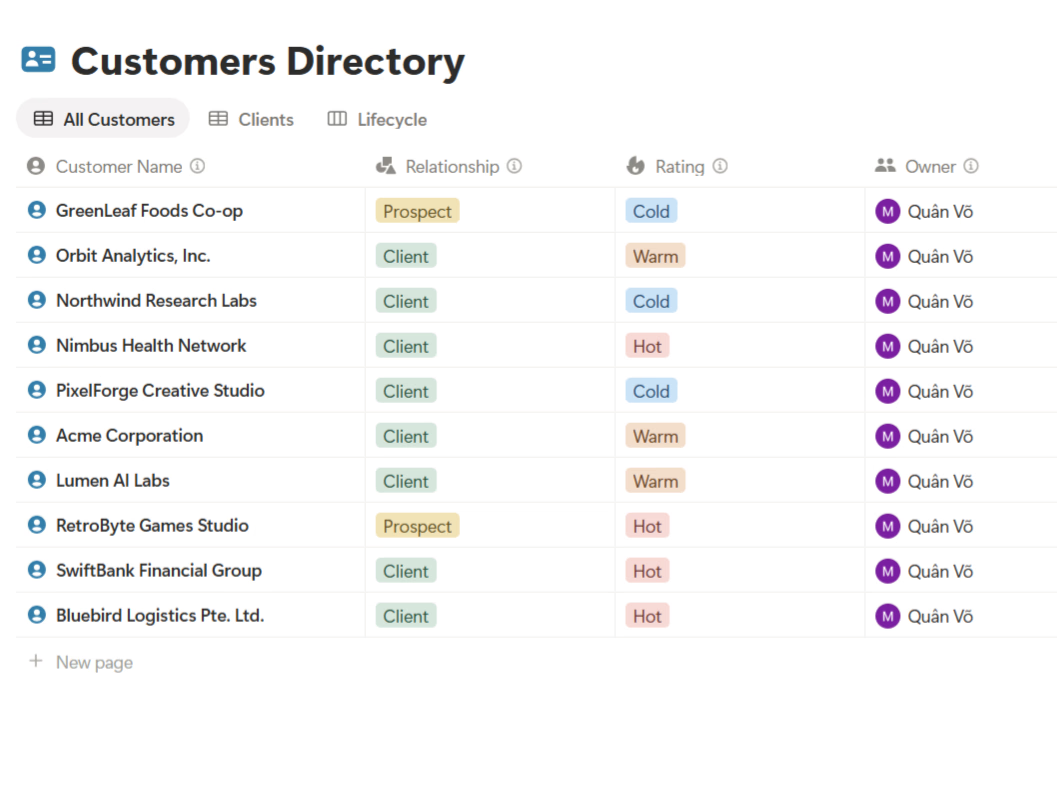
A lead record should tell the whole story: when they first made contact, what problem they described, what budget they mentioned, and when you last spoke. This matters most on small teams, where people wear several hats. Bigger tools call this a single source of truth so handoffs are seamless — the small-team version is simply making sure context is not trapped in one person's messages.
Who needs a CRM, and when
Interestingly, the big vendors note that businesses of every size benefit from CRM — but for me the practical trigger is specific: your current system is effectively "chat plus memory," and you have started to feel deals slipping. It is not the right move if your sales already run smoothly in a dedicated tool, or if you genuinely need heavy automation across many reps.
How to run a CRM day to day
A CRM only works if updating it is fast enough that people actually do it. My rhythm:
- Morning: open the follow-up view and handle every deal whose next action date is today or overdue.
- Midday: after calls or replies, update the deal's stage and next step — under a minute, or the CRM is too complicated.
- Weekly: review deals with no movement and decide honestly whether each has a real next step or should be closed as lost.
That last habit matters more than it looks. A pipeline full of fake hope makes planning harder. Closing dead deals lets your real forecast breathe.
The bottom line
A small CRM does not need to impress a boardroom. It needs to stop warm leads from dying in silence:
- Pipeline shows where money is moving.
- Follow-up protects the next action.
- Conversation history keeps context out of one person's head.
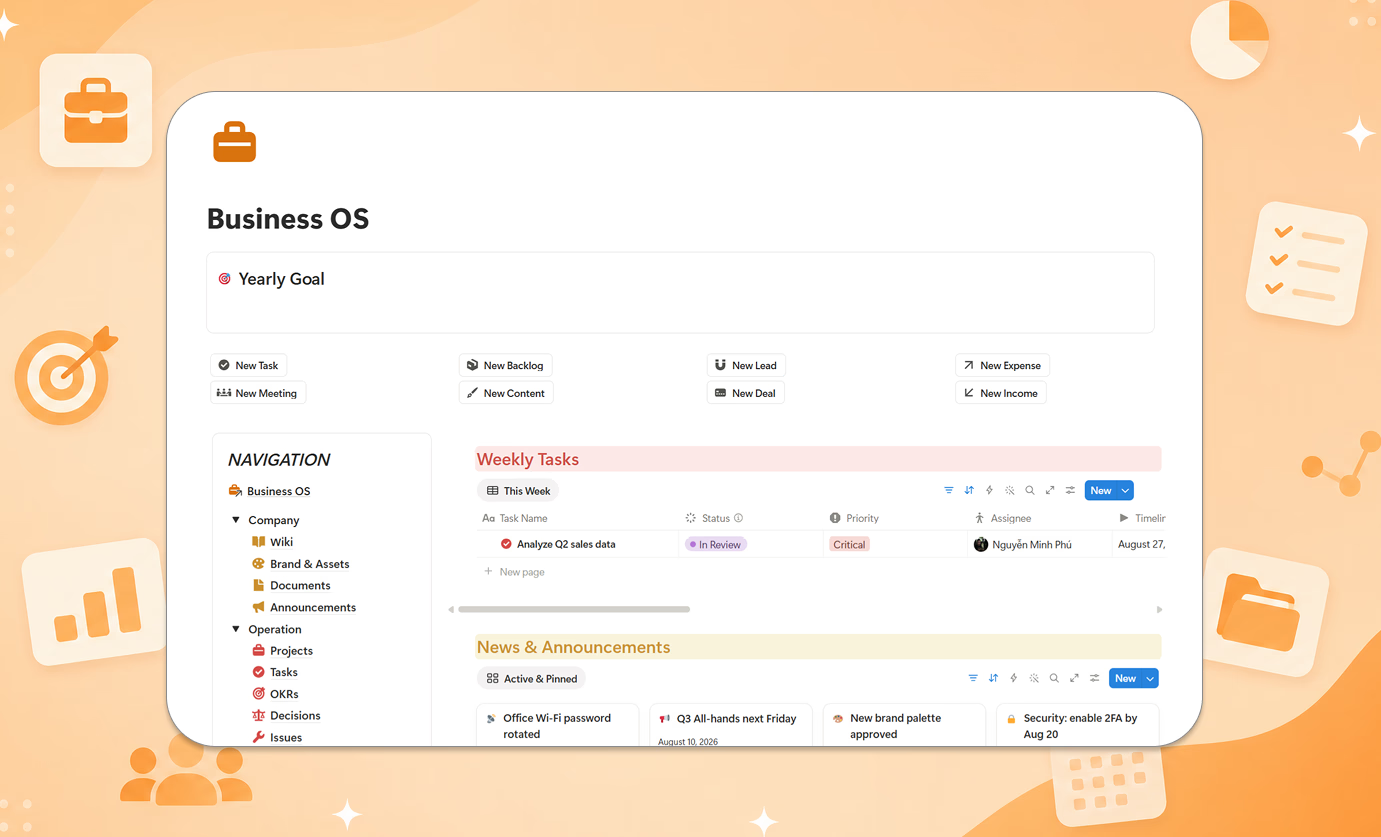
If your current CRM is "chat plus memory," the next lost deal is not a surprise — it is scheduled. If you would rather start from a ready structure than build these databases yourself, CRM Package - Smart is how I put these three systems on Notion. The method matters most.
Going deeper: Sales Pipeline Management: The 2 Fields That Saved My Deals From Going Silent
Sources I learned from: Salesforce — What Is CRM · Zoho — CRM là gì