



For a while, my team asked "where is that file?" more than once a day, and I kept blaming disorganization. Eventually I realized it was not a tidiness problem — it was an operating problem. This is me sharing what that felt like and what slowly helped, not a lecture from someone who has it all figured out.
The file existed. The task existed. The client note, the invoice, the decision — all existed. But each one lived in a different app, under a different naming rule, remembered by a different person, or by no one. That slow creep of more apps, more tabs, more logins, and less clarity is what people call tool sprawl. My honest takeaway is that most small businesses like mine do not need more tools.
What we needed was one place that holds how the company works. Not one magical app for literally everything — accounting software still exists, chat still exists, and email is apparently forever. But there is real value in one operational center where projects, clients, documents, decisions, processes, and dashboards connect.
Tool sprawl is less a software problem and more an ownership problem
Looking back, my tool sprawl started innocently. Tasks got messy, so we added a task app. Client files got messy, so someone cleaned the drive. Finance needed tracking, so a spreadsheet appeared. Sales needed a pipeline, so another sheet appeared. Content needed a calendar, so marketing found a planning app.
Each decision made sense on its own. Together, they left our workflow living in fragments. The damage I noticed:
- No single source of truth: every app told part of the story.
- No shared language: "done" meant different things in different tools.
- No clean handoff: people sent links instead of transferring context.
- No easy onboarding: new teammates learned apps before they learned the business.
- No visible system: I quietly became the router for everything.
That last one is the part I felt most. When there is no operating center, the founder or ops person becomes the human search engine — where is the proposal, which version is final, did we follow up. I told myself that was leadership. Honestly, it was tab management with a nicer title.
The hidden cost I kept underestimating
I used to defend scattered tools because each one felt cheap. A few dollars here, a free plan there. But the subscription line is the small part; the real cost is context switching, duplicated data, slow search, and decisions made on partial information. Guides on project management make a similar point — a lot of the work is really about coordinating people and resources so nothing gets lost, and scattered tools quietly work against that.
Here is a rough monthly estimate for a 10-person business, using conservative numbers:
| Cost area | Simple estimate | Monthly cost |
|---|---|---|
| Subscriptions | 5 paid tools × $15 per seat × 10 people | $750 |
| Extra single-purpose tools | 3 smaller tools at $30/month each | $90 |
| Context switching | 10 people × 20 minutes/day × 22 workdays | 73.3 hours/month |
| Search and rework | 10 people × 15 minutes/day × 22 workdays | 55 hours/month |
| Total hidden time | Context switching + search/rework | 128.3 hours/month |
Now price the time. At a loaded cost of $15/hour, those 128.3 hours run about $1,924/month. Add subscriptions and you are near $2,764/month. That is not "a few cheap tools" — it is a part-time operational tax, and it grows as the team grows, because every new person has to learn the maze.
The daily symptoms nobody counts
For me, tool sprawl never looked dramatic. It looked like tiny delays. A teammate could not find the latest brief, so they asked in chat. Someone updated the spreadsheet but not the task board. A client asked for status, so I checked three apps before replying. A decision got written in chat, then buried under 200 messages about lunch and a broken camera.
Each delay felt small, but repeated daily they made us slower than our headcount suggested. The trap I kept falling into: adding a new tool felt like progress. New boards, new labels, new hope — for about a week. Then the old behavior returned, because the deeper problem was still there: no central place where the company explained itself.
What I think an all-in-one workspace should actually do
An all-in-one workspace is not a dumping ground, and it is not "put everything in Notion and pray." What helped me was giving it structure so it answers five questions quickly:
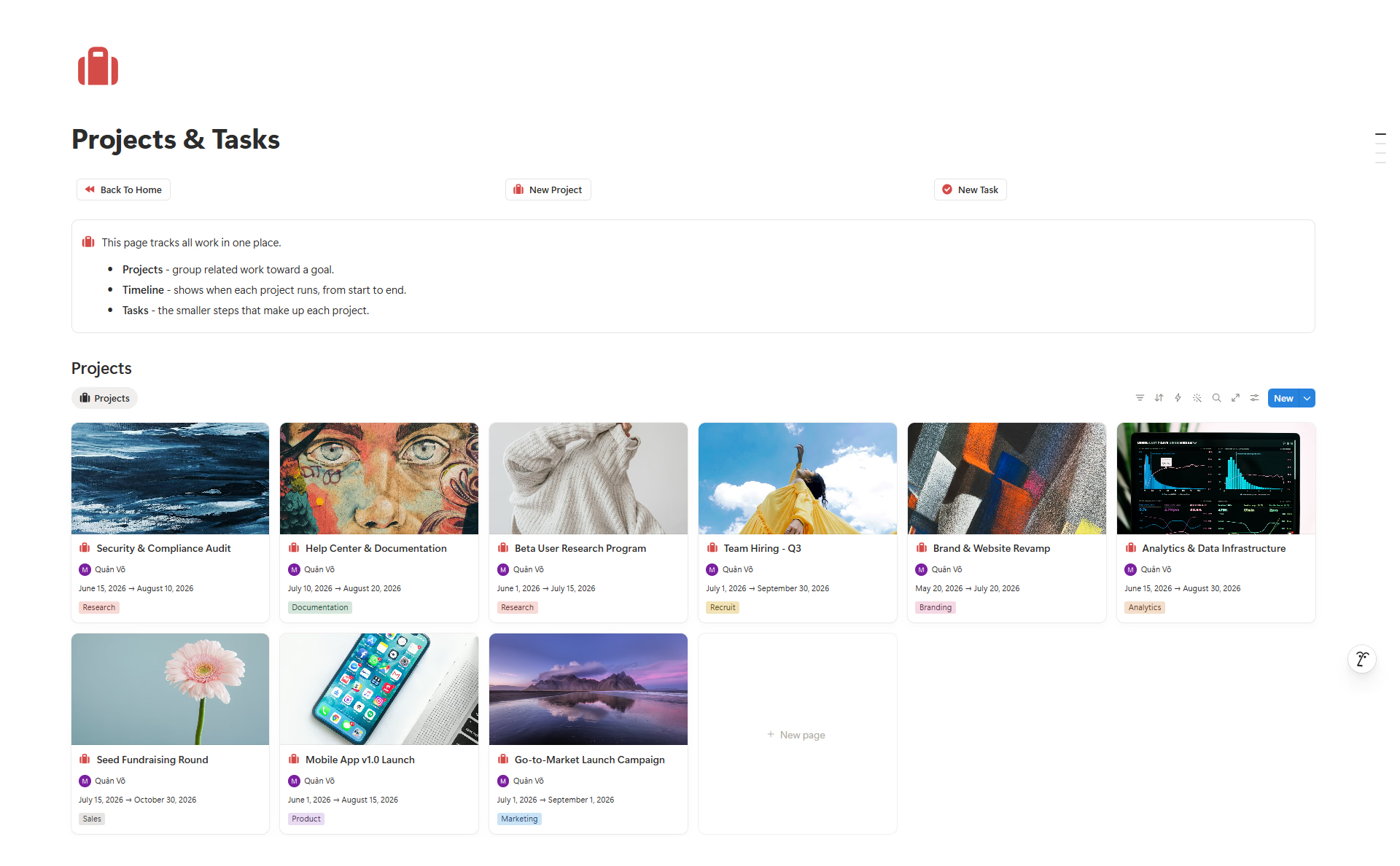
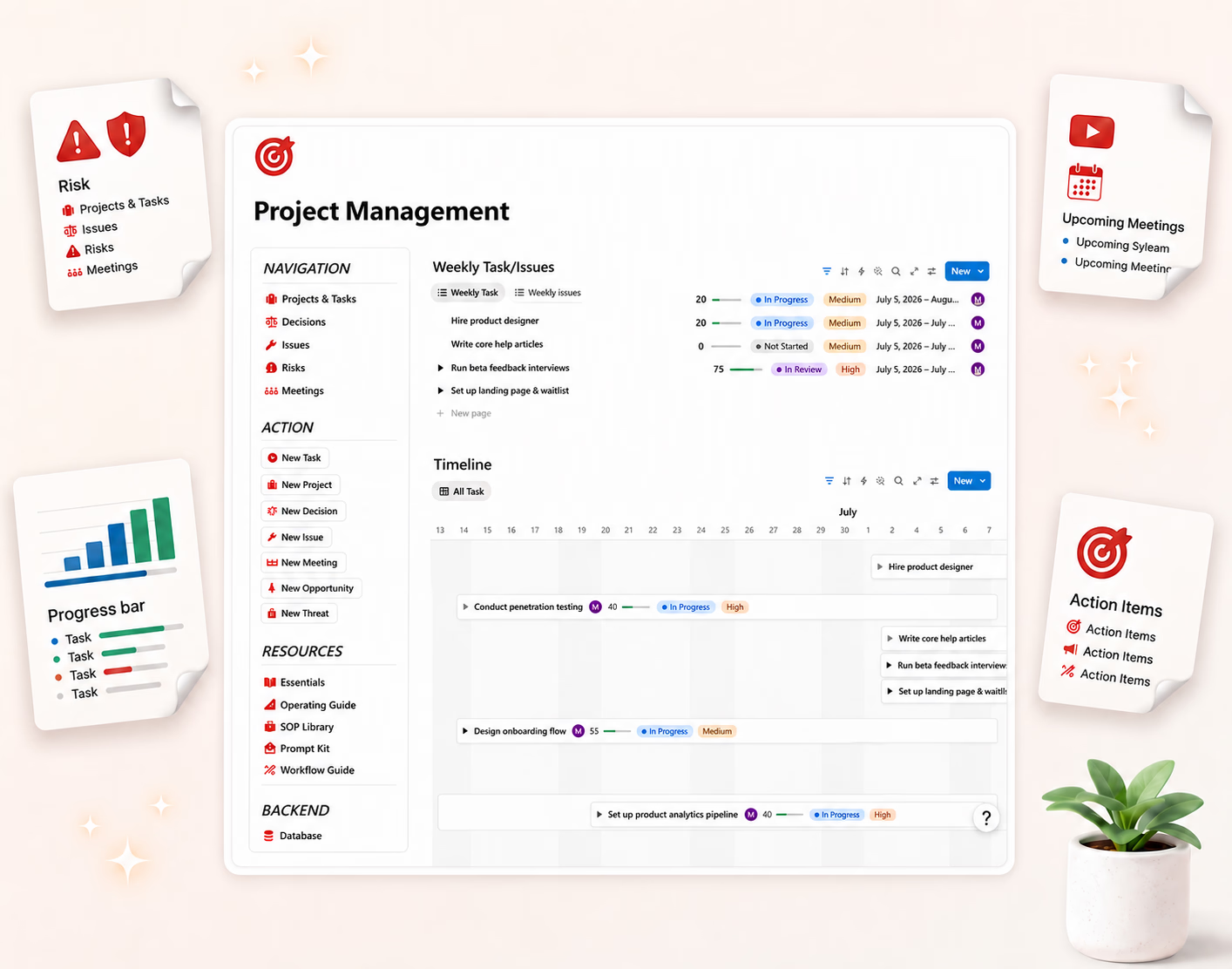
- What are we working on? Projects, tasks, owners, deadlines.
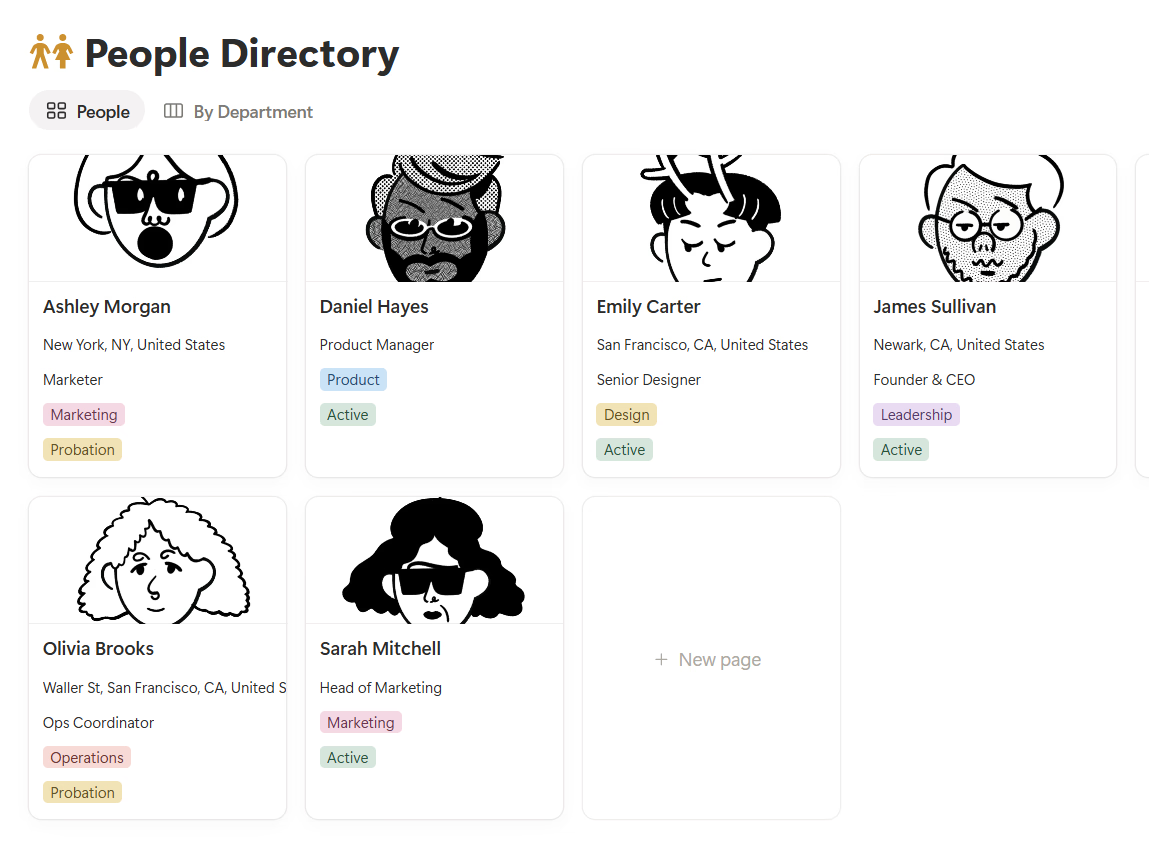
- Who are we serving? Clients, leads, customers, accounts.
- What have we decided? Meeting notes, decisions, approvals.
- Where is the source material? Documents, files, briefs, links.
- How do we repeat work? Processes, templates, checklists.
Once those answers lived in one operating center, the team moved differently. People stopped asking for links. New teammates learned faster. Projects connected to clients, tasks to meetings, decisions to the work they affected. The company stopped depending on my memory. That was the whole point.
"But we already use best-in-class tools"
Good — keep the ones that truly need to stay. I am not arguing for software purity, just operational clarity. I still use email for external communication, accounting software for taxes, chat for fast conversation, a drive for large files, and a payment processor for invoices.
But I try not to let those become where the company's logic lives. Chat is not a knowledge base. A folder is not a process. A spreadsheet maintained by three people is not a source of truth. The workspace is the map; the other tools are rooms in the building, not separate cities.
How I started consolidating without breaking the team
I learned the hard way not to migrate everything in one heroic weekend — that is how these projects become abandoned museums. Starting with what hurt most worked far better.
Step 1: List your current tools
A simple table — tool name, main use, owner, monthly cost, what data lives there, what depends on it. The overlap becomes obvious fast: tasks in two places, client notes in three, reporting in four because nobody trusts any single one.
Step 2: Choose one operating center
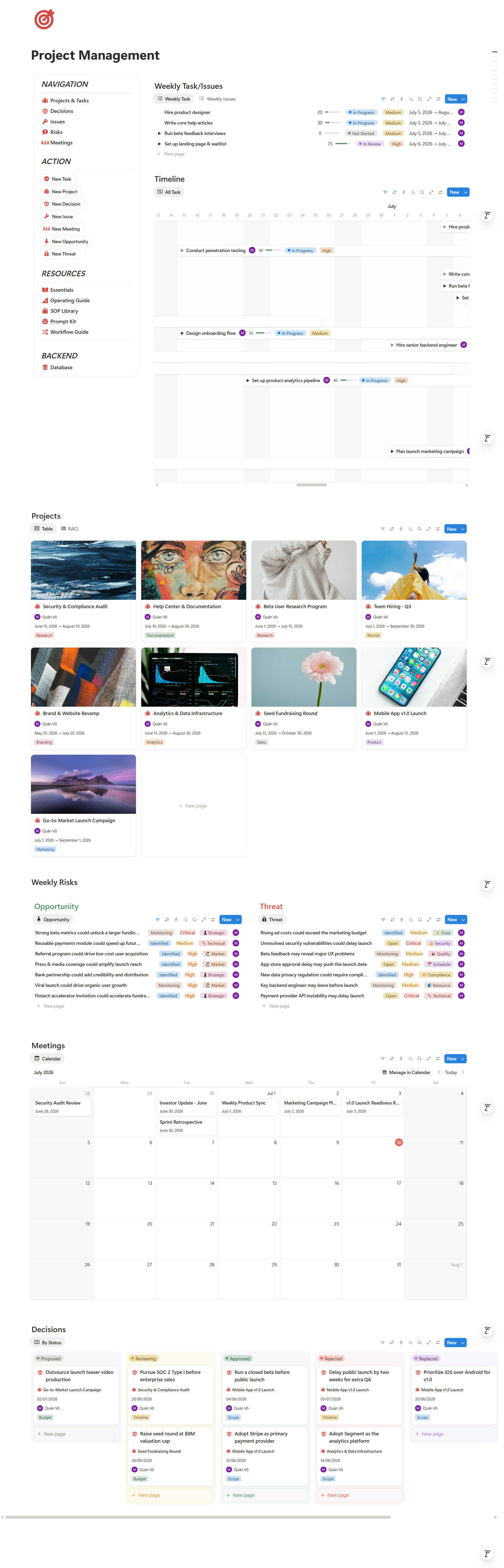
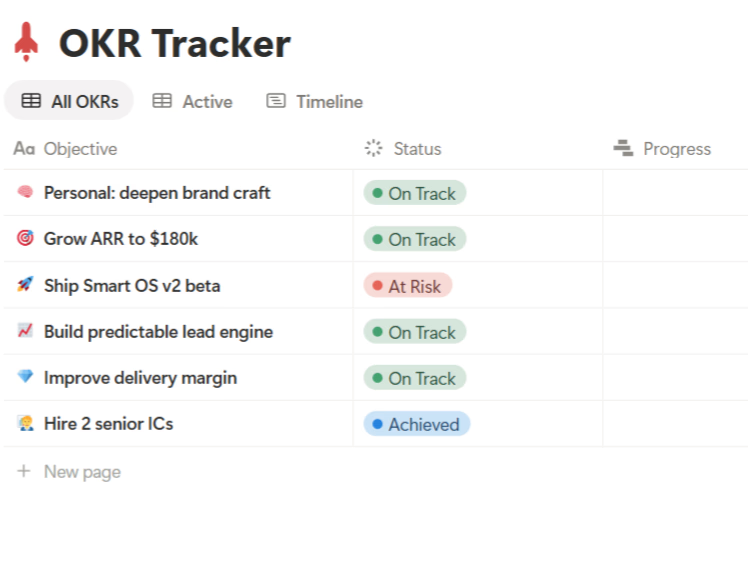
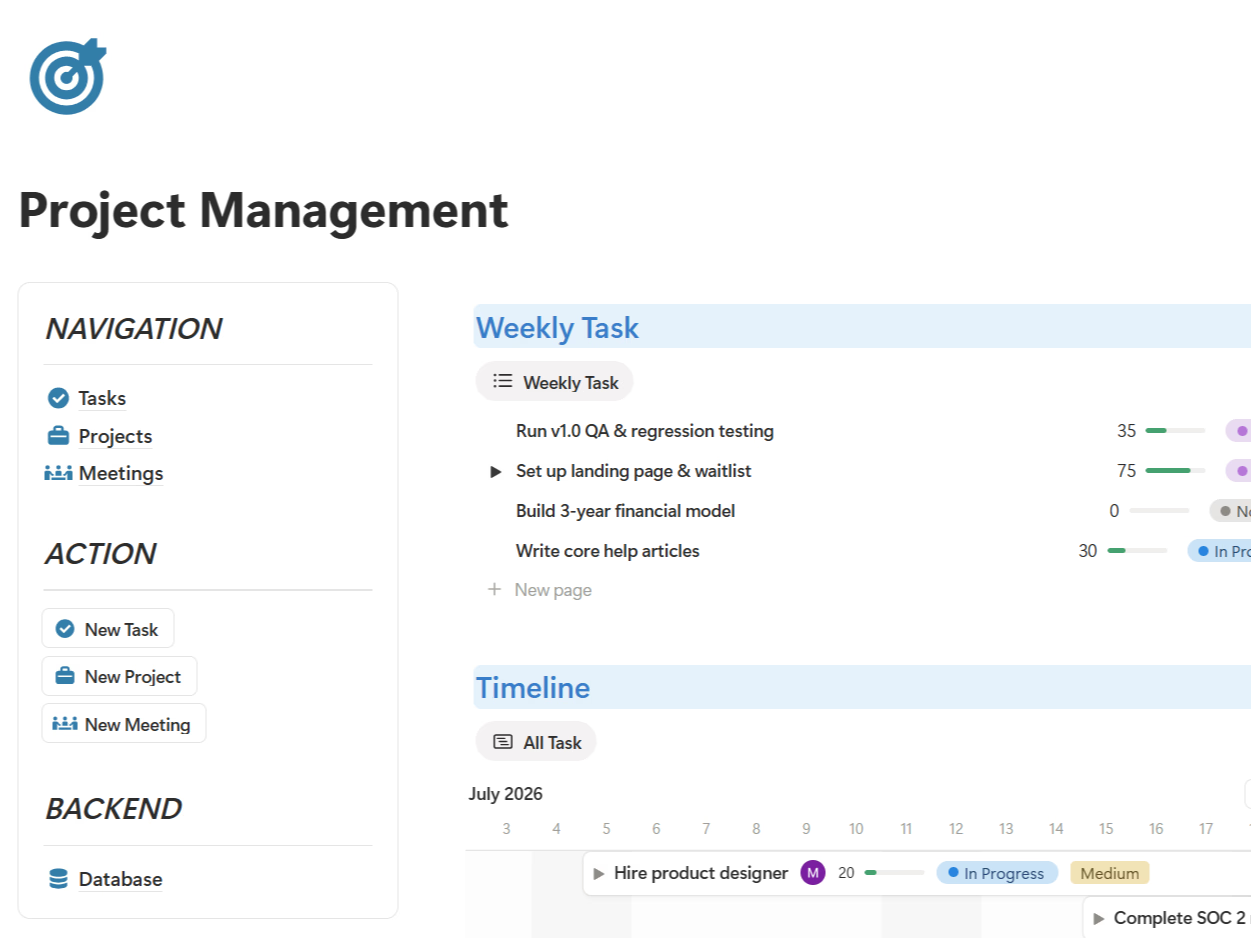
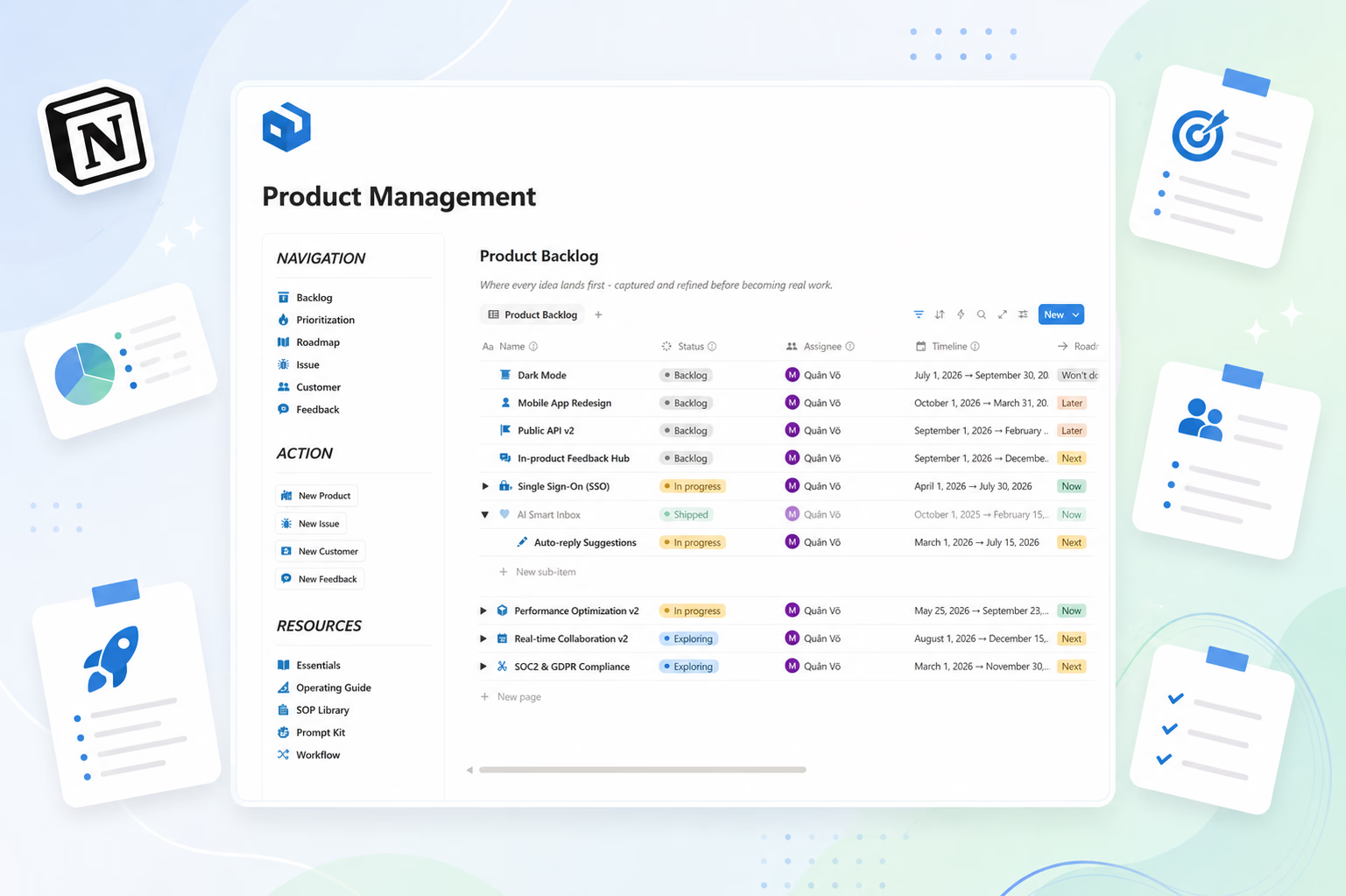
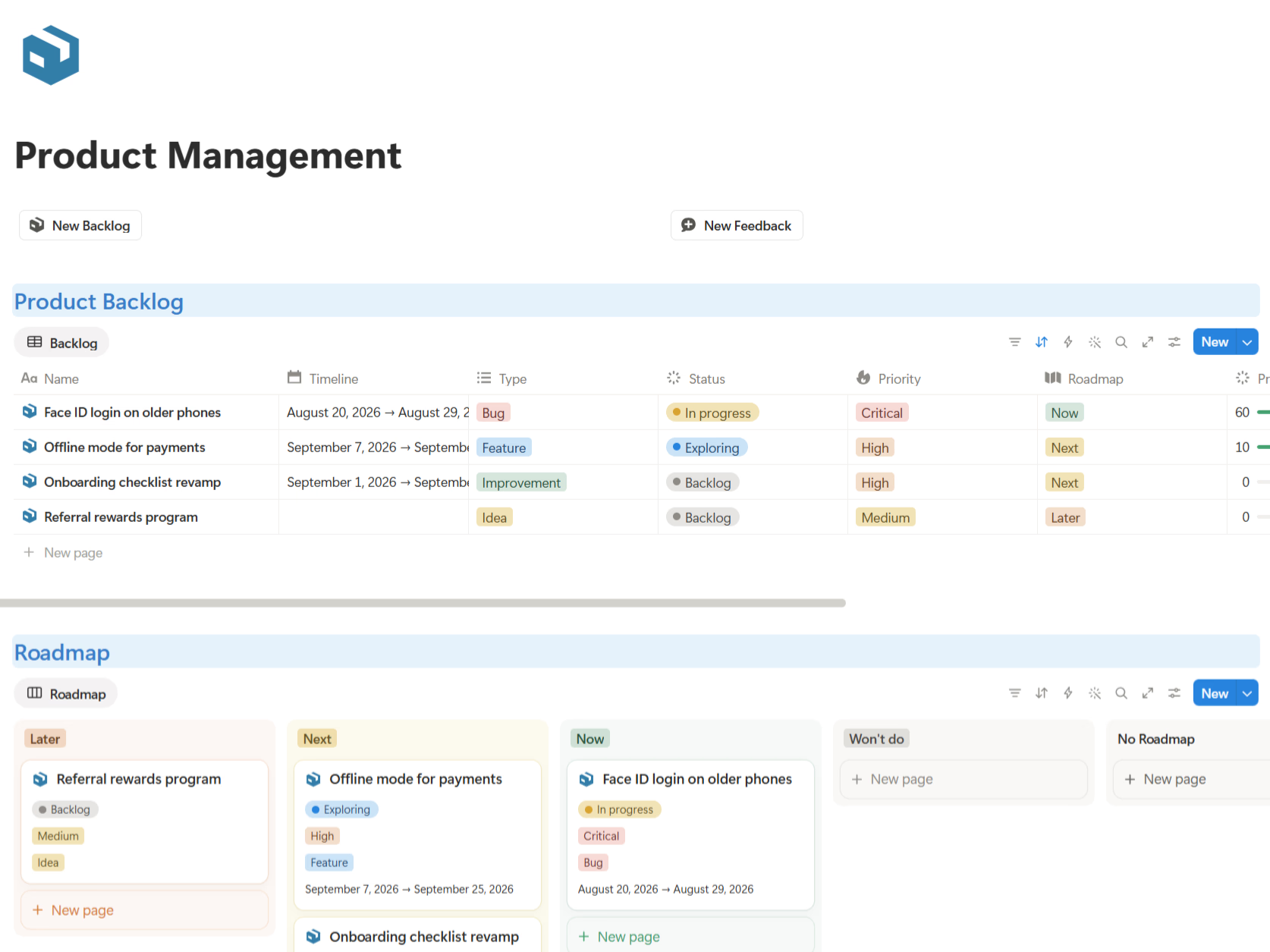
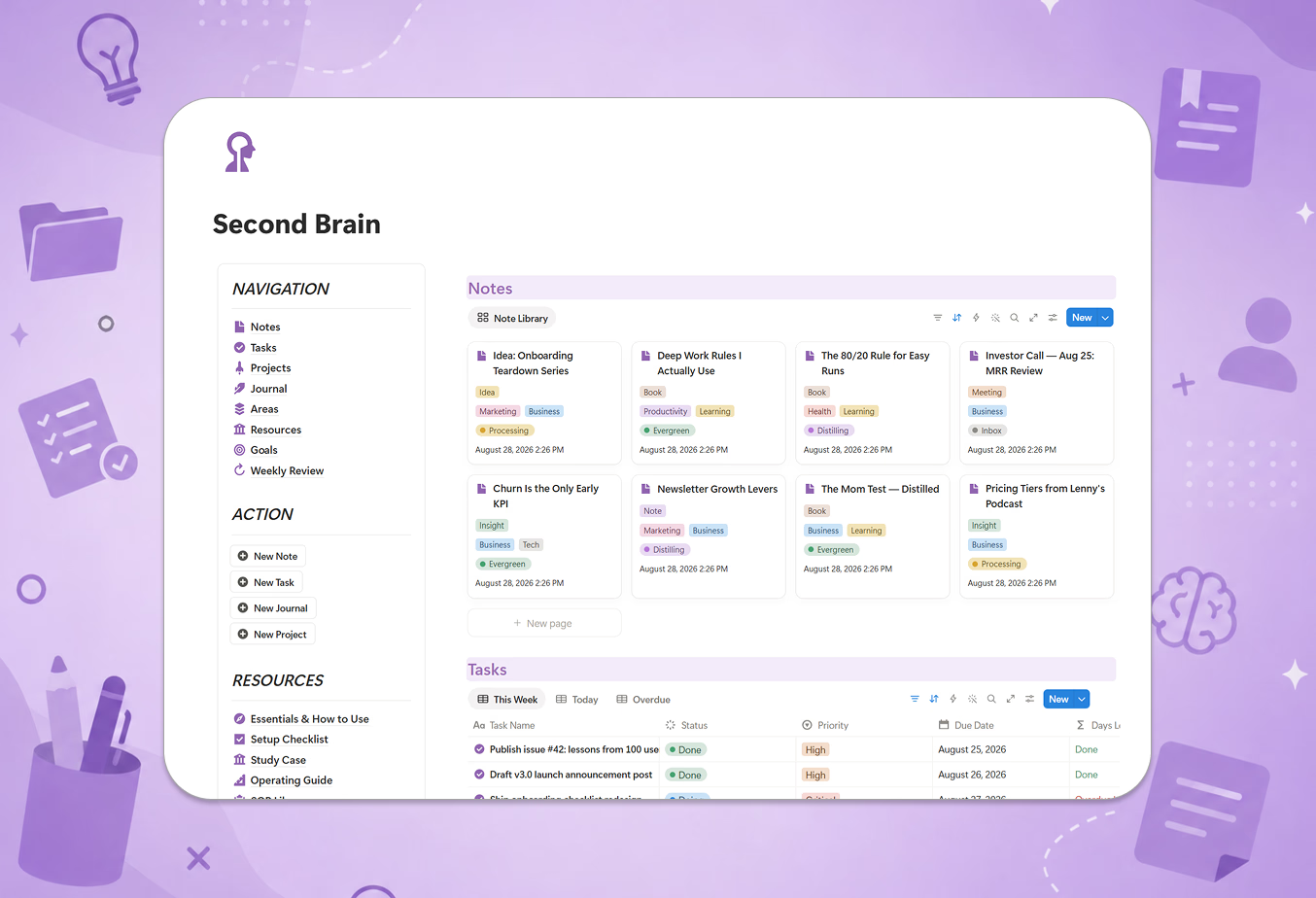
Pick one workspace for the operating layer. For my small team, Notion worked because it holds documents, databases, dashboards, and templates together. The goal was never to make Notion do everything — just to make it the place where everything connects.
Step 3: Move the daily workflows first
Not archives — the things the team touches every day: current projects, active clients, weekly meetings, standard procedures, key dashboards. If the workspace improves this week's work, people use it. If it starts as a "documentation project," everyone applauds politely and then ignores it.
Step 4: Write a few clear rules
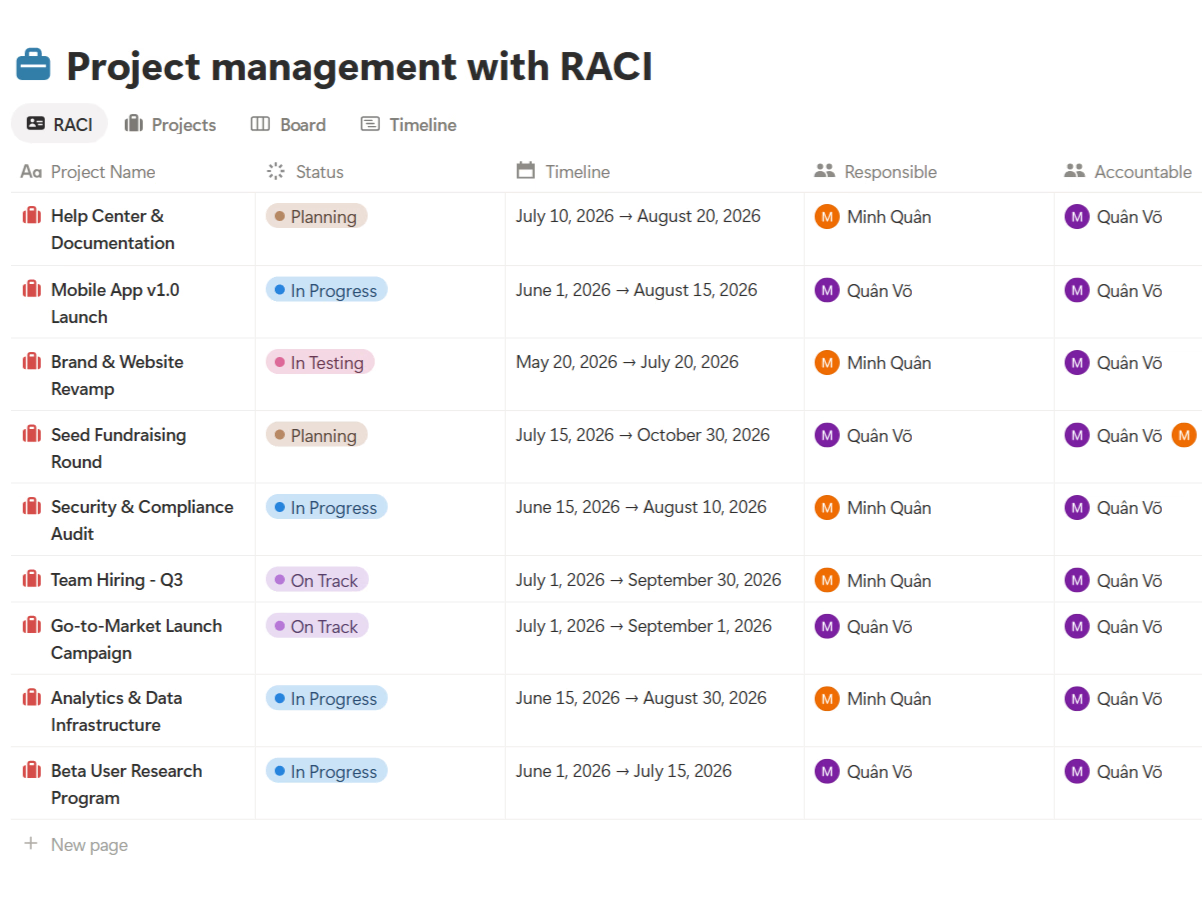
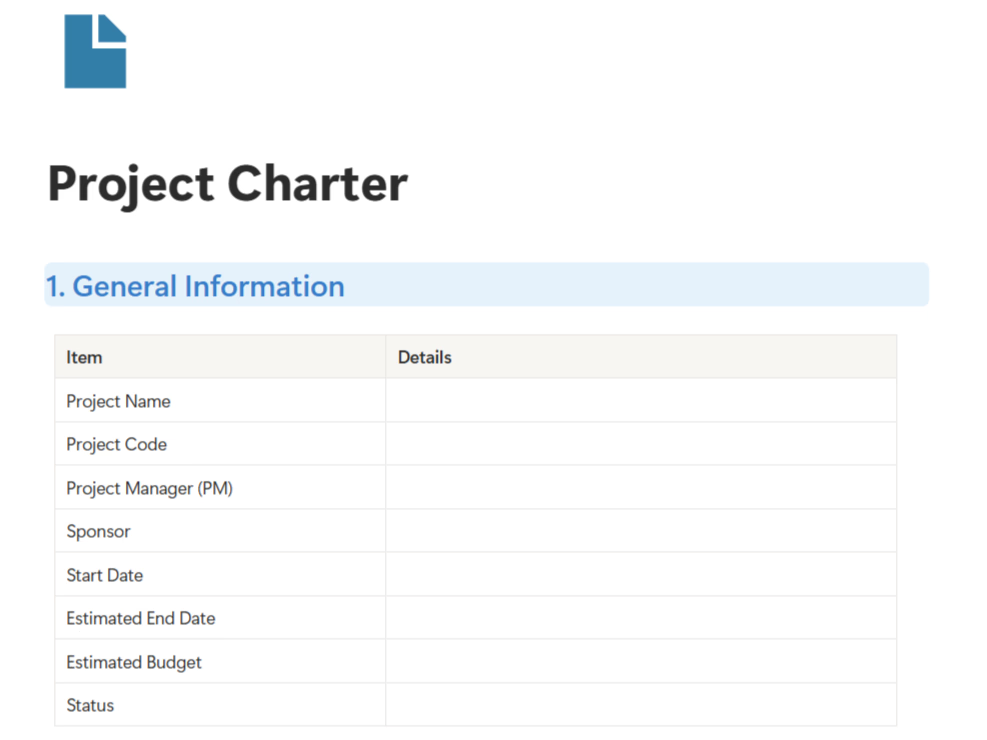
Every active project has one page. Every task has one owner. Every decision connects to a project or client. Every recurring process becomes a checklist. Rules beat vibes, especially on a busy day.
Why one operating workspace is worth it
The case is not "Notion looks clean." It is speed. When work is centralized, decisions get found faster, projects hand off cleaner, new people onboard faster, and the founder stops being the answer desk. Fewer duplicate files, and recurring work becomes templates instead of tribal knowledge. That is how a small business scales without hiring process managers too early.
The bottom line
Tool sprawl is expensive because it hides the cost inside tiny moments — one lost file, one duplicate spreadsheet, one 15-minute search, one unclear decision. Repeated daily, it becomes a tax on the whole company. What I keep reminding myself:
- The problem is usually not missing tools.
- The problem is missing one place that holds how the company works.
- A centralized workspace turns scattered activity into visible operations.
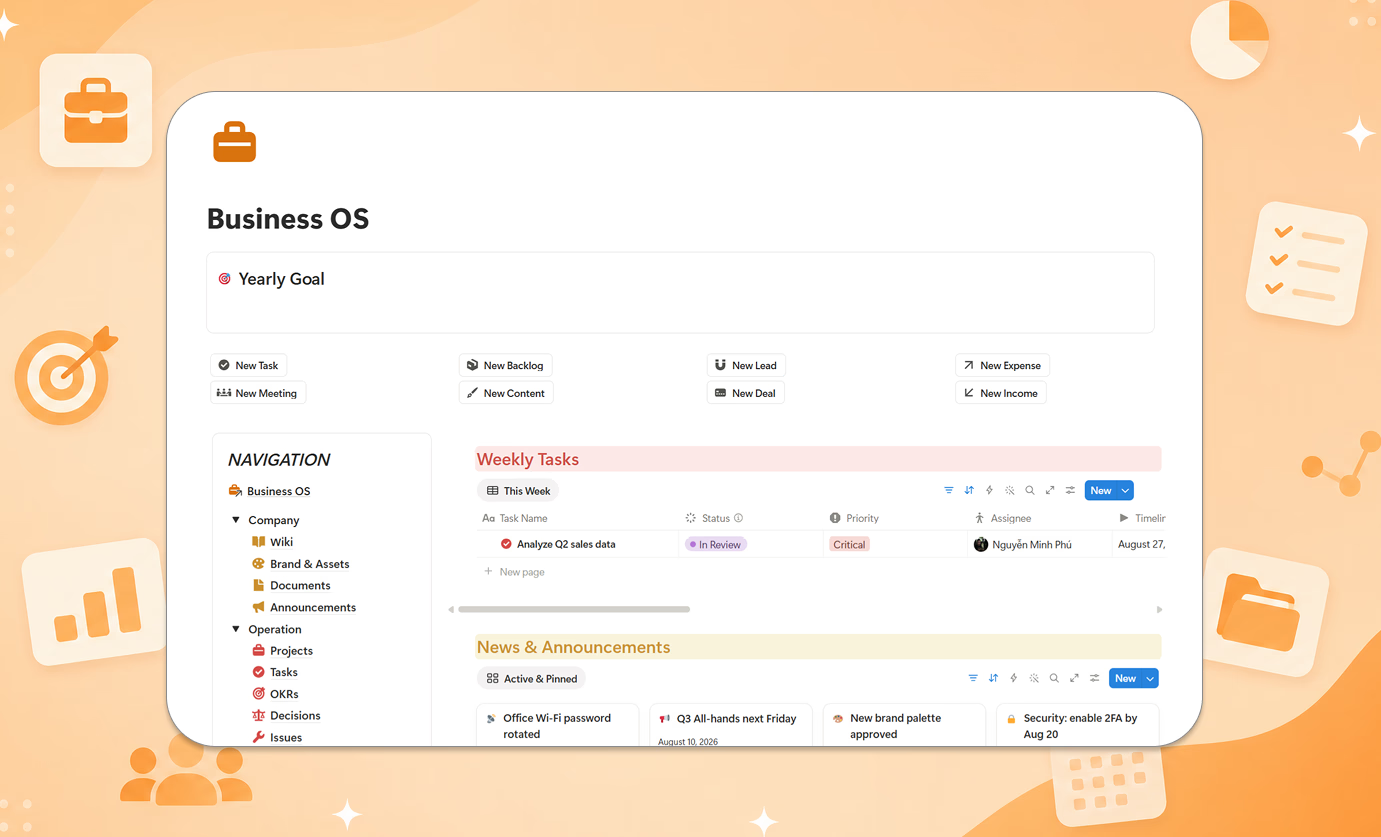
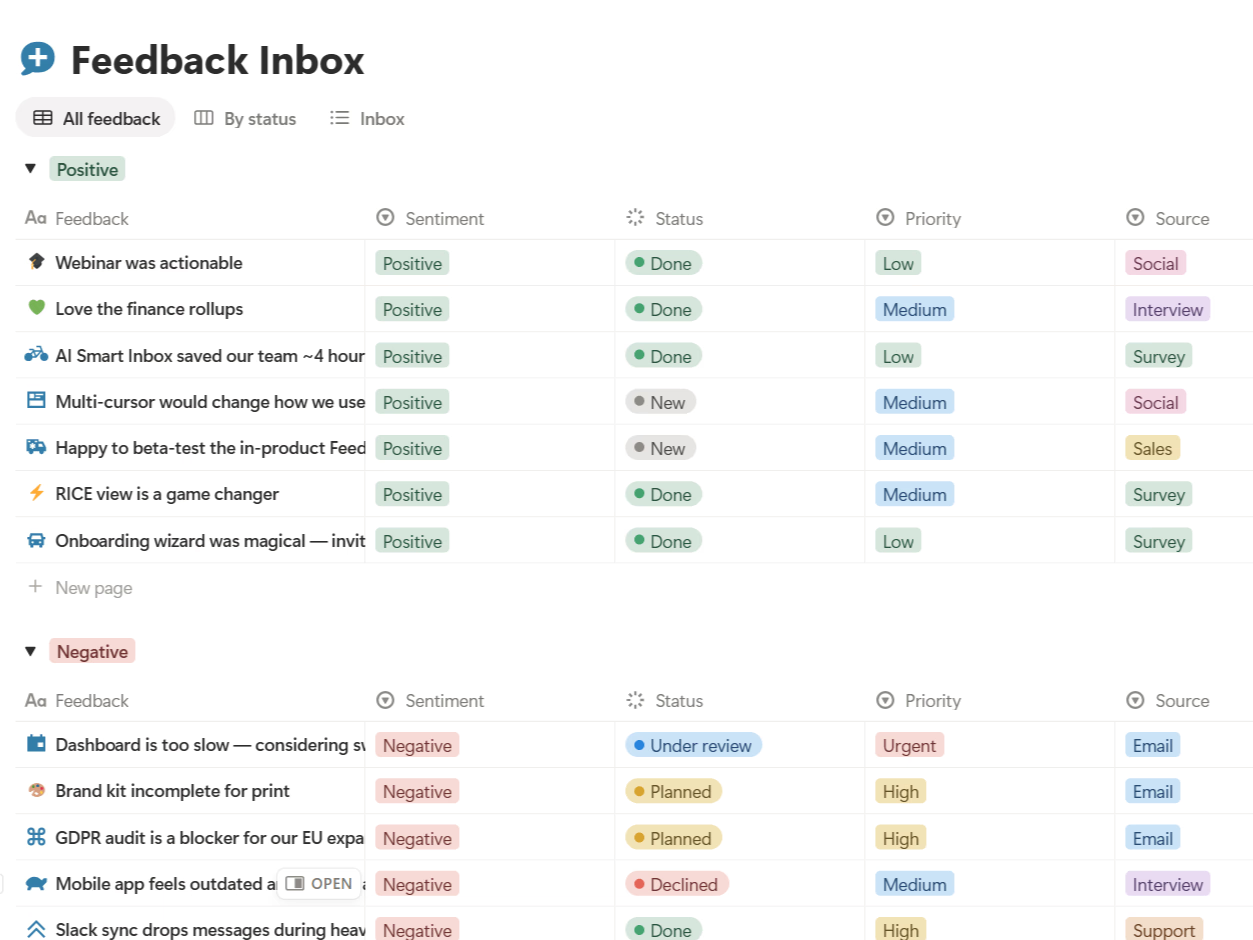
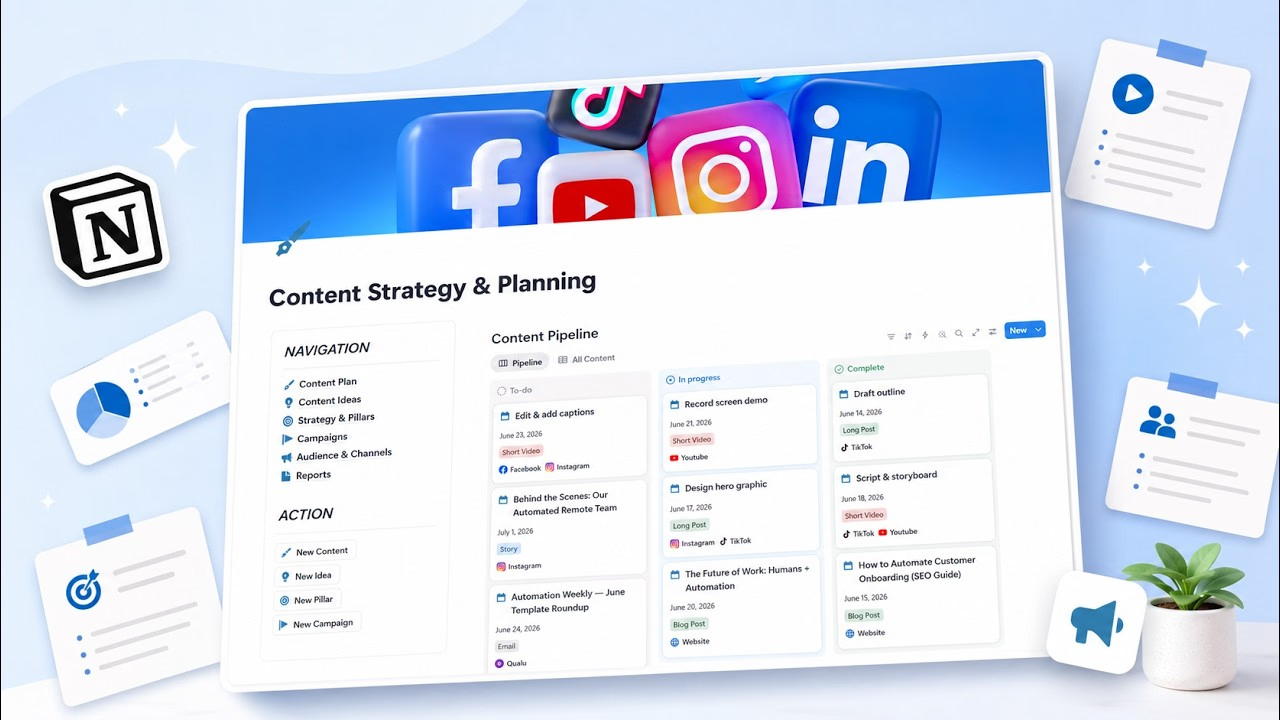
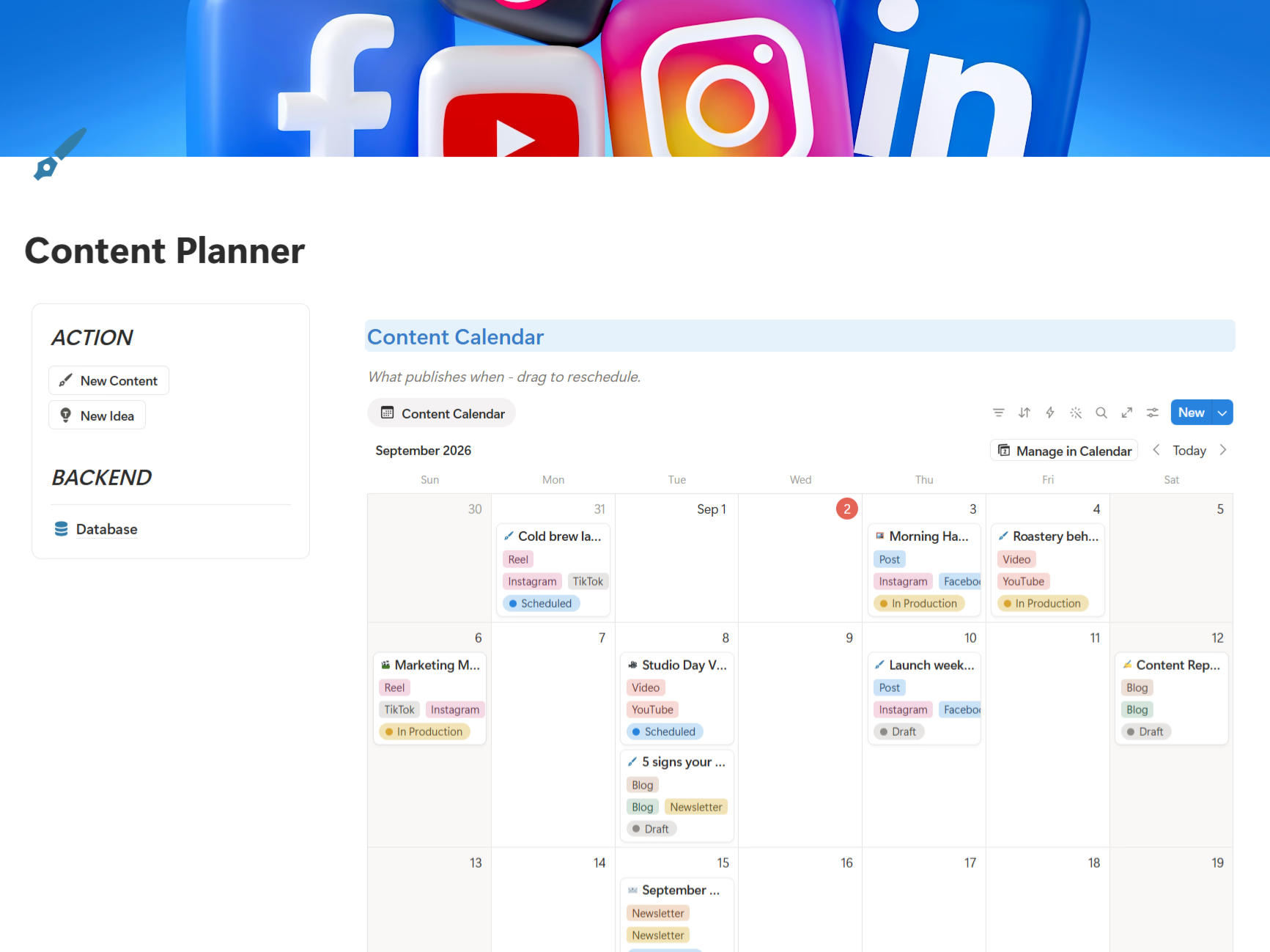
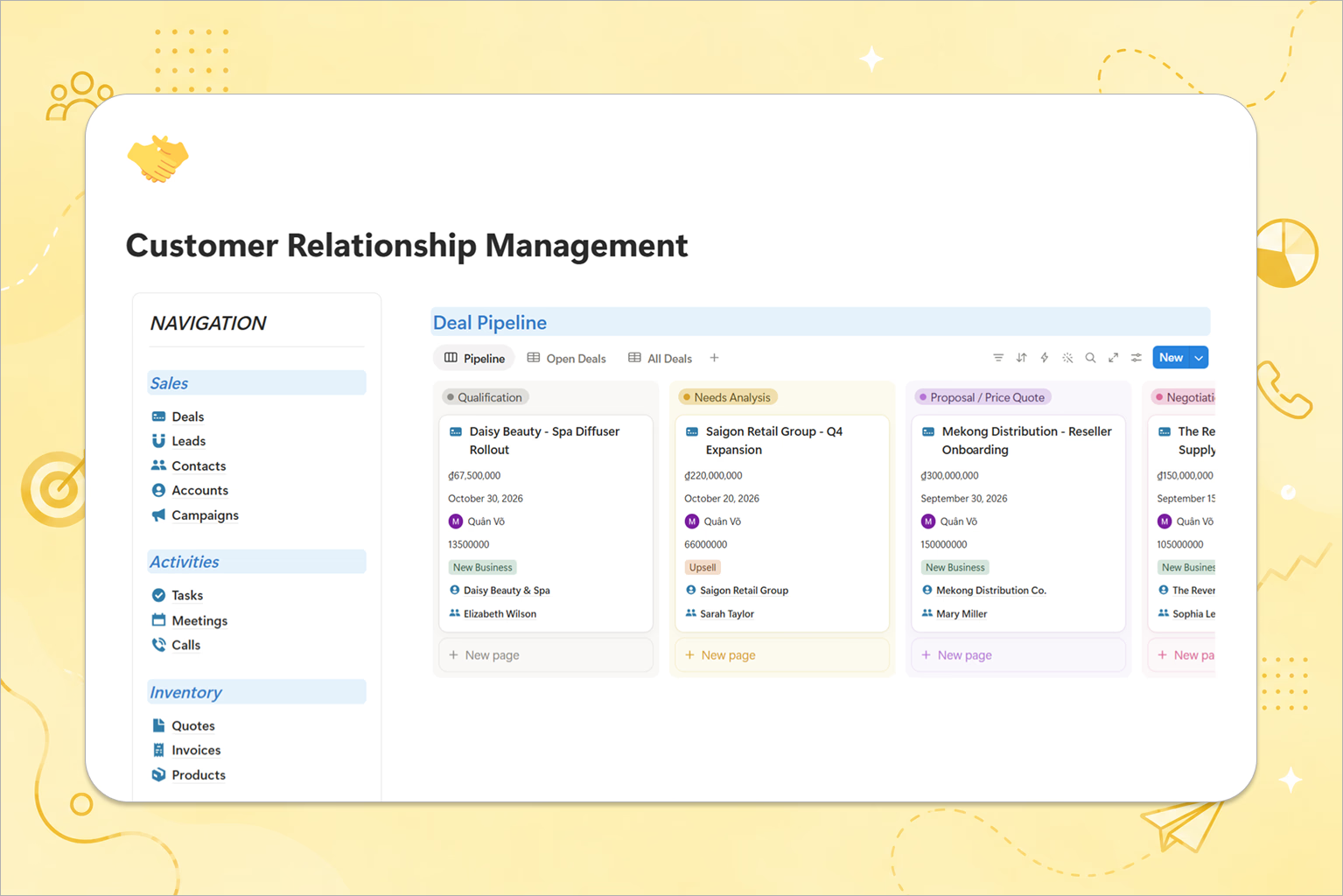
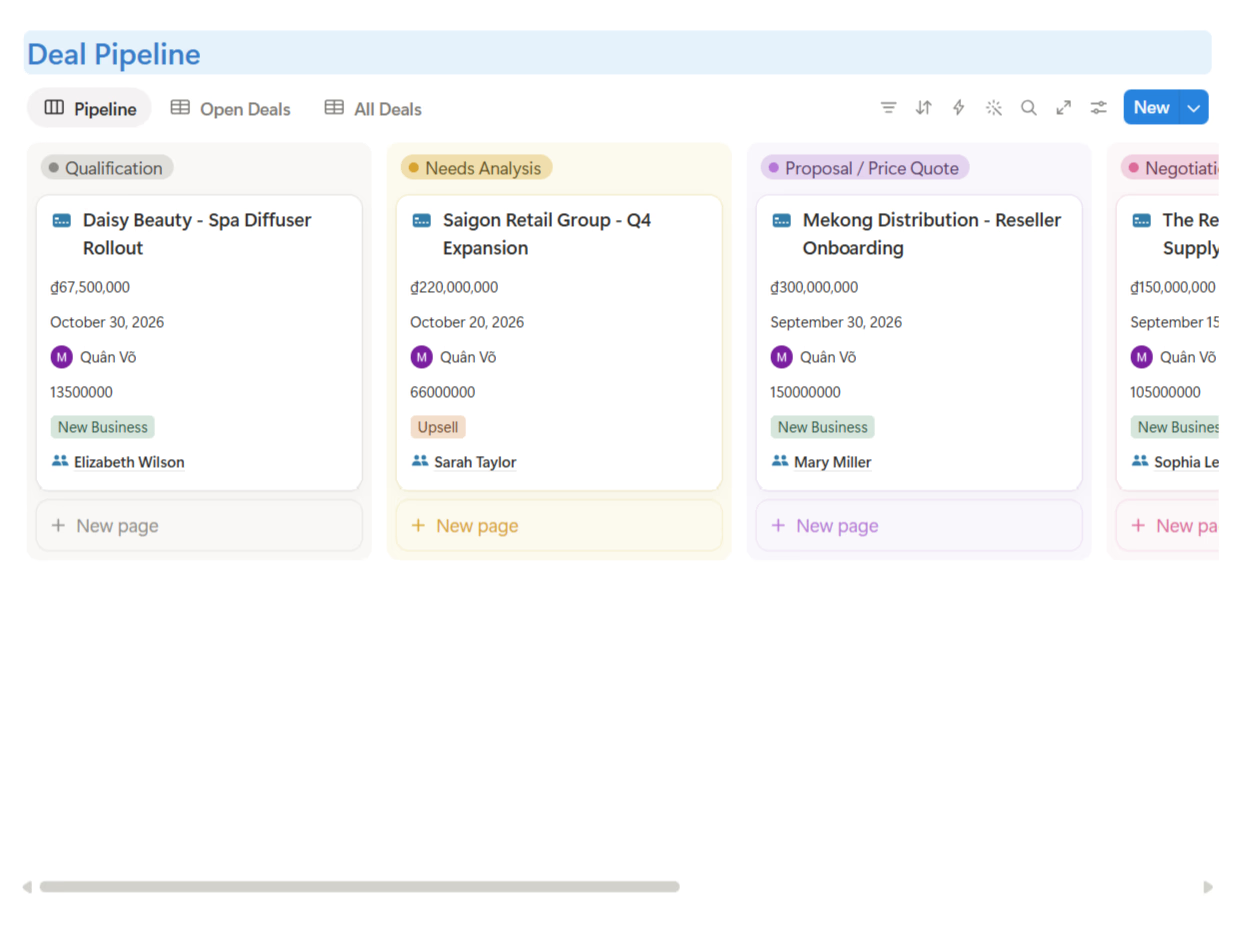
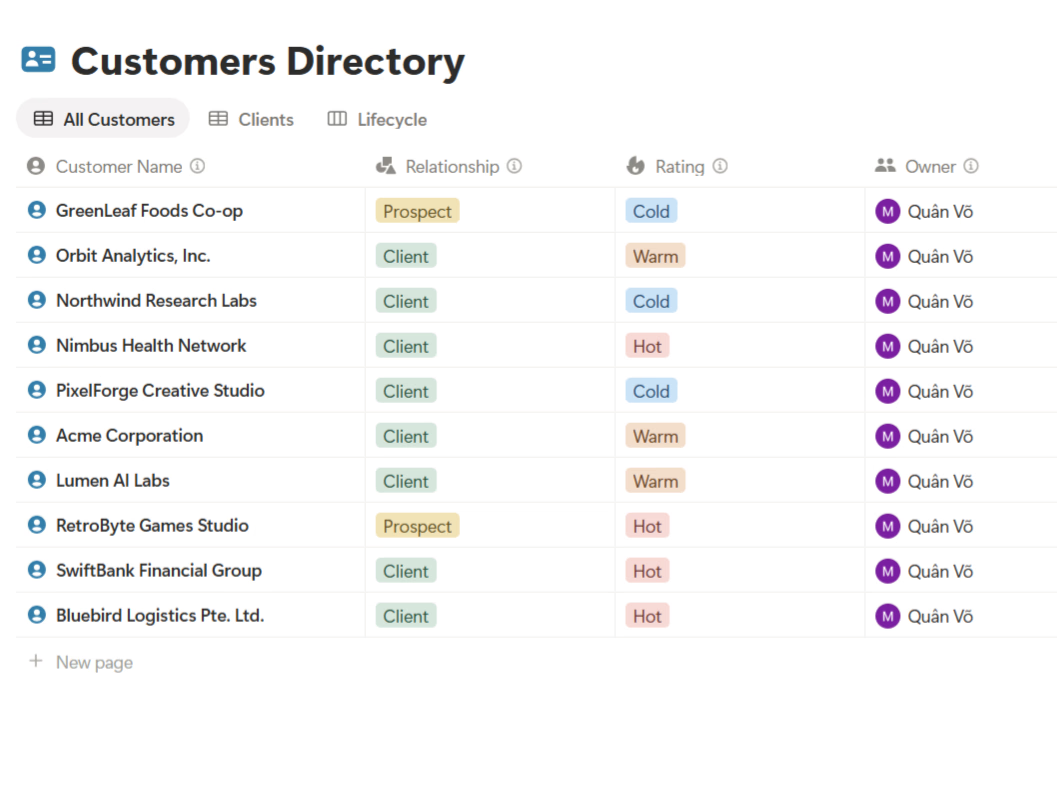
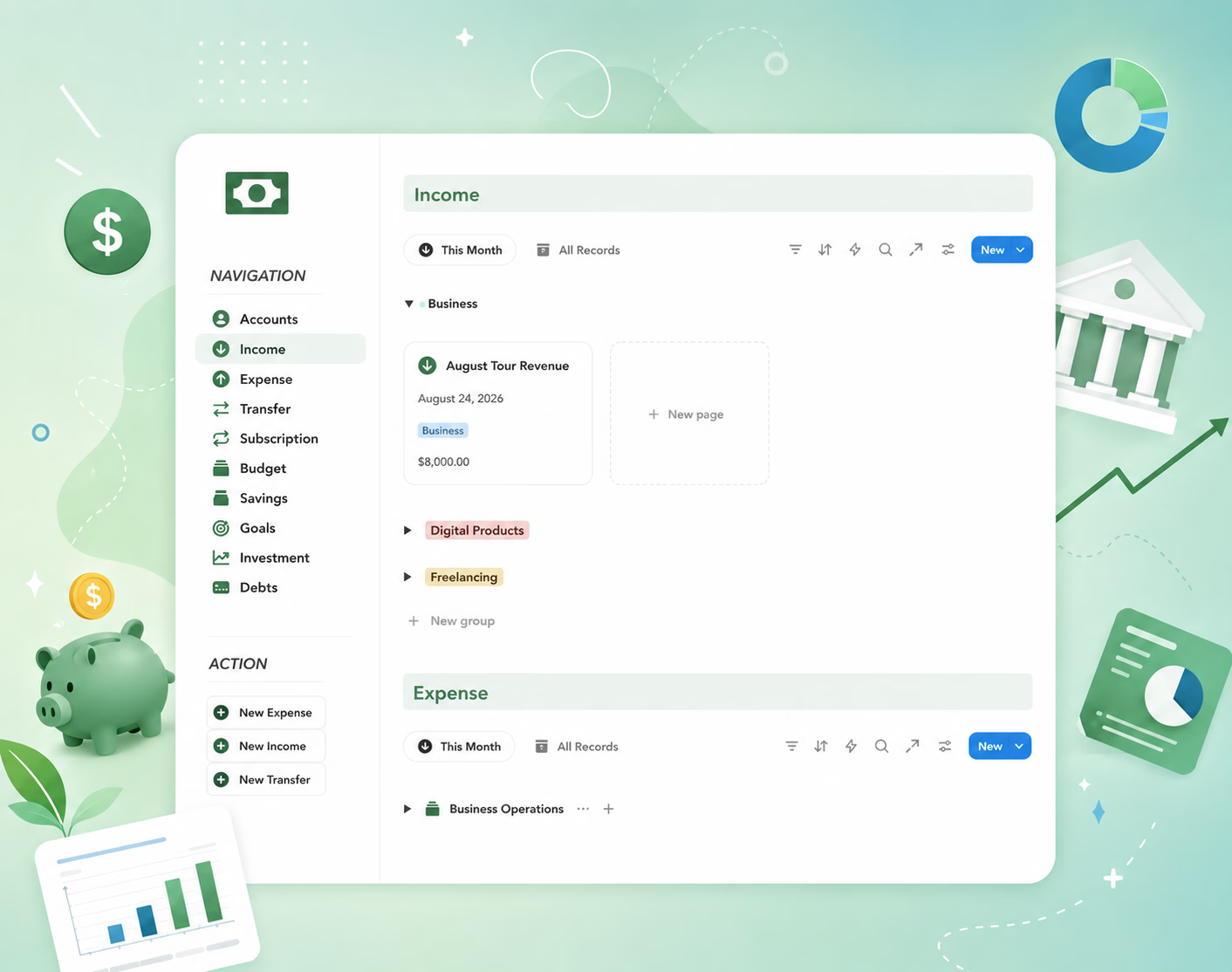
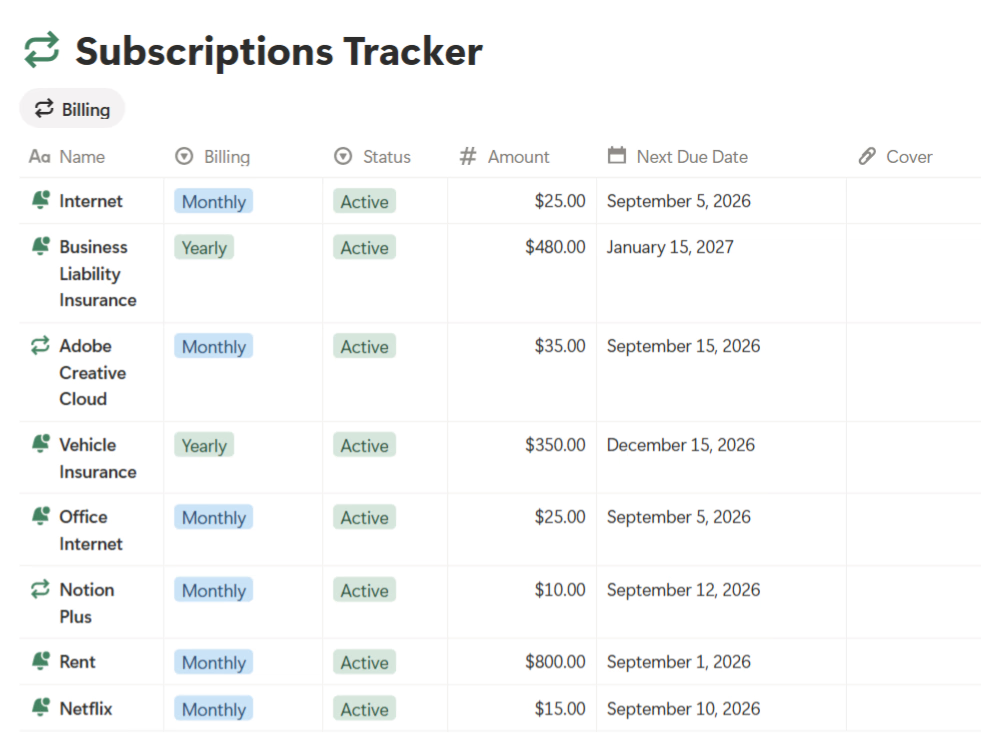
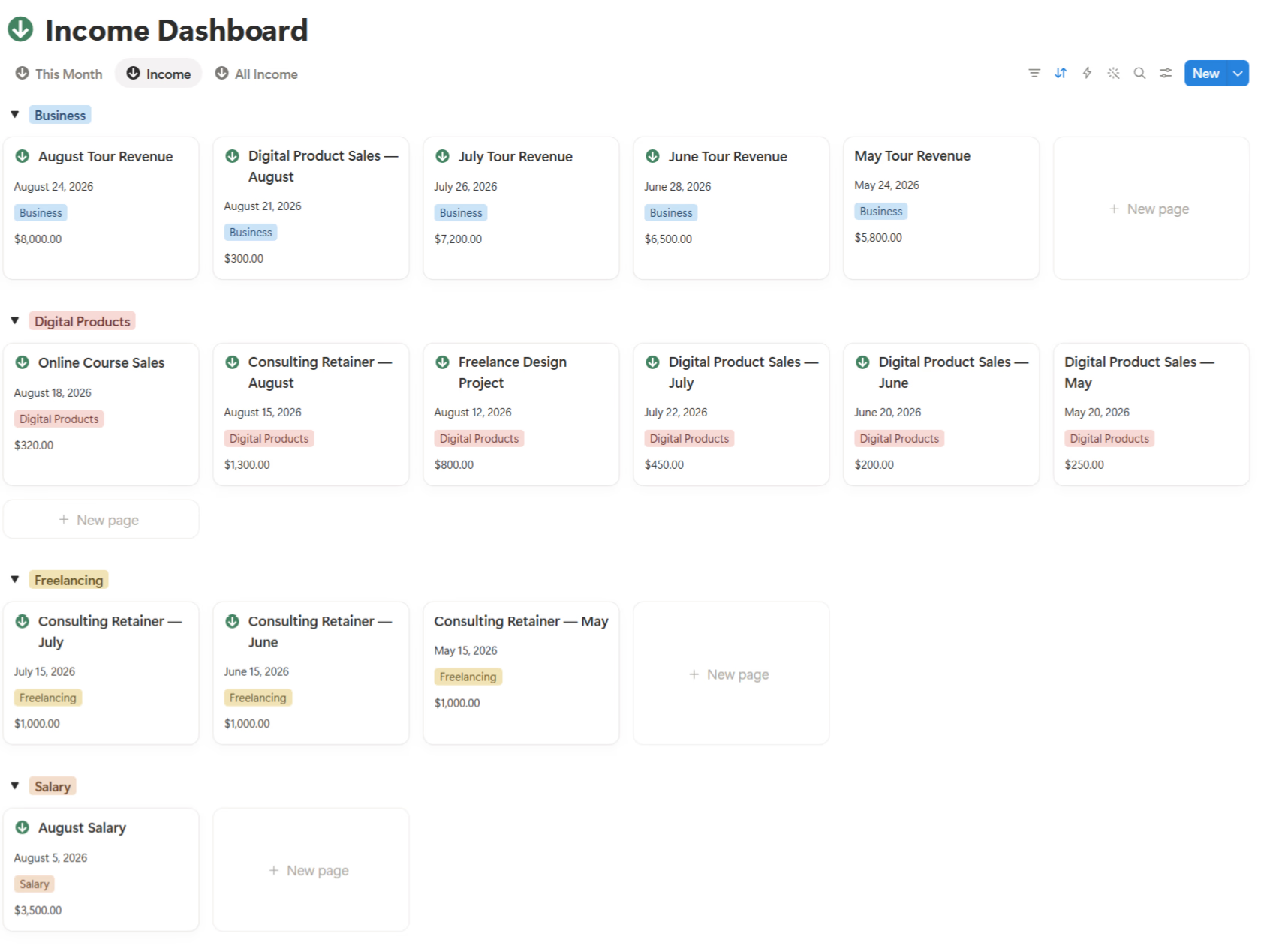
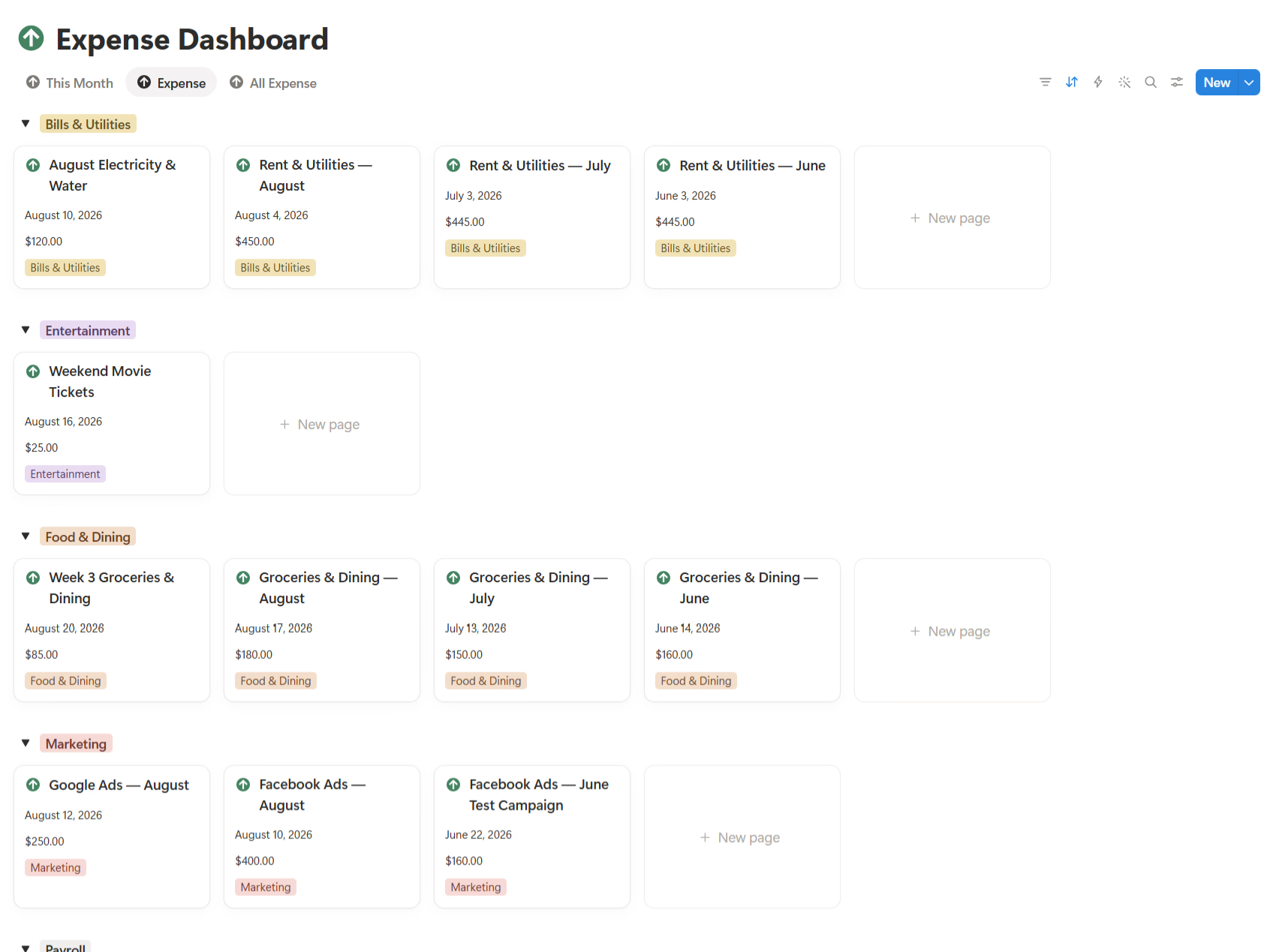
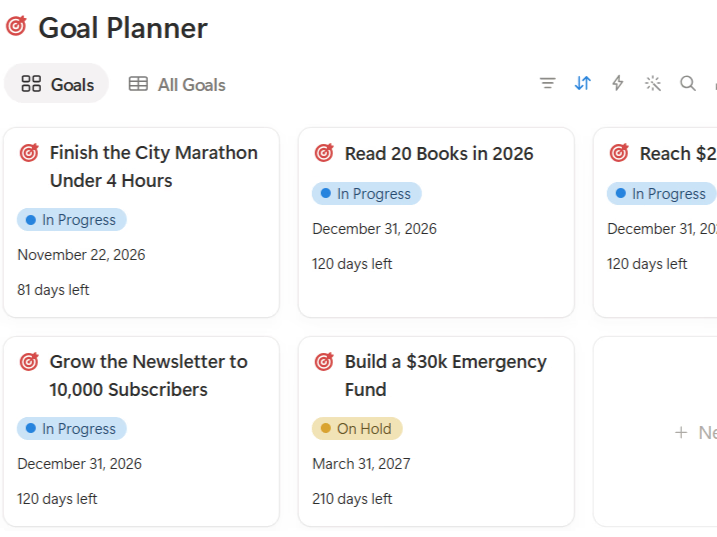
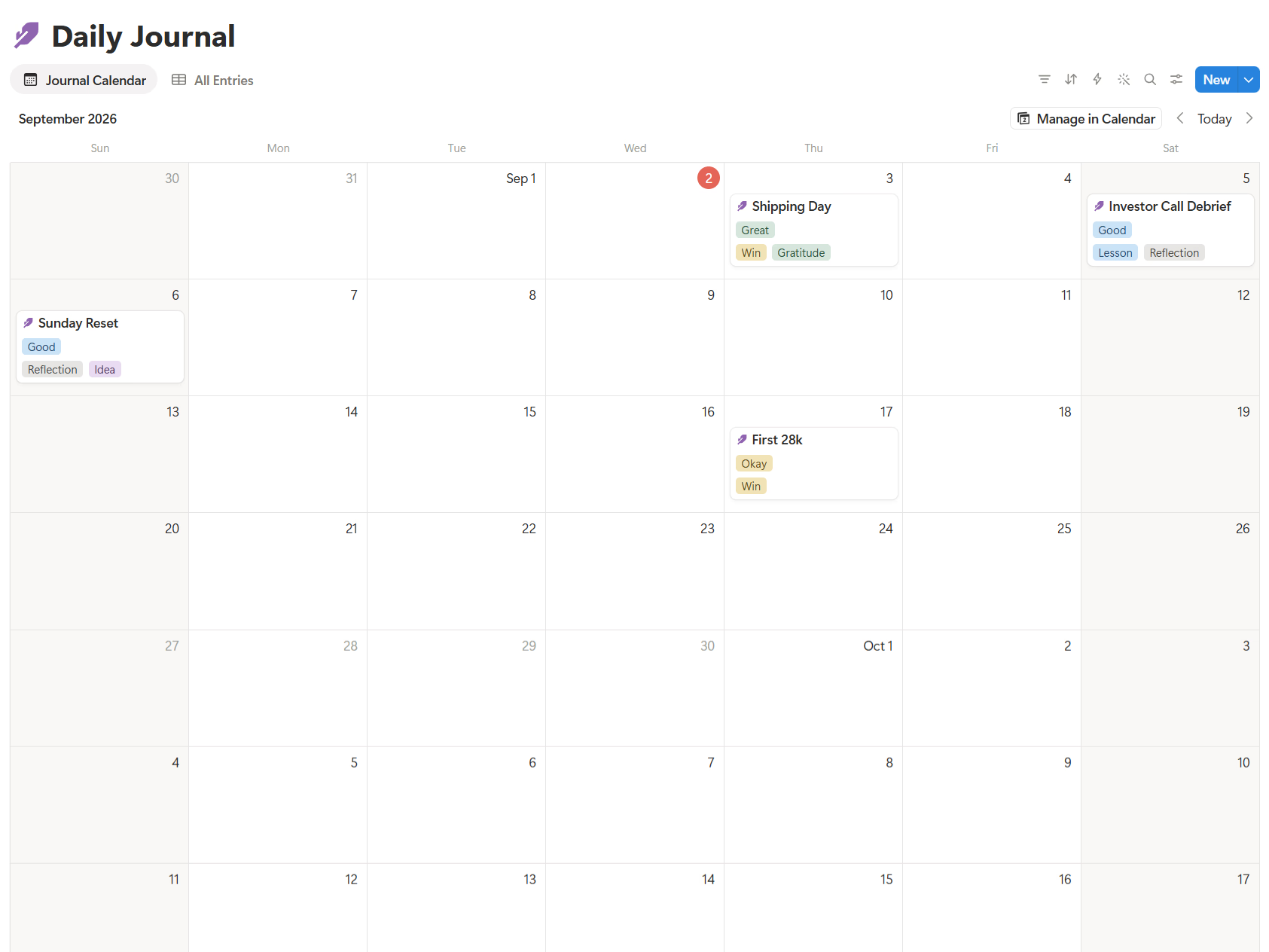
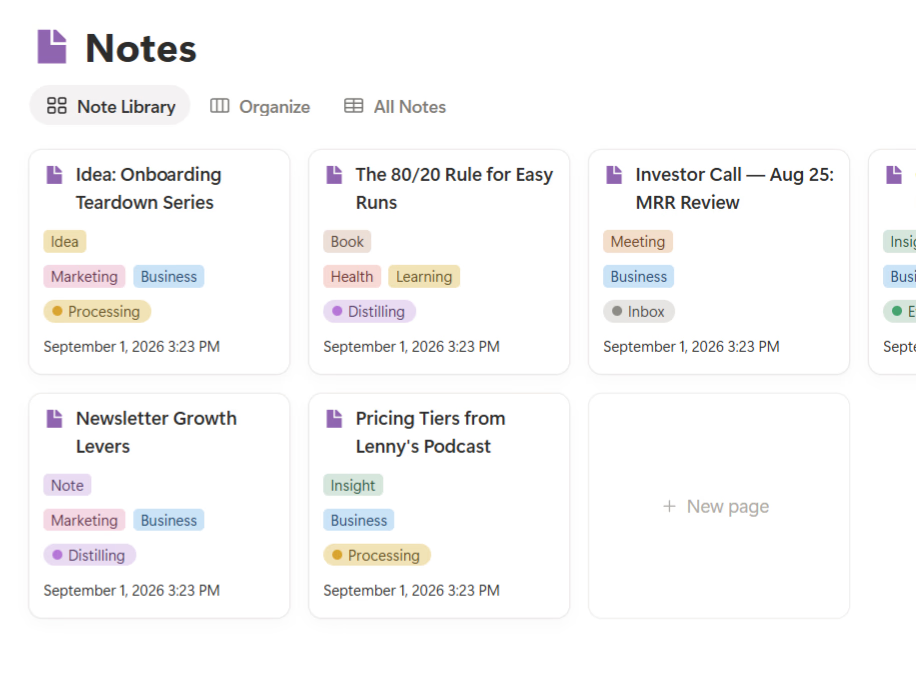
👉 If you want to see what this looks like in practice, Business OS is how I put these ideas into one Notion workspace connecting projects, CRM, product, content, and finance.
Going deeper: Systems Thinking: How I Turned Recurring Work Into Templates
Source I learned from: monday.com — What is Project Management?